
Summary
This guide goes through the steps to setting up your ChipHead DayZ Server so you can connect and get gaming! Before connecting to your server please make sure you follow this guide carefully
Setting up your DayZ Server

Follow these steps before you start your server or it will not work!
Navigate to “Network”
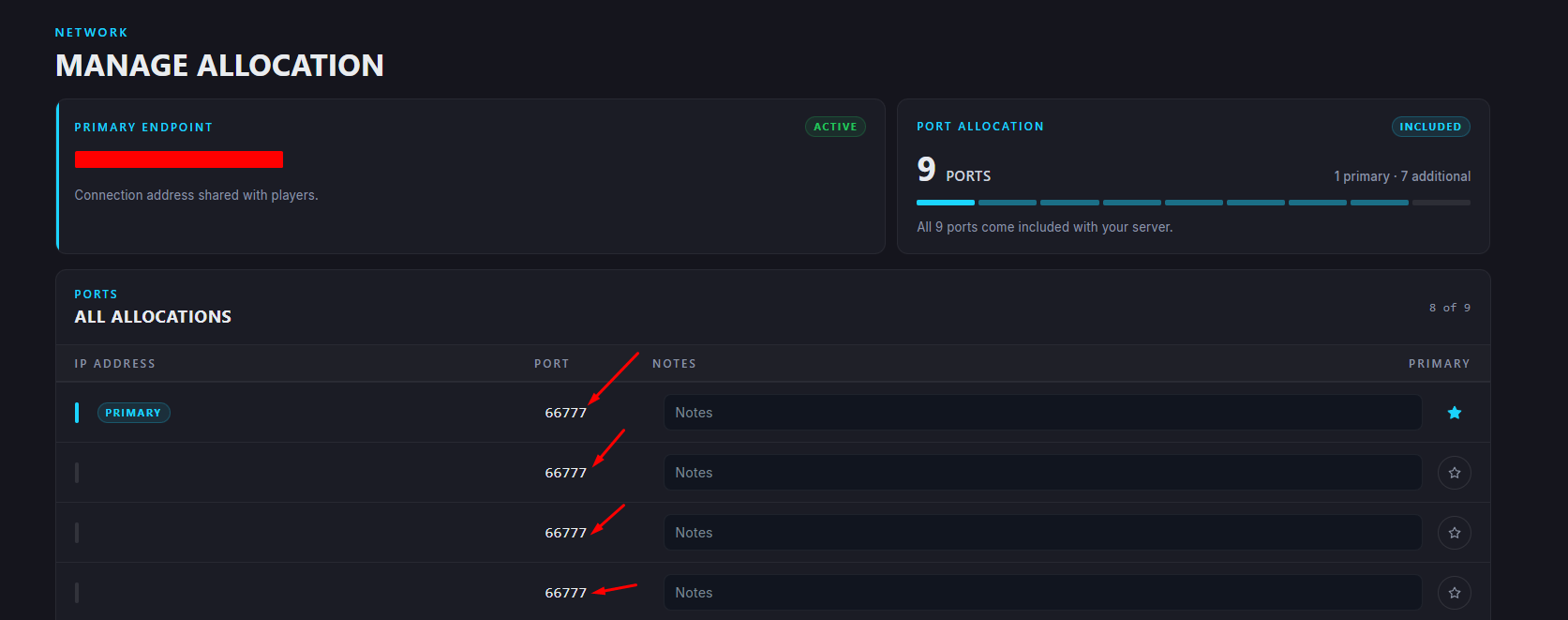
Take note of the the two port numbers underneath your “Primary” port (you will need these for later)
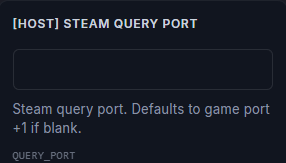
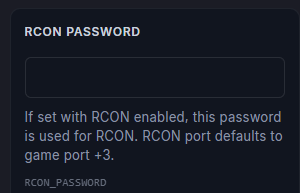
Navigate to “Startup” & find your [Host] Steam Query Port and RCON Password
Insert your first copied Port [Host] Steam Query Port
Insert your second copied Port into RCON Password
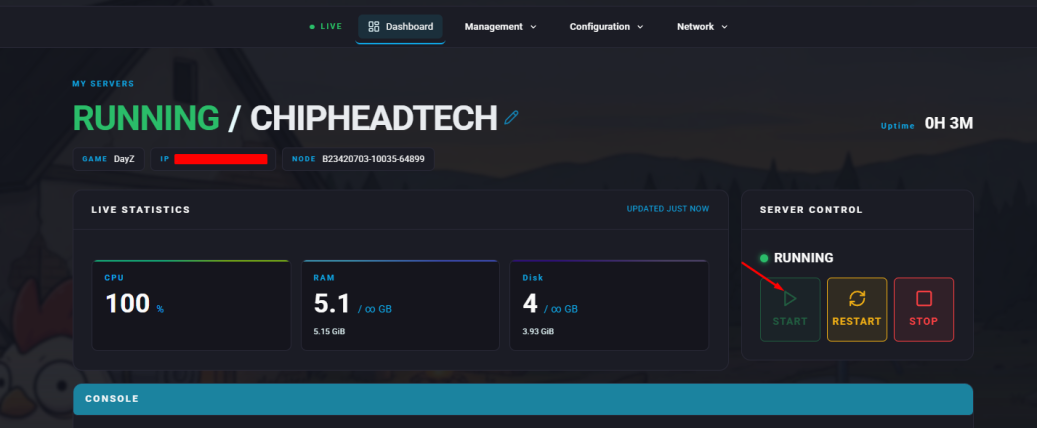
Start your server

We recommend checking “Automatic Updates” to “ON”