Satisfactory is a widely played multiplayer game in which players cooperate to construct automated factories on a distant alien world. A Satisfactory server is a dedicated or hosted platform that allows players to connect and play together, collaborating with friends or others from around the globe.
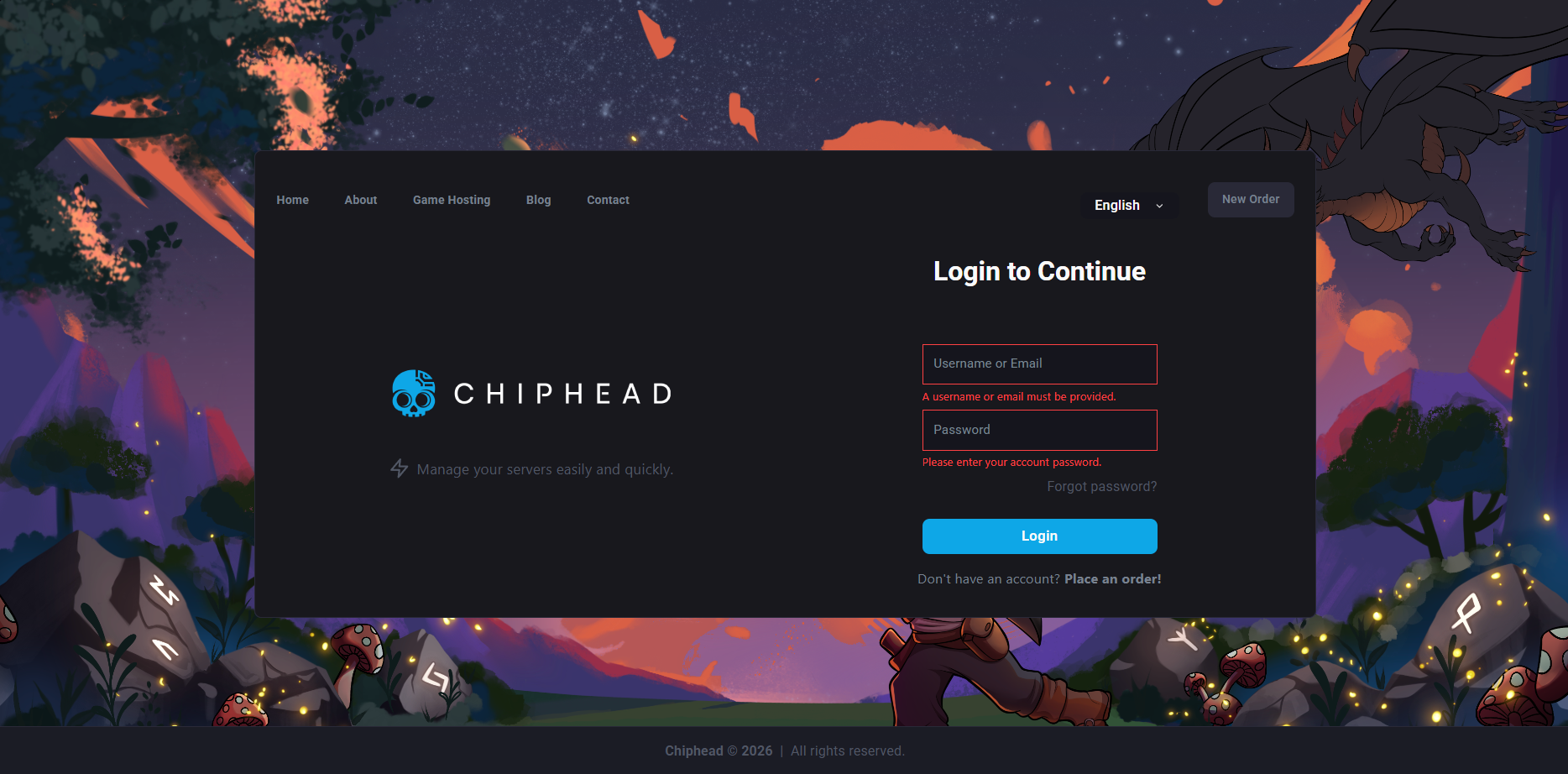
Log-In to your ChipHead Panel
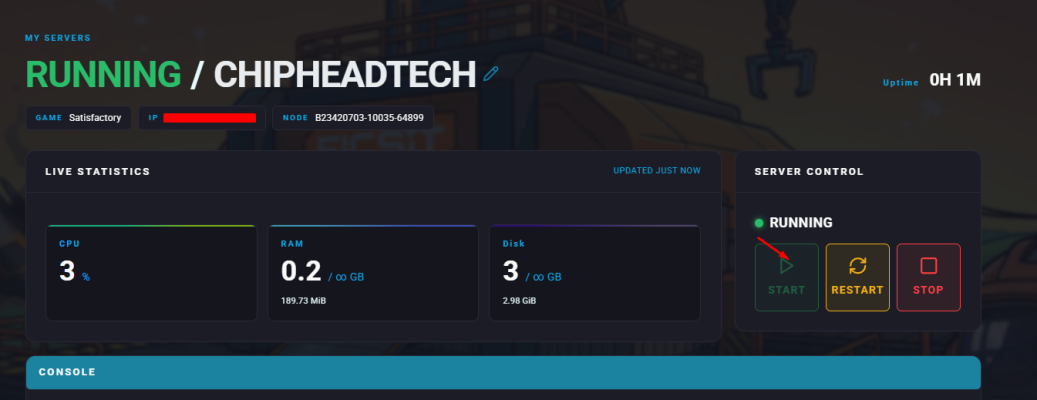
Go to “Dashboard” & start server.
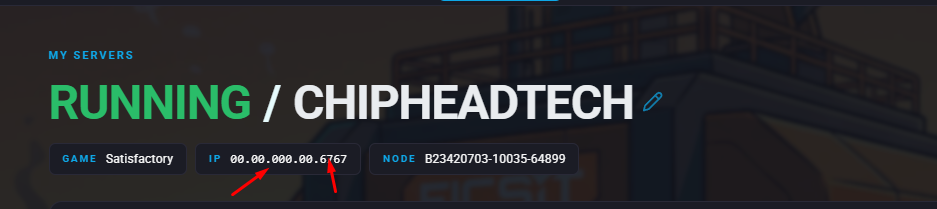
From the Dashboard copy the IP & Port underneath “My Servers”
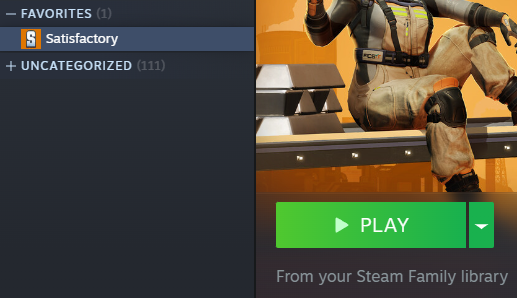
Launch Satisfactory
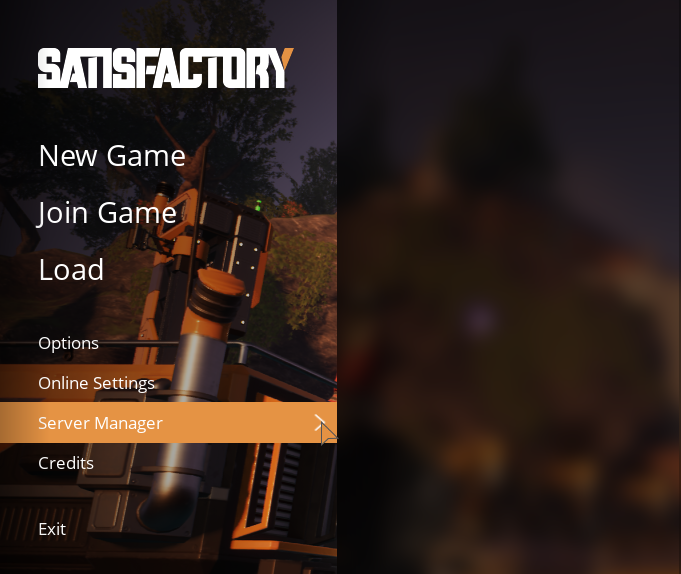
Click Server Manager
Choose Add Server

Insert your IP and Port information from Step 3)

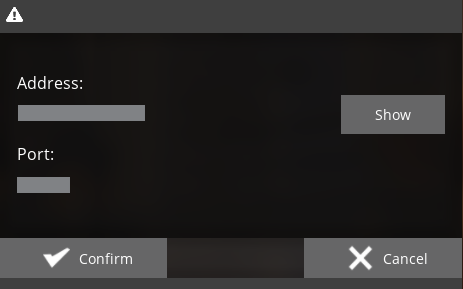
You may get a certificate warning - Ignore this and press confirm!
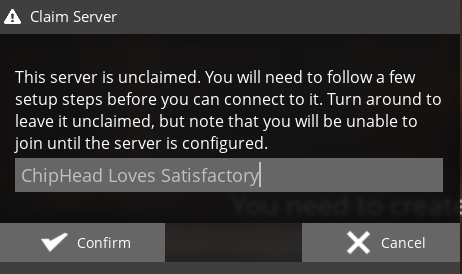
Enter your desired Server Name and click Confirm to continue
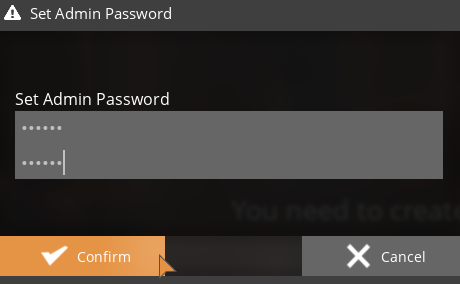
Set the desired Admin Password and click Confirm to continue
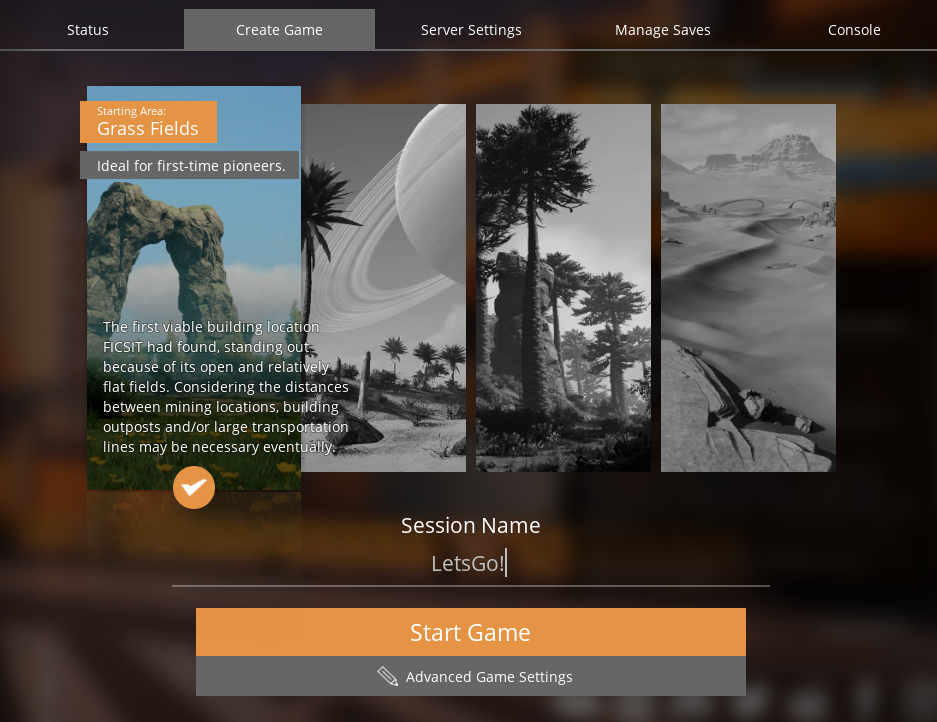
Select your server and go to the “Create Game” tab
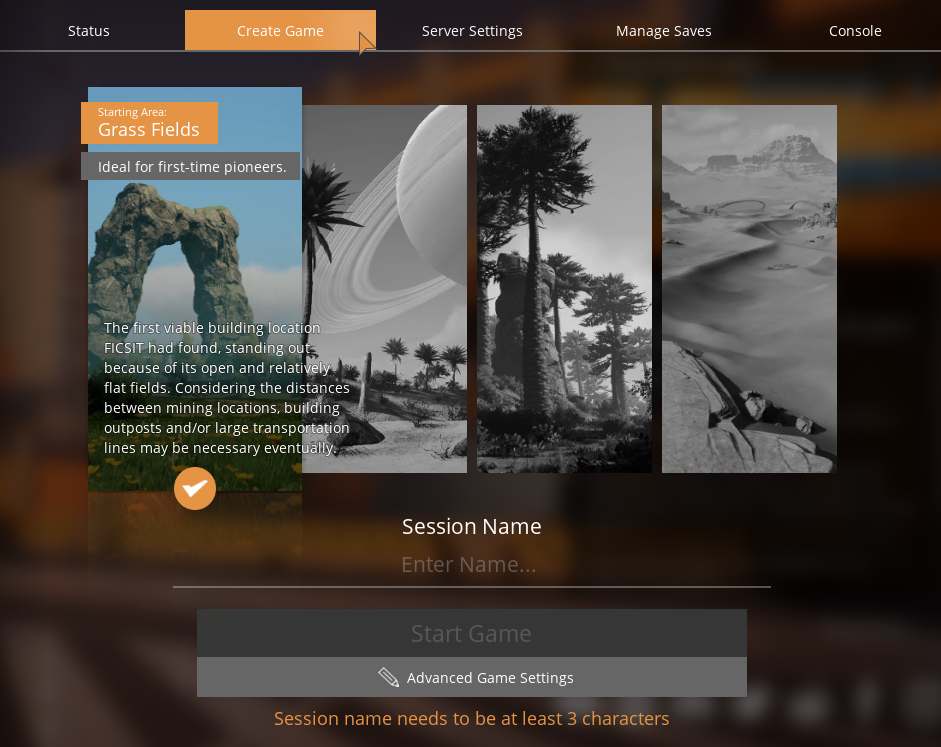
Enter a “Session Name” and click “Start Game”