Managing server files and connecting through SFTP can be essential for keeping a server running smoothly and efficiently. SFTP (Secure File Transfer Protocol) allows administrators to securely transfer files between their local computer and the server. It makes it easy to upload large files, such as custom maps or plugins, and manage configuration files. Using SFTP effectively also helps ensure the server stays up to date with the latest mods, plugins, and settings, supporting a seamless experience for users.

Login to your ChipHead Panel
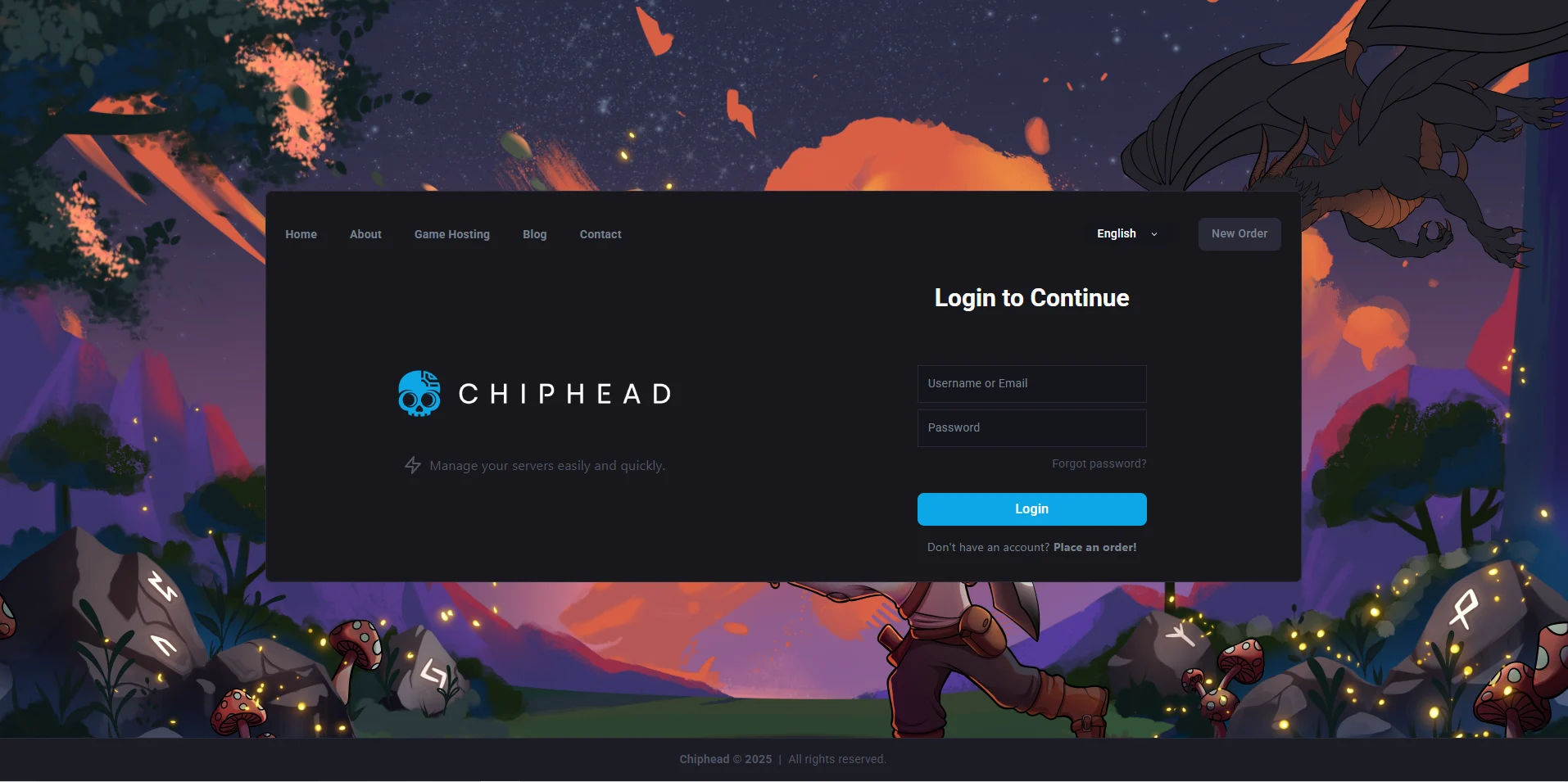
Navigate to Dashboard & find the “SFTP” details

Launch FileZilla
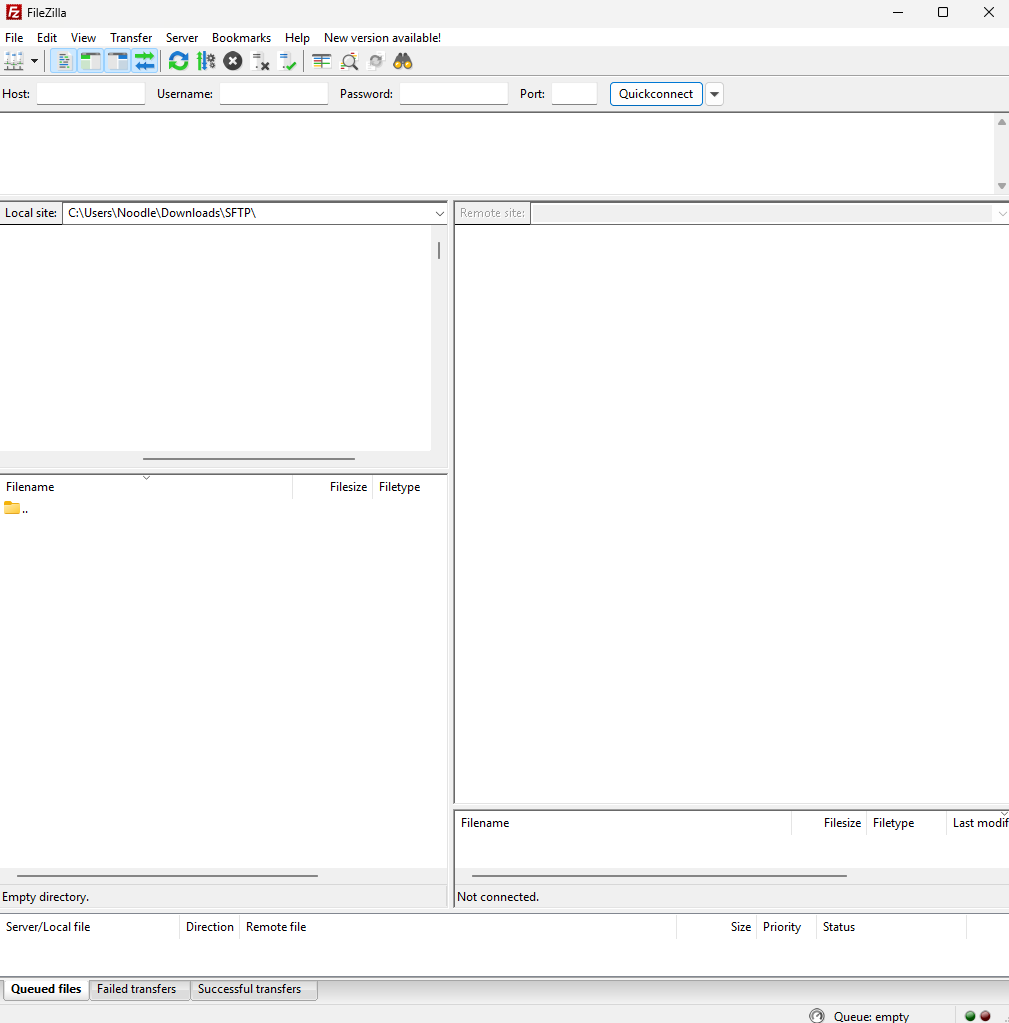
Copy & Paste the “Server Address” into the “Host” field in FileZilla:
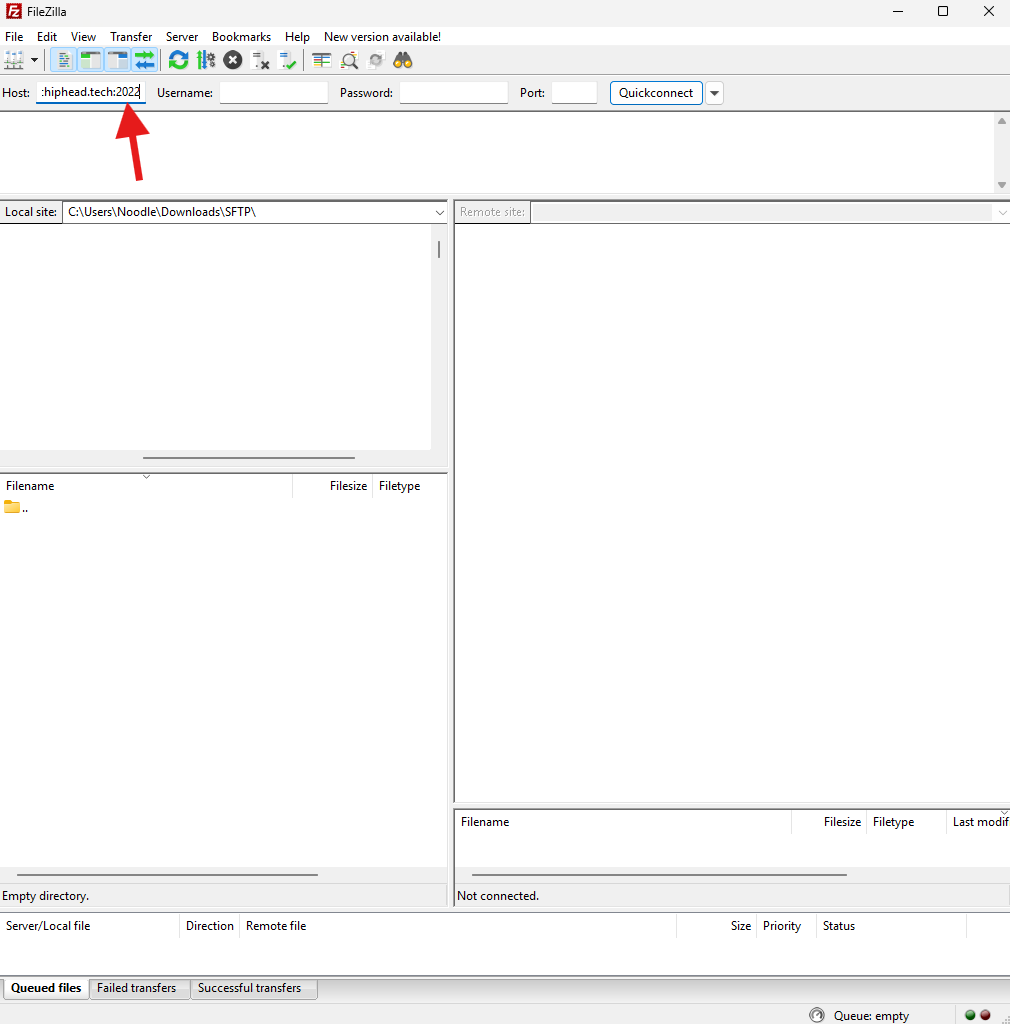


Copy & Paste the “Username” into the “Username” field in FileZilla:

Insert your “Password”

Insert the Port details from your “Server Address”

Click “Quick Connect”

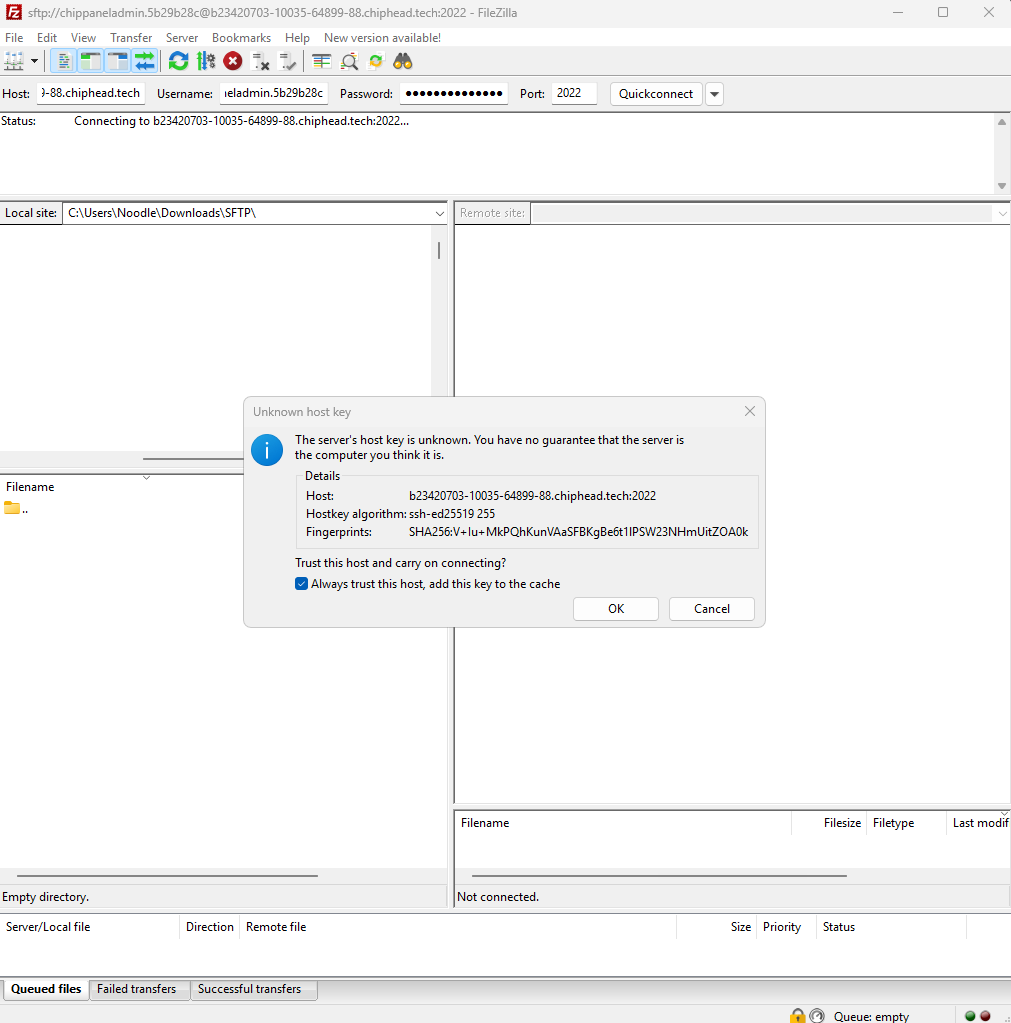
Trust the certificate popup
(Optional) you can select “Always trust this host” to avoid this popup in future.