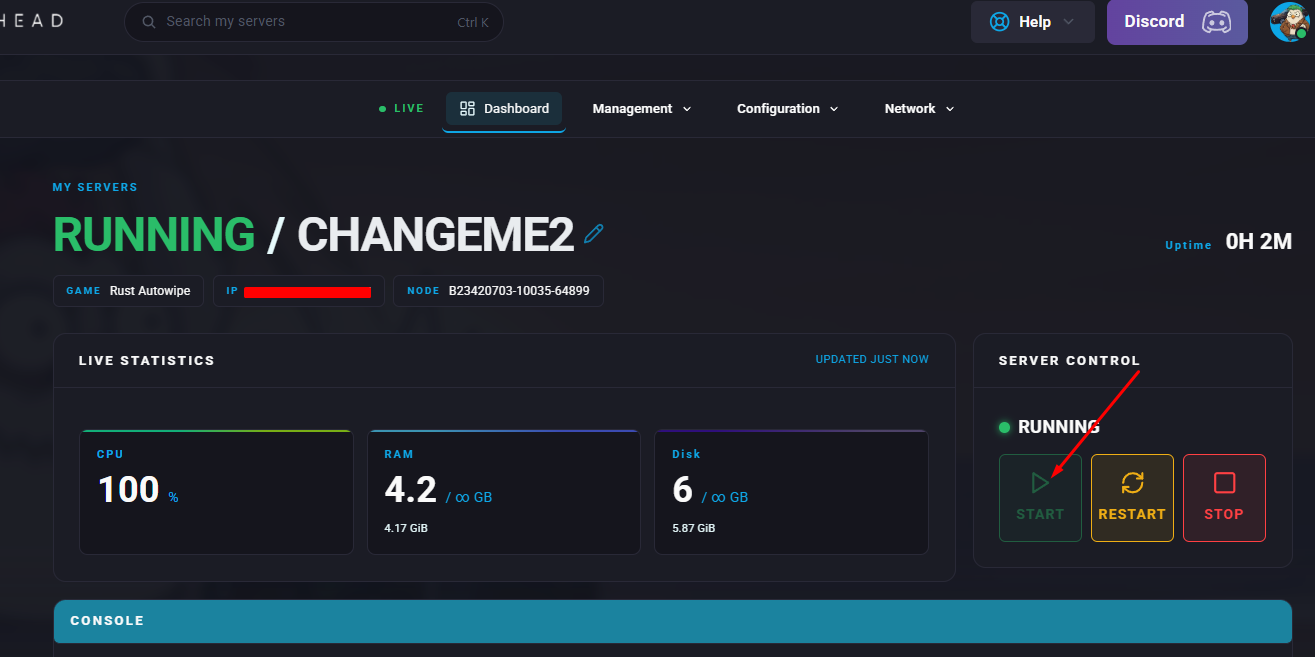
Setting a password on a Rust server limits entry to players who have the correct credentials, helping keep unwanted users from joining and disrupting gameplay. This supports a more welcoming and controlled community by allowing only trusted participants to connect. It also gives server owners greater authority over access and player conduct, making the overall experience easier to oversee and moderate.

Download the Authentication mod.
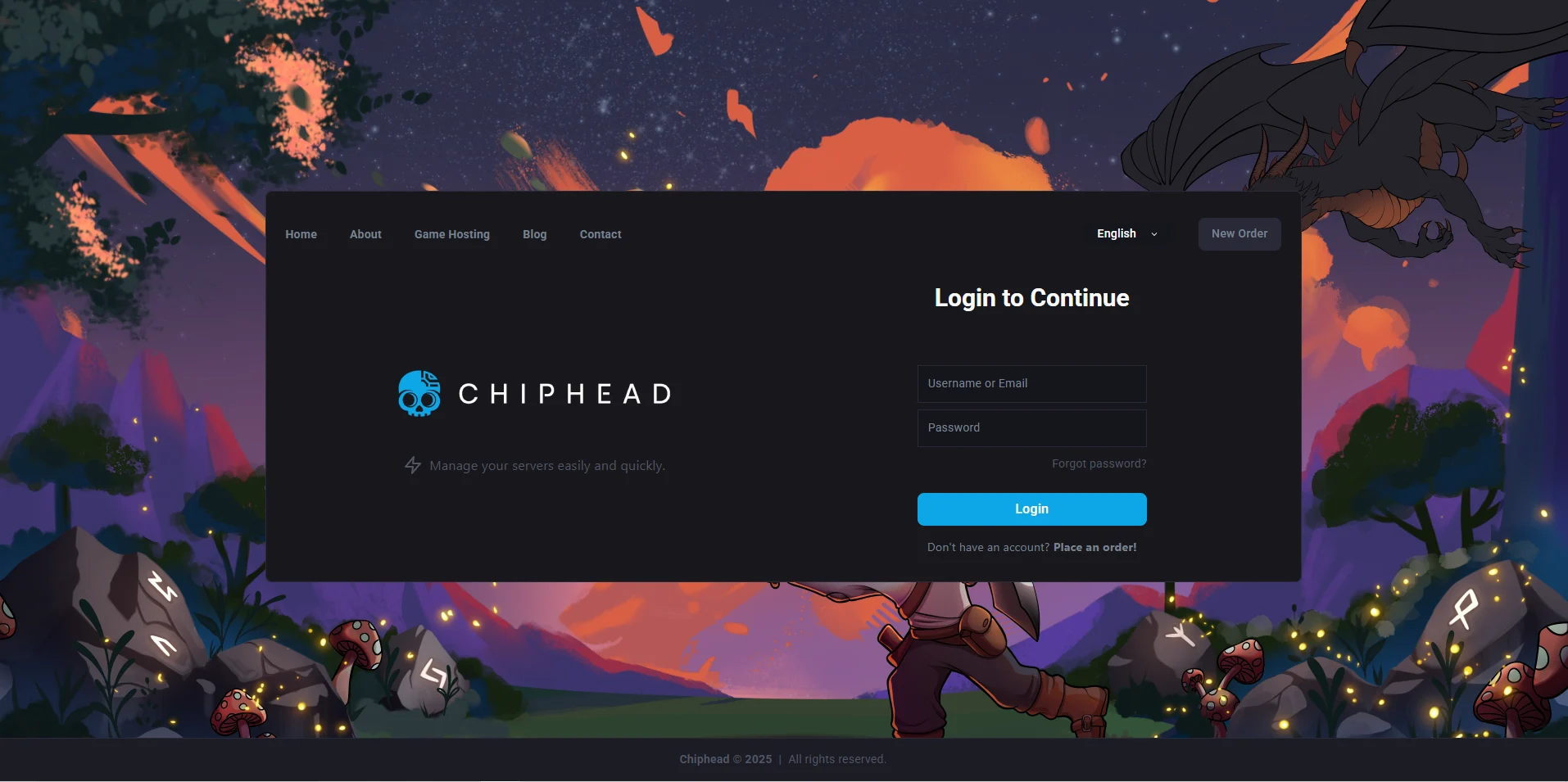
Log in to the ChipHead Panel.
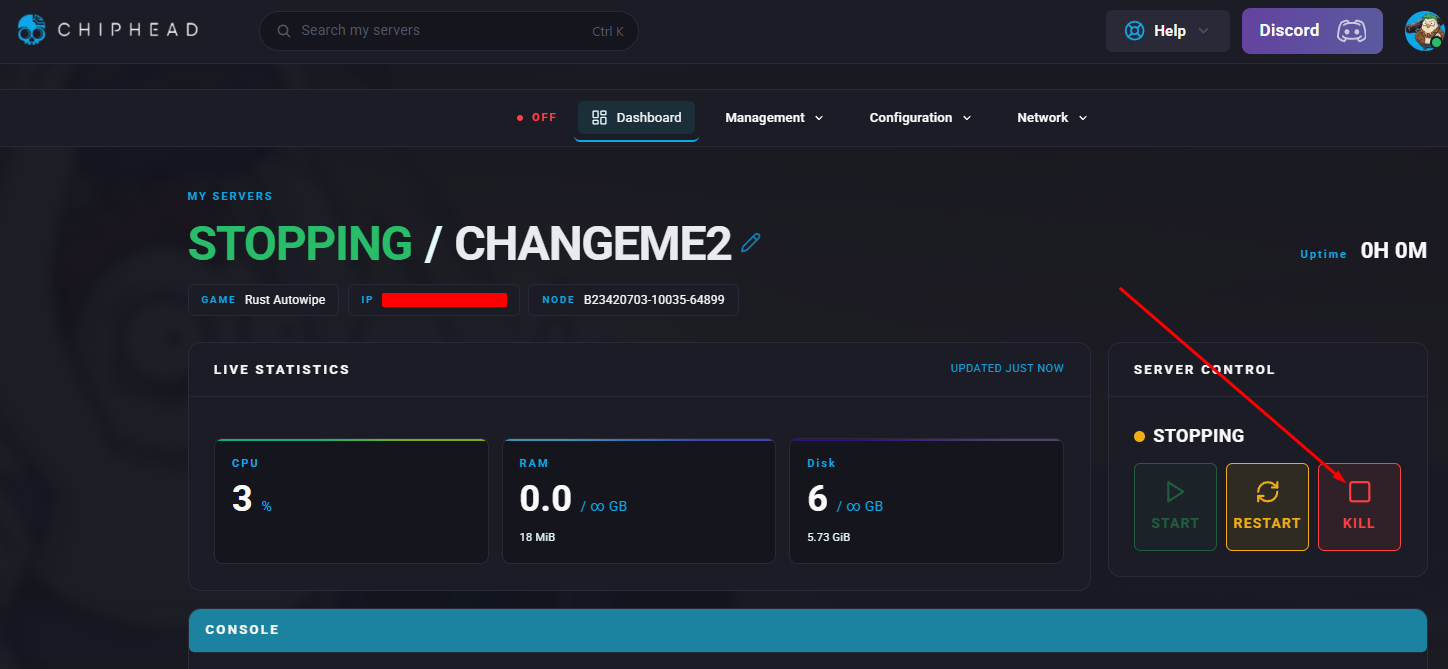
Stop the server.
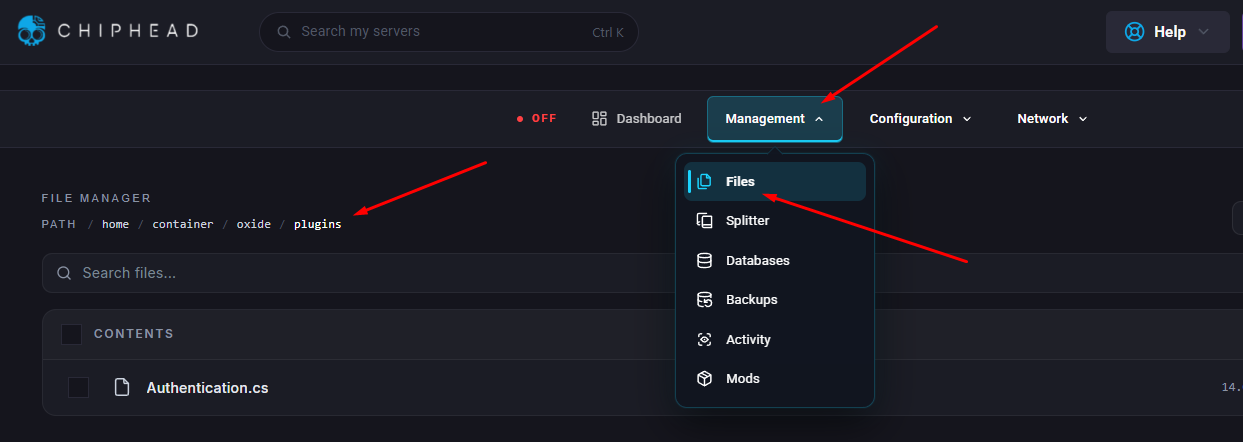
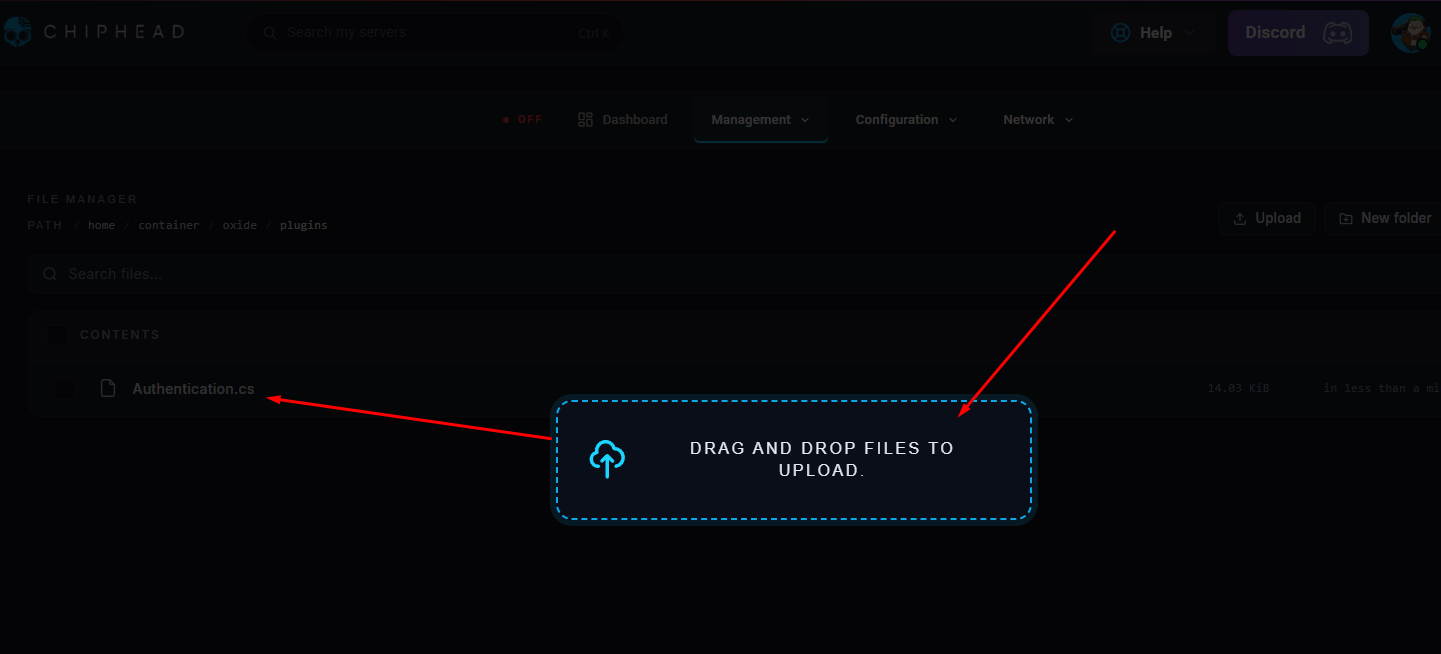
Open the Files tab. & Navigate to the following directory:/home/container/oxide/plugins
Upload the authentication.cs file downloaded in step 1 - you can drag and drop or use the upload file icon.
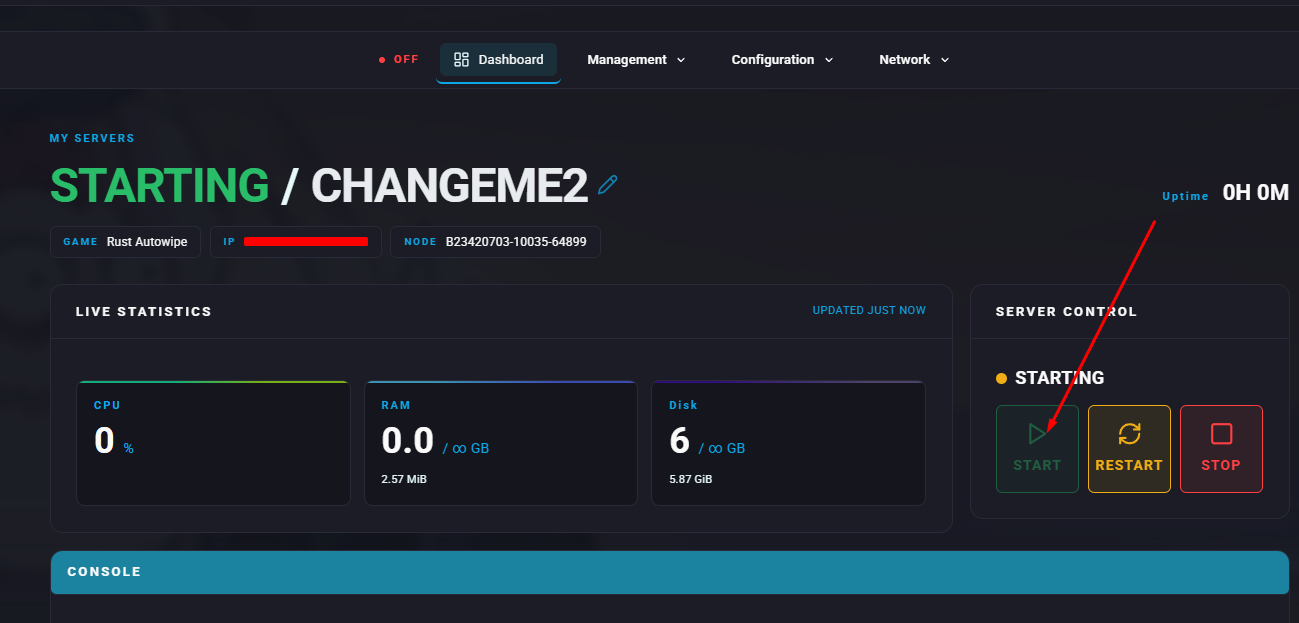
Start the server
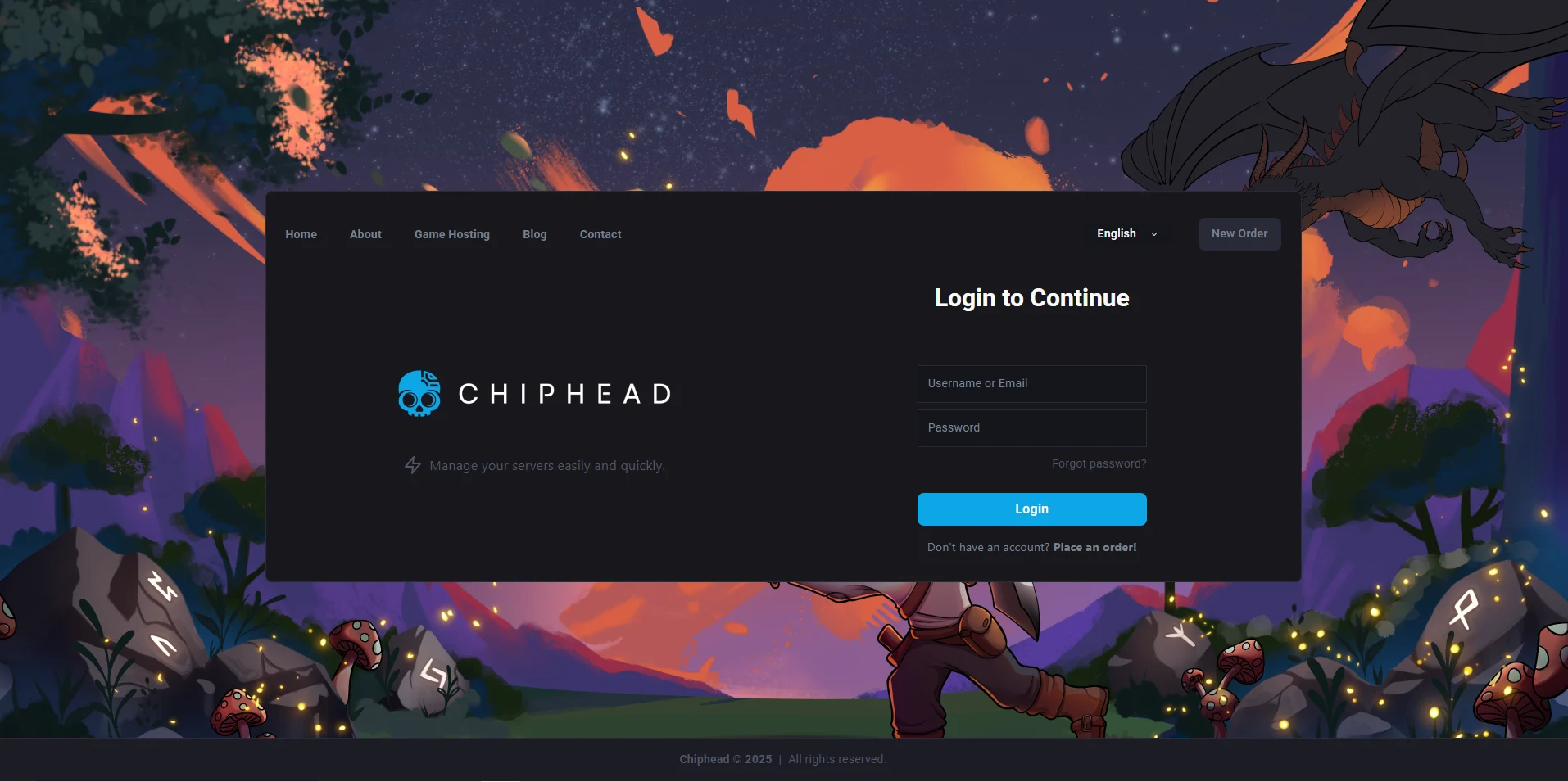
Log in to the ChipHead Panel.
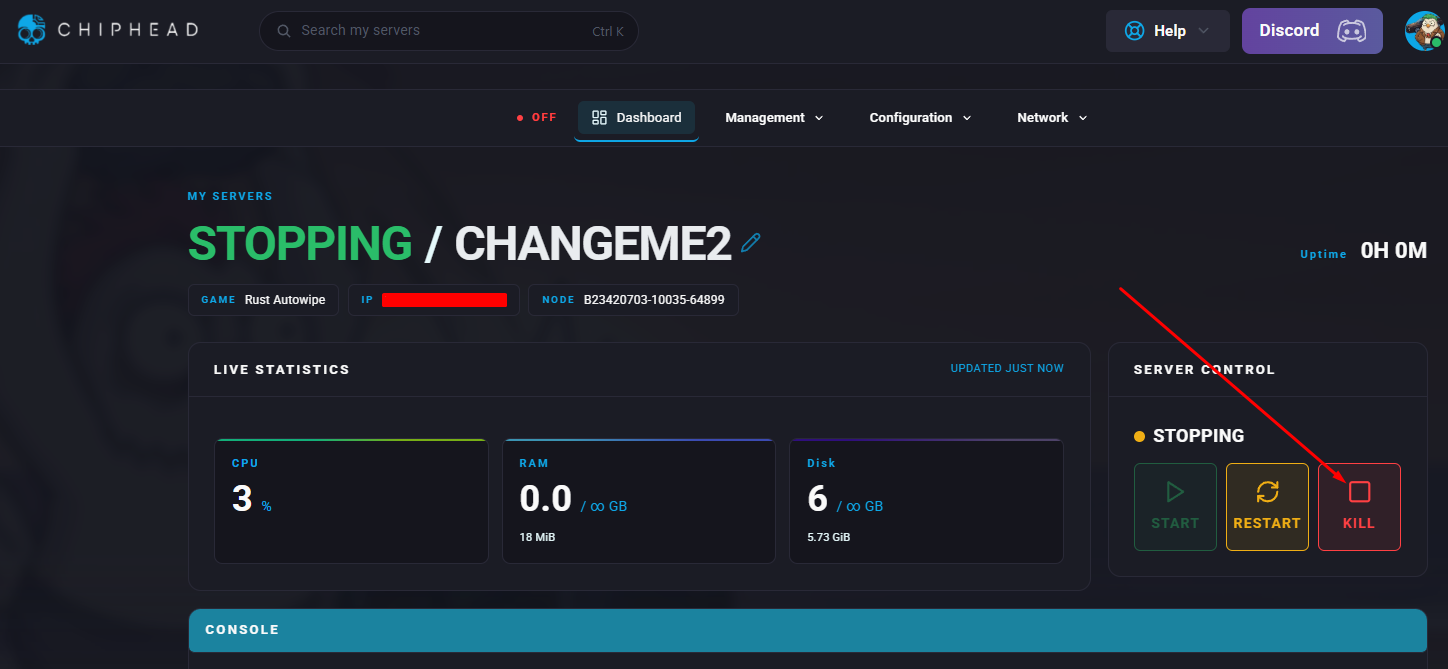
Stop the server.
Open the Files tab & Navigate to the following directory:/home/container/oxide/config & Open the Authentication.json file.
Locate "PASSWORD": and enter the preferred password within the quotation marks.
Click “Save Content”
Start the server