Summary
Rust servers offer a variety of game modes for players to choose from. These modes expand on the standard Rust experience by keeping core mechanics while introducing limitations or convenience features that can increase or reduce difficulty. This flexibility allows servers to deliver anything from a laid-back session to a more intense and demanding challenge, depending on the style of gameplay users prefer.
Note

How to Change the Gamemode on a Rust Server
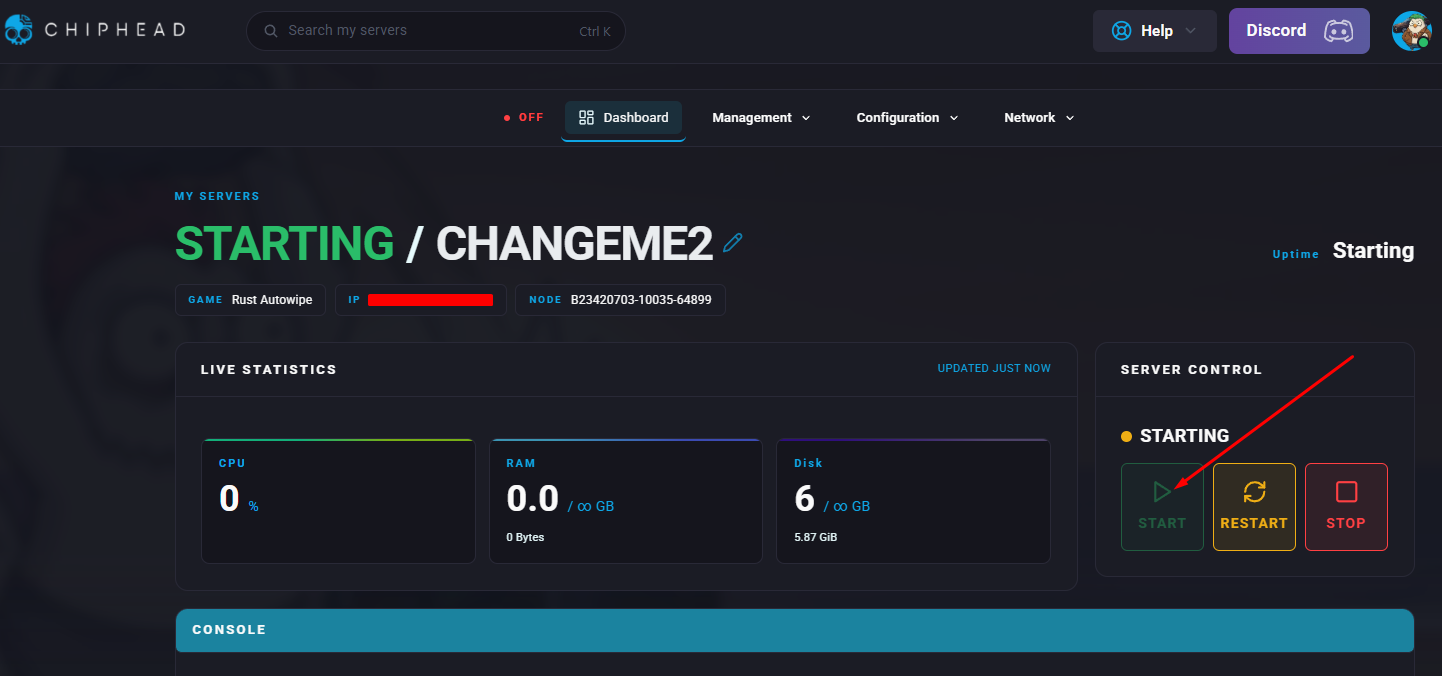
Log in to the ChipHead Panel.

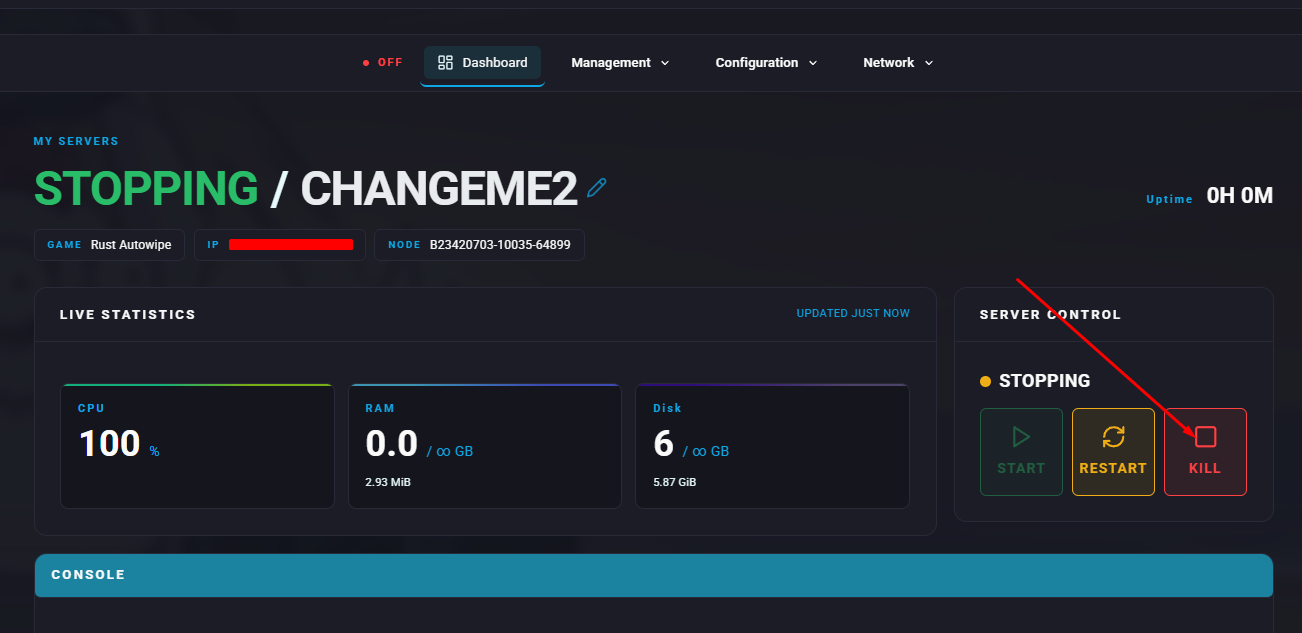
Stop the server.
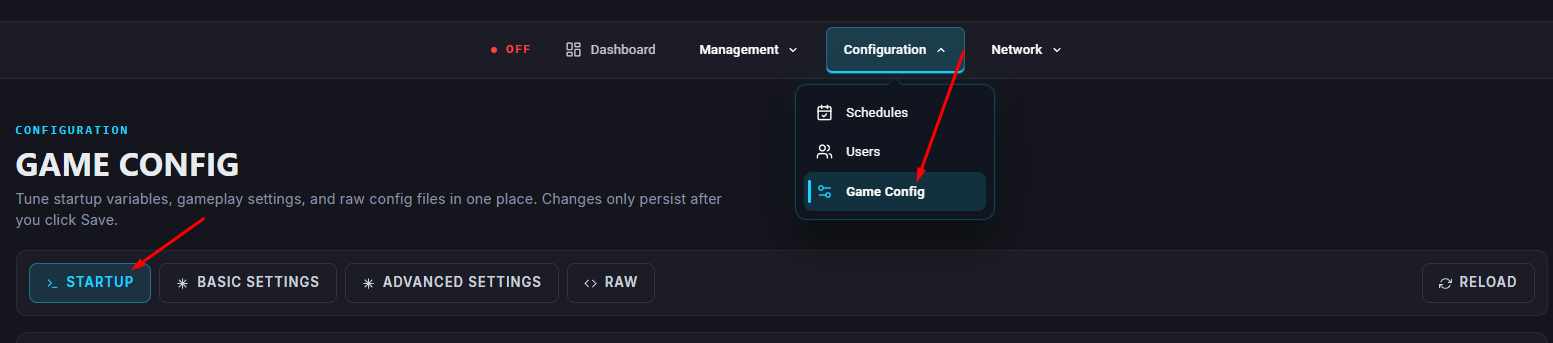
Open the Startup tab.
In the Additional Arguments field, add the following:
+server.gamemode "<name>"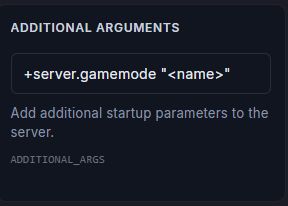
Gamemode Options
vanilla | survival — Standard Rust experience without modifications.
softcore — Base gameplay with adjustments that make progression easier, such as larger team limits (up to 4 players) and more forgiving respawn mechanics.
hardcore — Base gameplay with reduced features for a tougher and more demanding challenge.
Start the server.