Summary
Rust maps can differ in layout and scale depending on the server. Some hosts prepare custom maps ahead of launch, and many additional options are available online. When the world seed and map size are known, players can accurately reproduce a specific map on their own Rust server. This approach is especially useful for those wanting a larger play area, since the default size for procedurally generated maps is typically only half of the maximum possible scale.
Requirement

If a map has already been created, it needs to be reset before proceeding.
Steps
Log in to the ChipHead Panel.
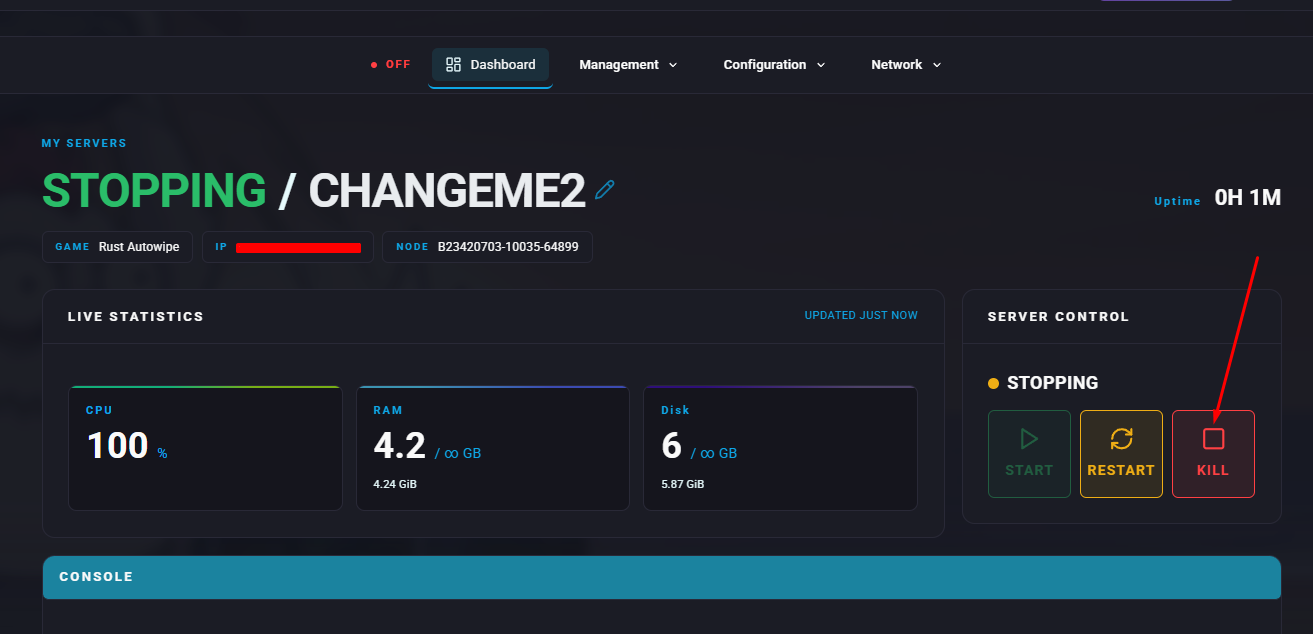
Stop the server.
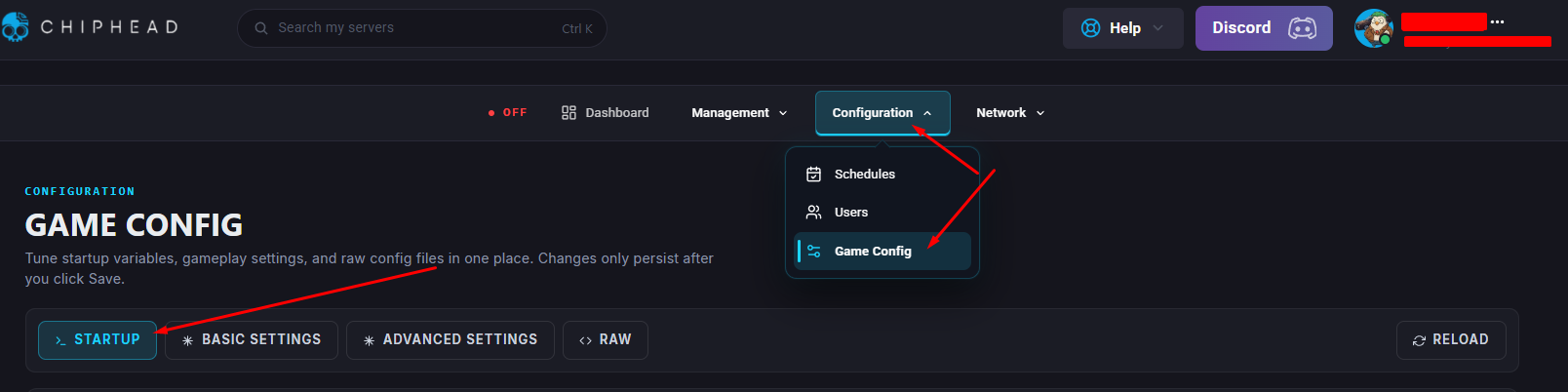
Open the Startup tab.
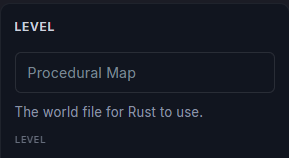
In the Level section, enable the field and enter Procedural Map.
In the World Seed field, choose a seed value for the map.
 Here is a handy World Seed Generator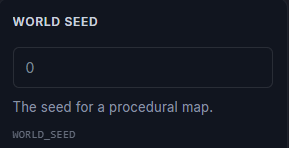
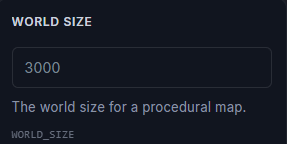
In the World Size section, enable the field and enter any number less than 6000.
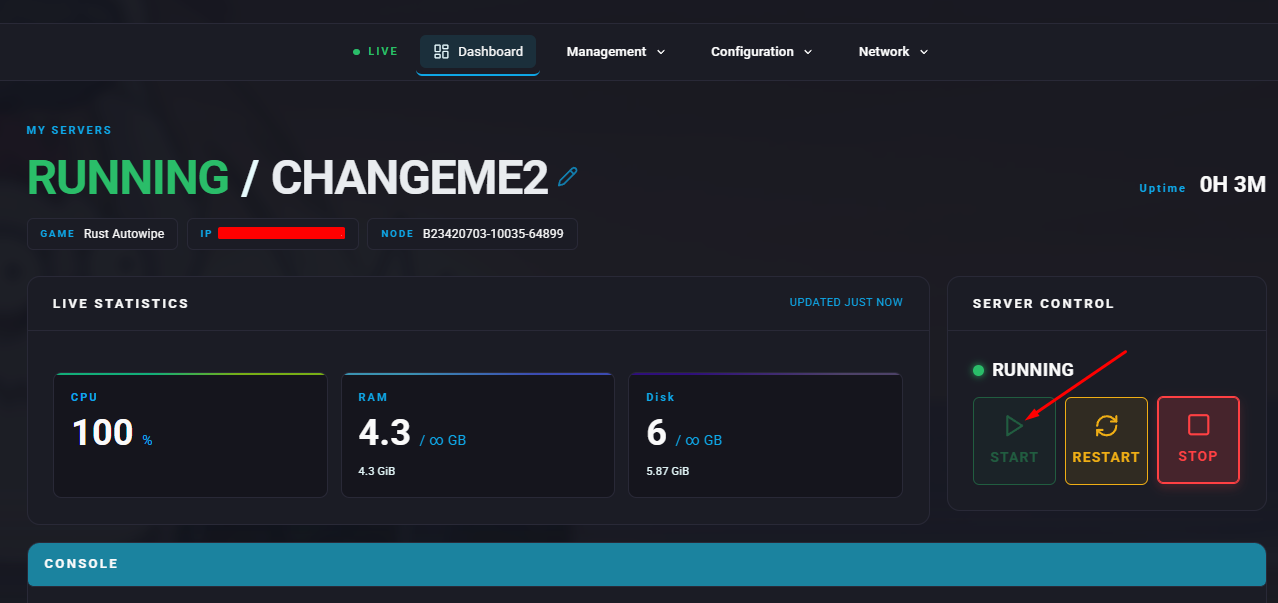
Start the server.