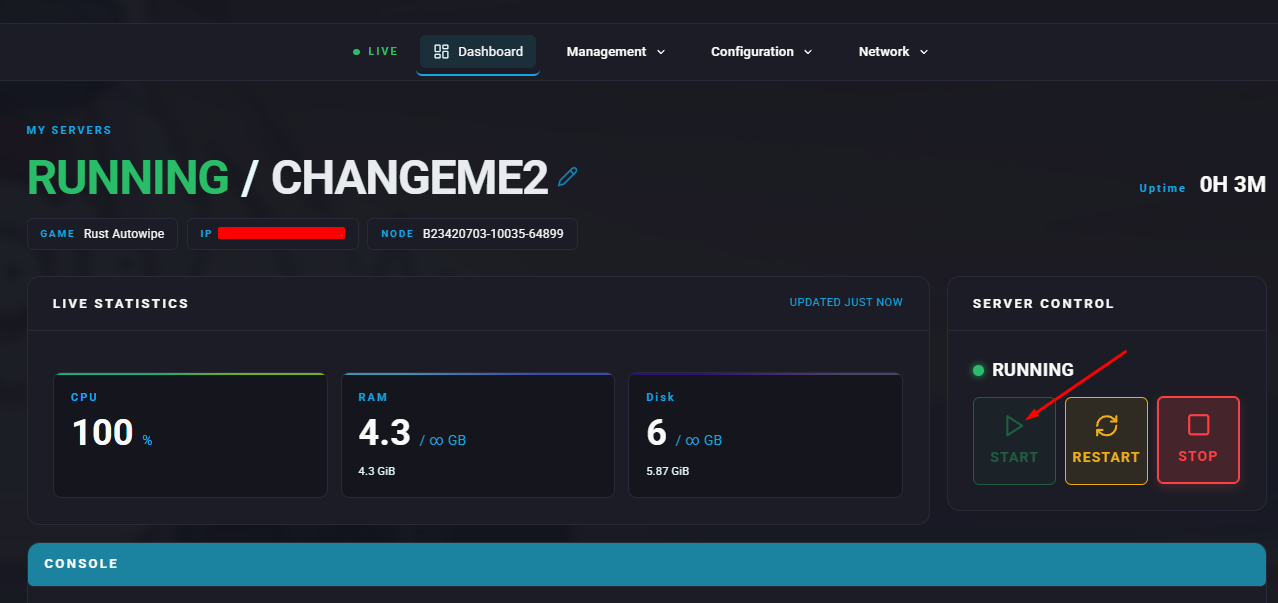
Summary
Managing administrator access on a Rust server helps create a secure and enjoyable environment for everyone. Administrators can oversee activity, enforce rules, address player concerns, and handle disruptive behaviour. Likewise, revoking admin privileges from individuals who misuse their authority or neglect their duties is just as important for preserving fairness and maintaining a positive experience for all players.
Note
There are two separate administrator roles: ownerid and moderatorid.

Grants full administrative authority, including the ability to add or remove other admins.
moderatorid:
Provides limited permissions and does not allow managing admin roles.
How to Add or Remove Admins on a Rust Server
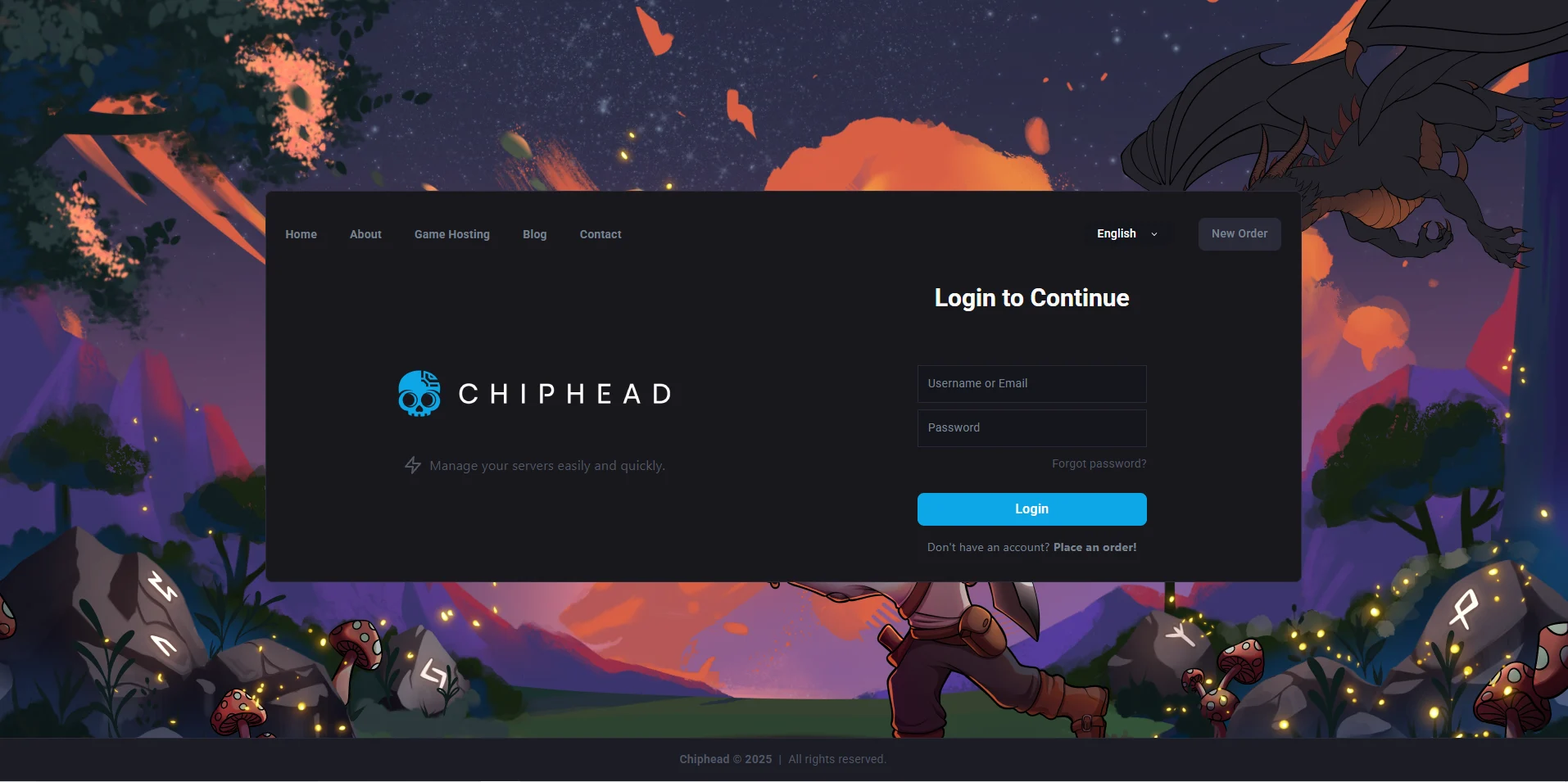
Log in to the ChipHead Panel.
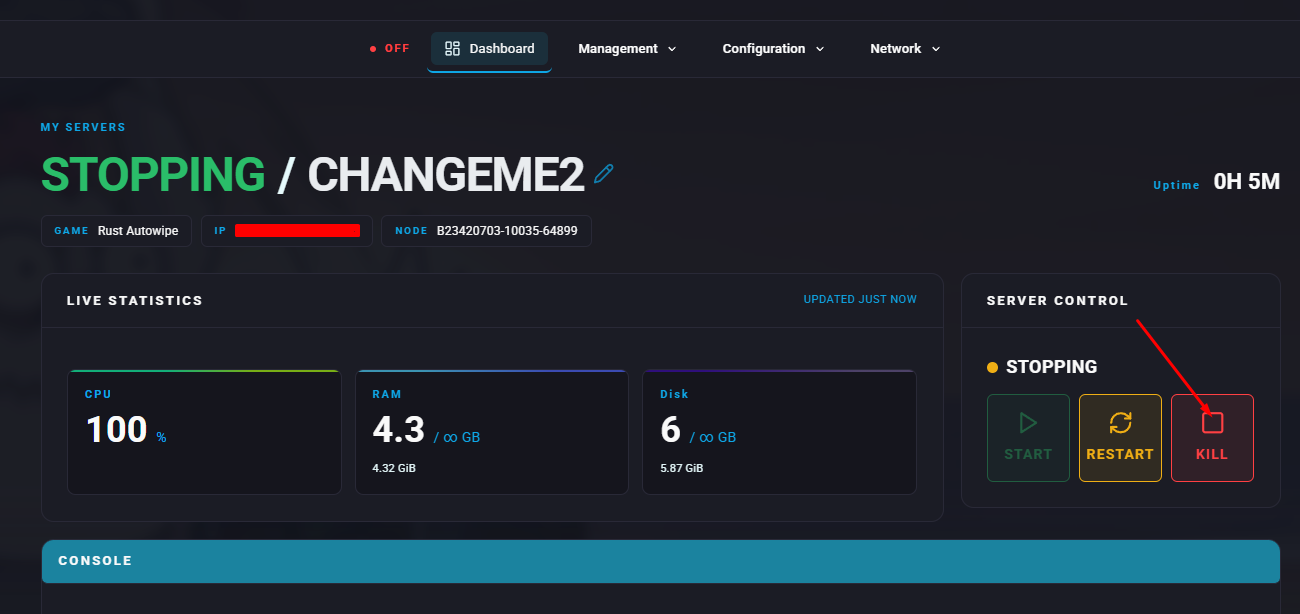
Stop the server.
Open the Files tab & Navigate to the following directory:
/home/container/server/rust/cfgOpenusers.cfgfor editing.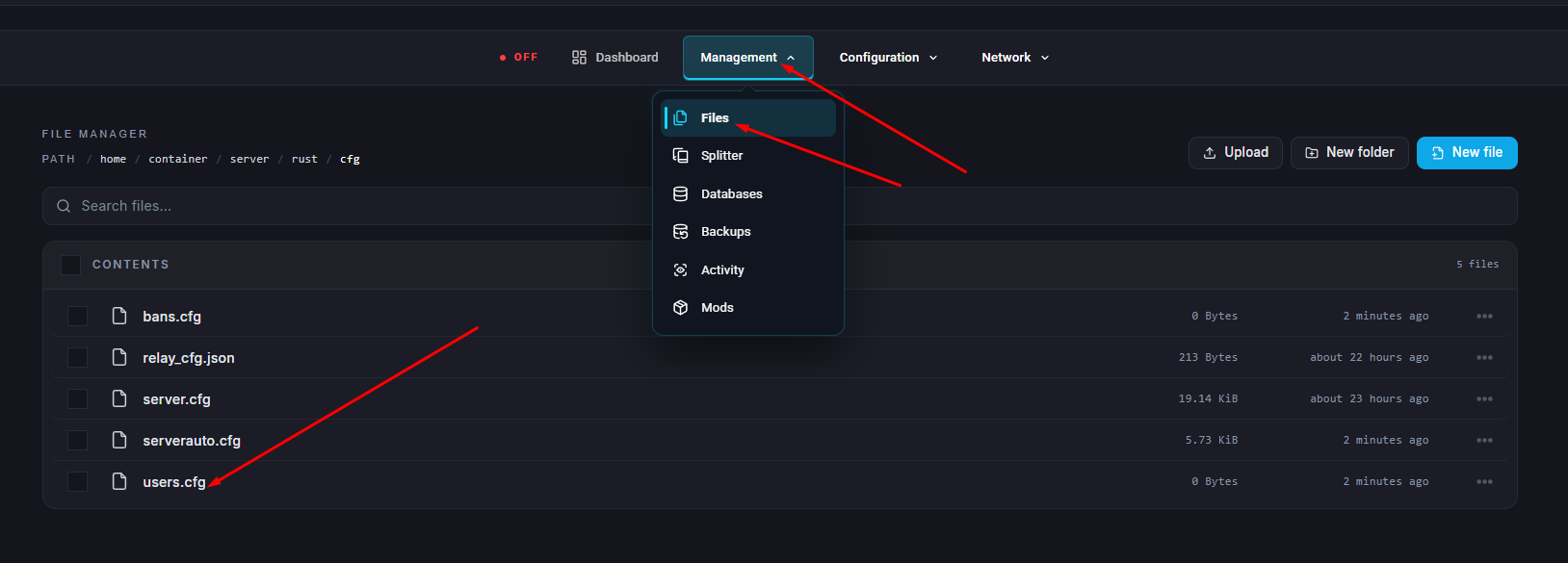
Add a new line for each admin using the appropriate format and replacing the SteamID64 and optional text as needed:
ownerid SteamID64 "optional_user_name" "optional_reason"
moderatorid SteamID64 "optional_name" "optional_reason"
Click “Save Content”.
Start the server.