Summary
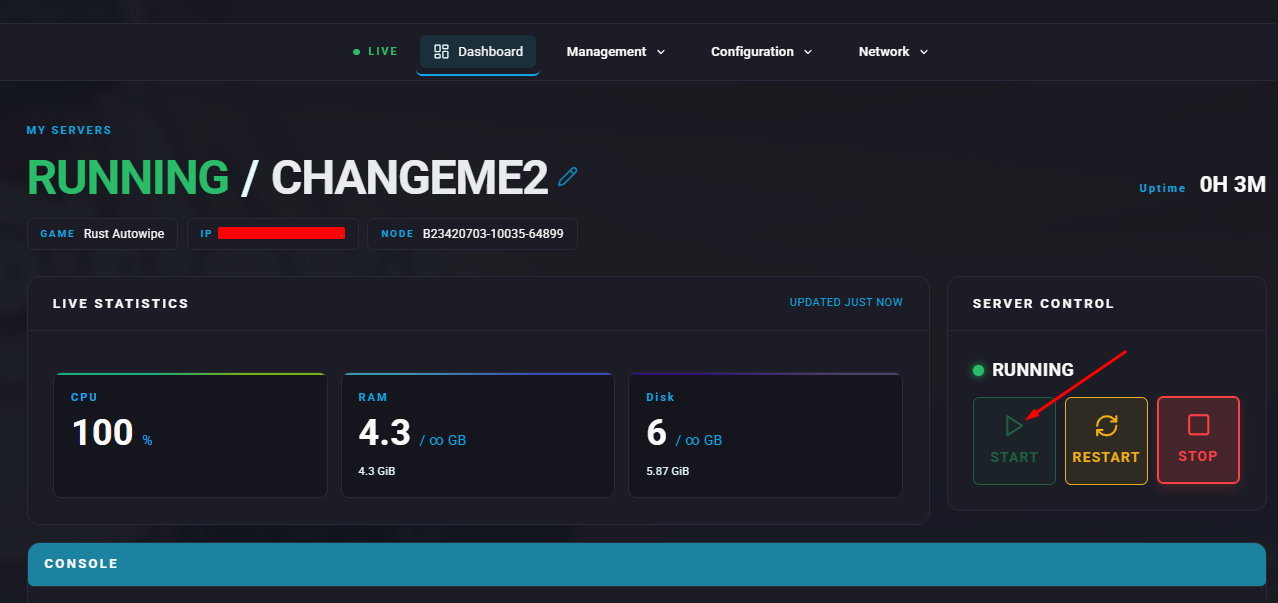
Turning off anti-cheat on a Rust server is usually discouraged, as it can create an uneven playing field and risk undermining the game’s integrity. That said, there are cases where it may be required — for example, when testing mods or custom changes that interfere with anti-cheat systems. Some servers might also temporarily disable it for special events or alternative game modes that operate under different rules or mechanics.
How to Disable Anti-Cheat on a Rust Server
Log in to the ChipHead Panel.

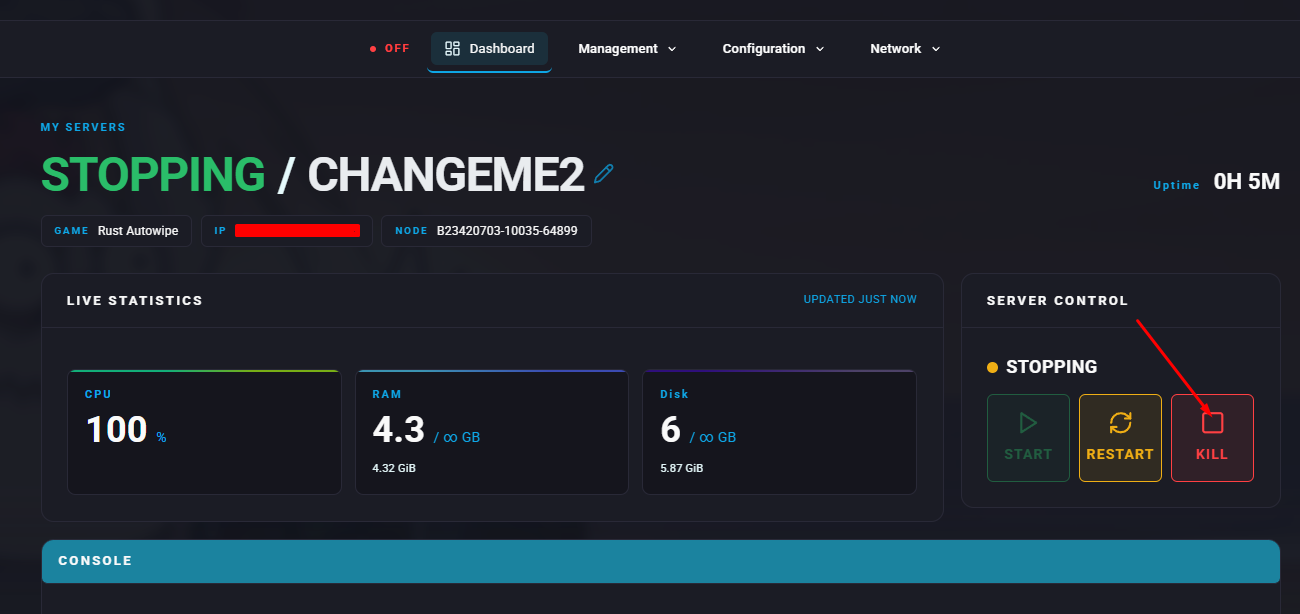
Stop the server.
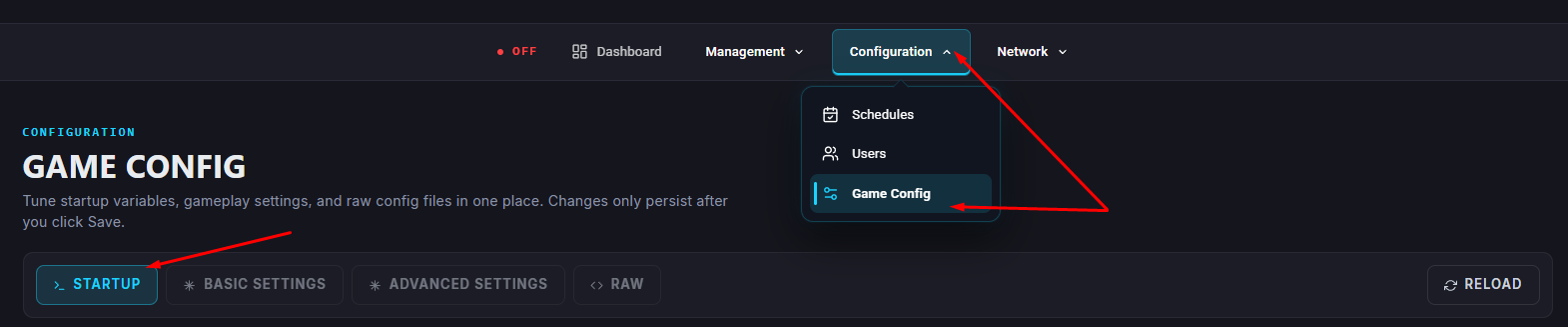
Open the Startup tab.
In the Additional Arguments field, enter the following:
+server.secure 0 +server.encryption 0 +server.eac 0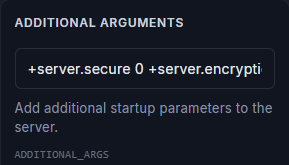
Start the server.