
Summary
Rust servers feature vast, open maps where players can explore, establish settlements, and construct complex bases, marketplaces, or communities. Implementing a whitelist helps shape a curated player group, encouraging creativity, roleplay, or content-focused servers. Players can be added to the whitelist through commands issued in the ChipHead Panel or directly through the in-game console.
REQUIREMENTS

You need to have Oxide installed for this guide!
How to Add a Whitelist Mod to a Rust Server
Download the Whitelist Rust mod.
Log in to the ChipHead Panel.

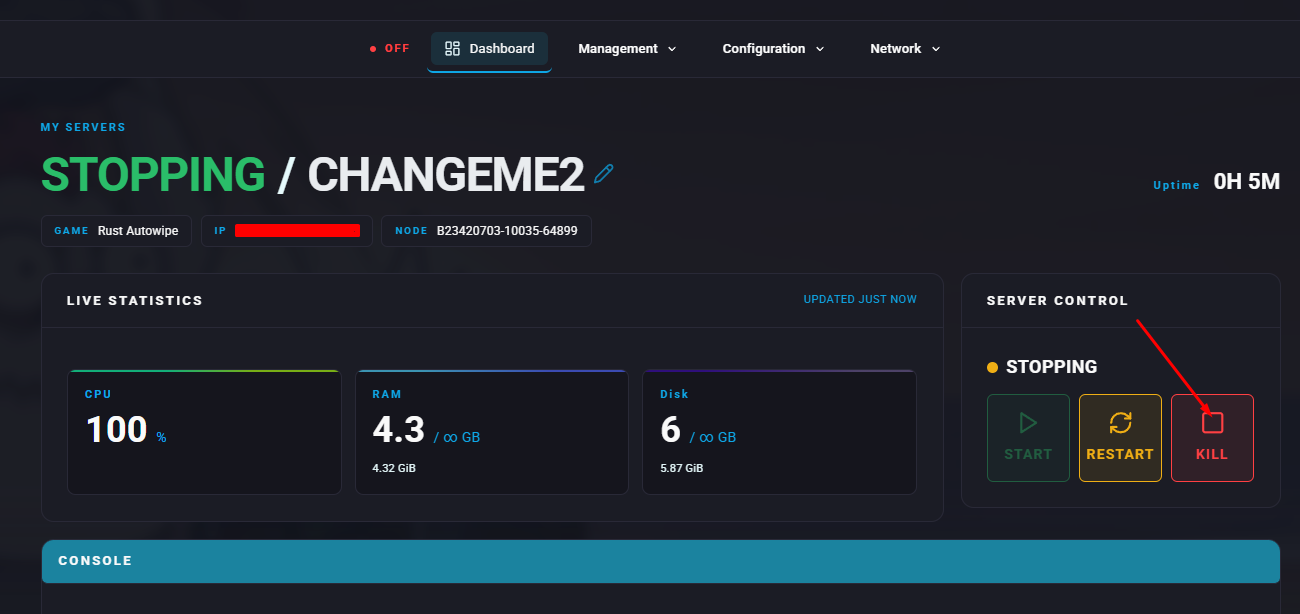
Stop the server.
Open the Files tab & Navigate to the following directory:
/home/containers/oxide/plugins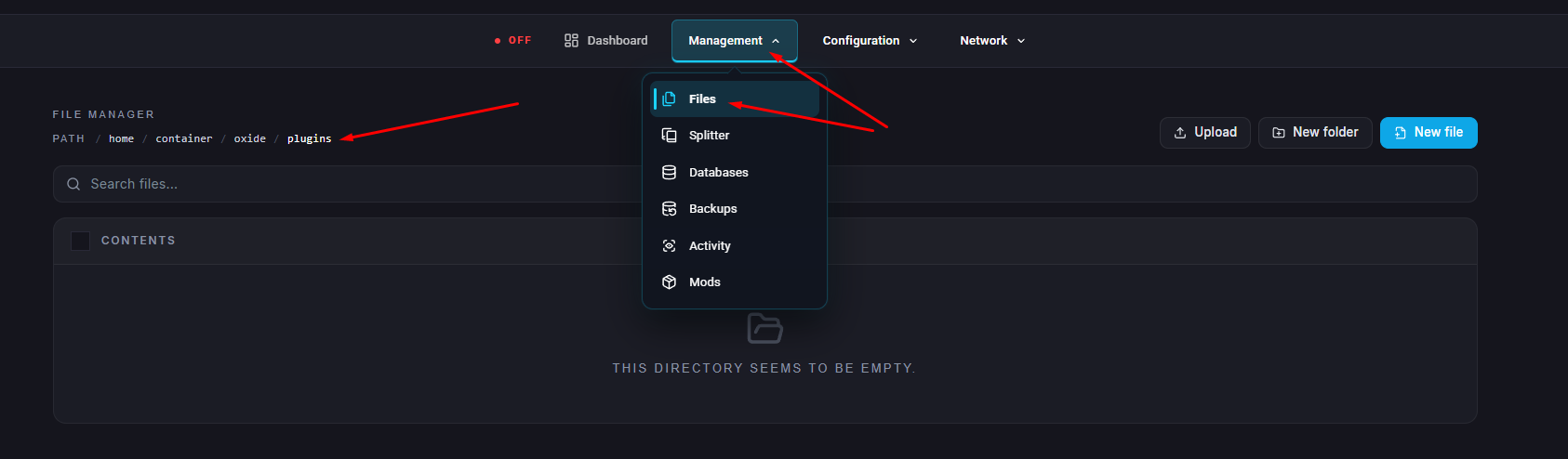
Upload the
Whitelist.csfile obtained in step 1.
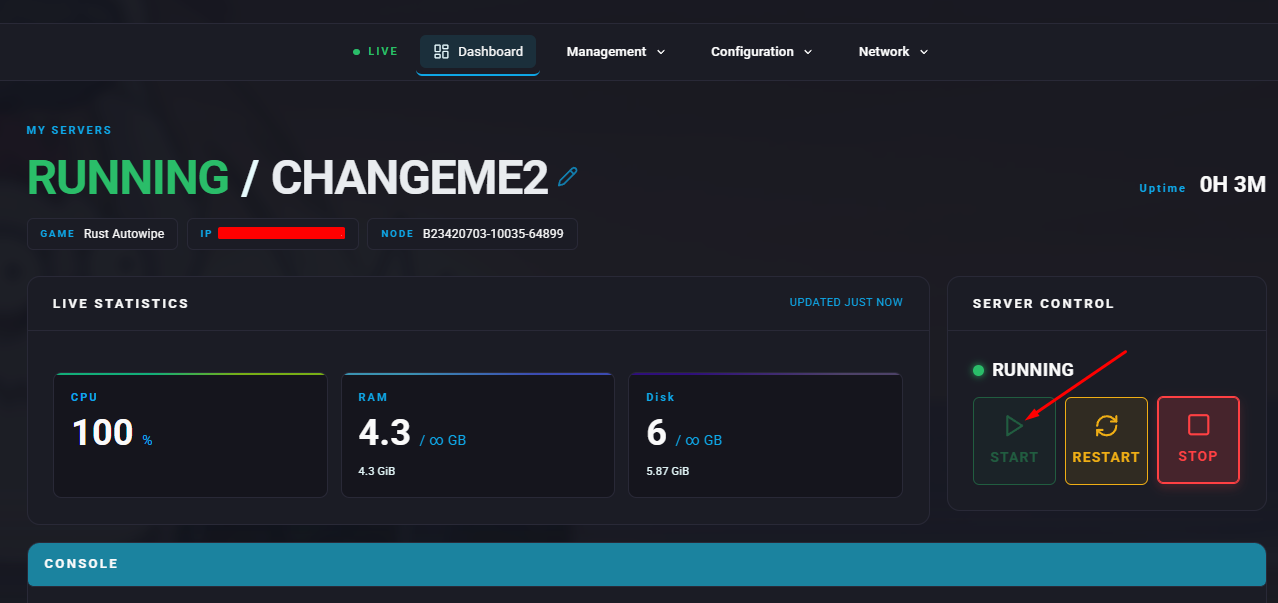
Start the server.
Go to the Console tab.
Run the following command to grant whitelist access:
oxide.grant user [SteamID64] whitelist.allow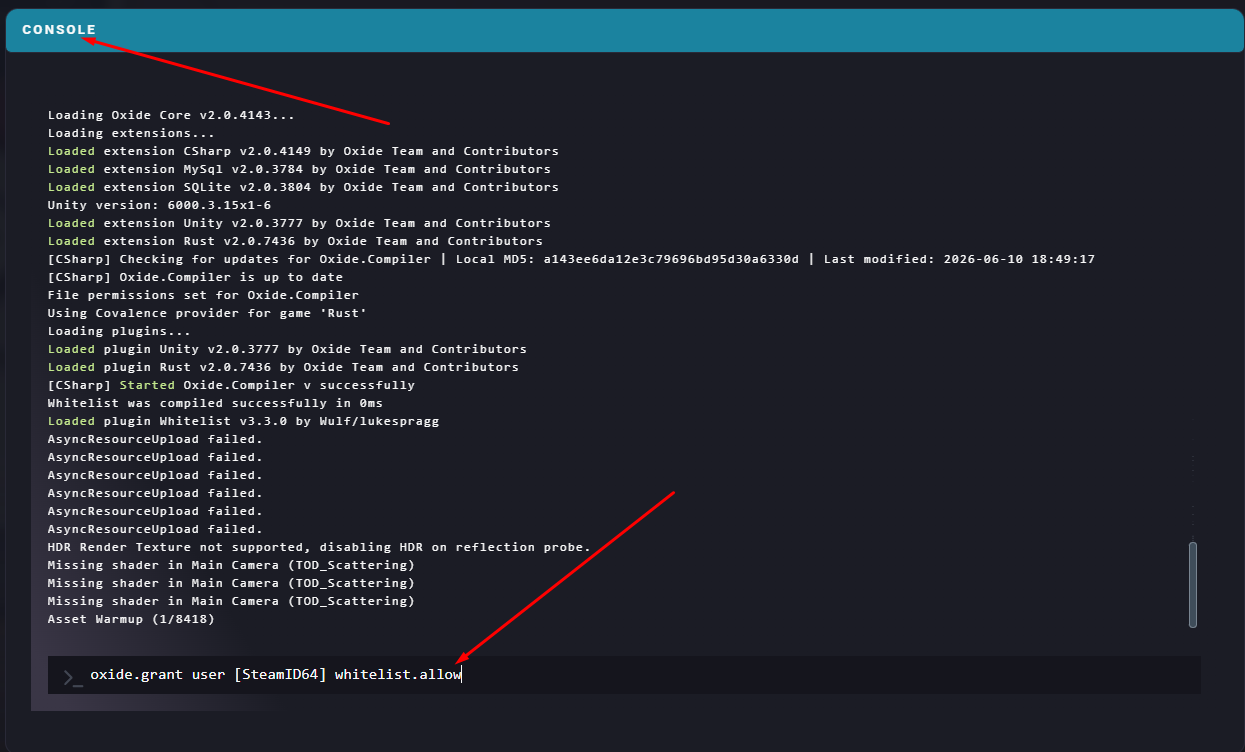

You can use this website to find your SteamID64