
Summary
Rust servers can be set to private or public, offering different styles of gameplay. Private servers are usually more controlled through passwords or whitelists, while public servers allow anyone to join freely. Although this openness can lead to memorable and varied interactions, it may also draw disruptive players who intend to grief or camp others. Unwanted participants can be removed quickly using admin commands either in-game or through the ChipHead Panel console.
How to Ban or Kick Players on a Rust Server
Log in to the ChipHead Panel.
Open the Console tab.
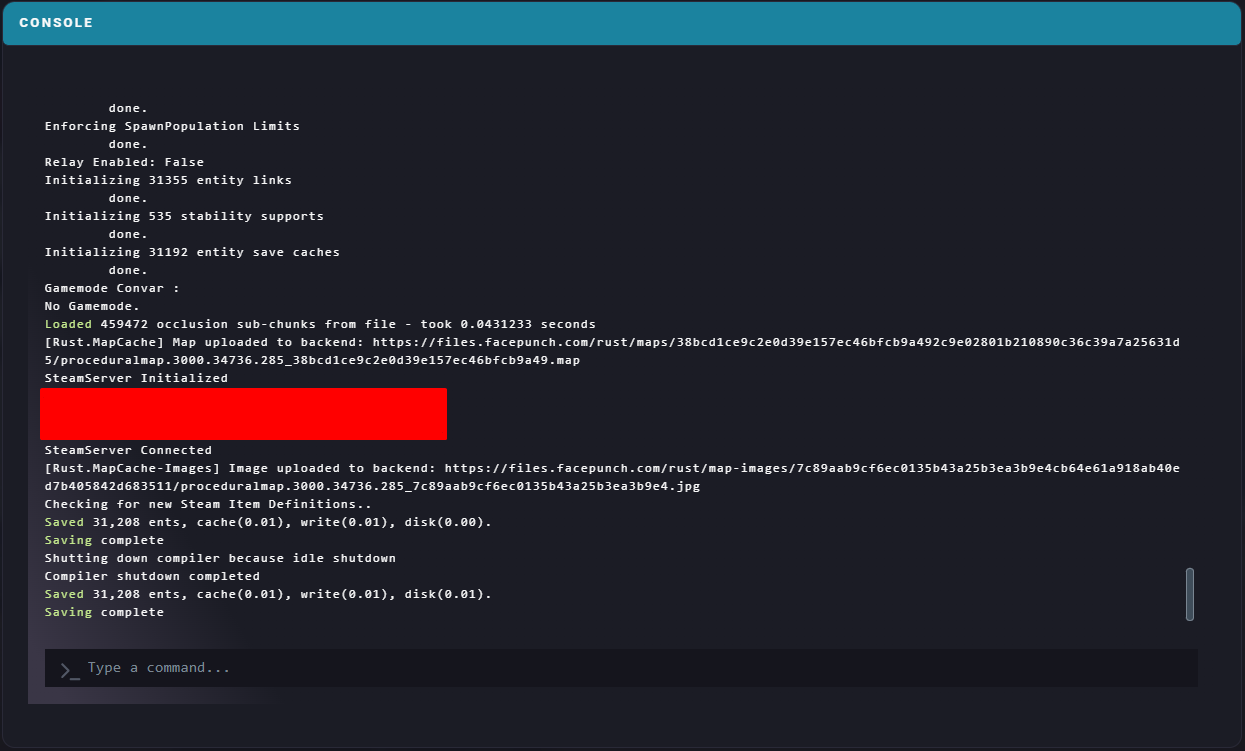
Enter the appropriate command to remove or ban a player. Refer to the relevant guide if you need help locating a SteamID64.
Available Commands
| Bans a player using their in-game name, with an optional reason. |
|
| Bans a player using their SteamID64. Username and reason are optional. |
|
| Removes a player from the server, optionally including a reason. |
|
| Disconnects every player from the server. |
|
| Removes a player from the ban list. |
|
