Summary
Uploading a custom map to a Rust server allows players to explore new landscapes, points of interest, and environments, introducing different challenges and gameplay possibilities. These maps can vary from compact arenas to expansive worlds, giving players fresh opportunities to put their survival abilities to the test in unique settings.
Requirement

Upload the Rust map to Dropbox beforehand so you can supply the server with a direct download link.
How to Upload a Custom Map to a Rust Server
Upload the
.mapfile to Dropbox.Copy the download link for the map.
Log in to the ChipHead Panel.
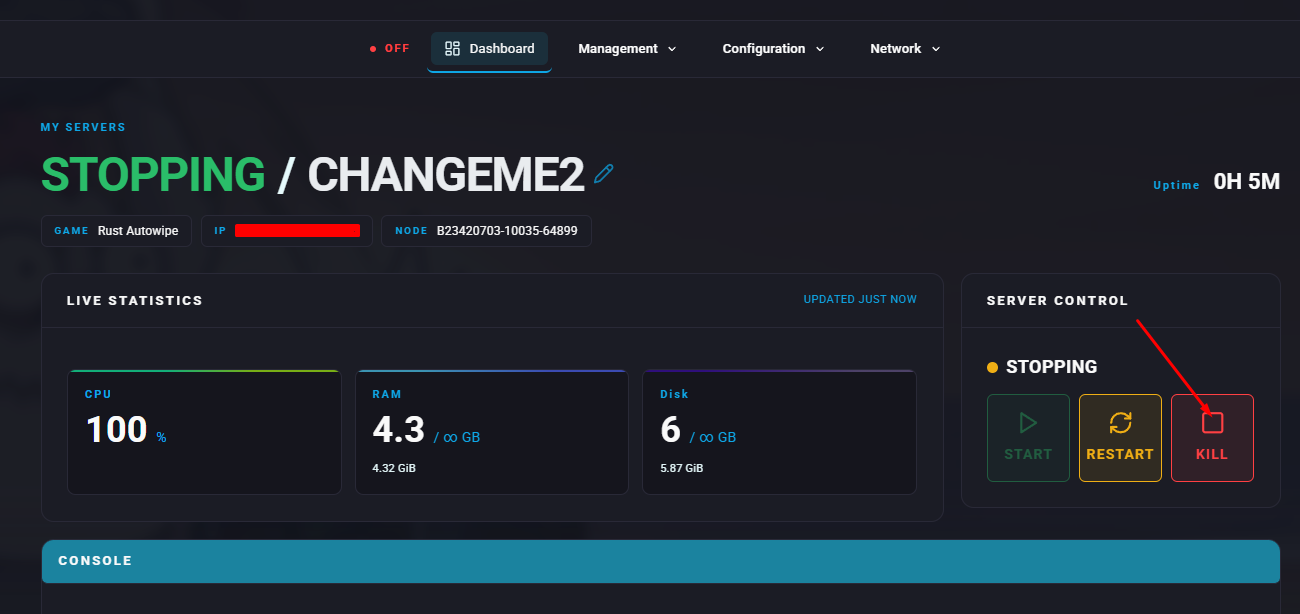
Stop the server.
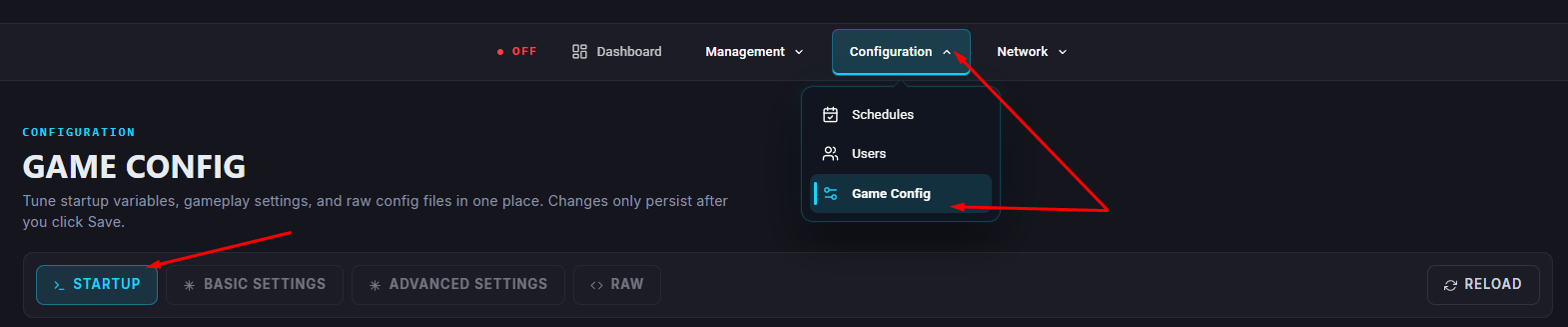
Open the Startup tab.
In the Custom Map URL field, enable the option and paste the link obtained earlier.
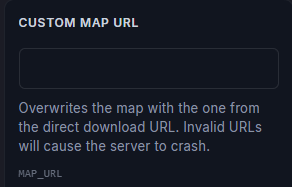
Modify the end of the Dropbox link so it reads
dl=1.In the Level section, empty the field.
For Rust Carbon servers, only paste the Custom Map URL toggle options will not be present.
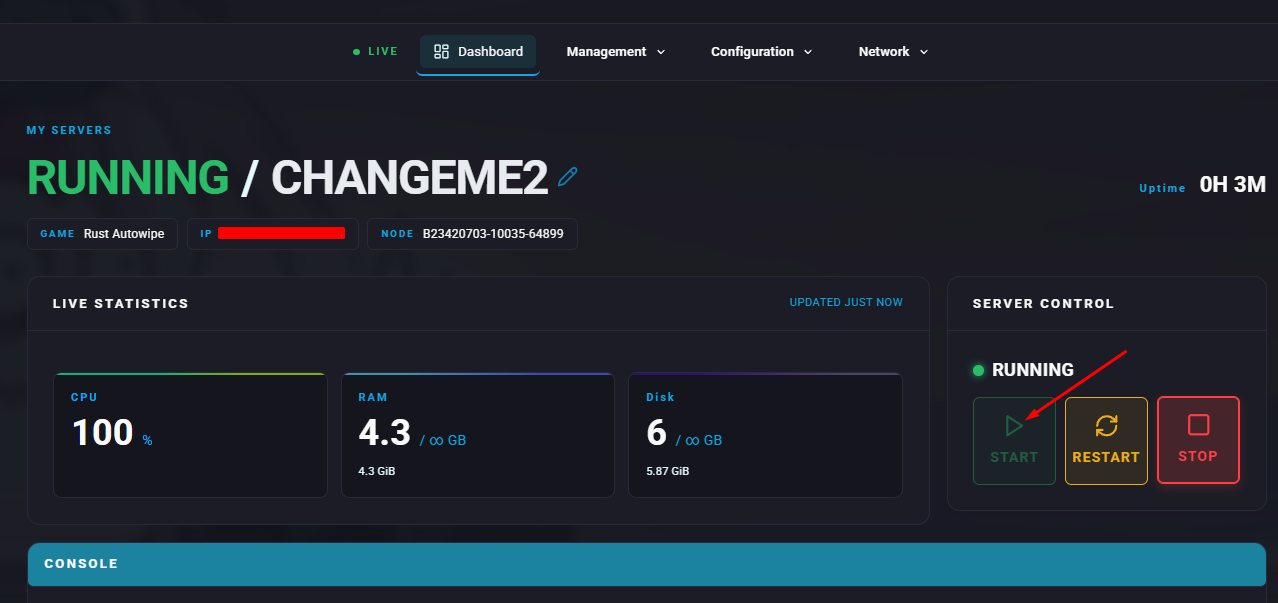
Start the server.