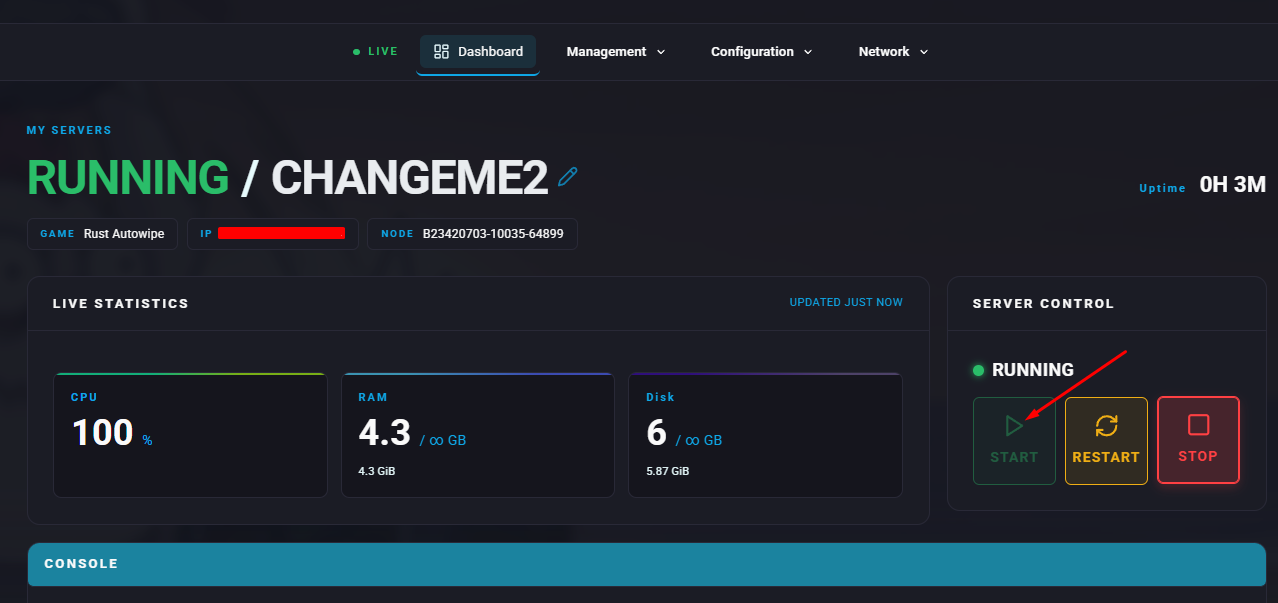
Summary
Resetting a Rust server clears all player progress, structures, and changes within the game world. This is often carried out to renew the experience, resolve balance issues, or introduce updates and new content. Although it may frustrate players who have invested significant time, it creates a fair starting point for everyone and encourages fresh strategies as the server environment evolves.
How to Reset a Rust Server
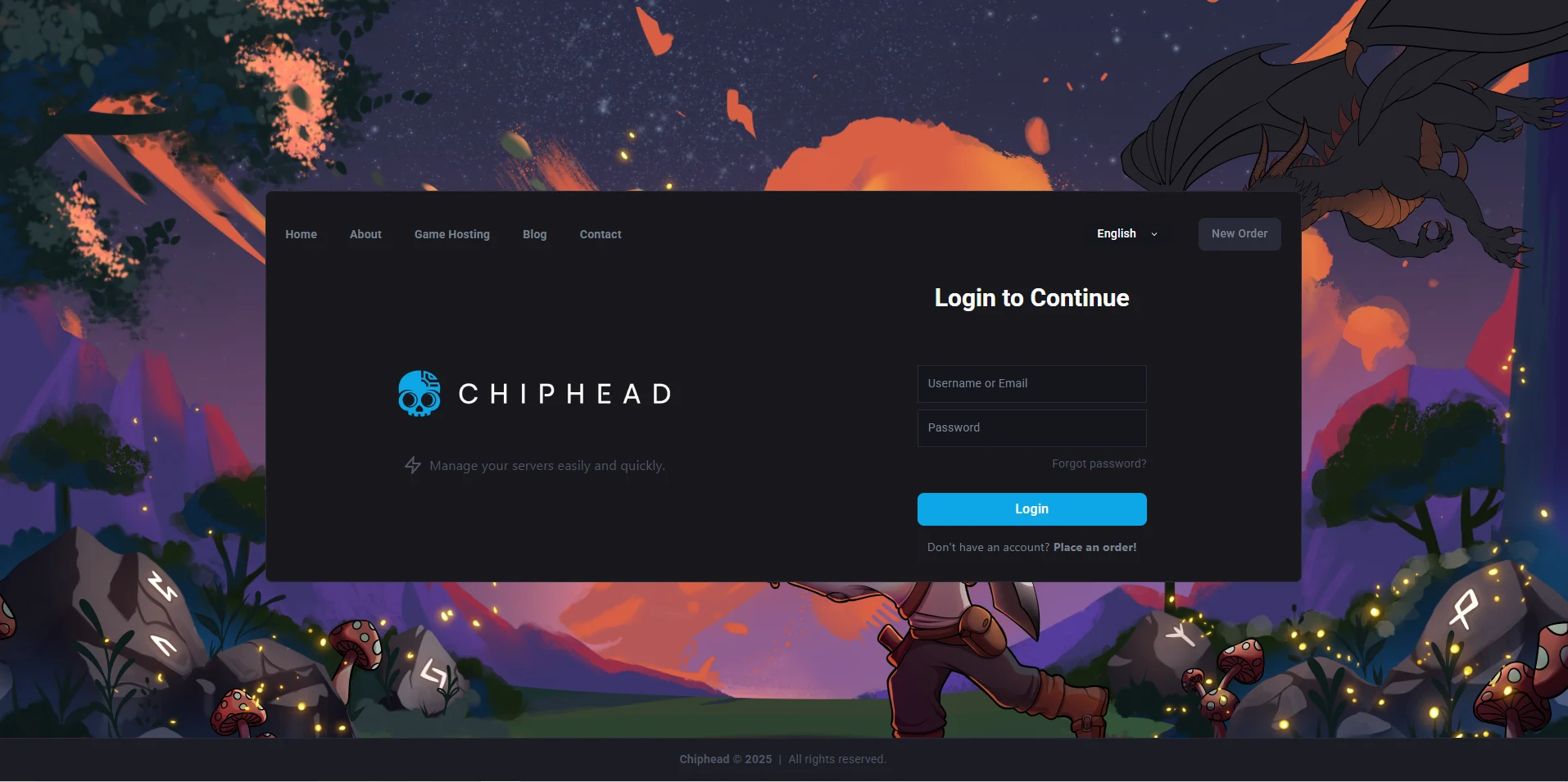
Log in to the ChipHead Panel.
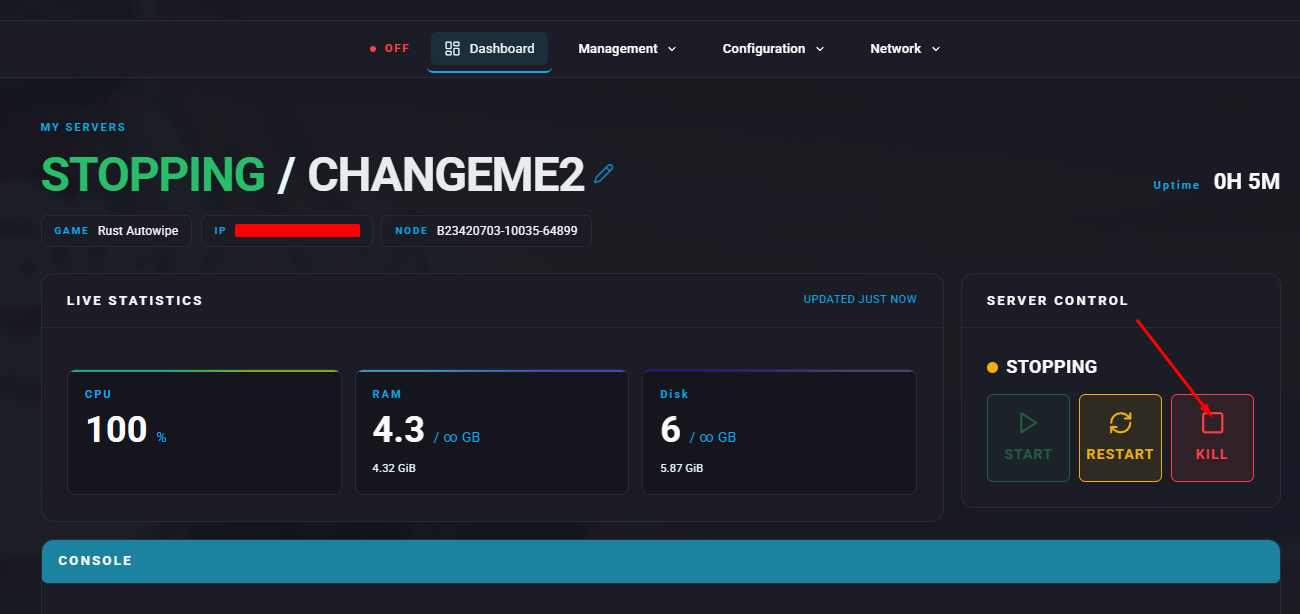
Stop the server.
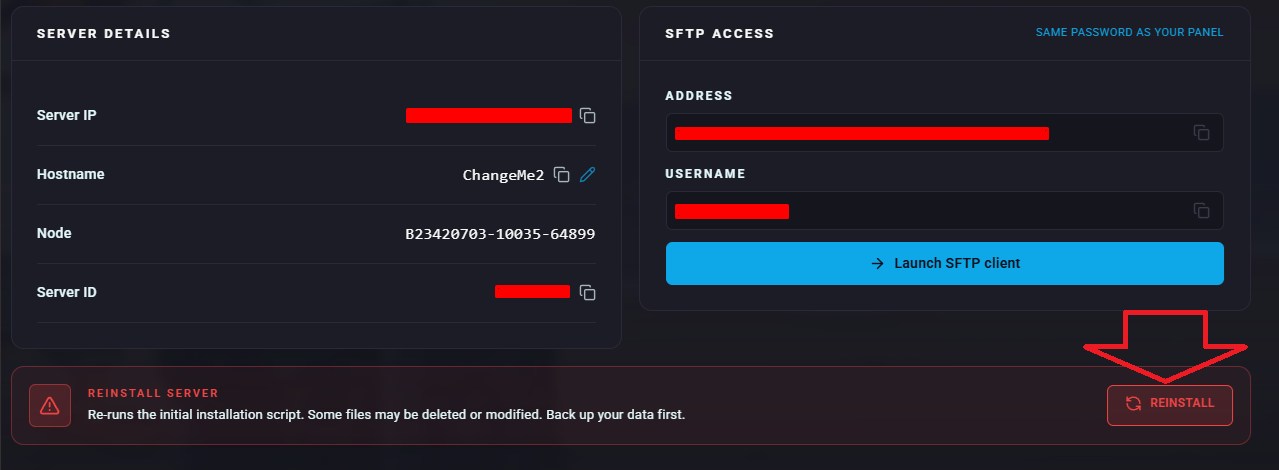
In the Reinstall Server section, click Reinstall.
Confirm the Reinstall option
Start the server.