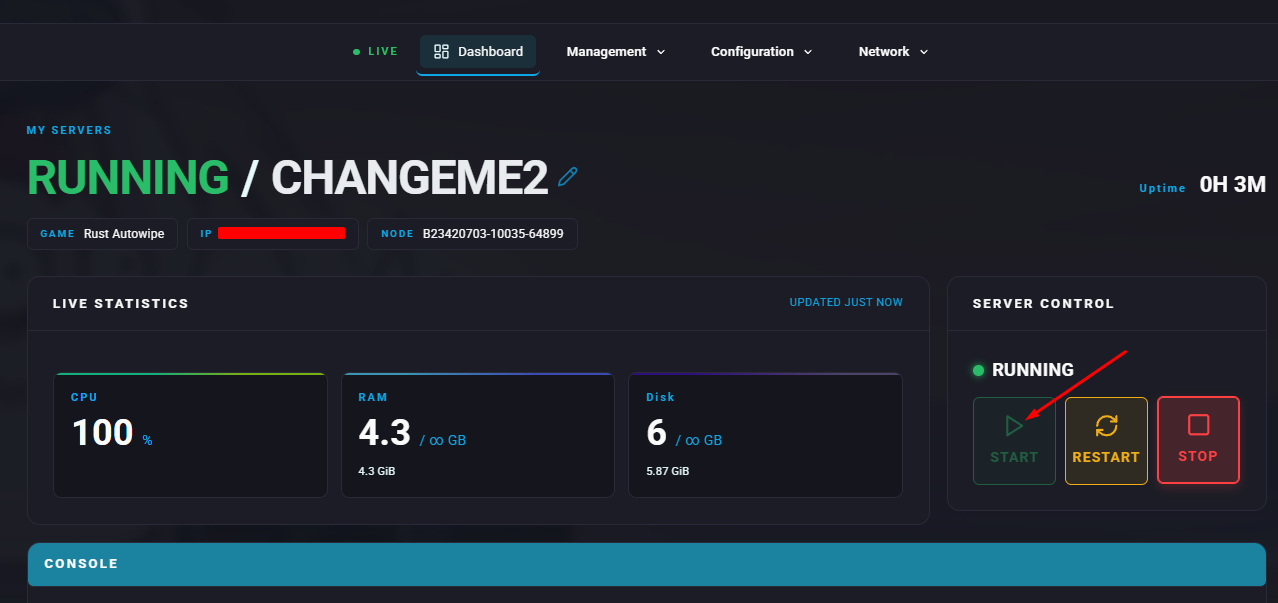
Summary
Clearing player data on a Rust server may be required to resolve major bugs, improve performance, or give the community a fresh beginning. This process removes all progress, items, and player-built structures, returning everyone to a starting point. While it resets achievements, it can positively impact the community by ensuring fairness and equal footing for all participants.
How to Reset Player Data on a Rust Server
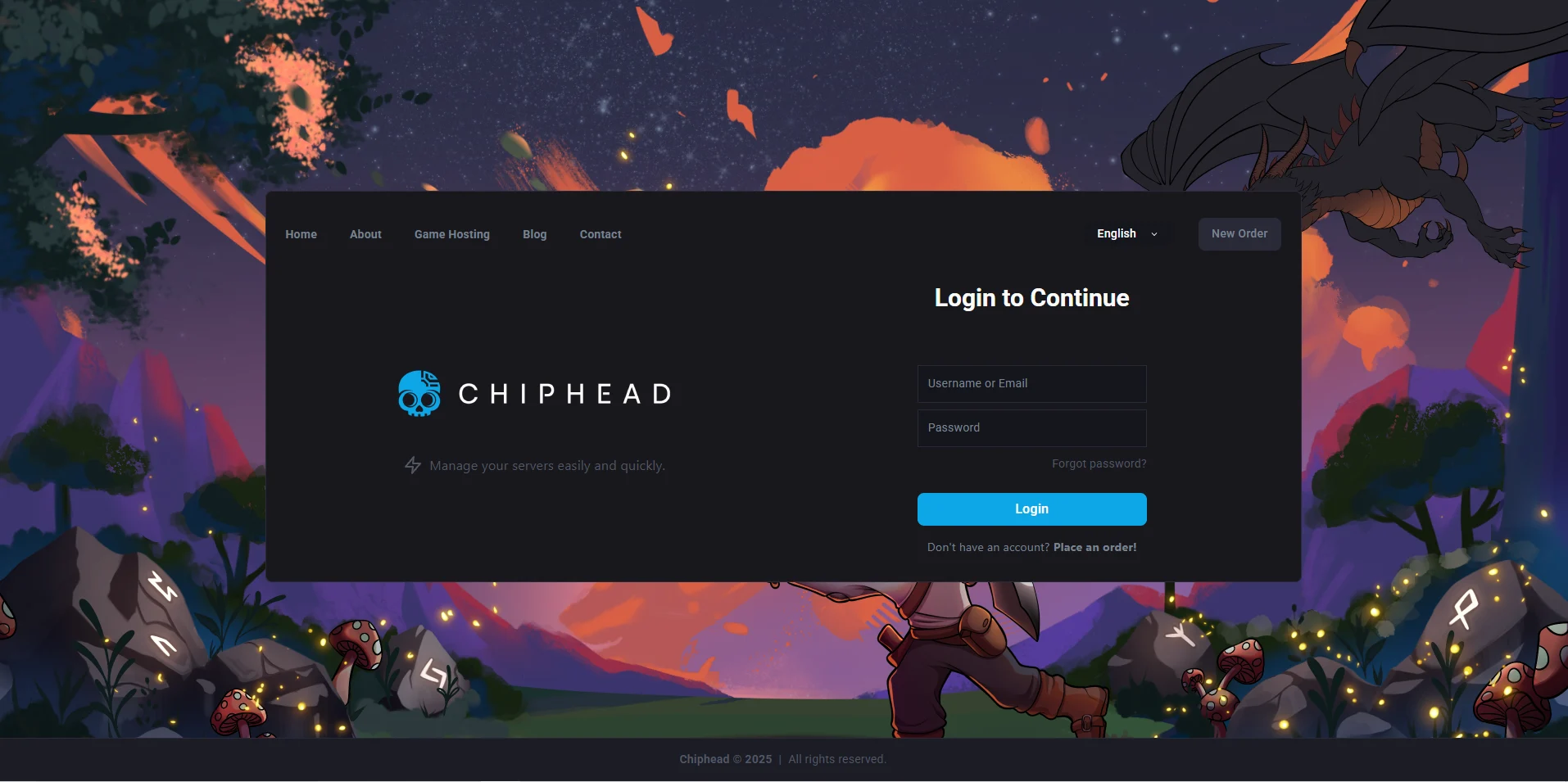
Log in to the ChipHead Panel.
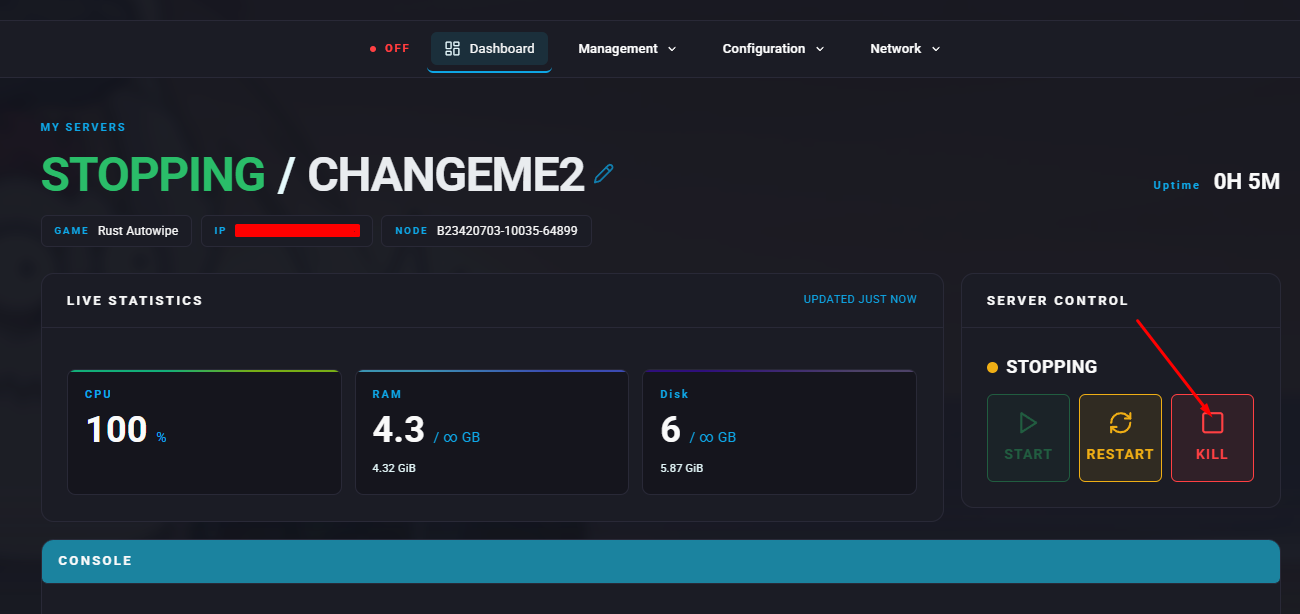
Stop the server.
Open the Files tab & Navigate to the following directory:
/home/container/server/rustSelect the
player.dbfiles you wish to remove.Right Click and Delete.
Start the server.