Summary
Rust servers feature vast, open maps where players can explore, settle, and construct detailed bases, markets, or communities. Because the game follows a natural progression curve, joining an established server can feel overwhelming for newcomers. Thankfully, server owners can wipe the map whenever needed to create a fresh start. They can also choose exactly what to reset, whether that’s clearing only the world map or preserving player data or the other way around.
How to Wipe Map or Player Data on a Rust Server
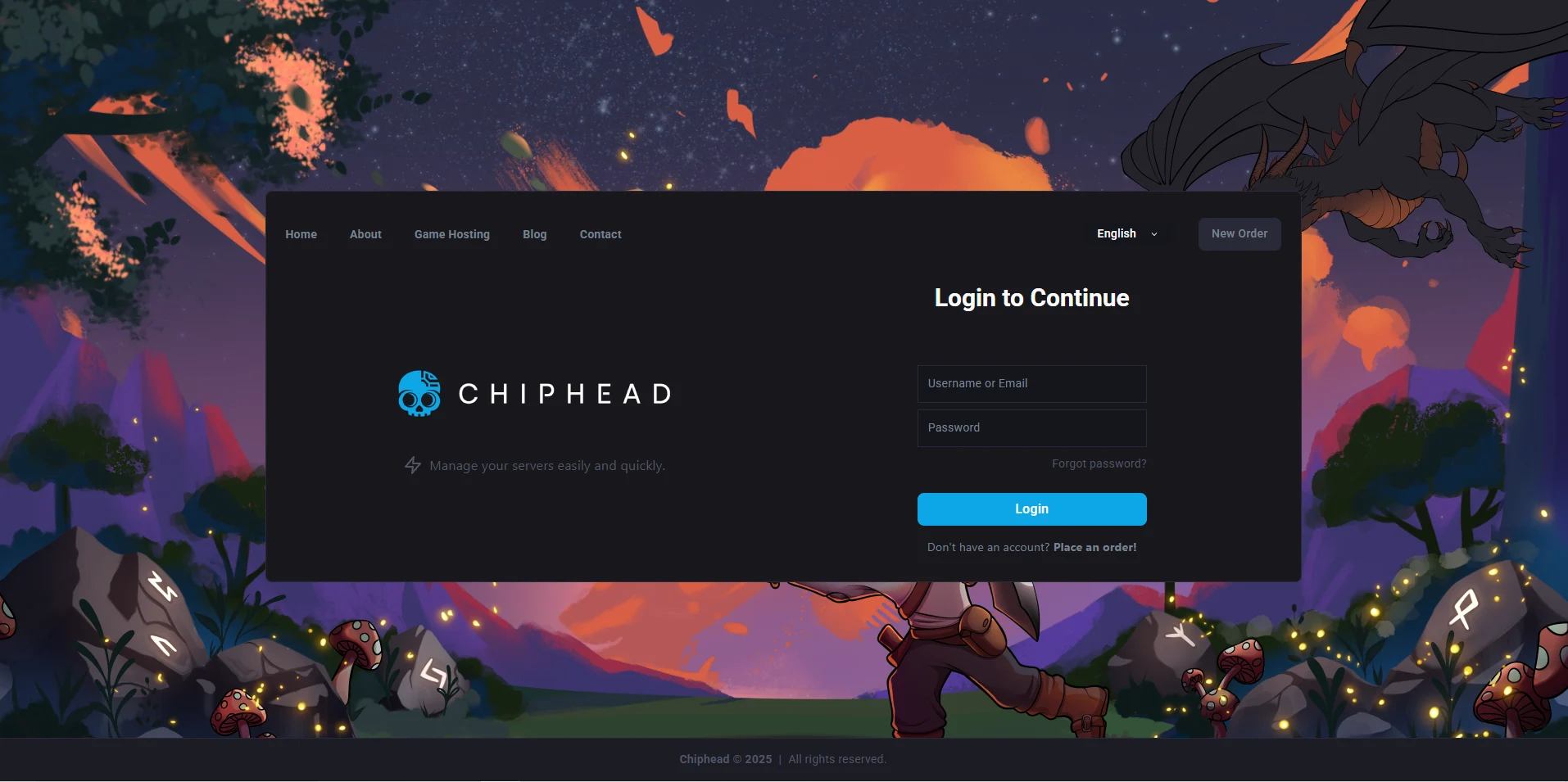
Log in to the ChipHead Panel.
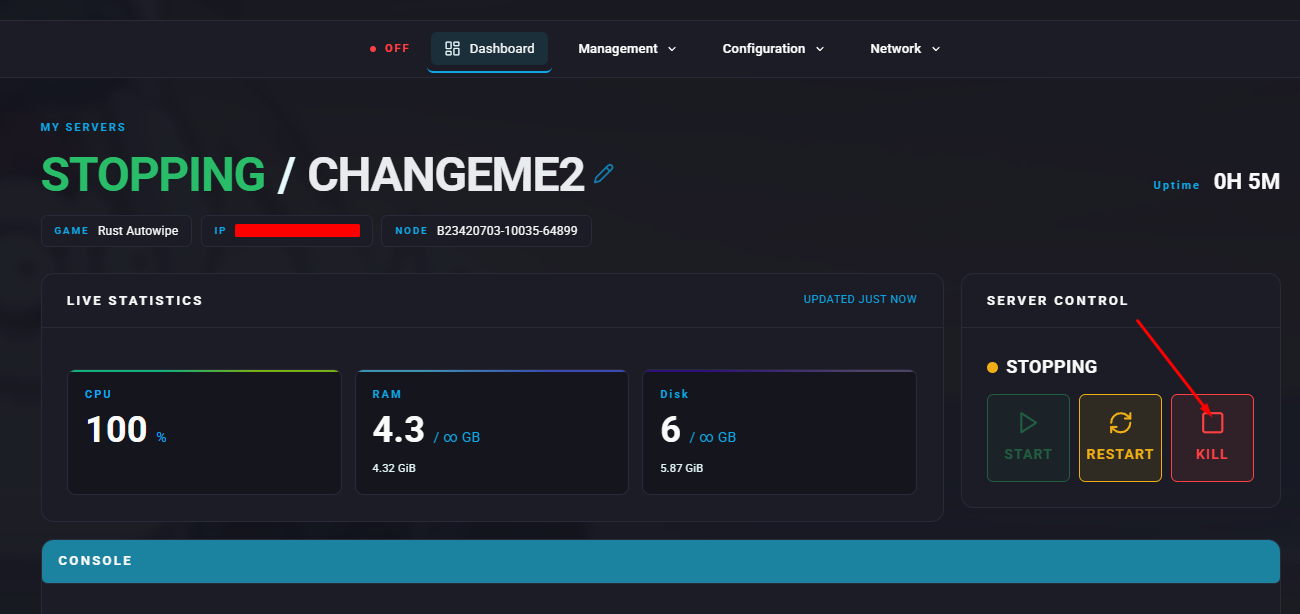
Stop the server.
Open the Files tab & Navigate to the following directory:
/home/container/server/rustSelect the
.dbfiles if you want to reset player data, and choose the.mapor.savfiles if you want to reset the map.You may keep the
player.tokens.dbfile if you want to maintain Rust+ authentication token pairings.You can also retain the
player.blueprints.*.dbfiles to preserve unlocked blueprints.Right click & Delete.
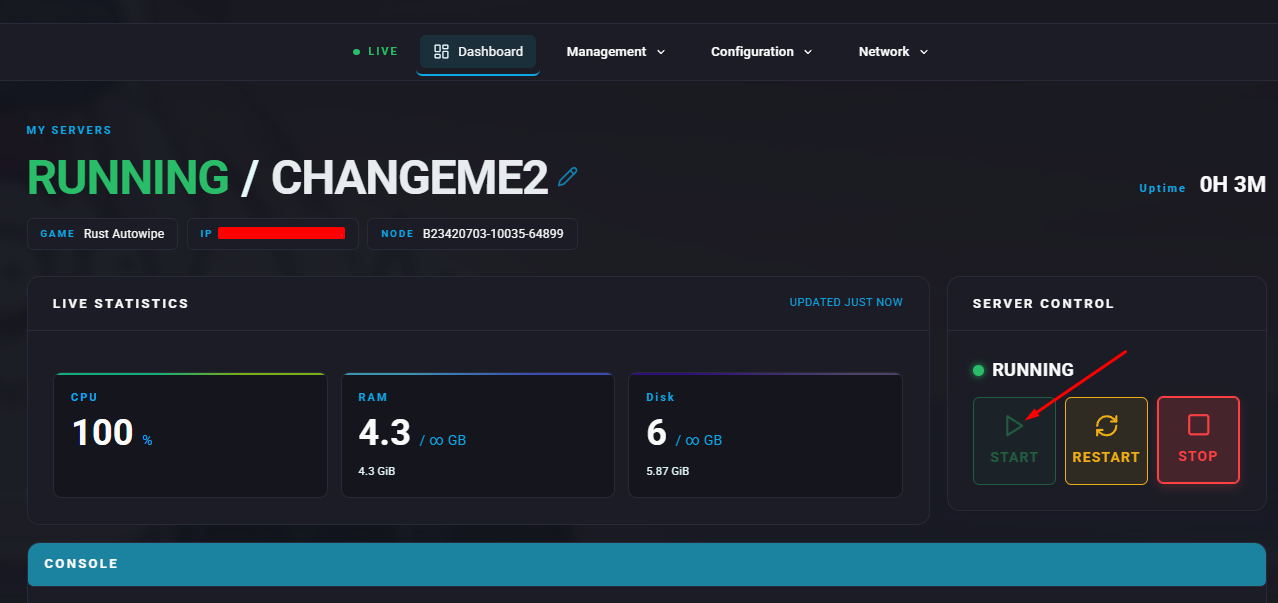
Start the server.