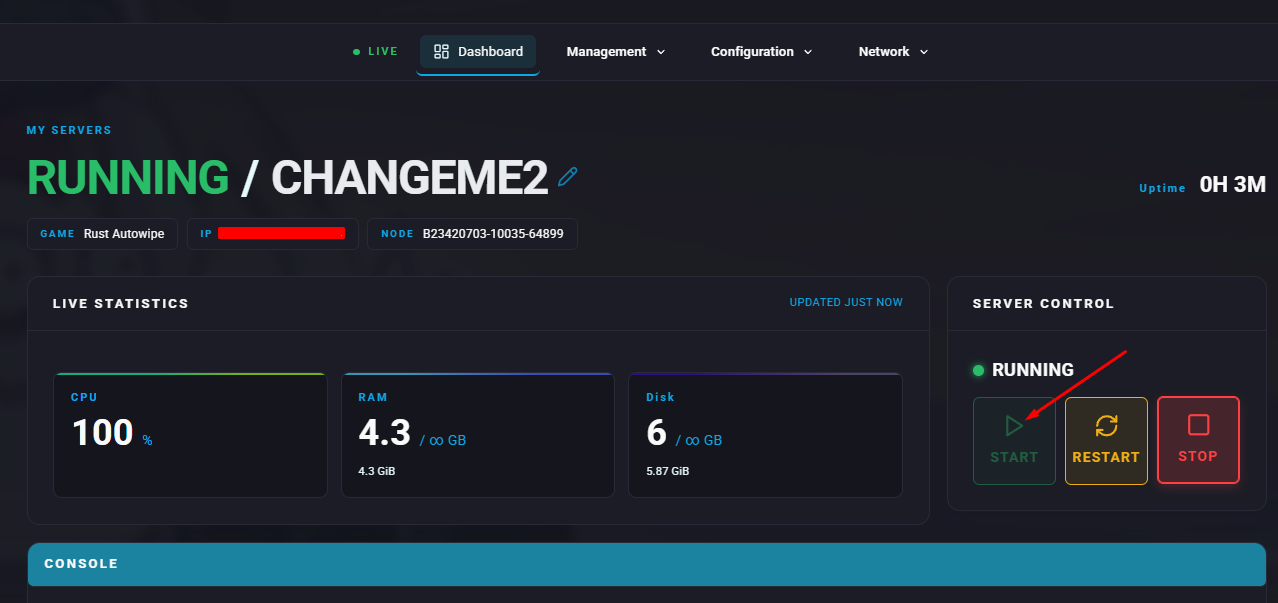
In Rust, a server description acts as a short introduction that gives potential players key details about a specific server. It often outlines rules, installed mods, player activity levels, wipe timing, and any standout features or customisations. Creating a clear and engaging description is important for drawing in players and establishing expectations for the community and overall gameplay experience.
How to Set a Server Description on a Rust Server

Note:
At times, the server description may unexpectedly change into a string of numbers due to a known bug. Restarting the server resolves this issue.
At times, the server description may unexpectedly change into a string of numbers due to a known bug. Restarting the server resolves this issue.
Log in to the ChipHead Panel.
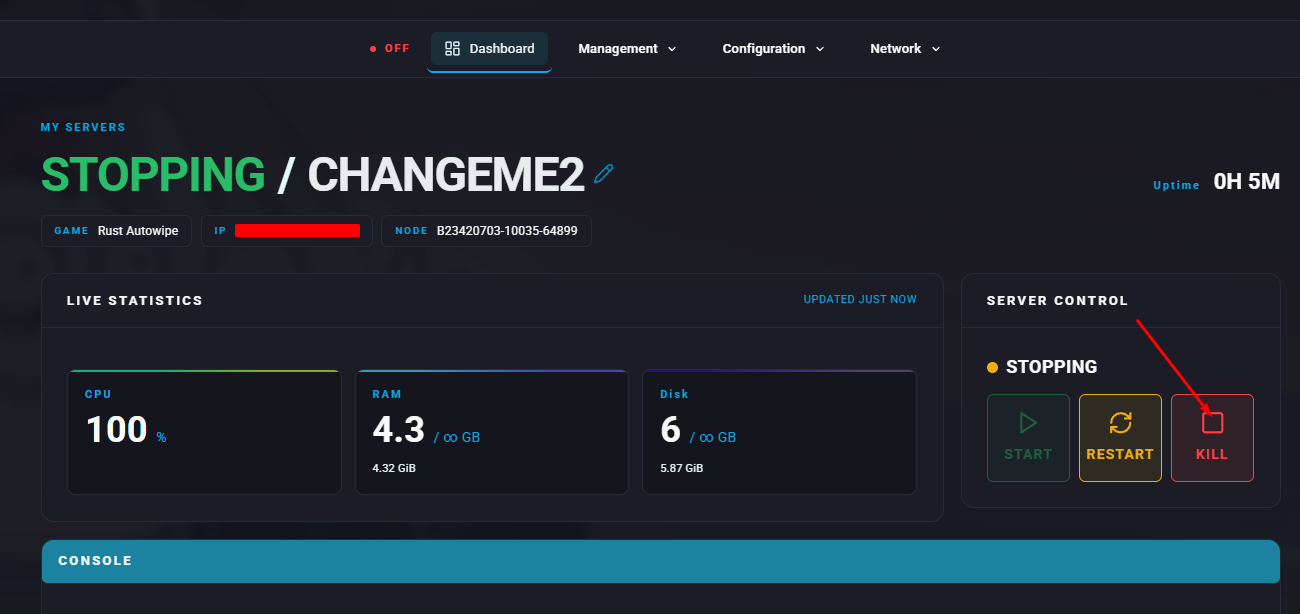
Stop the server.
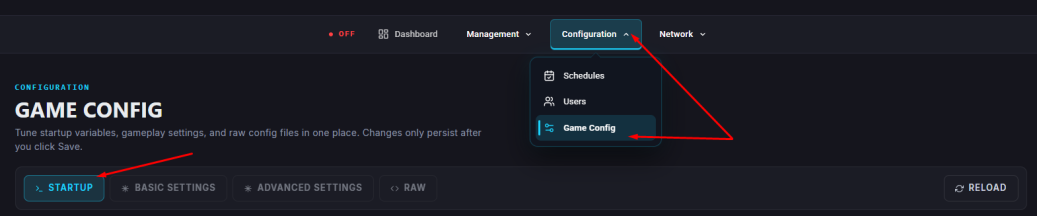
Open the Startup.
In the Description field, type the text you want to display as the server description.
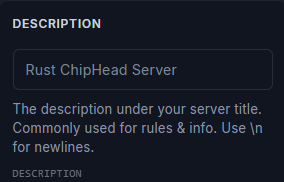
Note:
Use
Use
\n to insert a line break within the description.Start the server.