Rust servers include an automatic save system that records player and world progress at set intervals. Choosing an appropriate autosave timing helps reduce potential data loss caused by crashes or connectivity problems. However, setting the interval too short can create excessive save files and consume storage space quickly.
How to Adjust the Autosave Interval on a Rust Server
Log in to the ChipHead Panel.

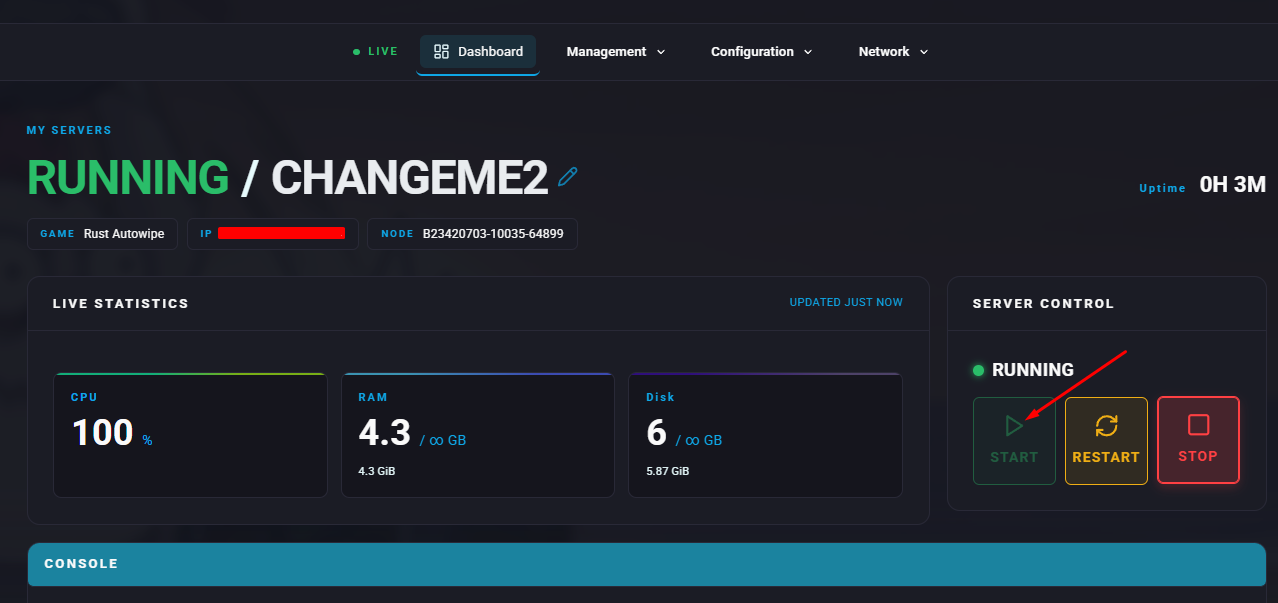
Stop the server.

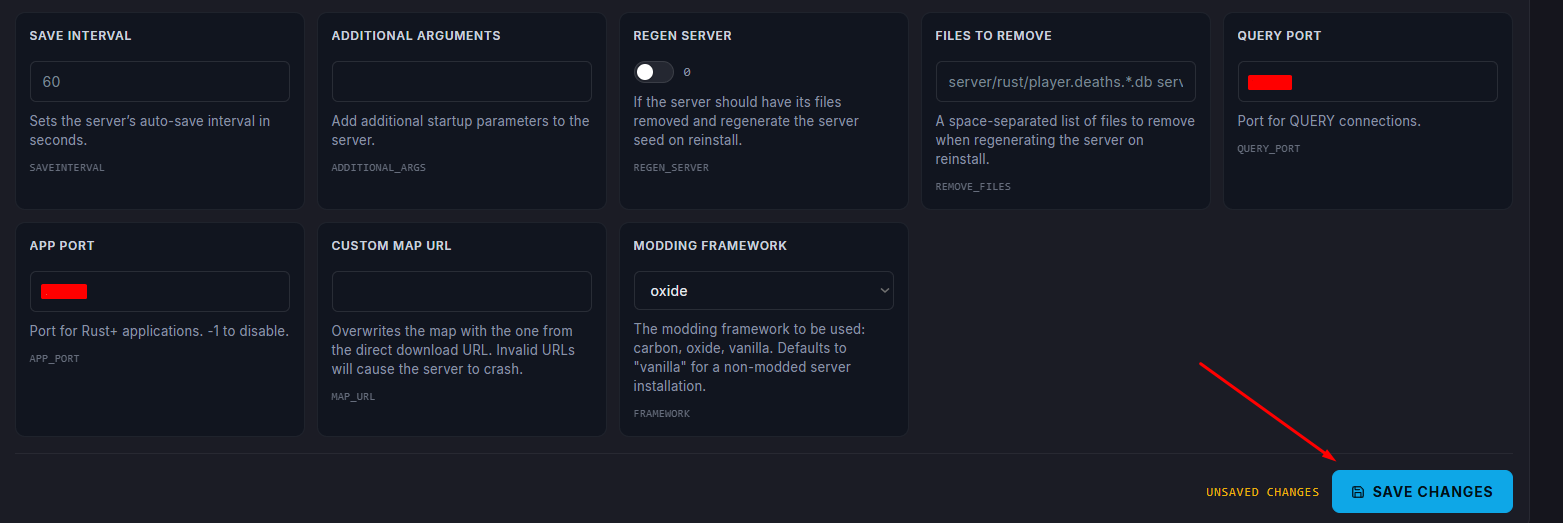
Open the Startup tab.

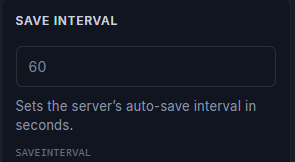
Enter the following command:

Note:
The default autosave interval is set to 600 seconds (10 minutes).
The default autosave interval is set to 600 seconds (10 minutes).
Make sure to save changes.
Start the server.