Rust servers normally limit teams to eight players, helping prevent oversized groups from dominating purely through numbers. However, this default may not suit owners aiming to shape a different style of play. Increasing the limit allows players to unite into large factions or nations, while lowering it encourages smaller, more strategic squad-based encounters. Adjusting team size can therefore be an important setting for defining the server’s overall gameplay atmosphere.

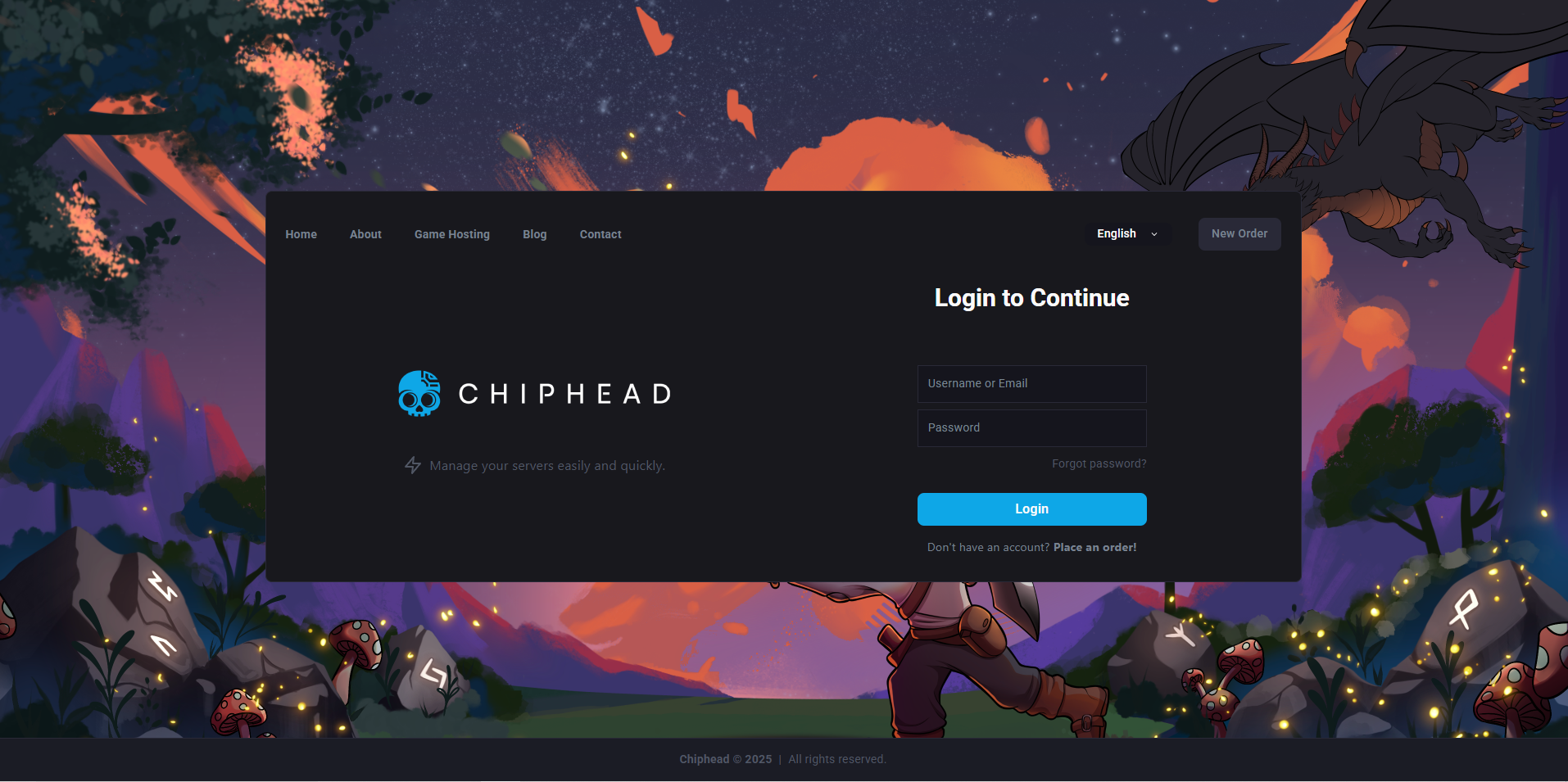
Log in to the ChipHead Panel.
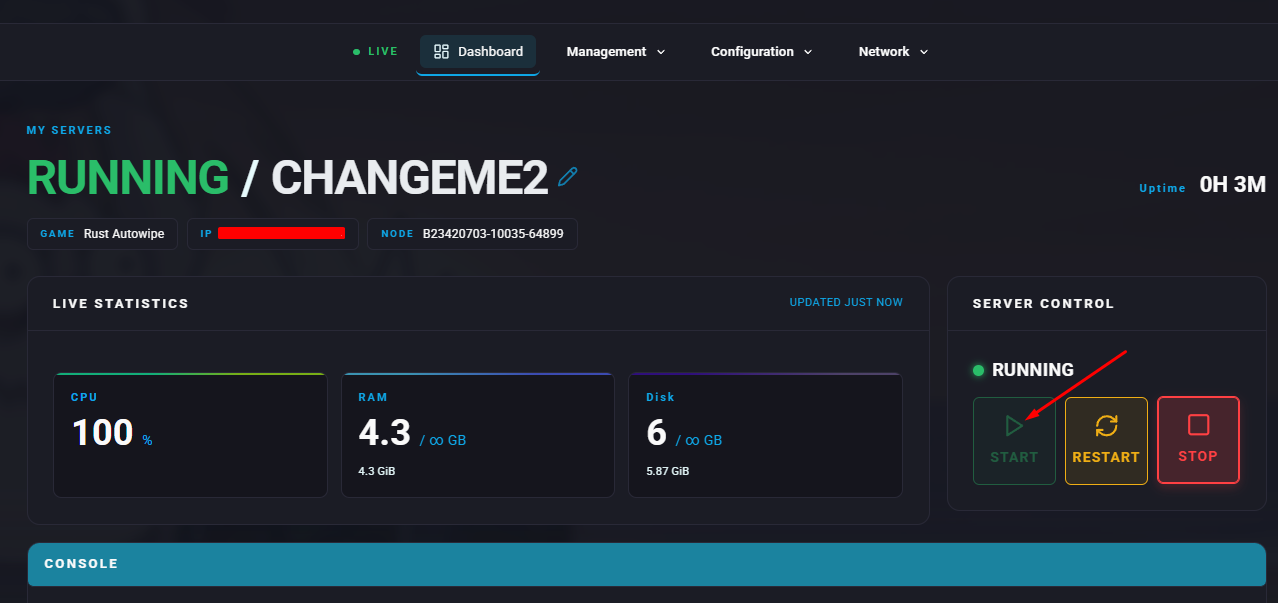
Start the server.
Open the Console tab.
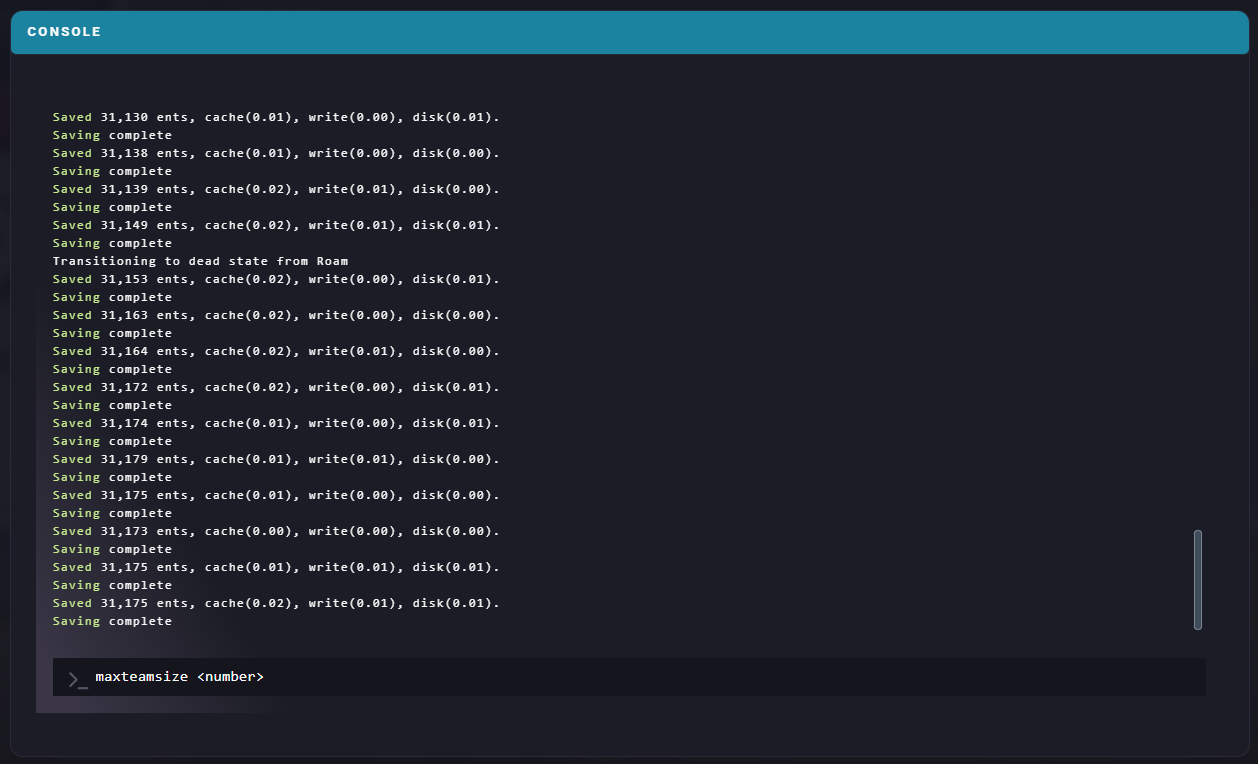
Enter the following command with your preferred limit:maxteamsize <number>
The console will display a confirmation once the command has been accepted.
