
Adjusting the gather rate on a Rust server can greatly influence gameplay by shifting the balance between collecting resources and constructing bases. Raising the rate lets players obtain materials more quickly, allowing faster expansion and development. Lowering it, however, makes gathering more demanding and encourages a more thoughtful, strategic approach to building and managing resources.

Installing Oxide/uMod on the server is necessary before continuing. Check out our guide on How to Install Oxide/uMod on your Rust Server.
How to Adjust Gather Rates on a Rust Server
Download the Gather Manager plugin.
Log in to the ChipHead Panel.

Stop the server.
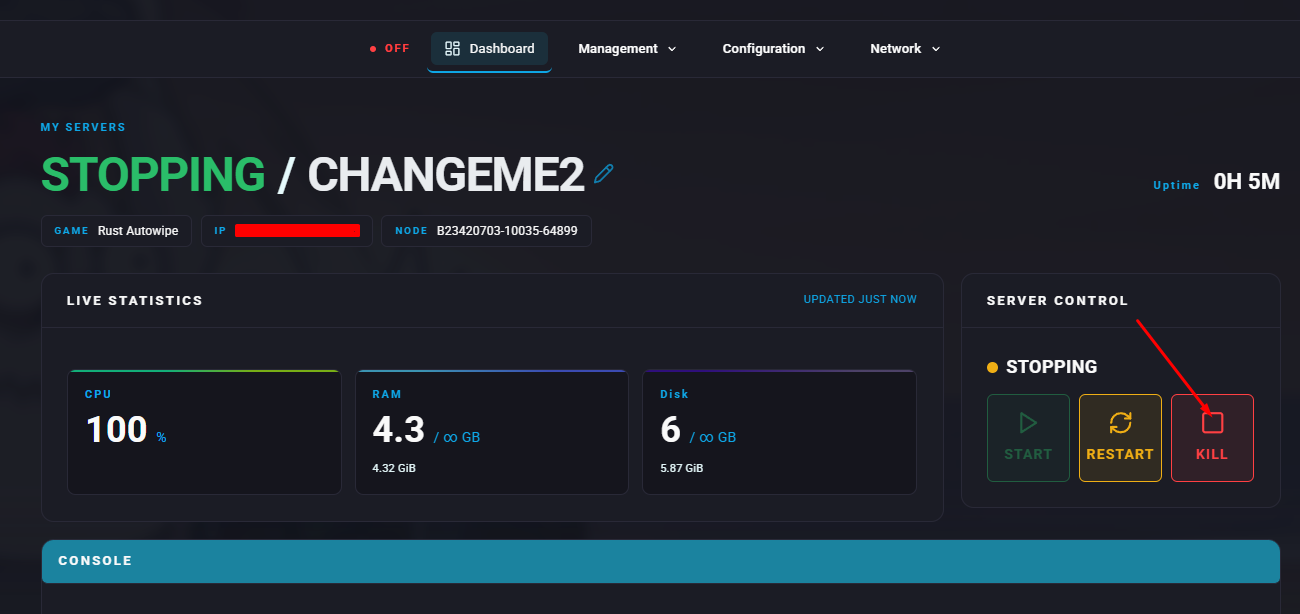
Open the Management > Files tab.

Navigate to the following directory:
/home/container/oxide/plugins
Upload the
gathermanager.csfile (Upload or Drag & Drop).
Start the server.
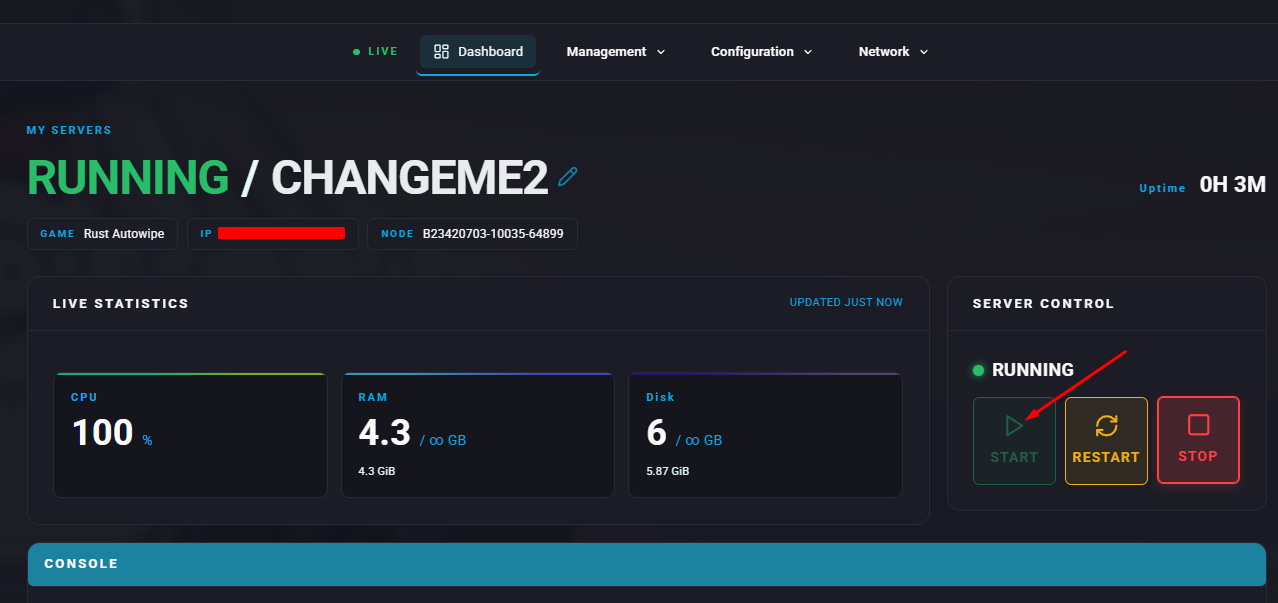
While in-game, press F1 and enter the desired commands to modify gathering rates. The full list of commands is available on the Gather Manager plugin page.