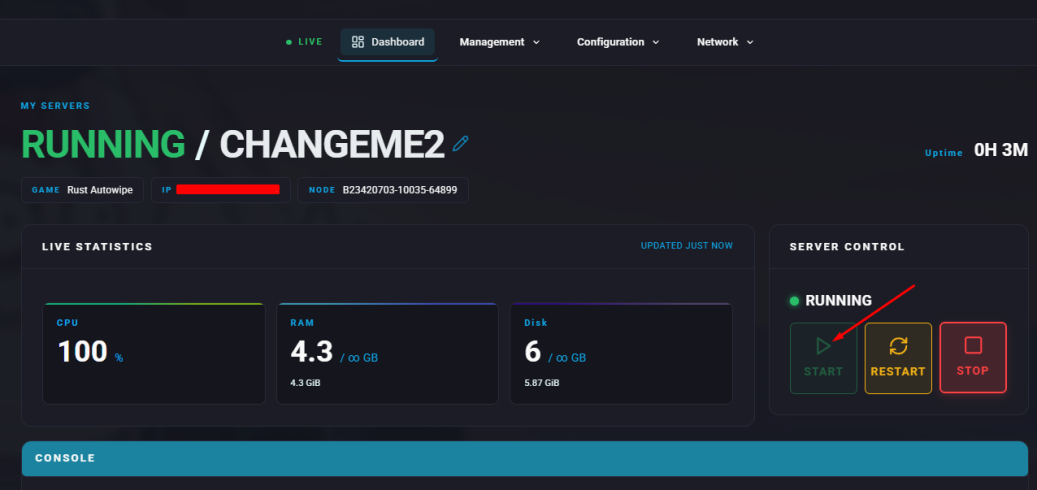
Installing plugins or mods on a Rust server introduces extra features, customization possibilities, and gameplay changes. These additions can expand functionality and offer players fresh challenges or experiences beyond the standard game. They also provide useful tools for server owners, helping with administration, player oversight, and chat moderation.

Requirement:
Installing Oxide/uMod on the server is necessary before continuing. Check out our guide on How to Install Oxide/uMod on your Rust Server.
Installing Oxide/uMod on the server is necessary before continuing. Check out our guide on How to Install Oxide/uMod on your Rust Server.
How to Install Mods or Plugins on a Rust Server
Download the mod or plugin you want to use.
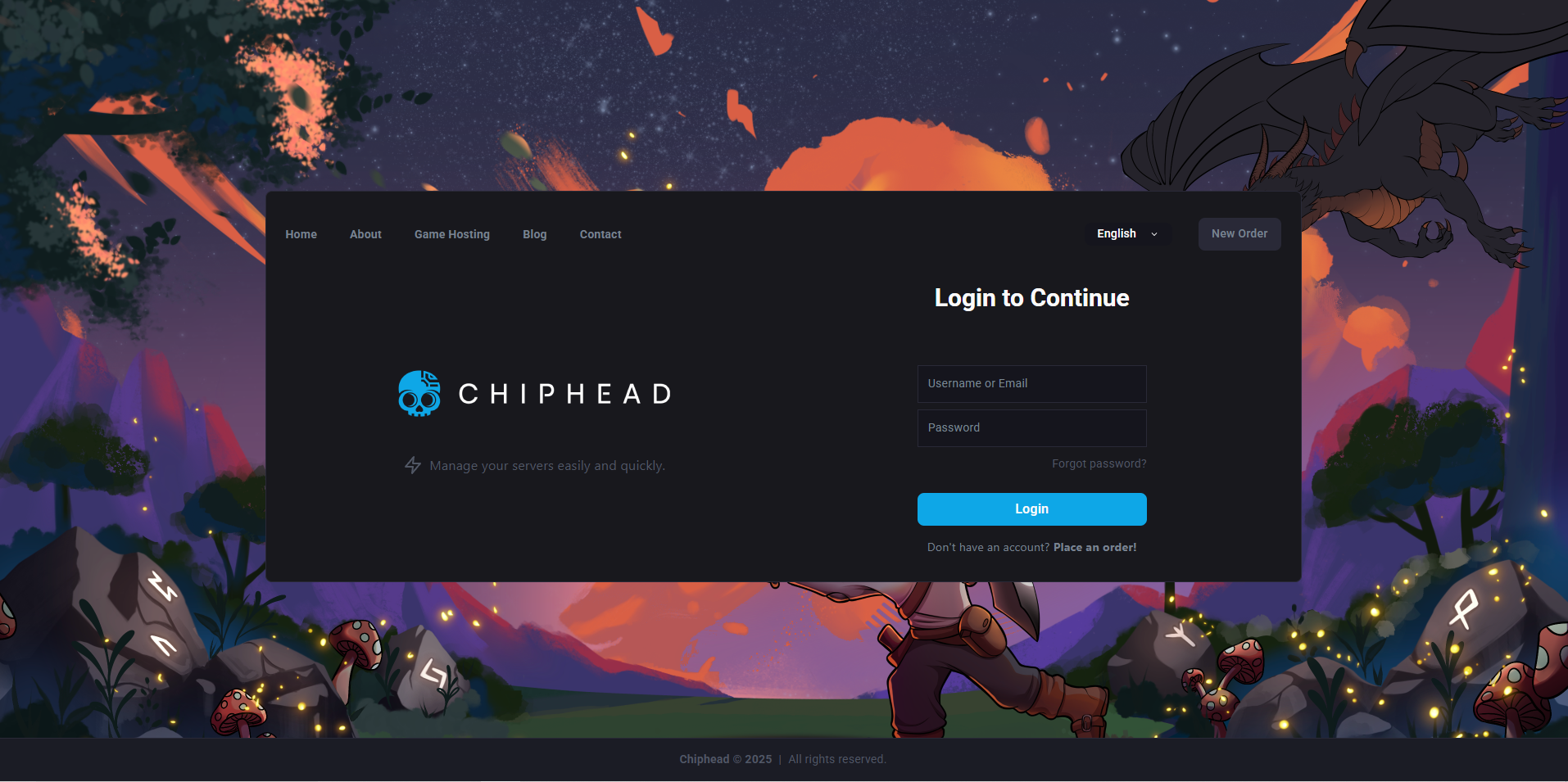
Log in to the ChipHead Panel.
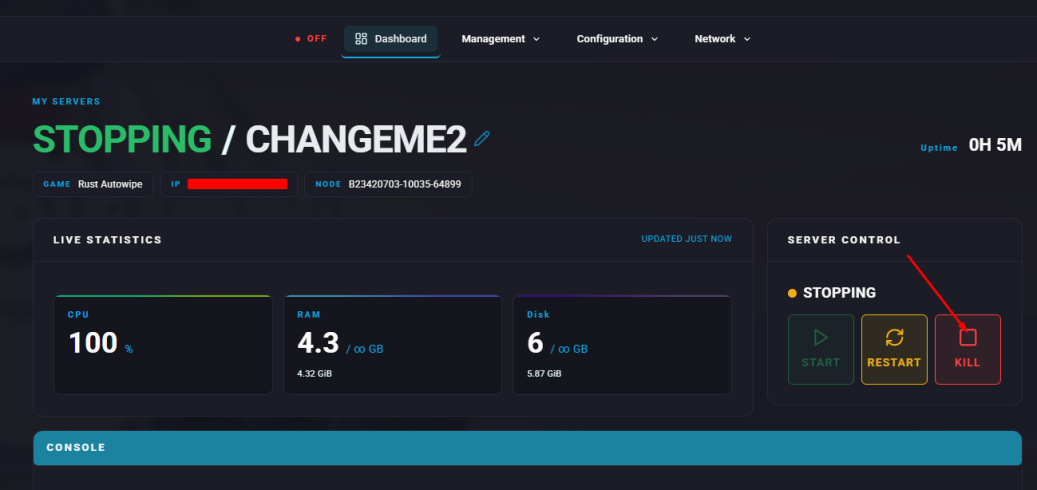
Stop the server.
Open the Files tab (Management → Files).

Navigate to the following directory:
/home/container/oxide/plugins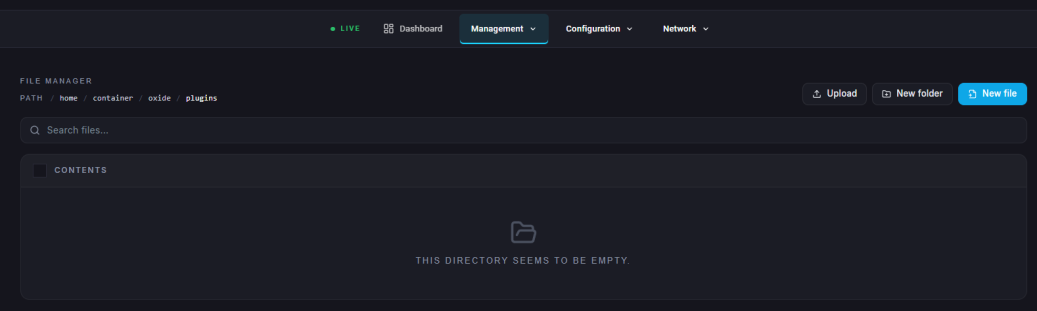
Upload the files obtained in step 1.
Start the server.