
Rust servers are shipped with the game’s built-in modding framework, Harmony, already included. This makes installing Harmony-based mods more straightforward compared to the external setup required for Oxide/uMod. Because it’s integrated into the base game, there’s a wide selection of available mods, both free and paid, allowing server owners to pick options that best suit their needs and preferences.
How to Install Harmony Mods on a Rust Server

Note:
Create local backups beforehand to ensure important files aren’t lost.
Create local backups beforehand to ensure important files aren’t lost.
Download the desired mods from Codefling or Lone Design.
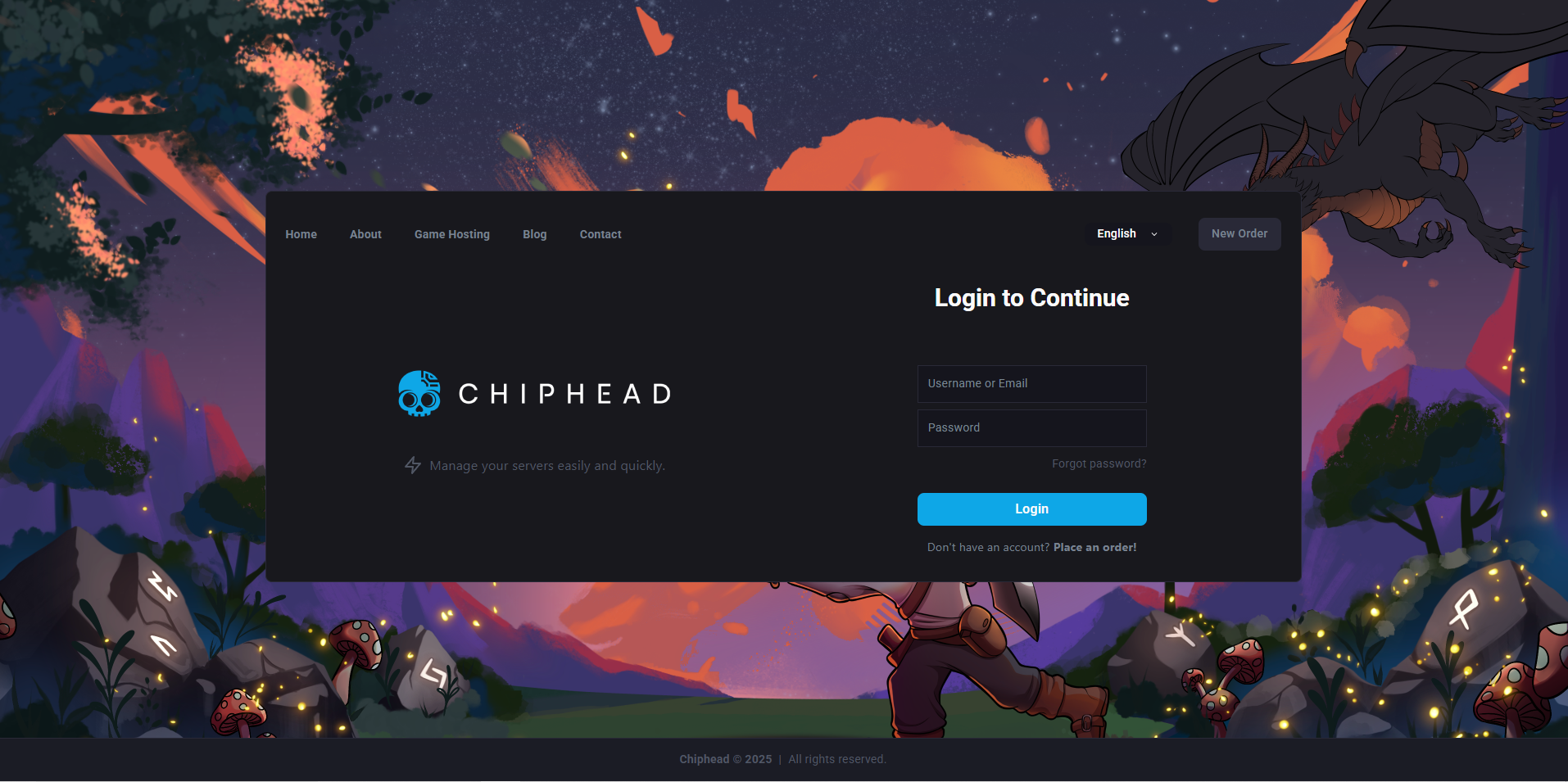
Log in to the ChipHead Panel.
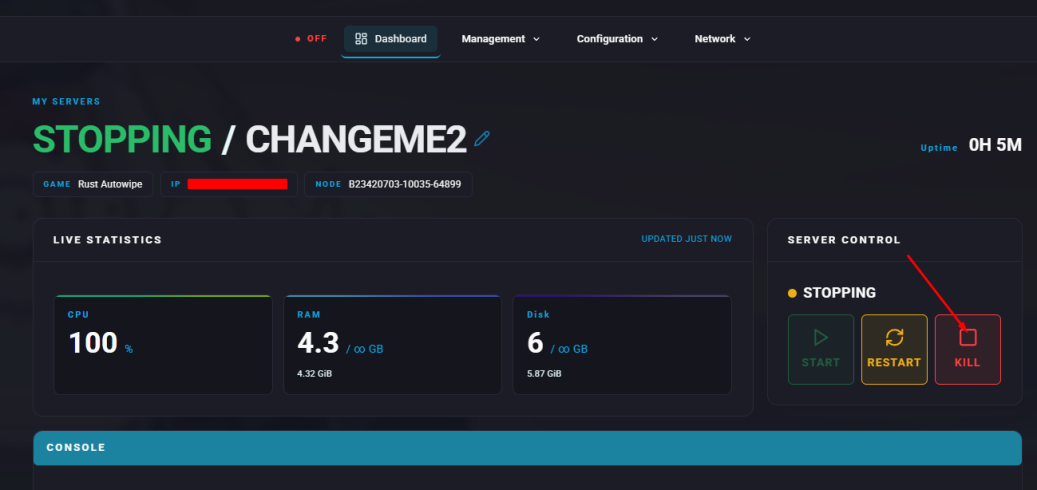
Stop the server.
Open the Files tab.

Navigate to the HarmonyMods folder.
Upload the
.dllfiles for the selected Harmony mods.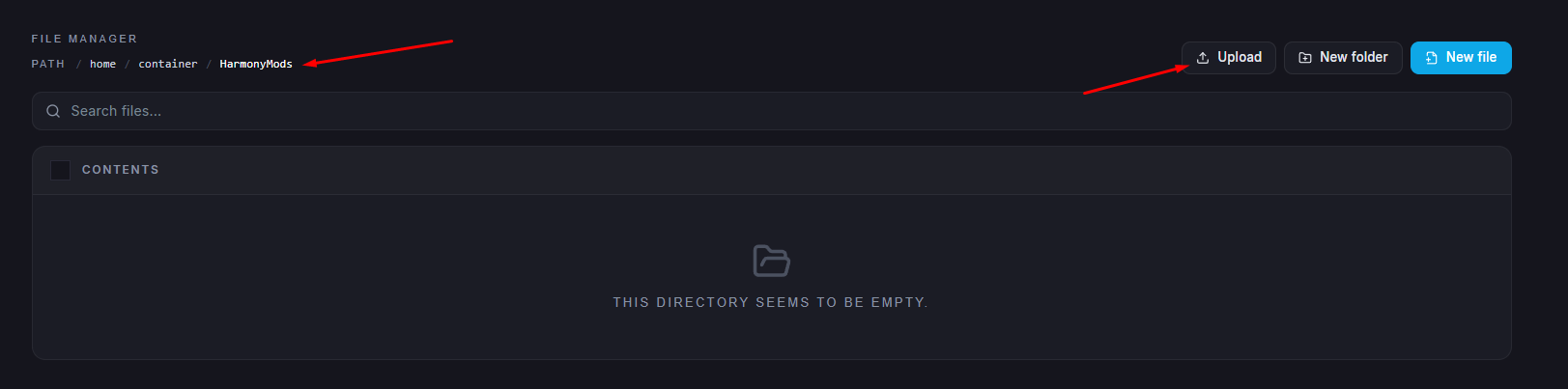
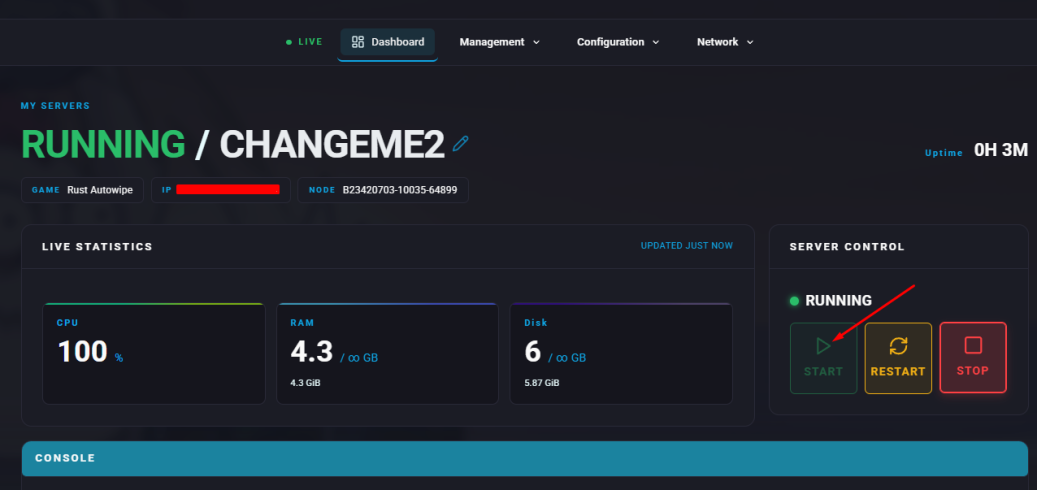
Start the server.
Open the Console tab.
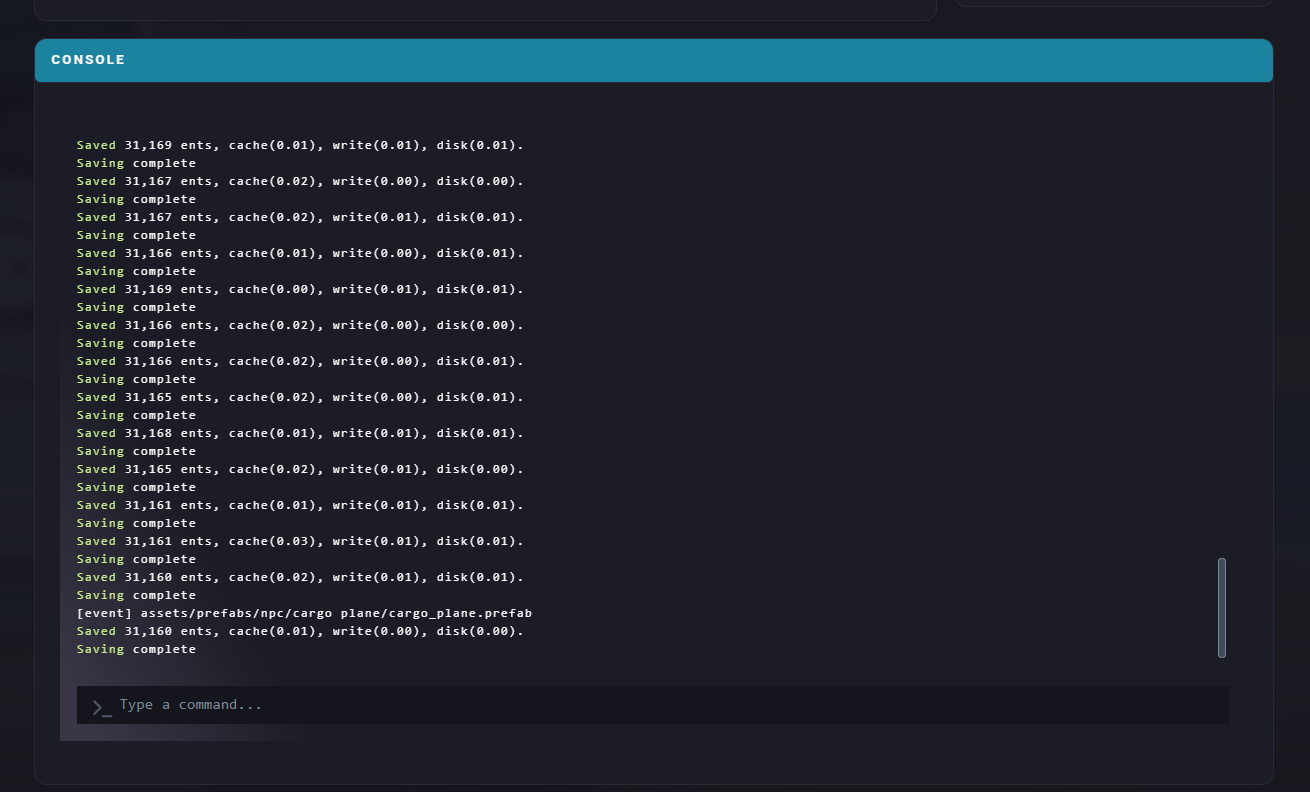
Run the following command for each installed mod:
harmony.load <Mod Name>
Note:
Loaded mods will remain active after server restarts. To remove one, use:
Loaded mods will remain active after server restarts. To remove one, use:
harmony.unload <Mod Name>