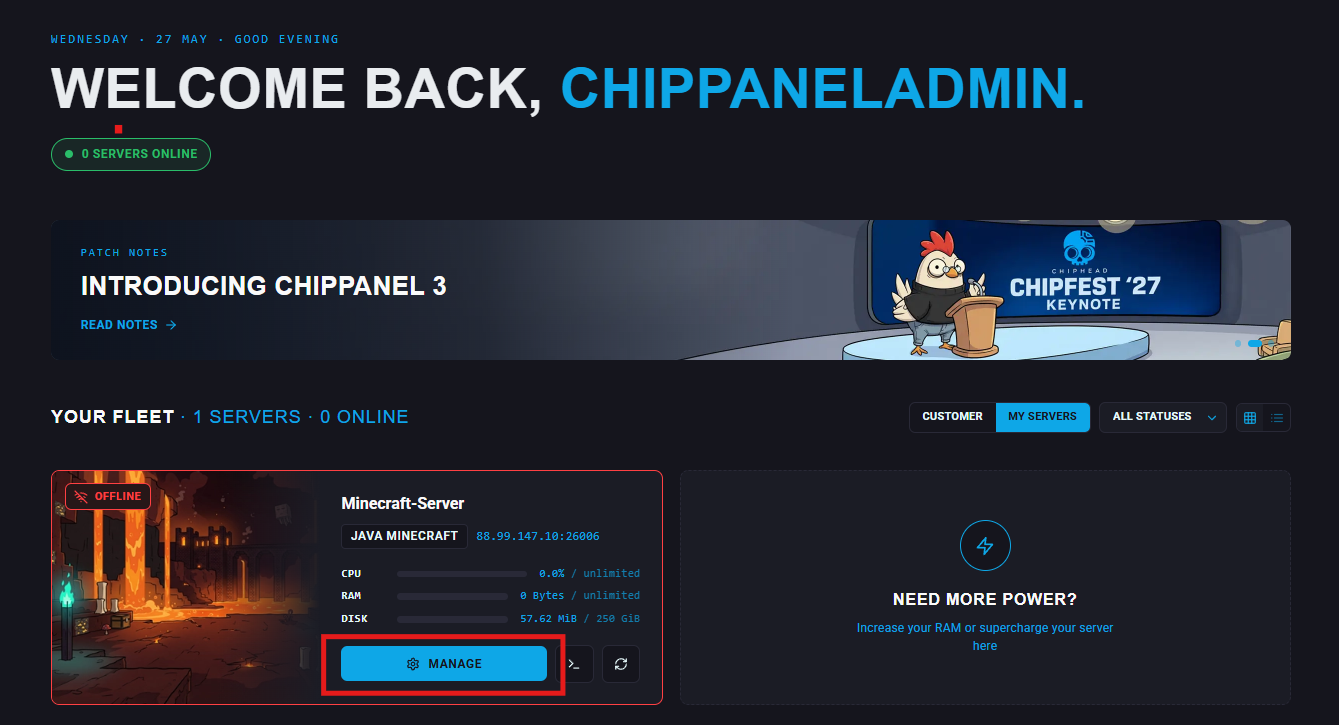
When you order a ChipHead server, the first step is starting it through your control panel. This is also where you’ll manage and customize your server settings.
For New Users
After your purchase, check your email for two messages:
Your Temporary ChipHead Panel Password - this includes the login details.
Your New ChipHead Server - this includes a link to the panel.
Click the panel link in the email.
Enter the email address you used when ordering, along with the temporary password from the first email.
Once logged in, you can change your password to something permanent.
Note: Your control panel password is not the same as your ChipHead website billing account
For Existing Users
Go to the ChipHead Panel directly or use the link from your Your New ChipHead Server email.
Sign in with your email address and panel password.
From the My Servers page, select the server you want to manage.