
Changing your server’s name in the ChipHead panel is quick and easy. This can be useful if you’d like to add extra details or simply make your server easier to spot in your panel.

Note: This only updates the name shown in your Control Panel. It does not change your in-game server name.
Steps to Rename Your Server in the Panel
Log in to the ChipHead Panel and select your server.
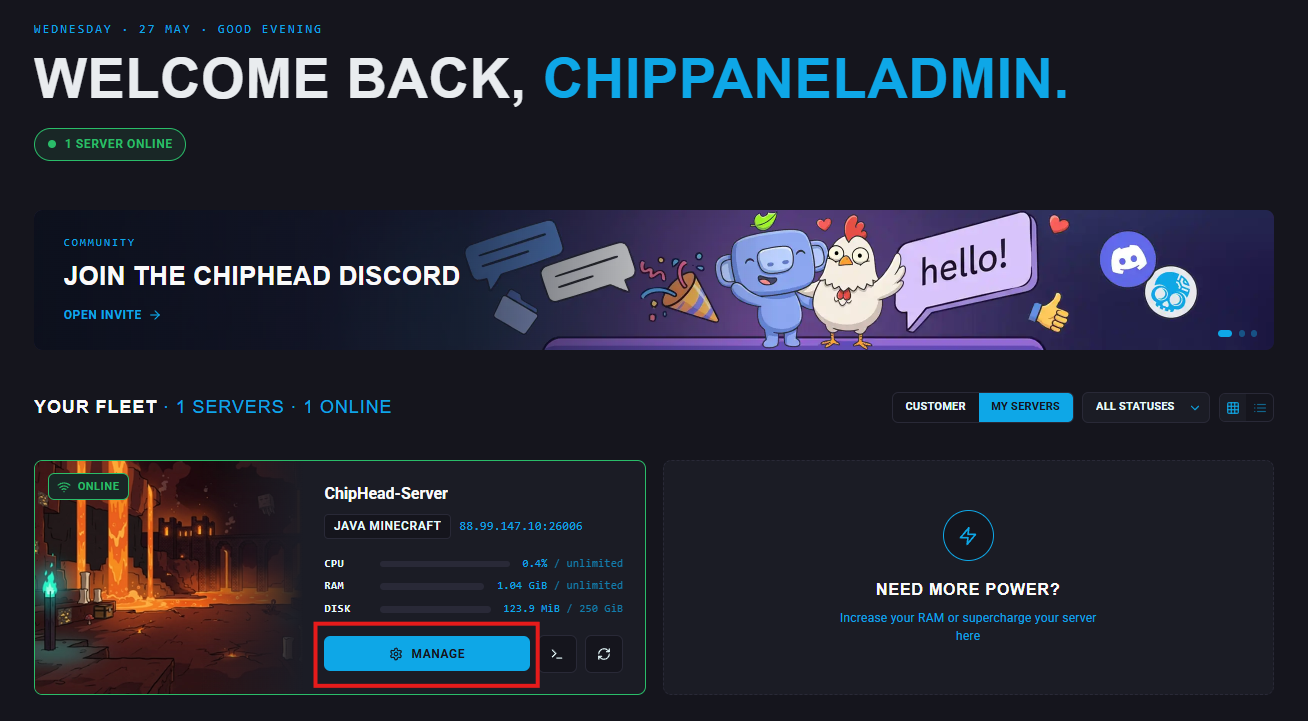
Click on your server name at the top of the page to edit

Once finished click the checkbox to confirm.
(Optional) You can also change server name underneath "Server Details"
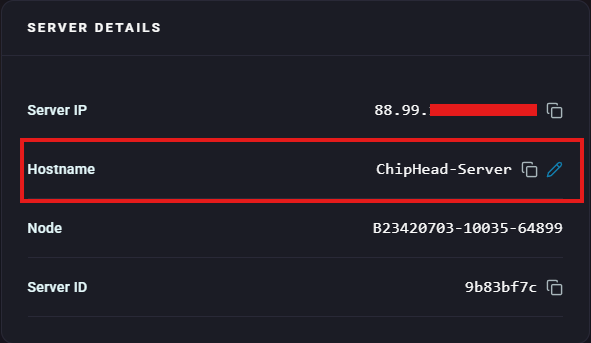

Your server name will now be updated in the panel.