

Optional: Take a backup of your server using the following guide before attempting to change game to ensure you save data.
Swapping games on your server in the ChipHead panel only takes a few clicks. Here’s how:
Steps to swapping games
Log in to the ChipHead Panel and select your server
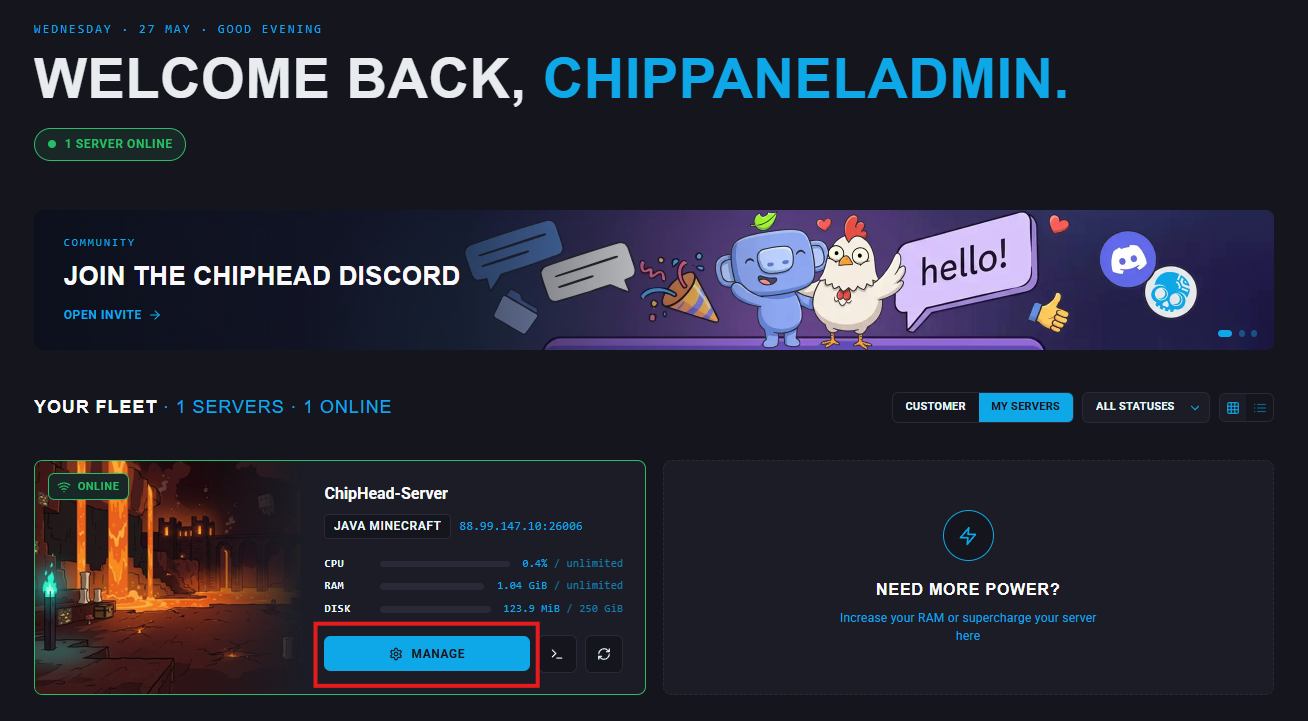
On the dashboard scroll down until you see the “Swap Game” section

Select the game you wish to install and follow the menu options.
 Ensure your plan covers the recommended minimum RAM requirements or the game may struggle to function.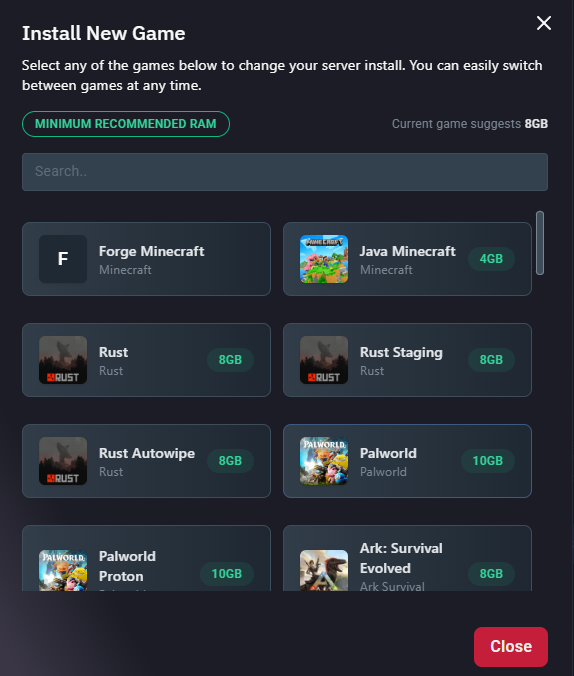
Once you have selected a game click “Change Game” to confirm.
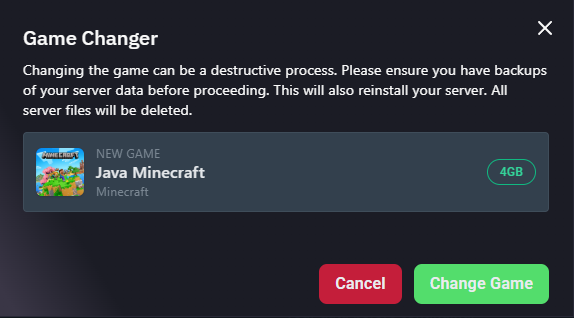
Your server will now automatically start the process
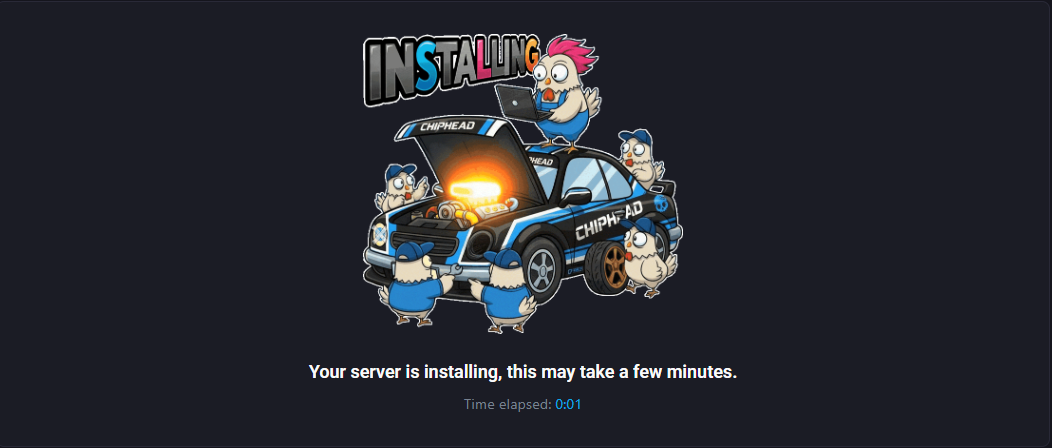

That’s it - Please be patient as this process can take several minutes