
Sometimes plugins, mods, or other features require additional ports. Which is why the ChipHead panel, provides additional ports for your convenience.
How to Add an Additional Port
Log in to the ChipHead Panel and open your server.
Navigate to "Network" and select “Ports”

You will see a list of additional Port's listed. We offer 8 additional ports for every server.
1x QUERY_PORT
1x RCON_PORT
1x APP_PORT
5x EXTRA_PORT's
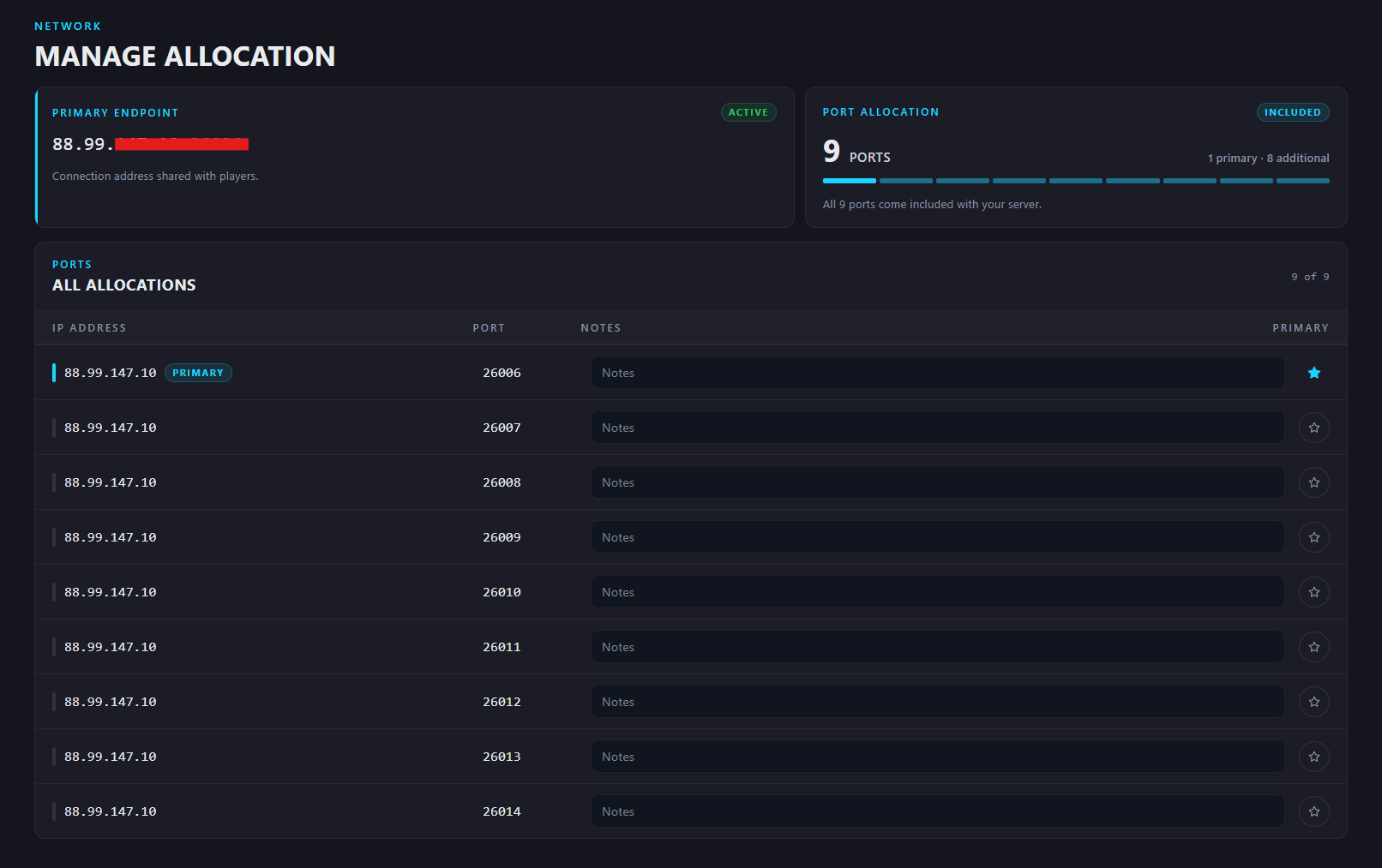

When you swap games - these ports automatically change to the games "required" port ranges.