
With the ChipHead panel, you can create and customize user for your friends or staff. This gives them the access they need to help manage your server, while keeping sensitive controls restricted ensuring both security and teamwork.
Creating a New User
Log in to the ChipHead Panel and open your server.
Go to the “Users” tab in “Configuration” to view your current sub-users.

Insert the email address of your new user

Add permissions OR select from the pre-made permission set
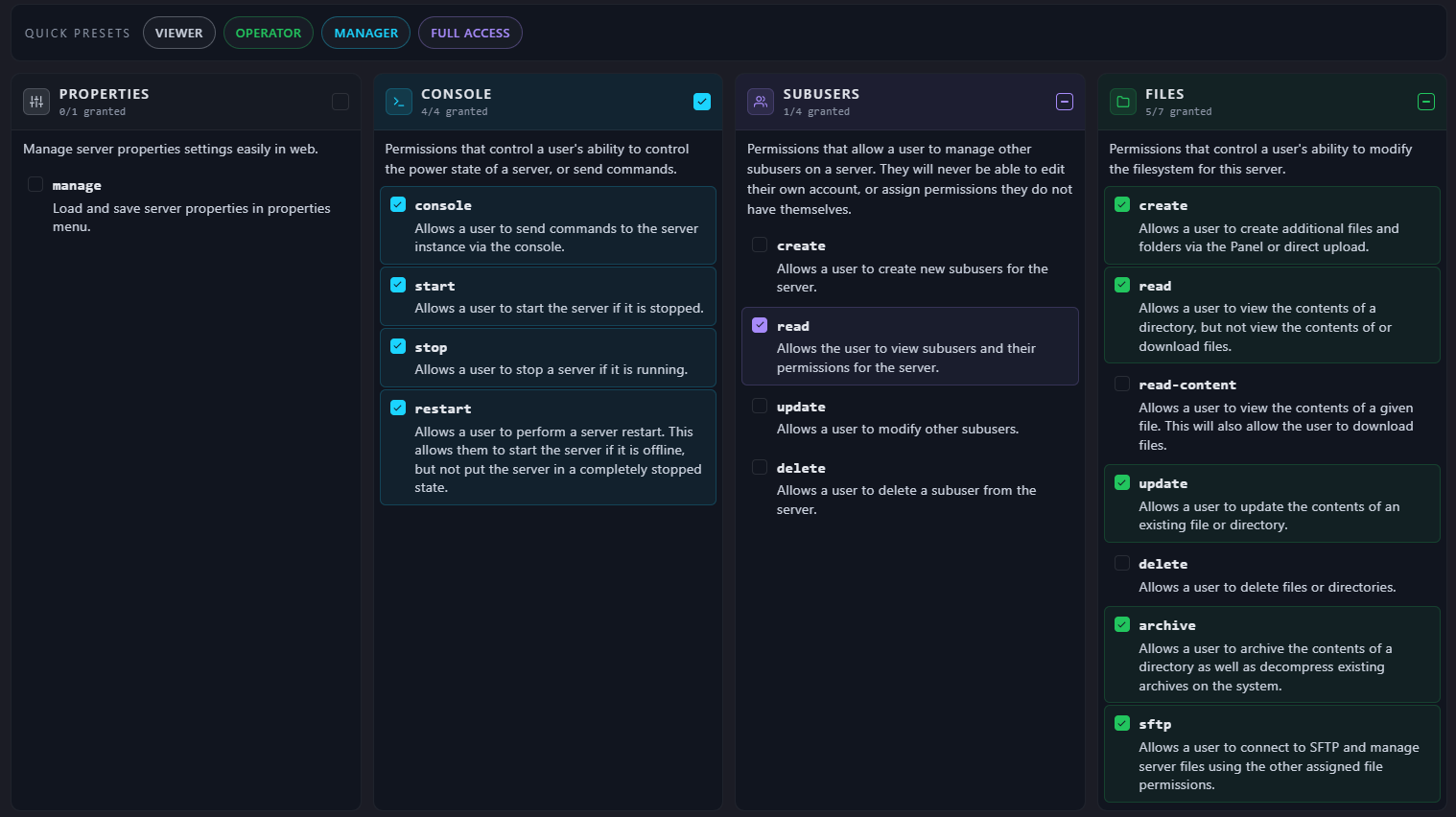
Once happy confirm by clicking "Invite”
An invitation email will be sent to the user.

Tip: Be careful when handing our invites and granting permissions - you are giving people direct control over your Panel.