
Resetting Your Server Files
If you’d like to restore your server to its original state or start fresh, you can wipe all files directly from the ChipHead panel.

Important: Resetting will permanently erase all files. Be sure to back up anything important before continuing.
How to Reset Your Server Files
Log in to the ChipHead Panel and stop your server.
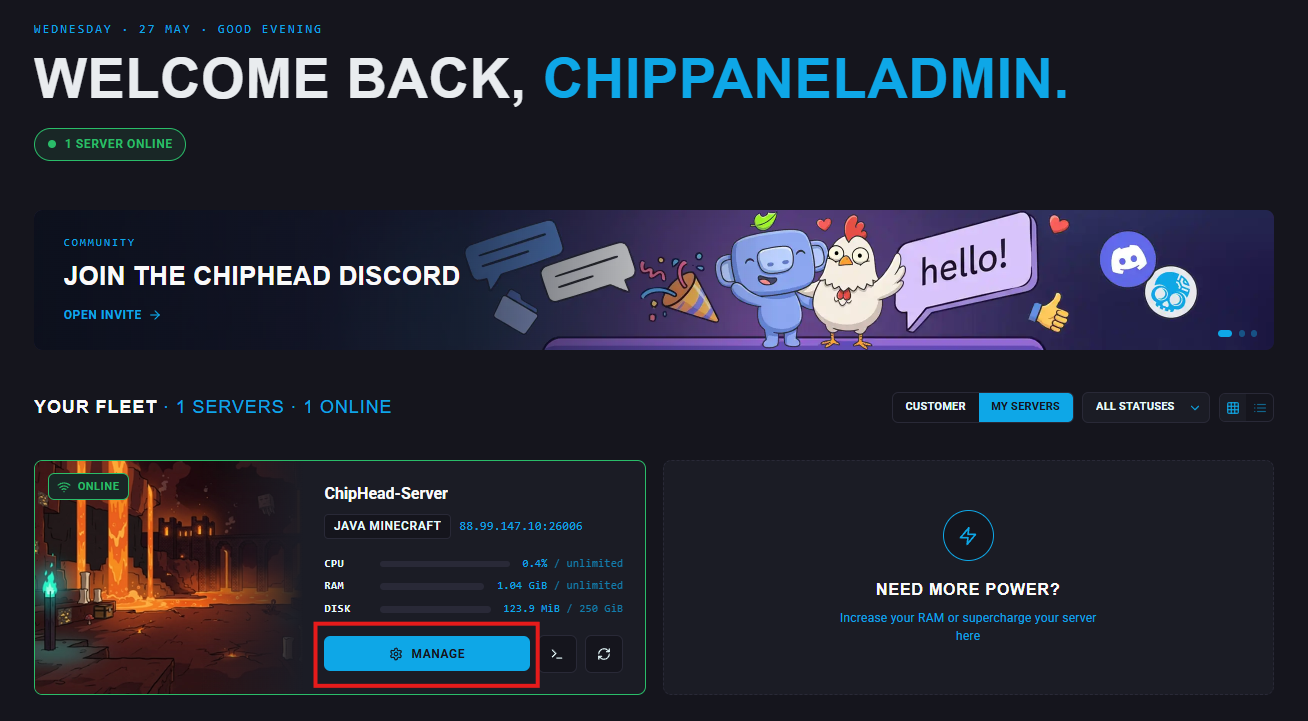
Scroll down until you see the “Reinstall Server” section

Action a reinstall by clicking the “Reinstall” button
A confirmation window will appear - click "Reinstall” again to proceed.

Reminder: Once deleted, files cannot be recovered. Always create a backup before resetting