
Configuring an Automated Backup
The ChipHead Panel makes it simple to backup your important game server and we have added an automated schedule so you can take full control of when and how you backup.

At ChipHead, we provide 4 backups for Standard users and 10 backups for Premium users - because protecting your hard-earned progress matters.

Use our new “Help” button for an interactive guide on how to use schedules !
How to Set Up Automated Backups
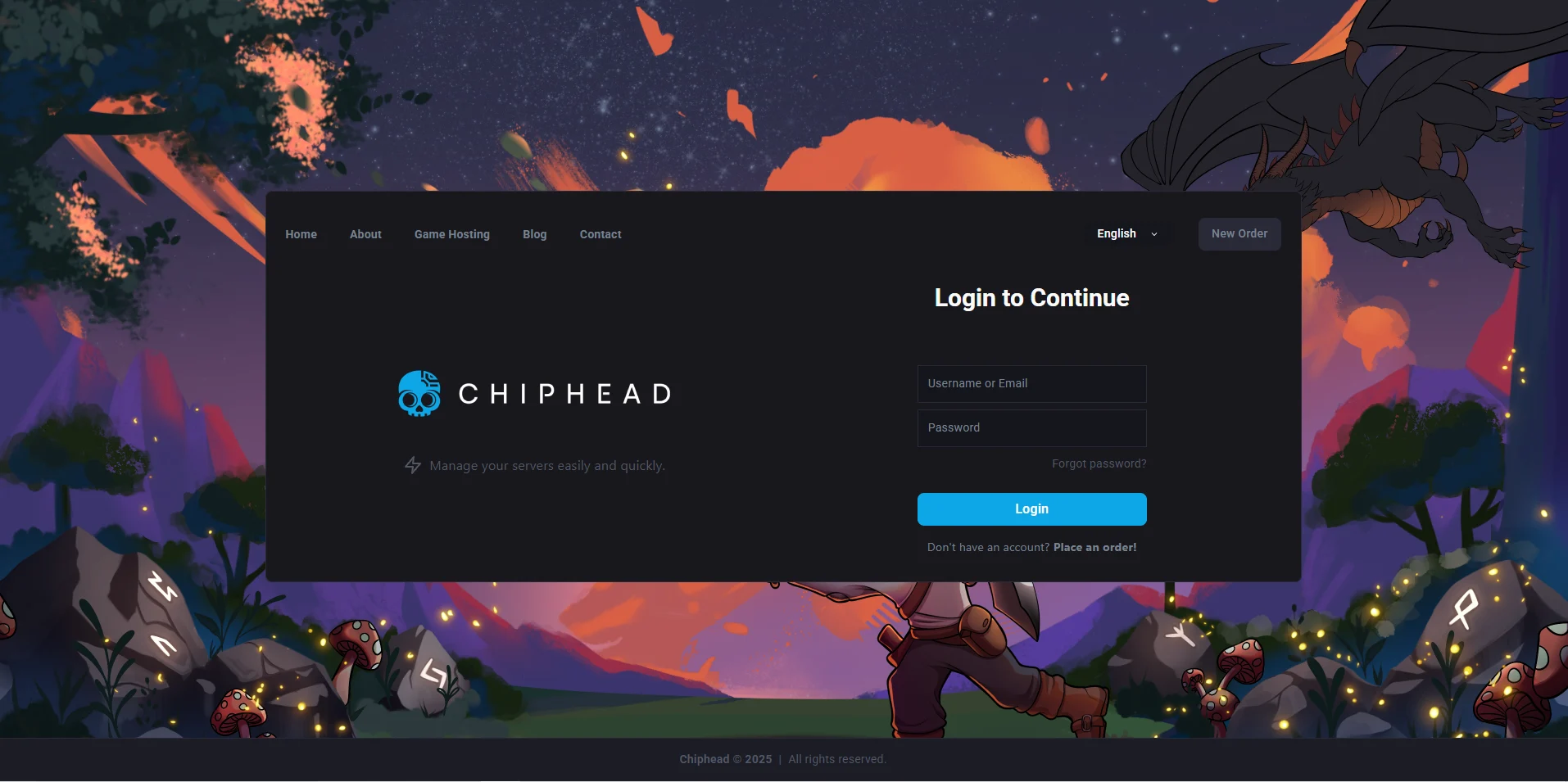
Log in to the ChipHead panel
Navigate to “Schedules” underneath "Configuration”

Select “Backup Template” from the Premade Schedules list.
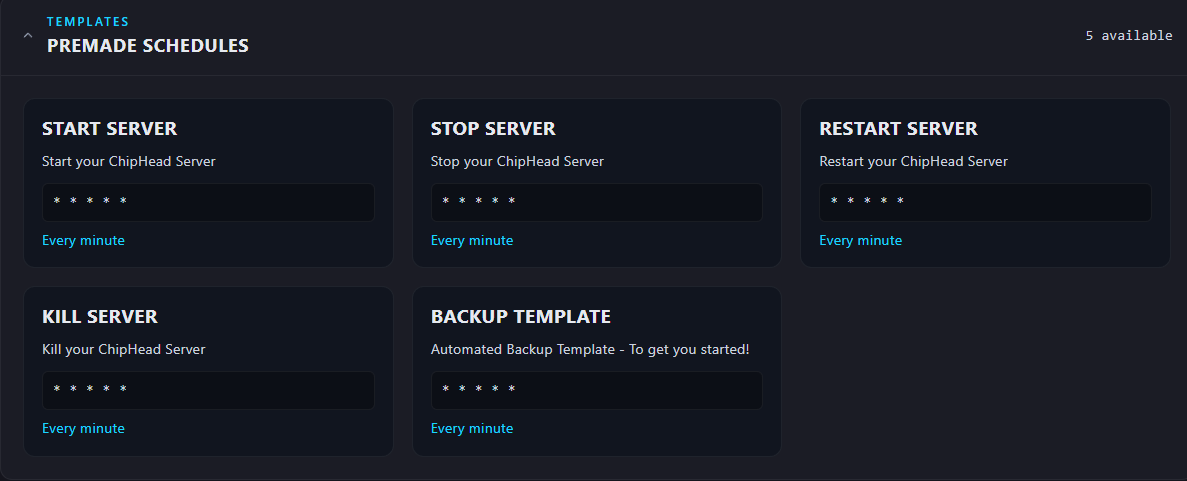
Find the ”BACKUP TEMPLATE” underneath the all schedules section.
Click on the backup to access the editor feature.
Click “Edit”
(Optional) Rename your Backup
Select “Easy"
Change your Interval & your options
Click on “Save Changes” to confirm
You have now setup Automated Backups!