
This guide explains how to manually back up your ChipHead Server to protect your data and ensure quick recovery if something goes wrong. Follow along to keep your system secure, resilient, and fully under your control.
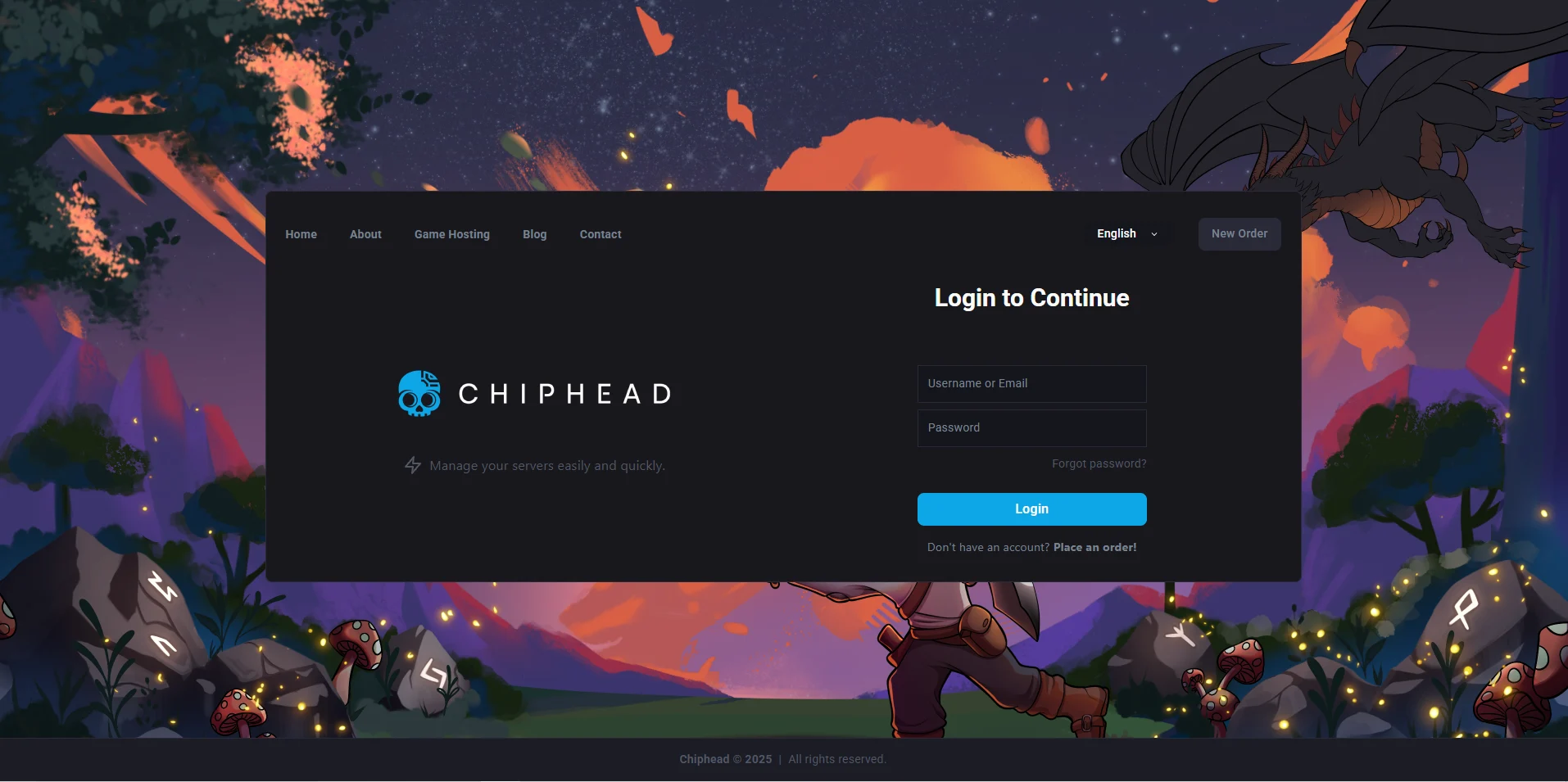
Log in to your ChipHead Panel
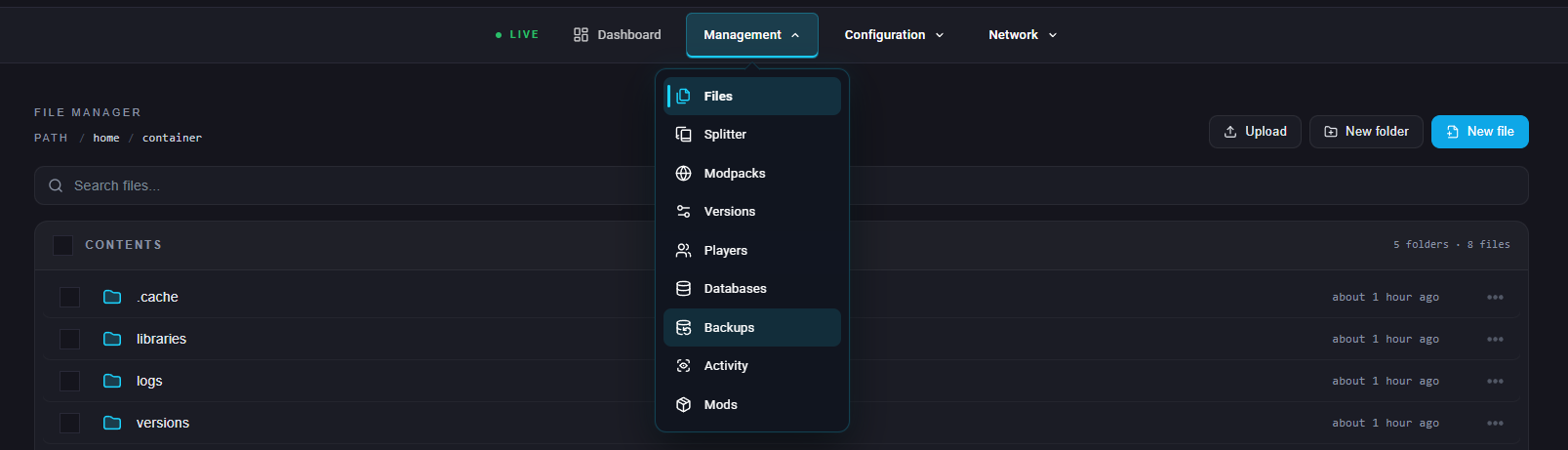
Navigate to Backups underneath “Management”
Navigate to “Create new backup”
Give your backup a name:
 (optional) - Set ignored Files & Directories OR Lock the backup to stop it being deleted by accident.
Click “Start Backup”

You have now backed up your server - if you run into any issues please contact support