
Some server tasks need to happen regularly, and it’s easy to forget to do them manually. That’s where scheduled tasks come in handy.
With the ChipHead Panel, you can set up tasks to run automatically, whether it’s backing up your server, restarting it, or running specific commands. You can schedule them to happen once or repeat at set intervals, giving you full control and peace of mind.

Login to the ChipHead Panel

Navigate to “Schedules” underneath “Configuration”

Click “Create Schedule”
Don’t know how to get started - use our “Premade Schedules”!Give your schedule a name
If (Manual) Set your desired schedule time OR select (Easy) and set your desired time interavals.
 Here is a handy “Cron Helper” website
Select your desired options below
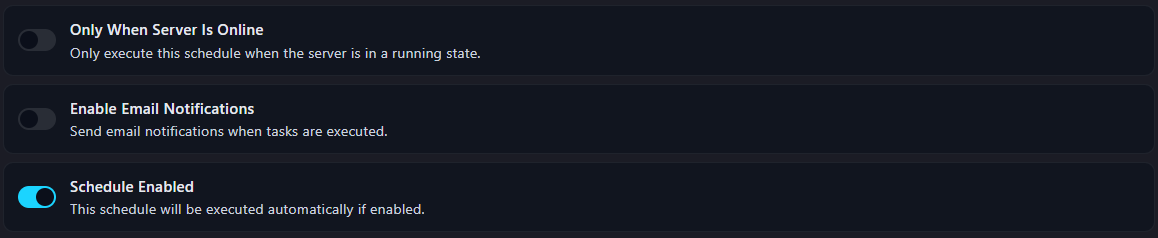
 Some jobs may require the server to be “Online” to run
Confirm by selecting “Create schedule”
To edit your schedule select it by click directly onto it - this opens up the Task Sequence feature