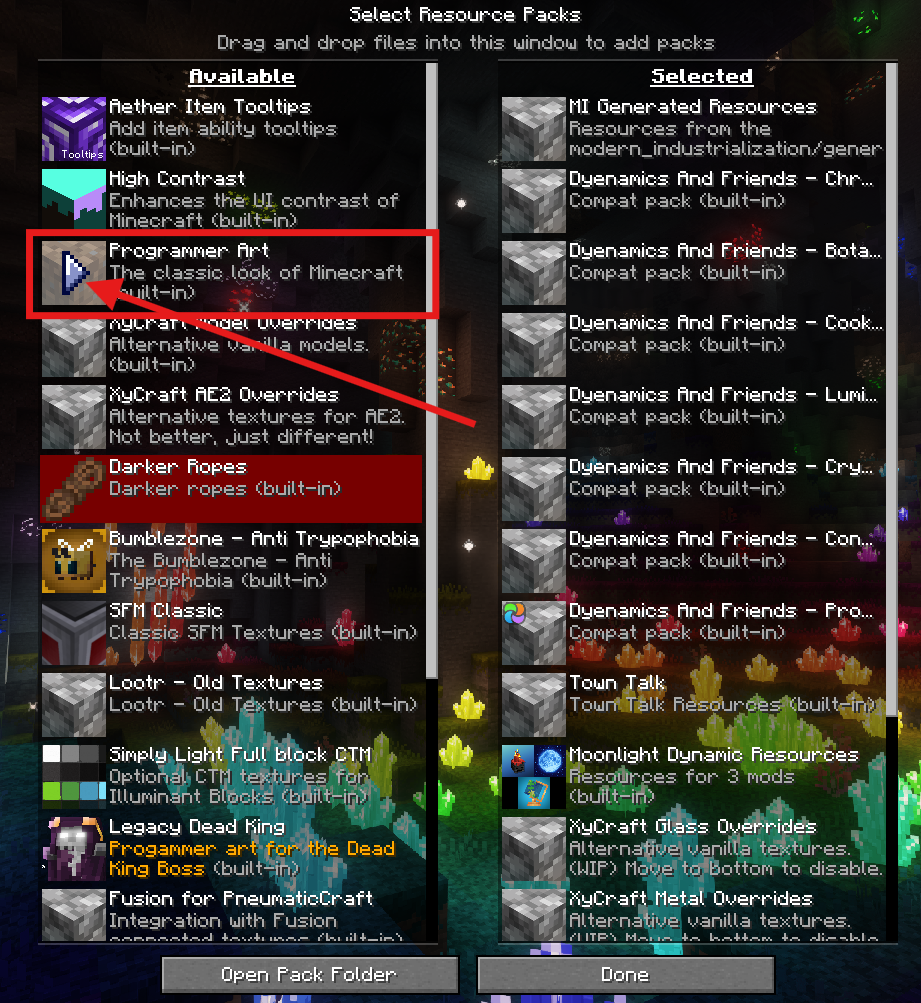
Resource packs are downloadable files that change Minecraft’s visuals - from textures and animations to UI elements like paintings. While they’re usually client-side, server admins can require them so everyone shares the same visual experience. Be aware that some packs (like X-Ray packs) can be used to cheat - we recommend enabling anti-XRay measures to prevent abuse.
Log in to the ChipHead Panel.

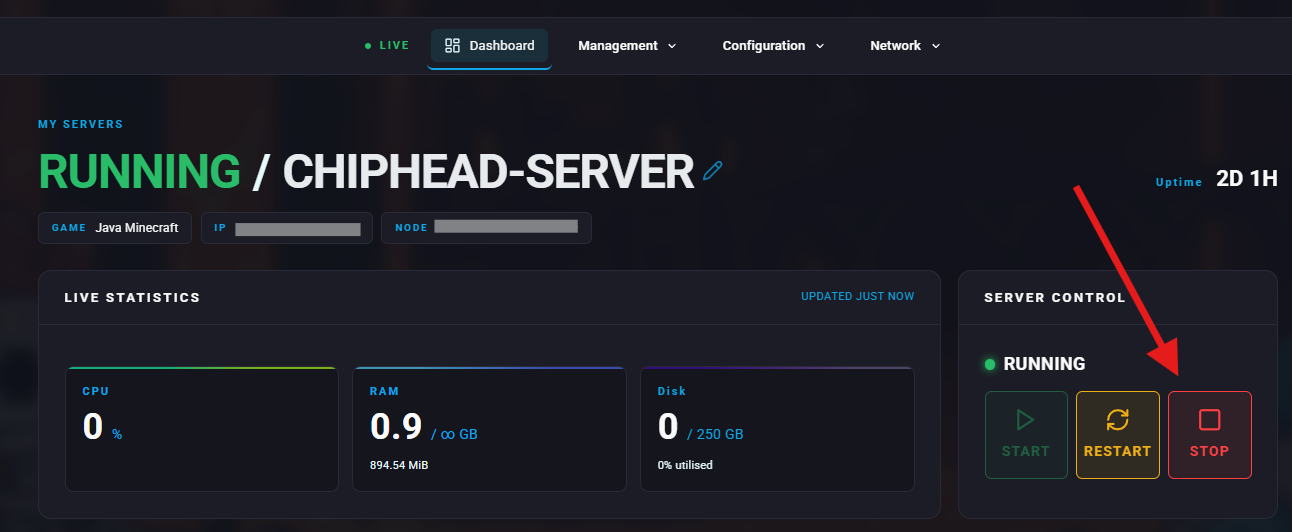
Stop your server.
Upload Your Resource Pack Online
Minecraft requires a direct download link (ending in .zip) that the server can send to players.
Players can host the .zip on:
Dropbox (direct link format)
GitHub releases
A static file host (e.g., your panel’s file hosting if available)
Your own website
Add the Resource Pack to Game Config
Go to:
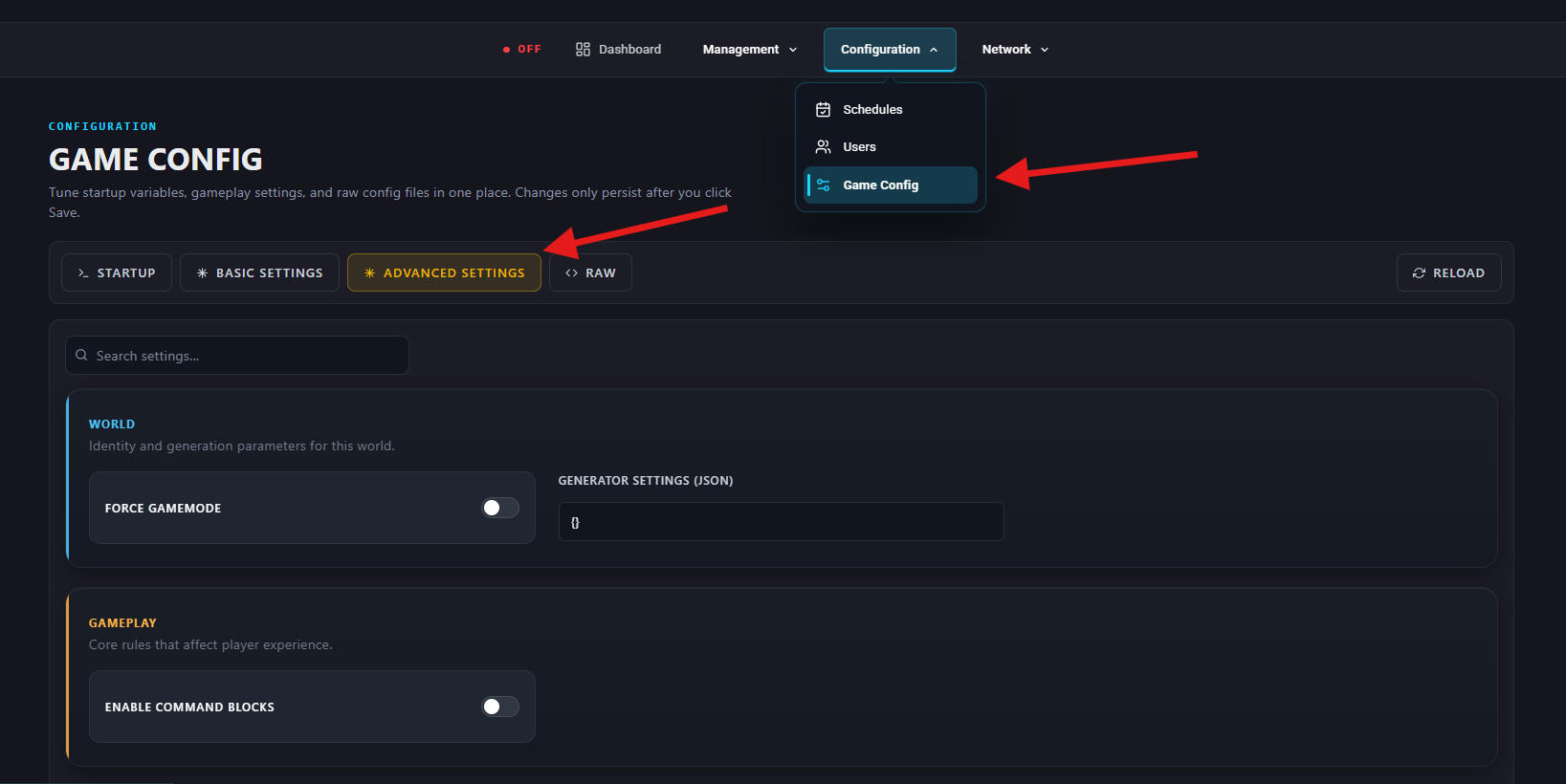
Configuration > Game Config > Advanced Settings
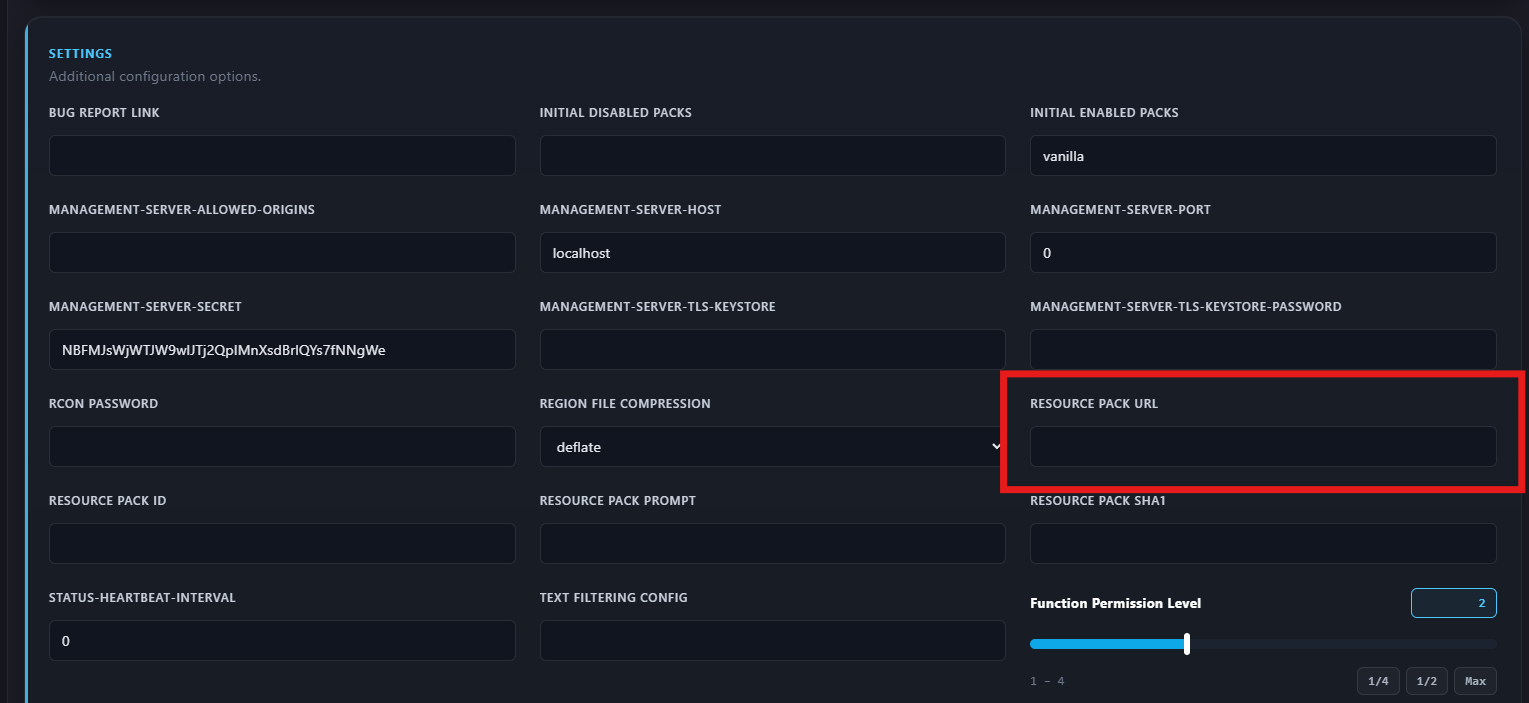
Scroll down to the Settings section and fill in:
Resource Pack URL
Paste the direct download link to the .zip.
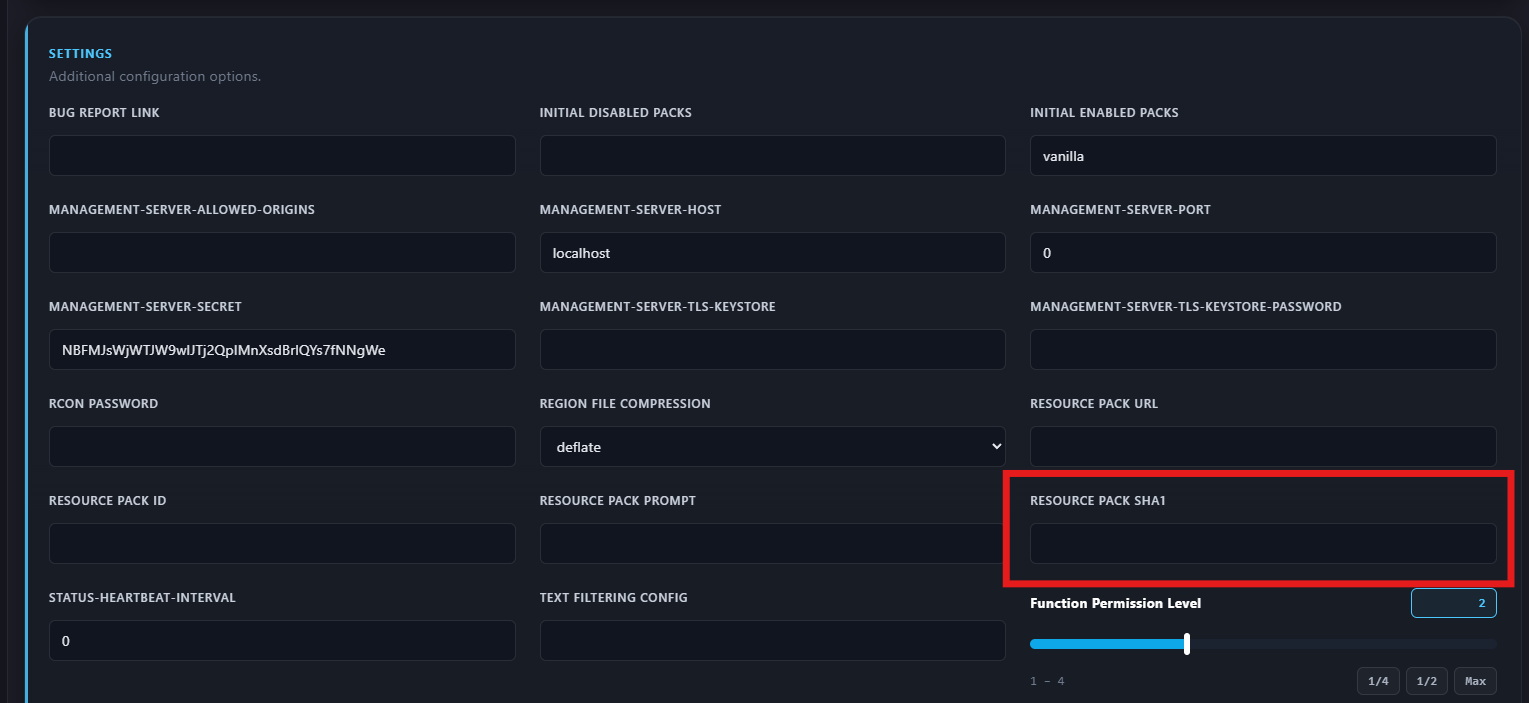
Resource Pack SHA1
Paste the SHA1 hash of the .zip.
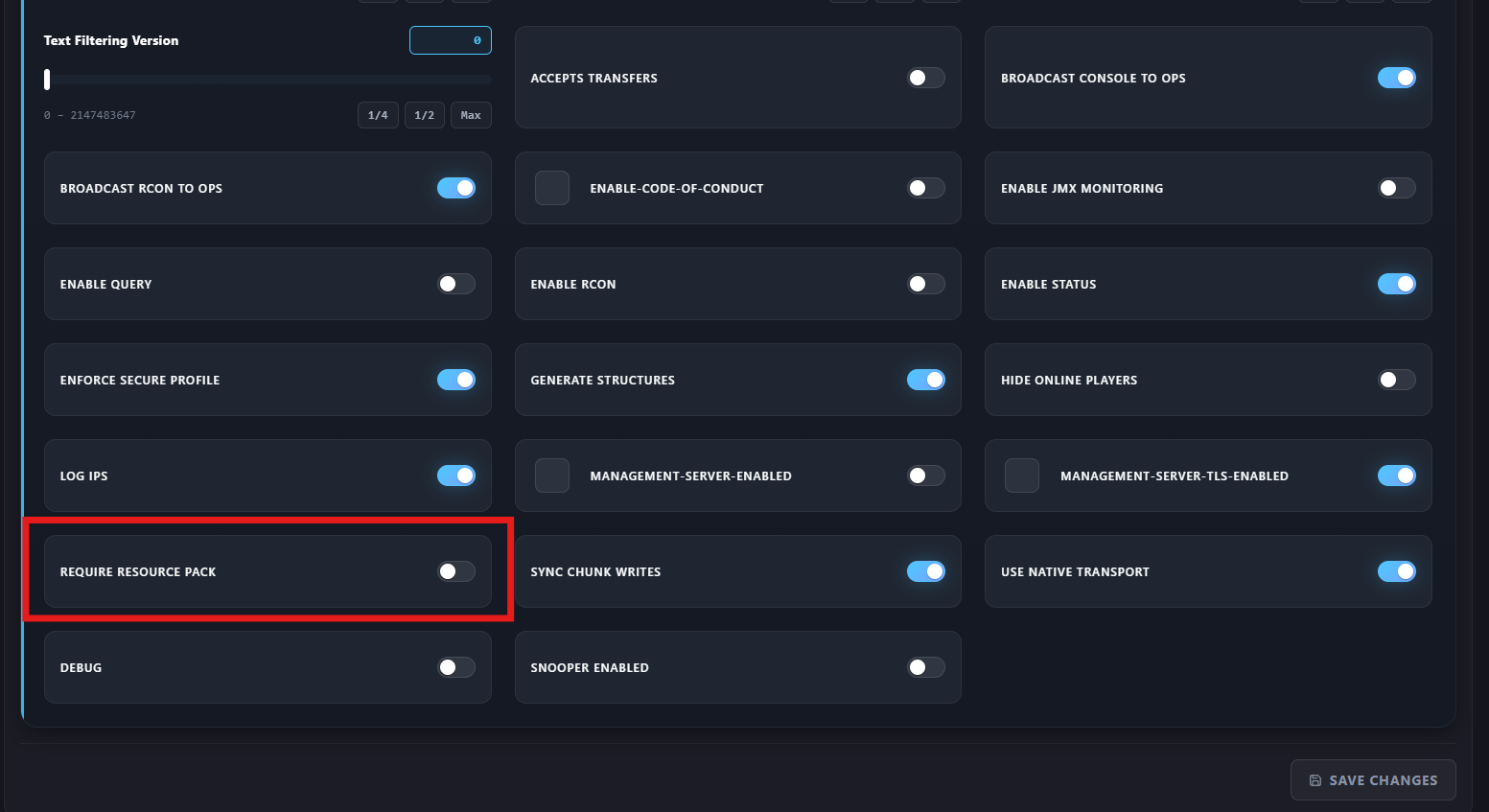
Require-Resource-Pack
Enable this if you want players forced to accept the pack.
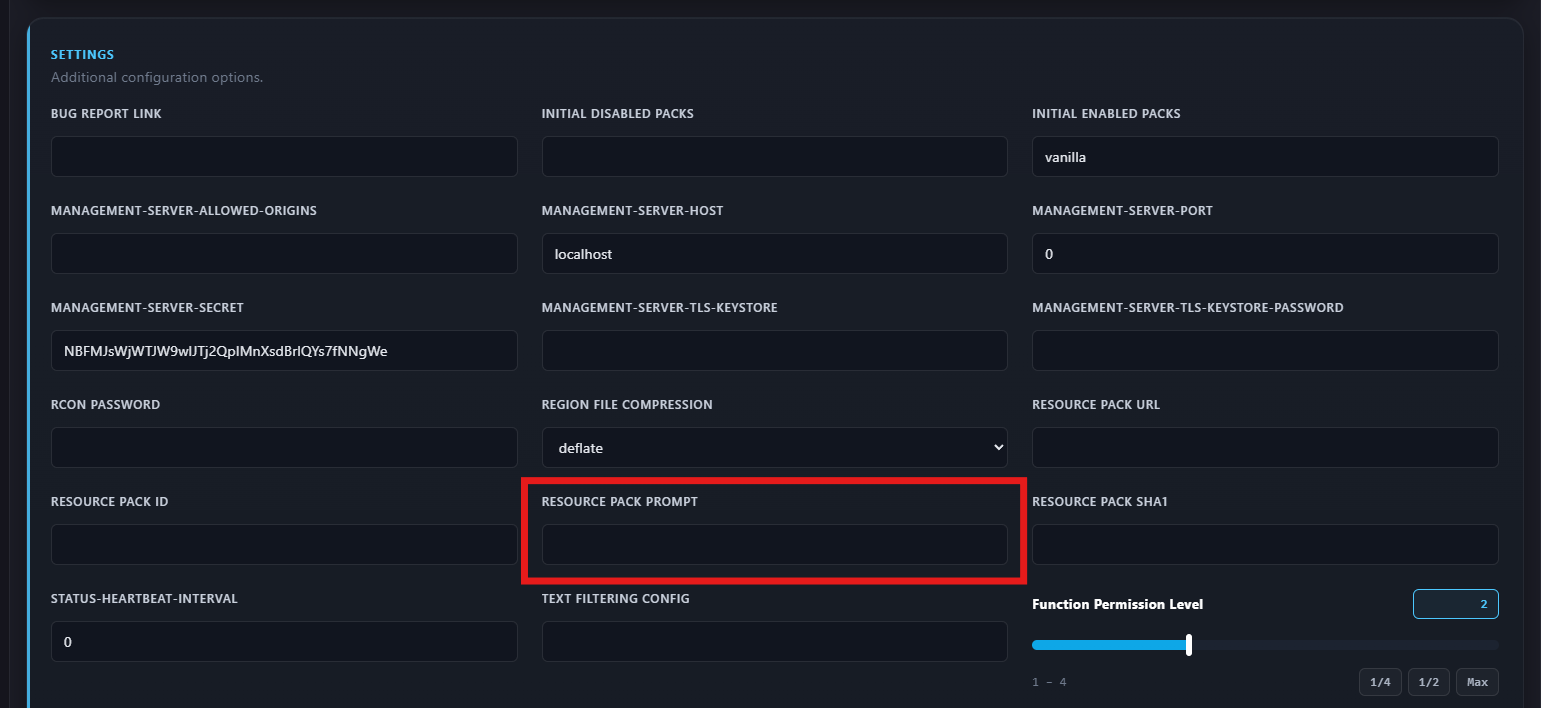
Resource Pack Prompt
Optional message shown to players when joining.
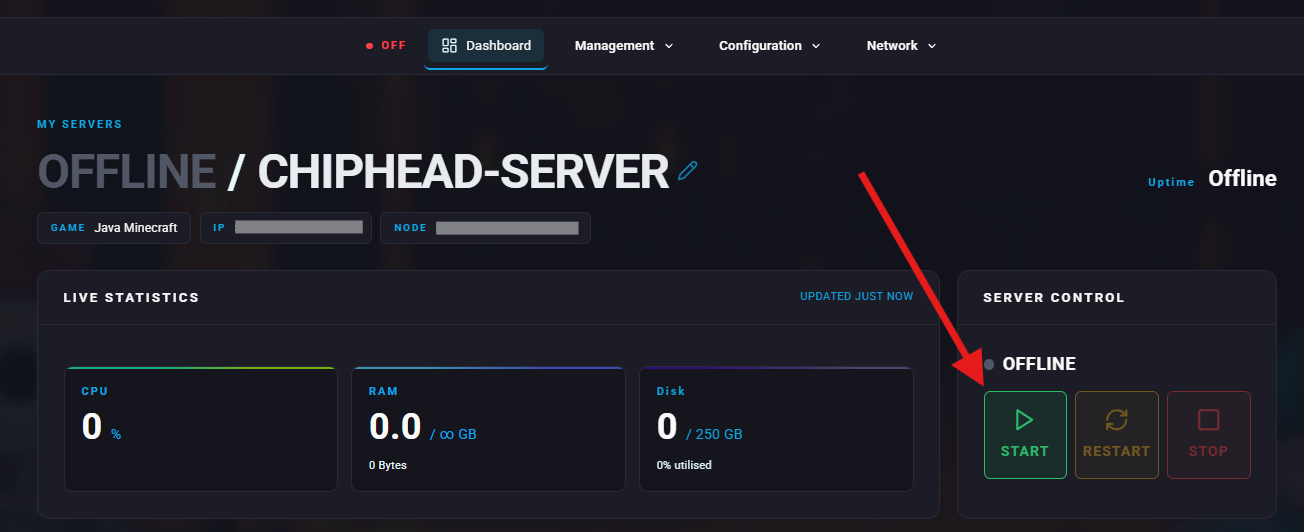
Start your server.
Press Windows + R to open the Run menu.
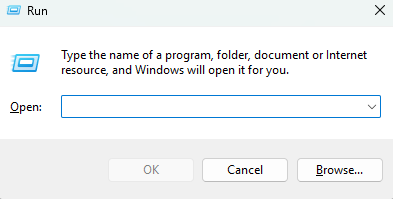
Type %appdata%/.minecraft/resourcepacks and press OK.
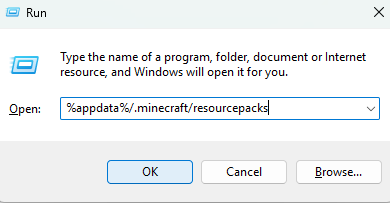
Place your resource pack into this folder.
Launch Minecraft.
Go to Options > Resource Packs.

Select the arrow on the pack’s icon to move it across and activate it.