
Summary
The Message of the Day (MOTD) is the short text players see in their server list before joining. It’s a great way to share info, promote your Discord, or give friendly reminders. MOTDs are set in the server.properties file and can be up to 59 characters long. You can also customize the look with colors and formatting codes.
How to Change the MOTD (Via Game Config)
Log in to the ChipHead Panel.

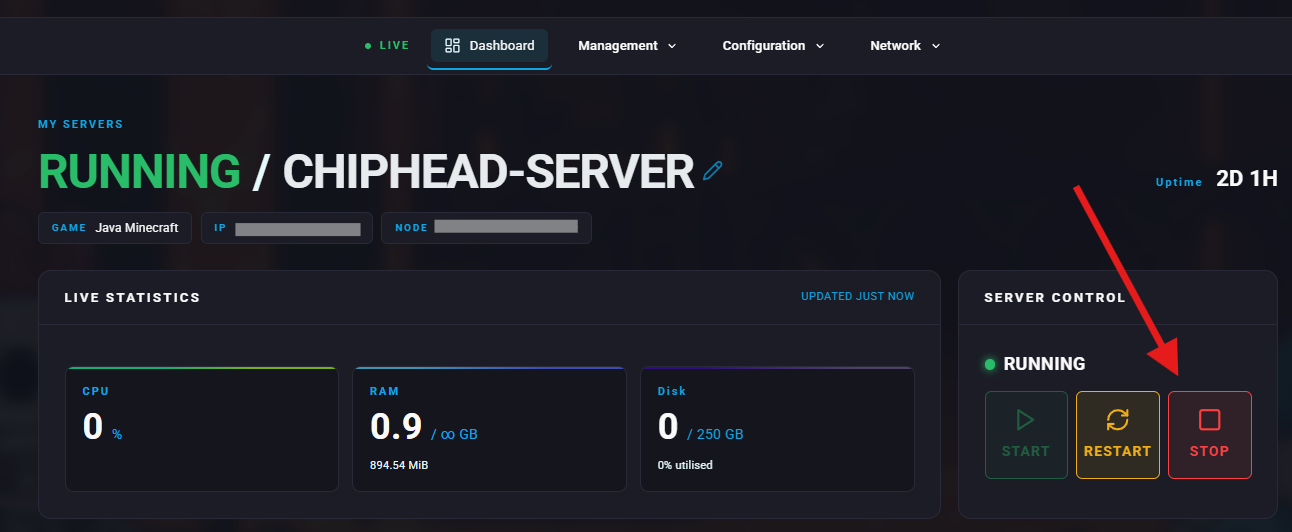
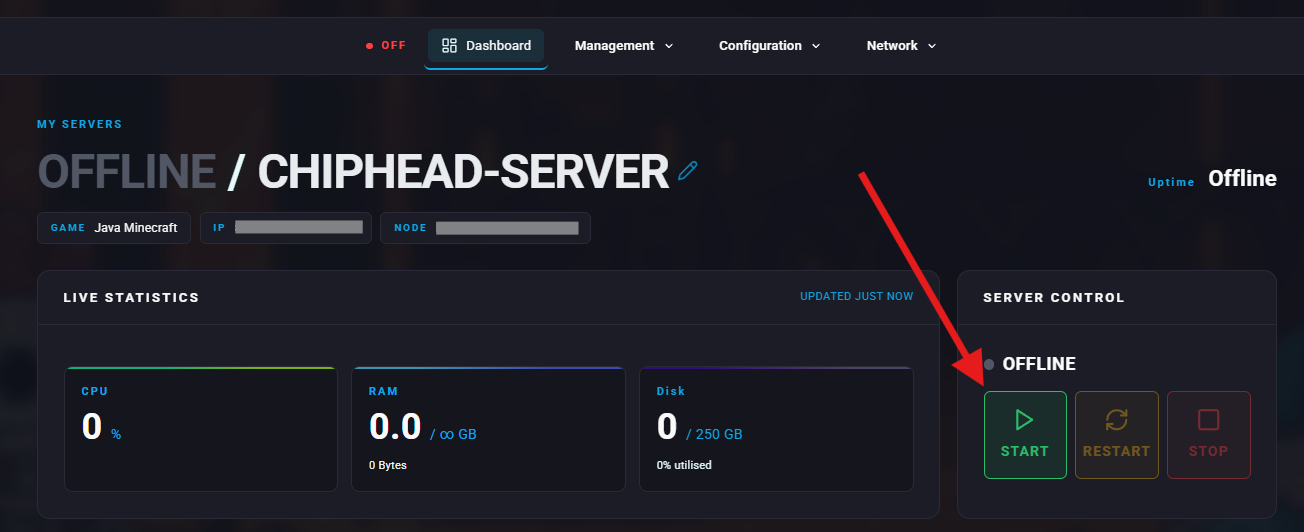
Stop your server.
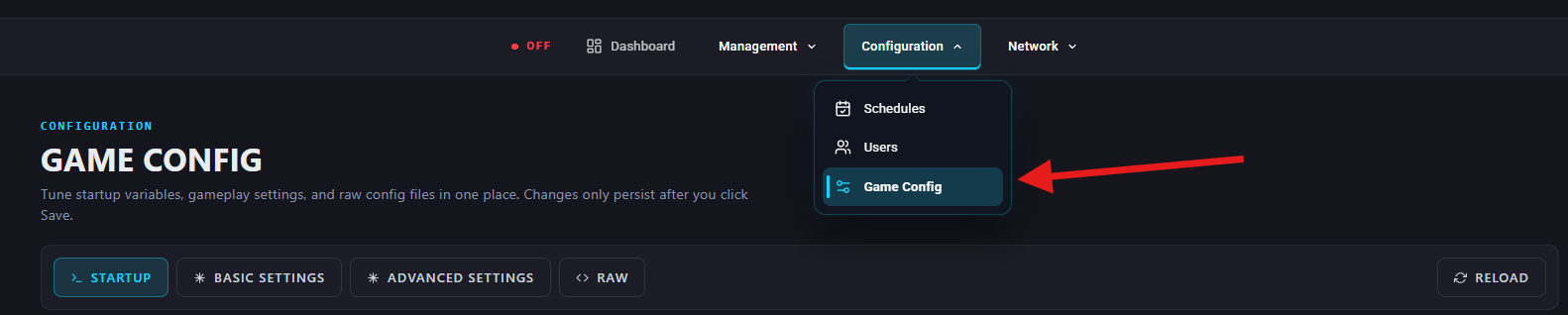
Go to Configuration > Game Config.
Under “World” find the Message of the Day field or search “motd”.
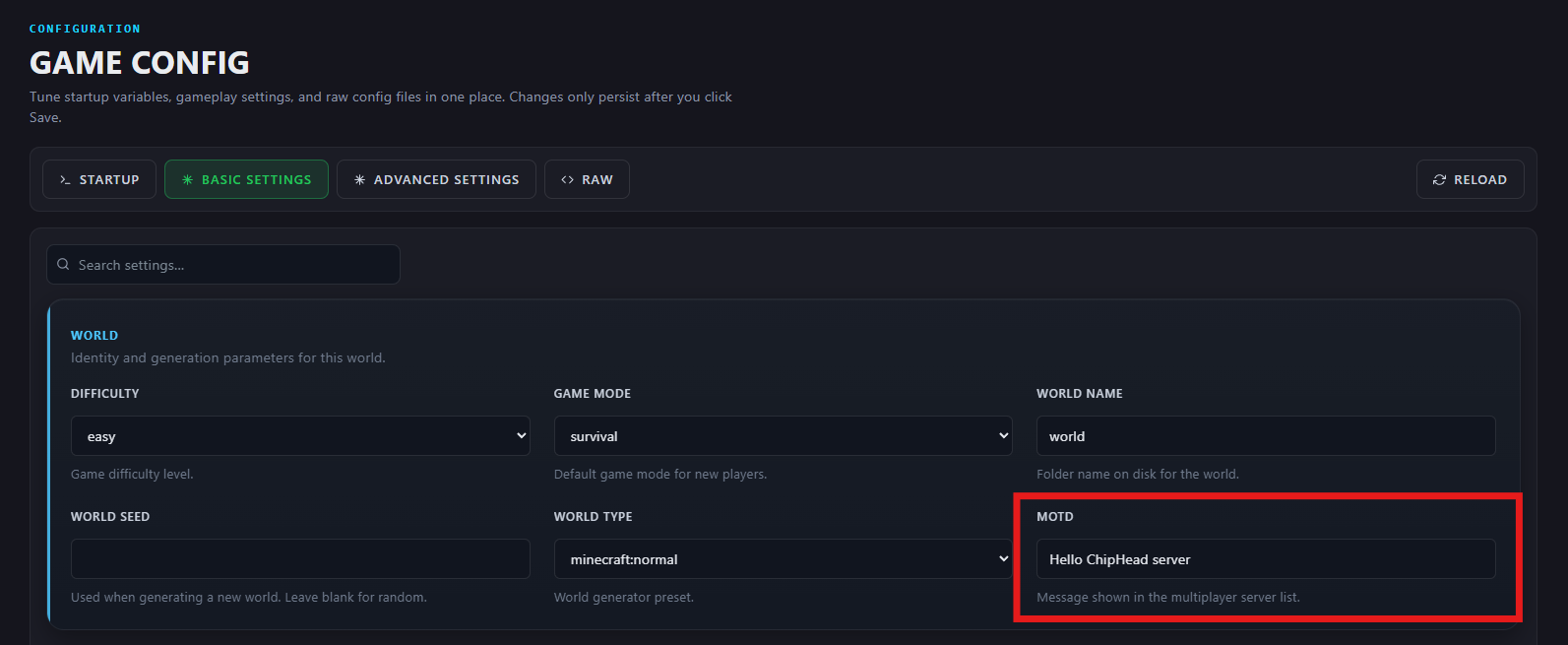
Enter your custom message. (You can use color/formatting codes for extra style.)
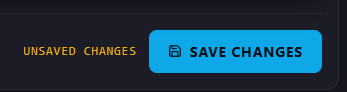
Scroll down and Save Changes.
Start your server.

Your new MOTD will now show up in the server list.