Summary
The view distance setting controls how many chunks are loaded around each player. Lowering this value reduces the amount of terrain your server needs to process, which helps cut down on lag and keeps gameplay smooth - especially with many players online. Increasing it allows for more visible terrain but requires stronger hardware. Adjusting this setting is a great way to balance performance and player experience.
How to Change the View Distance on a Minecraft Server
Log in to the ChipHead Panel.

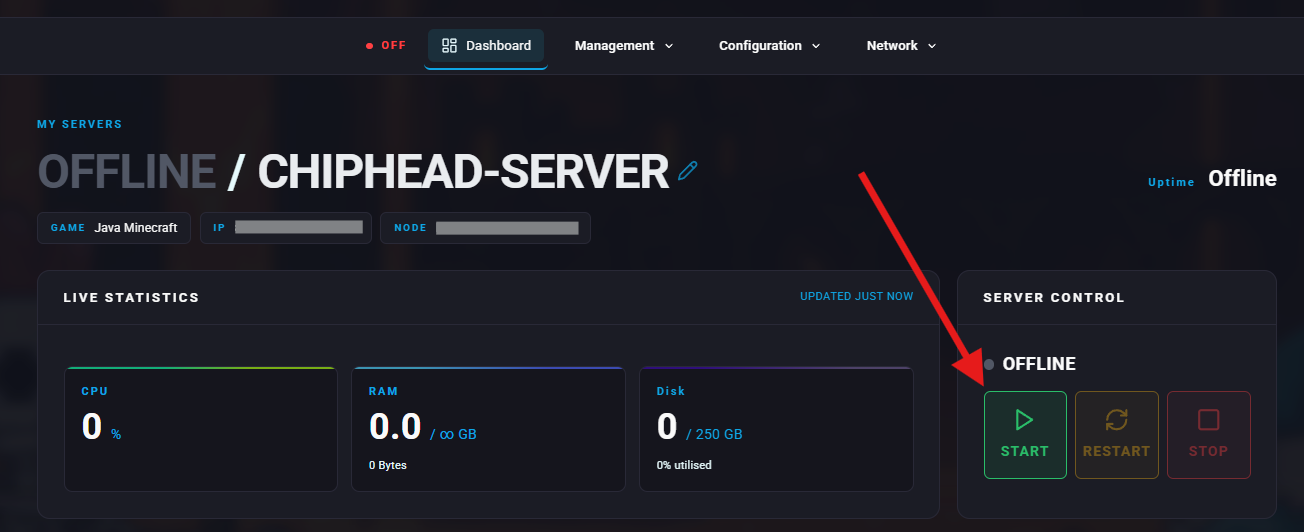
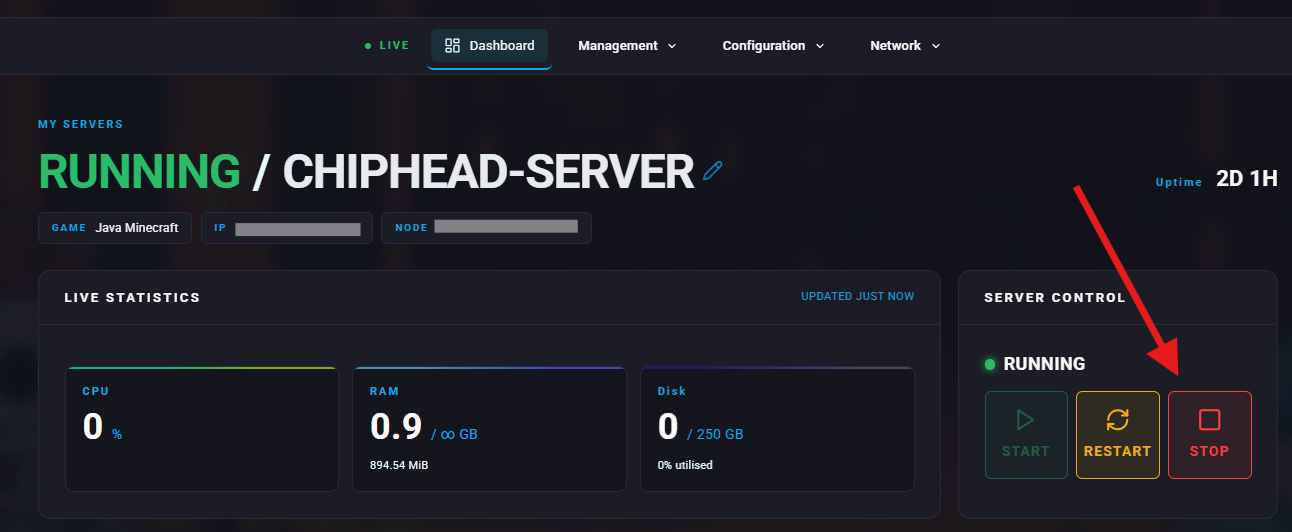
Stop your server.
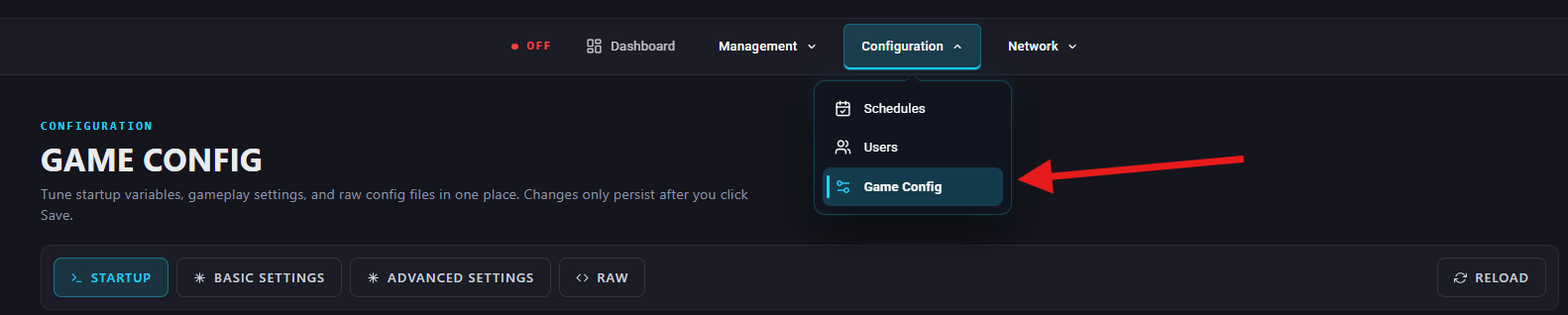
Go to Configuration > Game Config
Under Basic Settings > Performance & Limits, find the View Distance setting or search for “view-distance”. Then choose your desired value using the slider or enter a value.


Lower values = less lag, smoother performance.
Higher values = players can see farther, but it may use more resources.
Higher values = players can see farther, but it may use more resources.
Start your sever again.