
Summary
Command blocks let you run console commands directly in-game using redstone, opening the door to automation, custom features, and creative rewards for players. They can even be paired with mods or plugins to create unique server experiences that normal blocks can’t replicate. Because of their power, command blocks can only be given to players with OP permissions using the /give command.
How to Enable Command Blocks on a Minecraft Server
Log in to the ChipHead Panel.

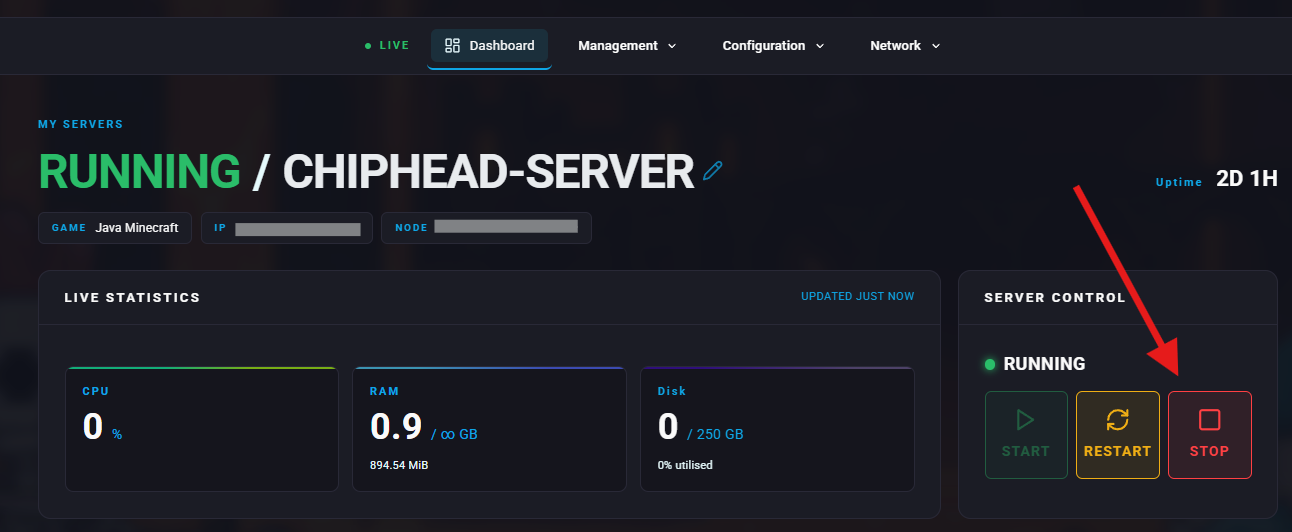
Stop your server.
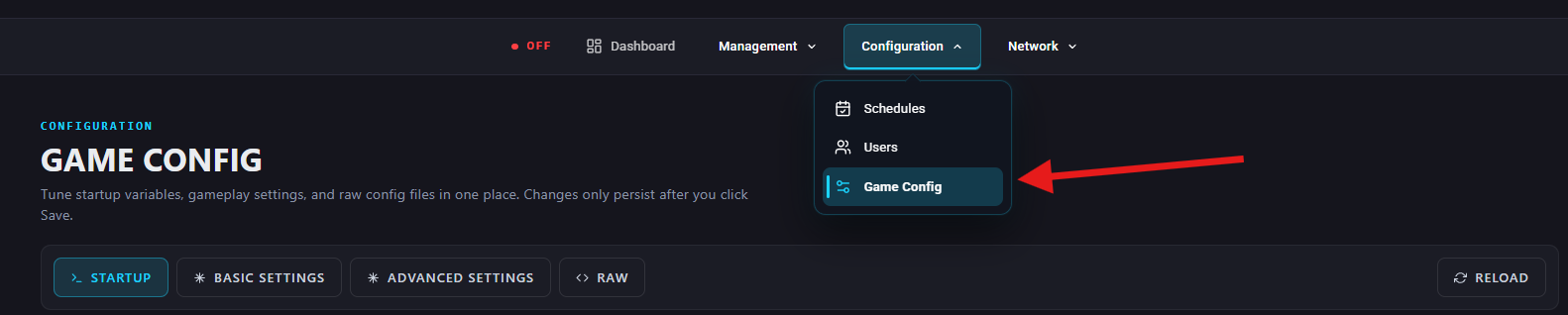
Go to Configuration > Game Config.
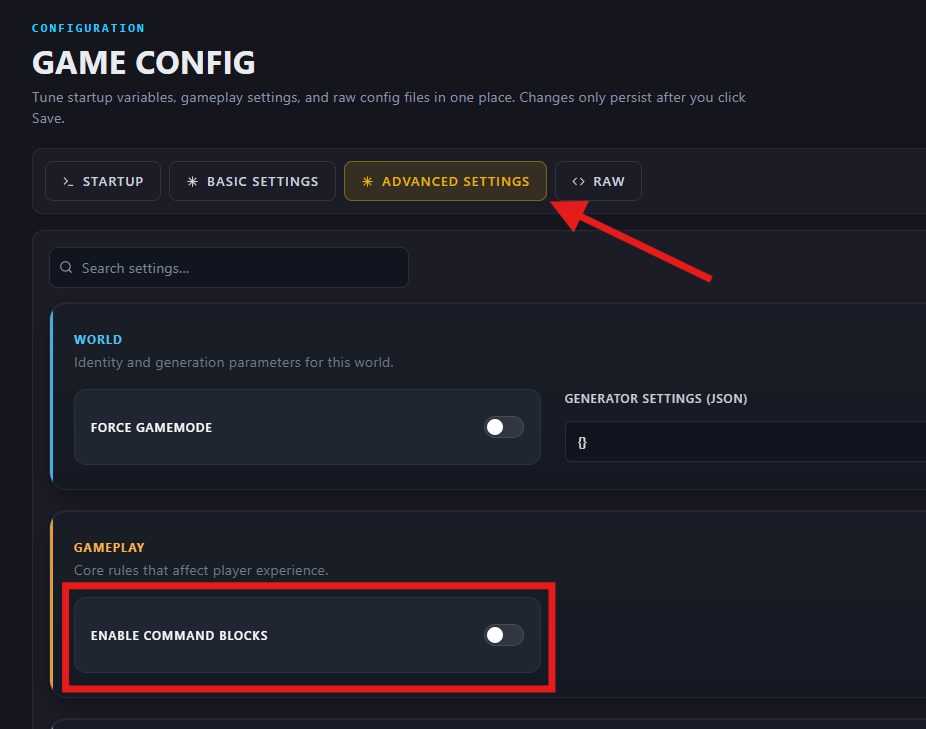
Under Advanced Settings > Gameplay, find Enable Command Block or search for “command” and toggle on/off.
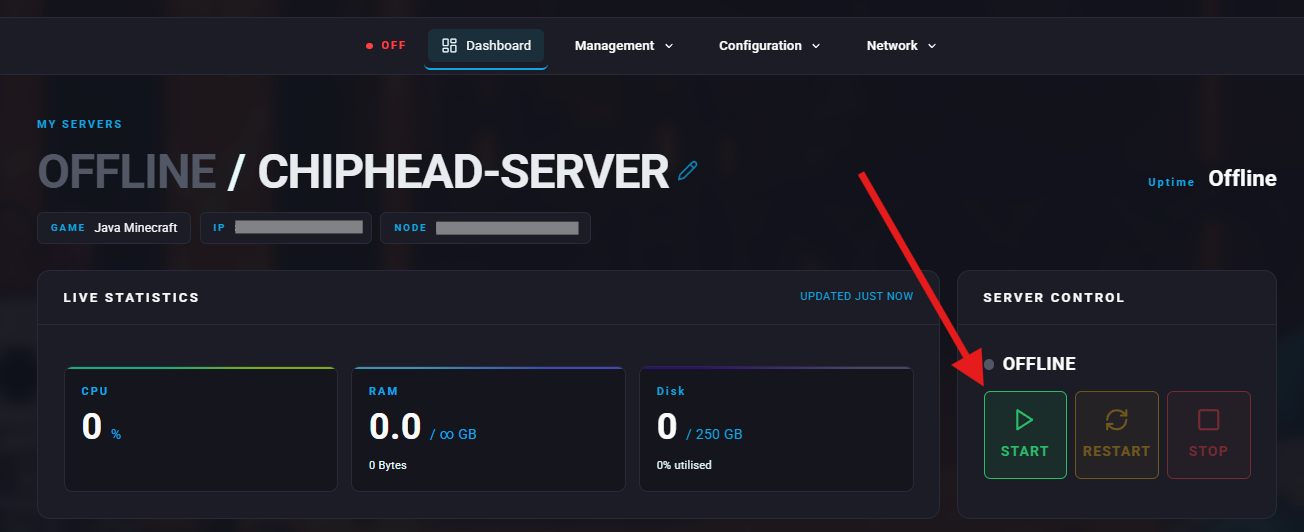
Start your server again.
To spawn a command block, an OP player must use the command:
/give Player minecraft:command_block