Summary
Allowing flight on your Minecraft server makes exploring large worlds easier and gives players more creative freedom. It’s especially useful for servers using mods that add flight abilities. Enabling this setting also prevents players from being kicked for “flying” when the server doesn’t recognize it, ensuring smoother gameplay for everyone.
How to Enable Flying on a Minecraft Server
Log in to the ChipHead Panel.

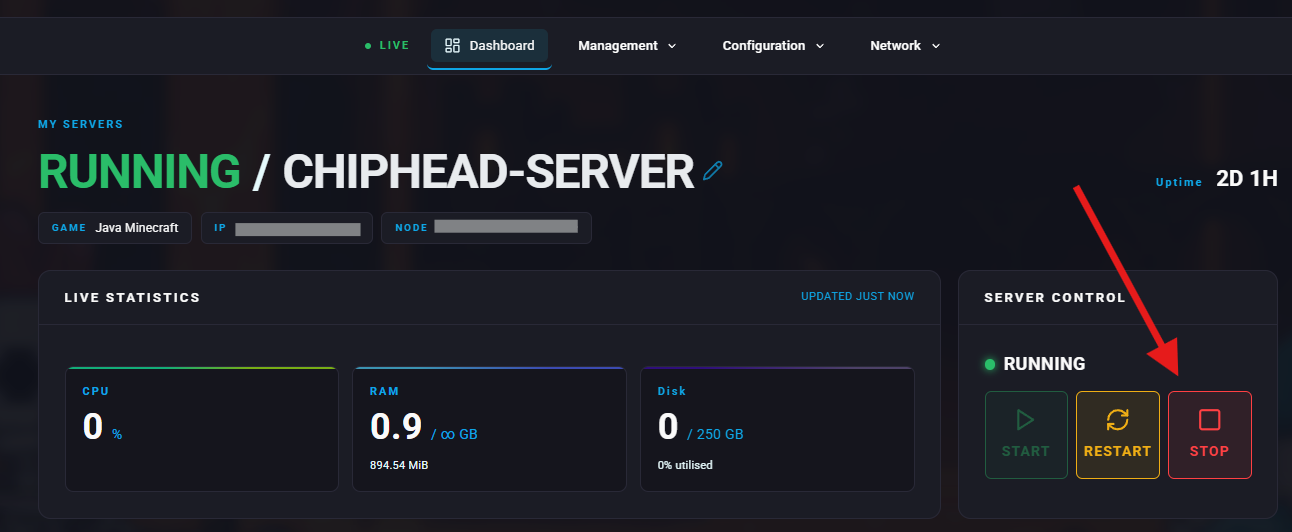
Stop your server.
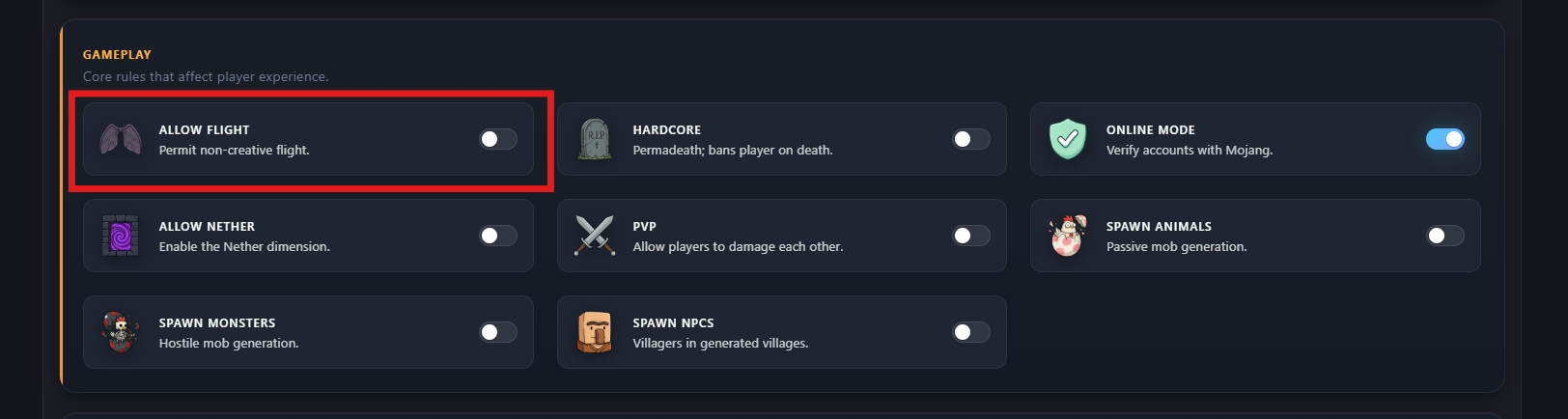
Go to Configuration > Game Config.

Under Basic Settings > Gameplay, find Allow Flight or search for “flight” and toggle on/off.
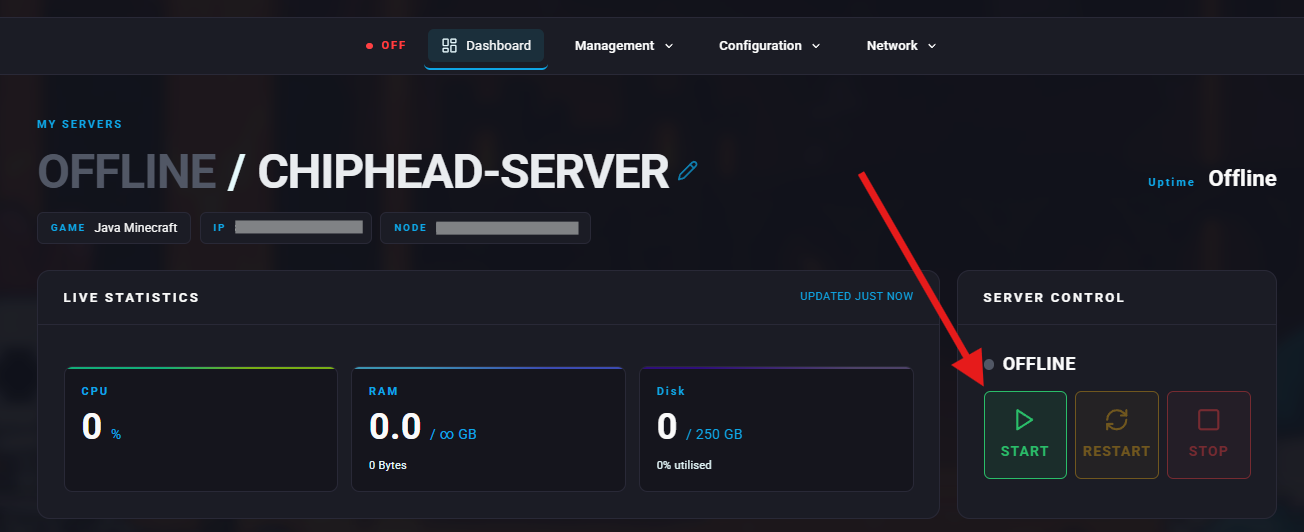
Start your server again.