Summary
Server logs and crash reports are vital tools for diagnosing issues on your Minecraft server. Logs record everything happening in real time - including warnings and errors - while crash reports give detailed information about what caused a server to stop, including timestamps and error details. Reviewing these files helps administrators quickly identify problems and keep the server running smoothly.

👉 If you want to know how to read sever logs, check out our guide on How to Read Server Logs: [here].
How to Find and View Server Logs on a Minecraft Server
Log in to the ChipHead Panel.

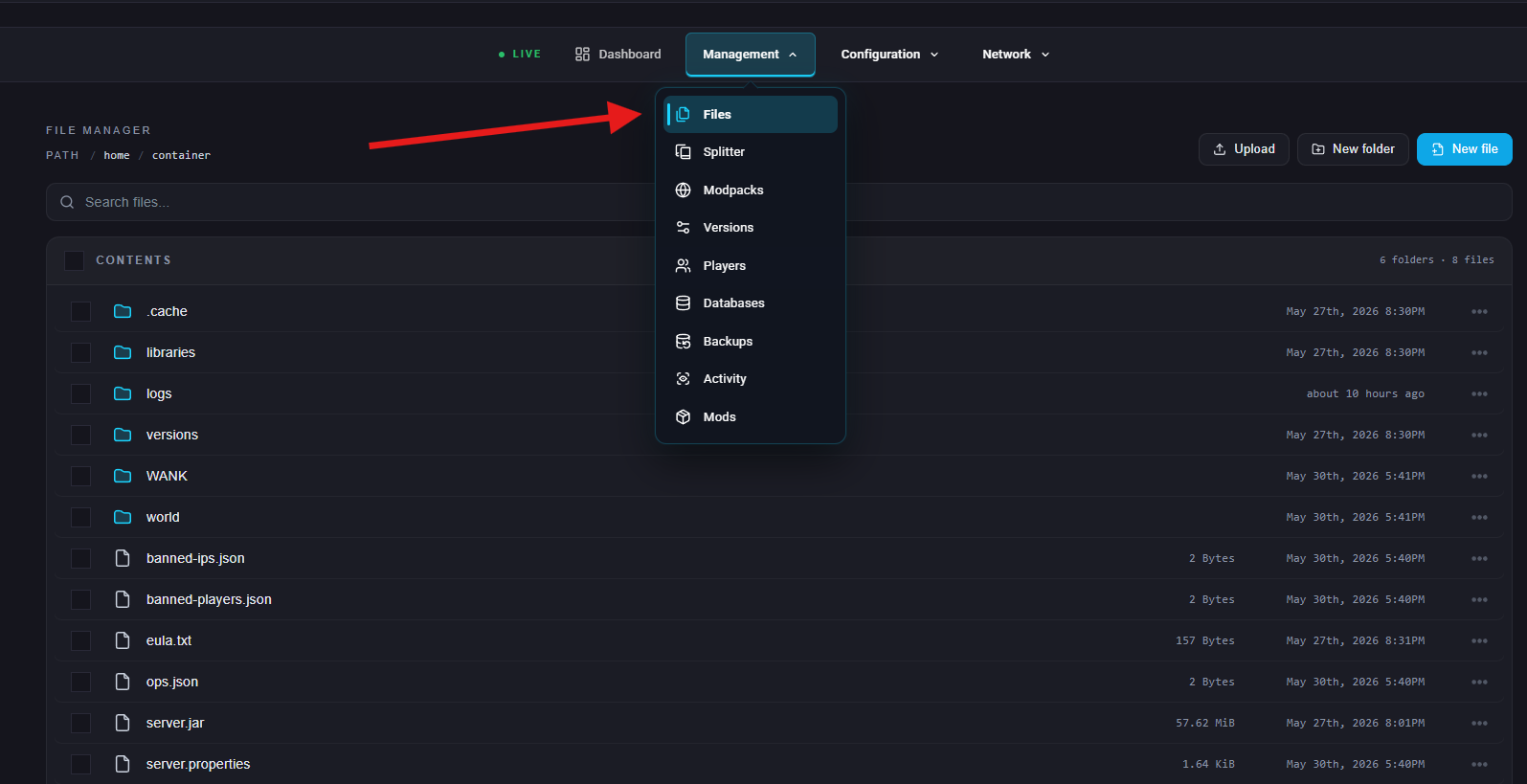
Go to Management > Files.
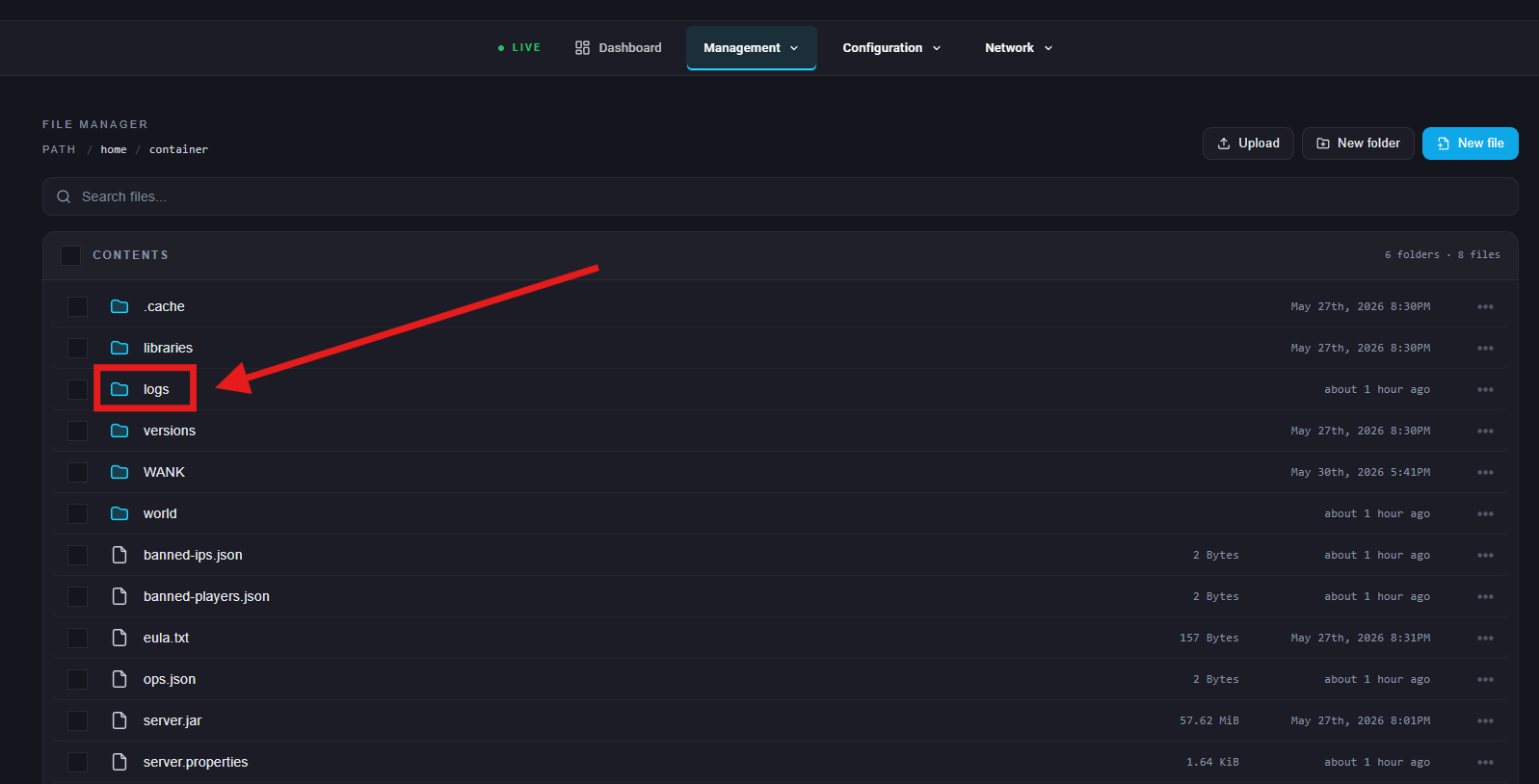
Open the logs folder.
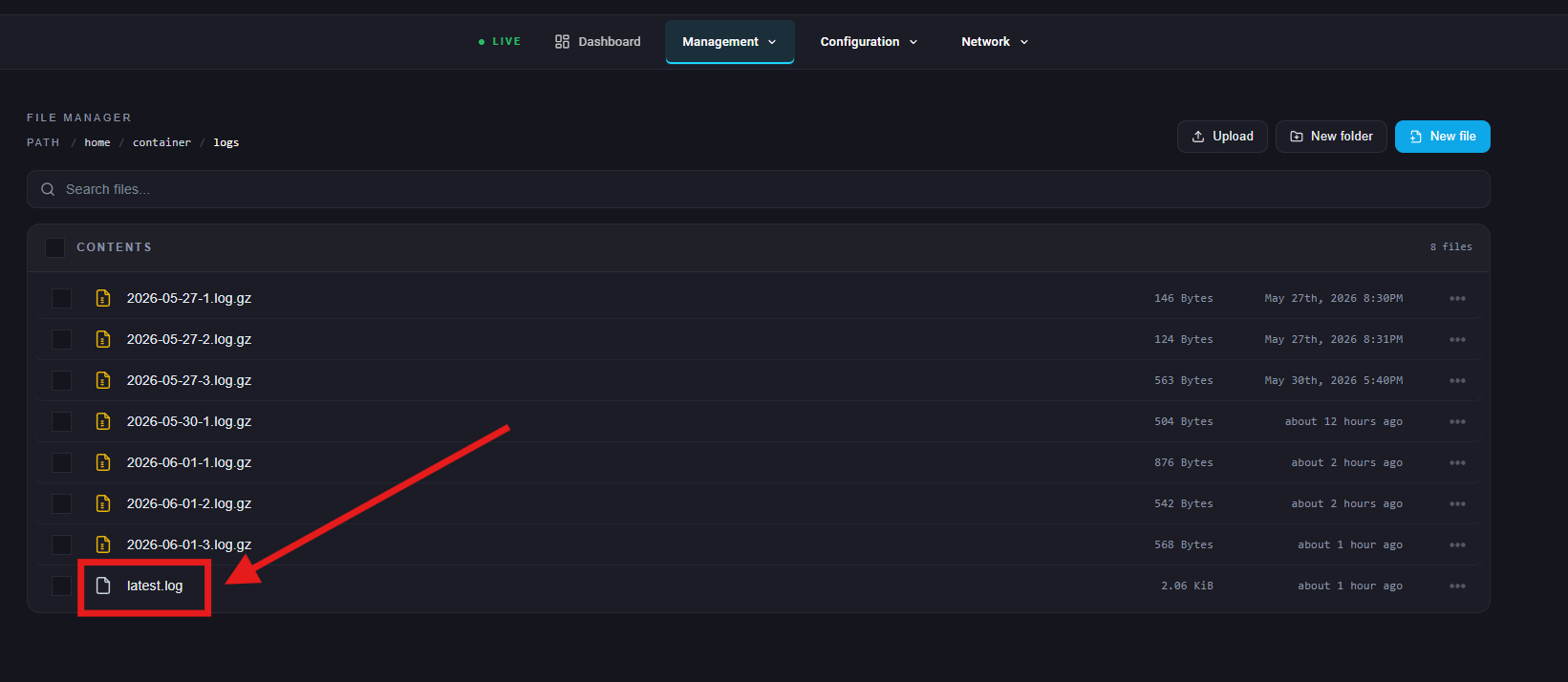
Click on the latest.log file to view it.
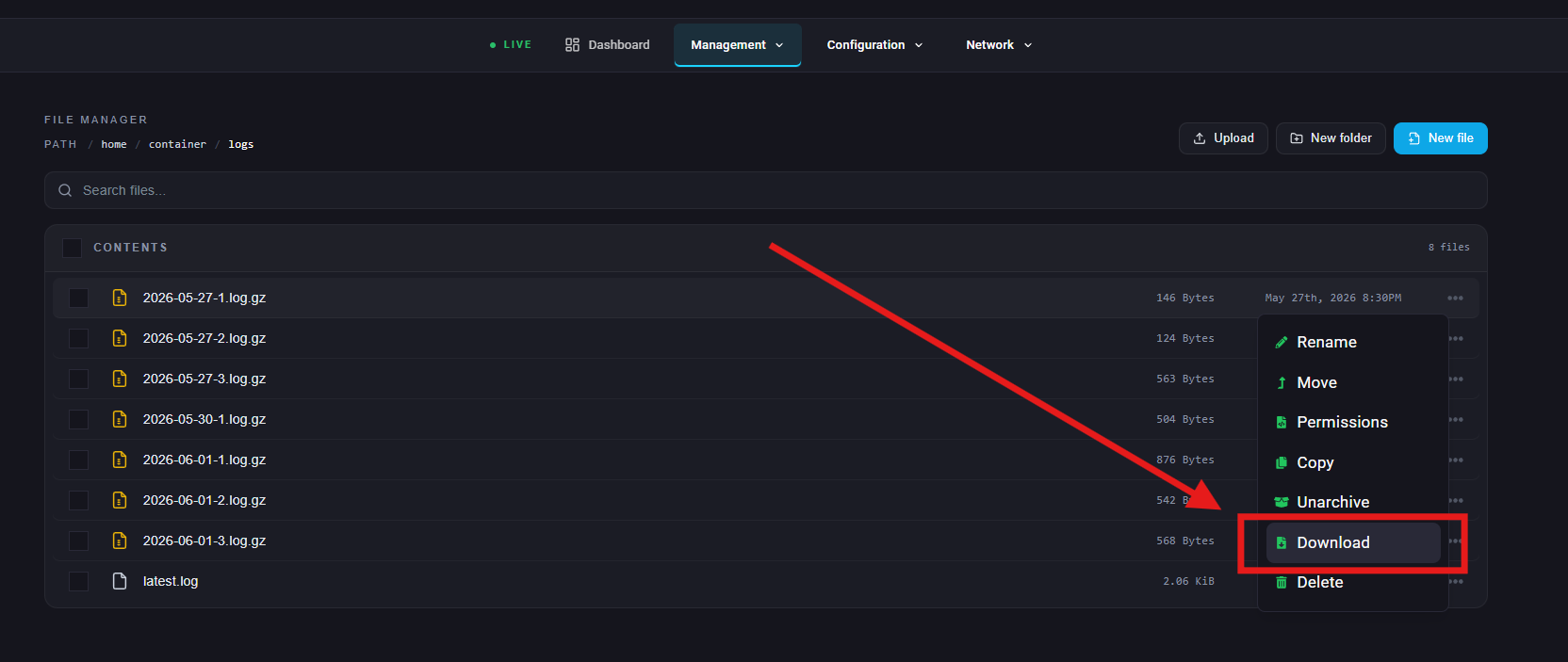
To view logs locally, select the three dots of the file and select Download.