Minecraft servers use an OP (Operator) system that gives players admin-level permissions. OPs can run important commands like changing game modes, adjusting difficulty, or moderating players. While OP powers cover most admin needs, you can expand permissions further with plugins or mods. Granting OP to trusted players can help share the workload so server owners can focus on building and maintaining the community.

Log in to the ChipHead Panel.

Under the Dashboard view the Console.
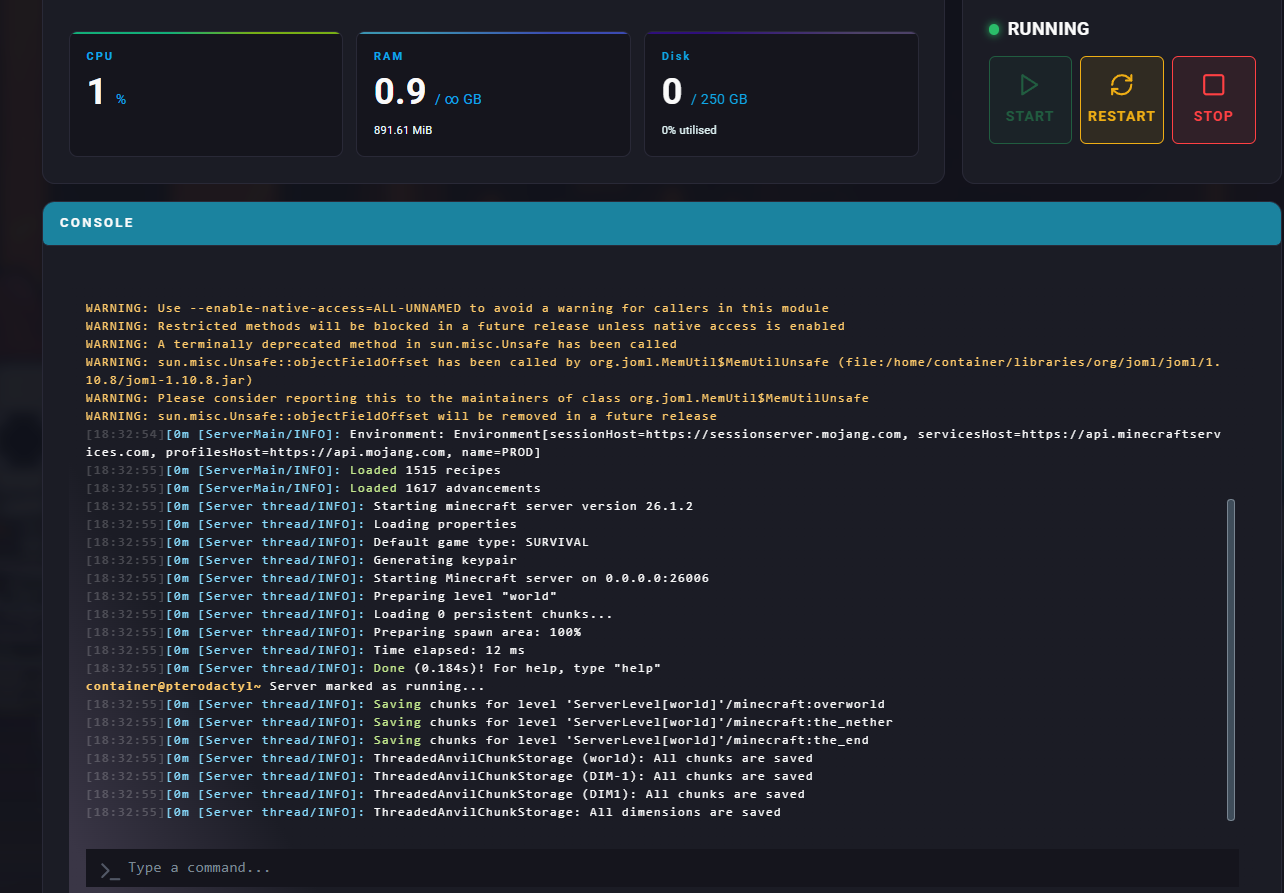
To give a player OP permissions, enter:
/op [PlayerName]To remove OP permissions from a player, enter:
/deop [PlayerName]Log in to the ChipHead Panel
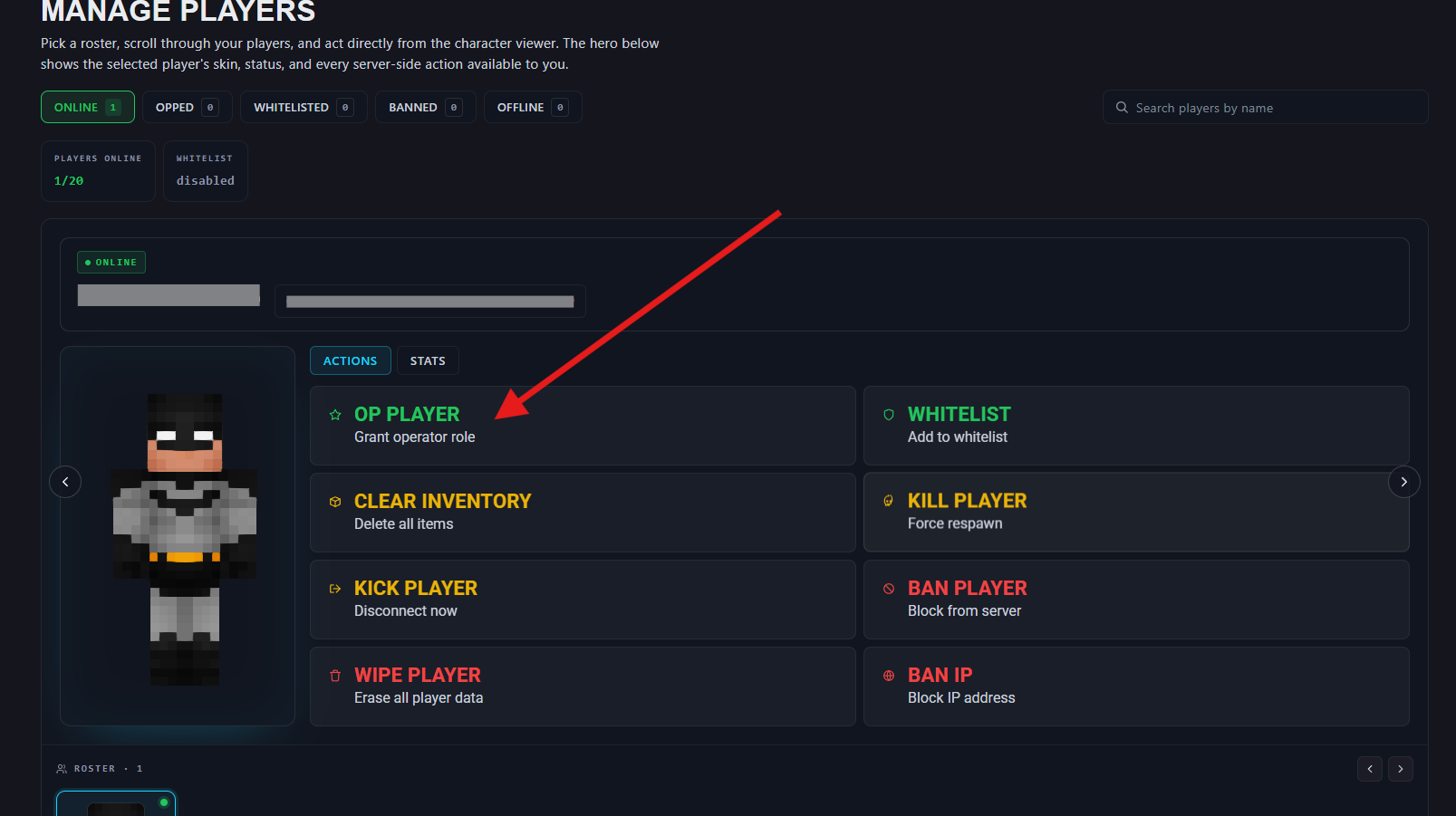
Navigate to Management > Players
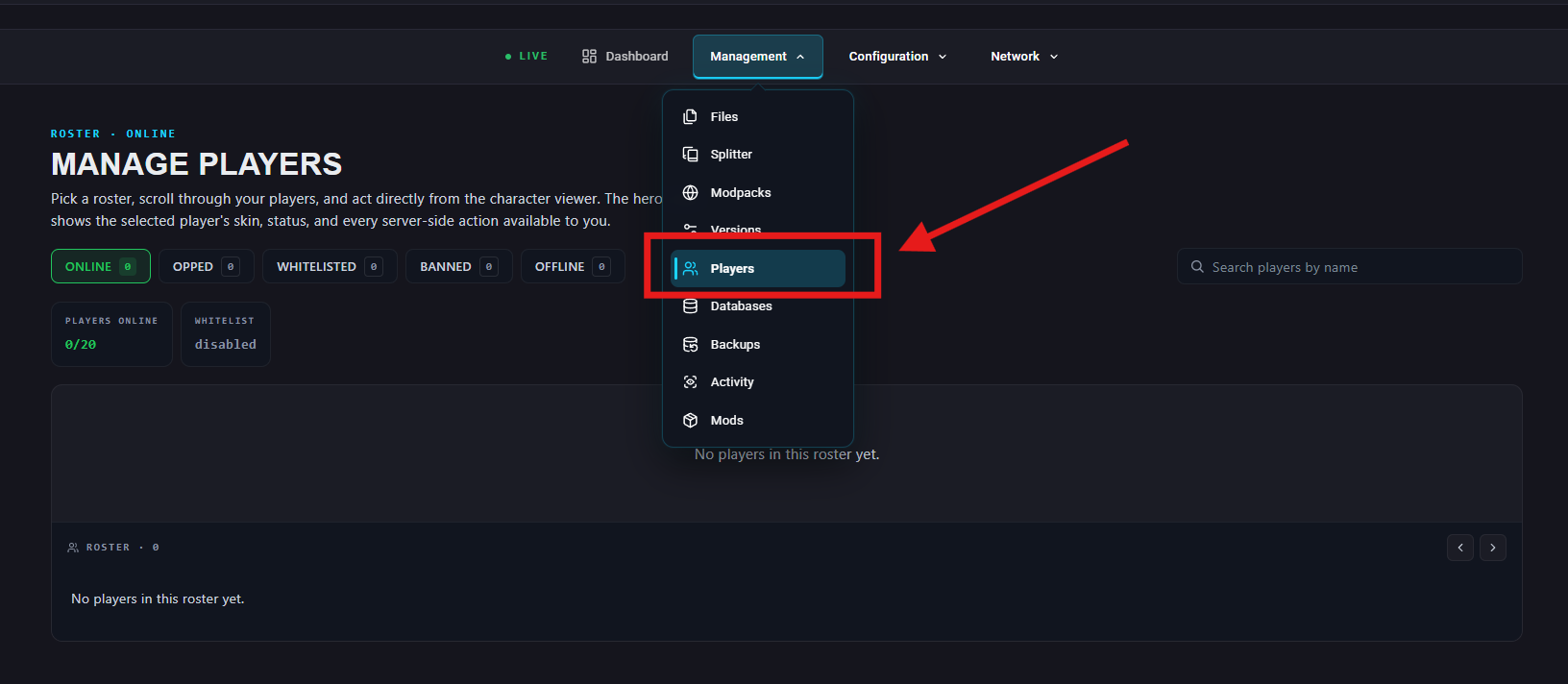
Under “OPPED” give a player OP permissions by selecting “OP Player” and enter in the player name.
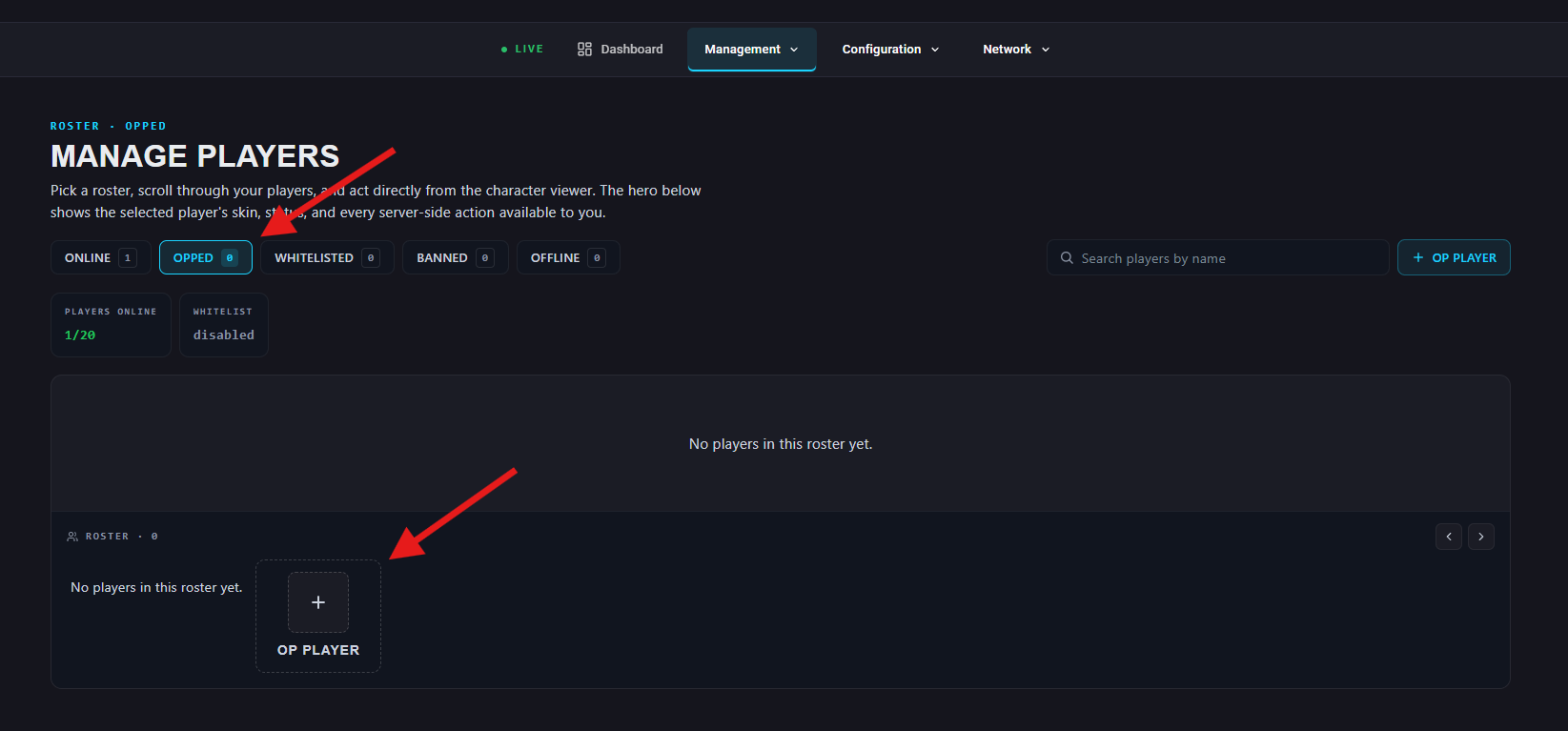
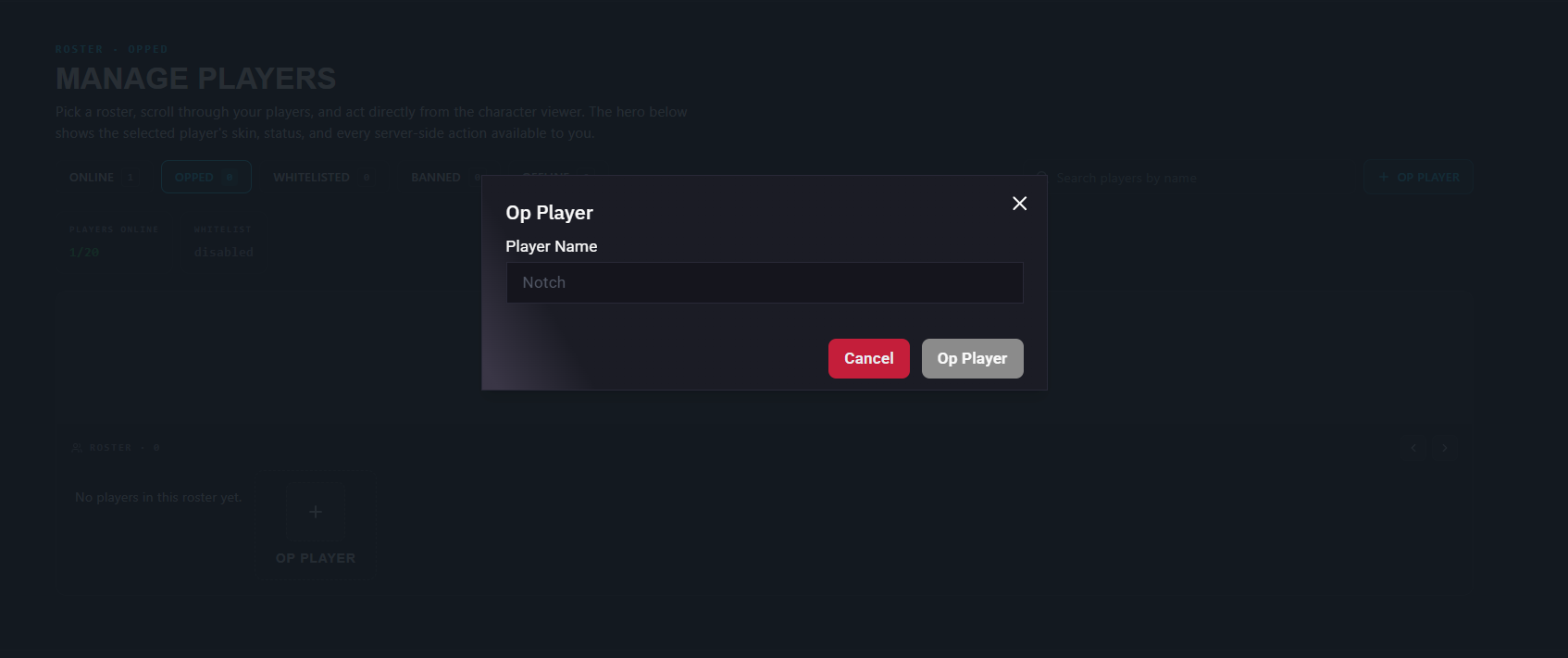
Alternatively; under “Online” select "Op Player".
Log in to the ChipHead Panel.
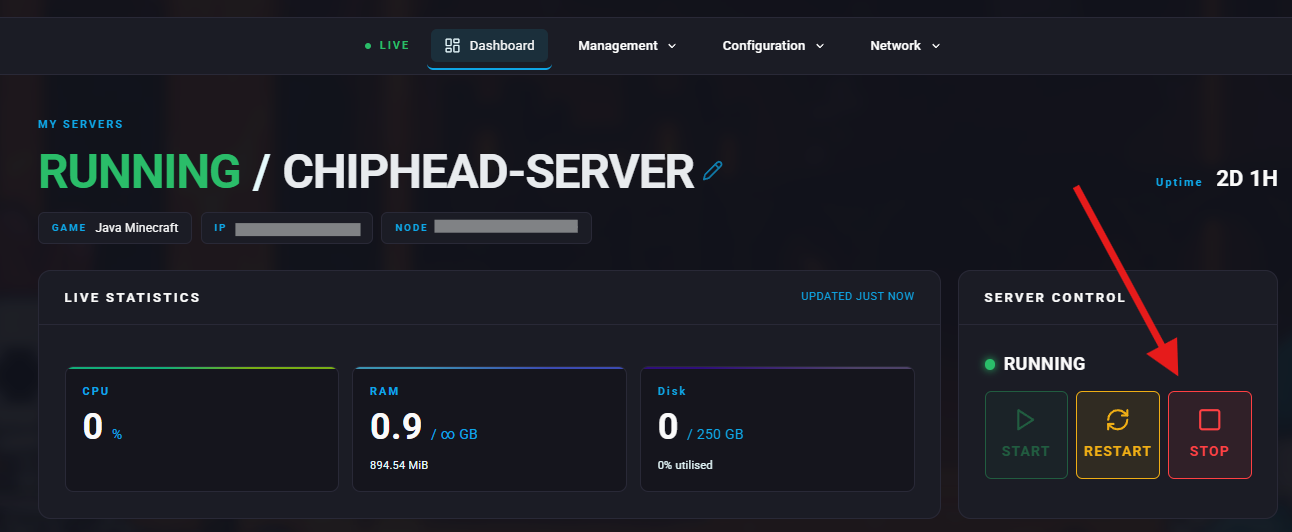
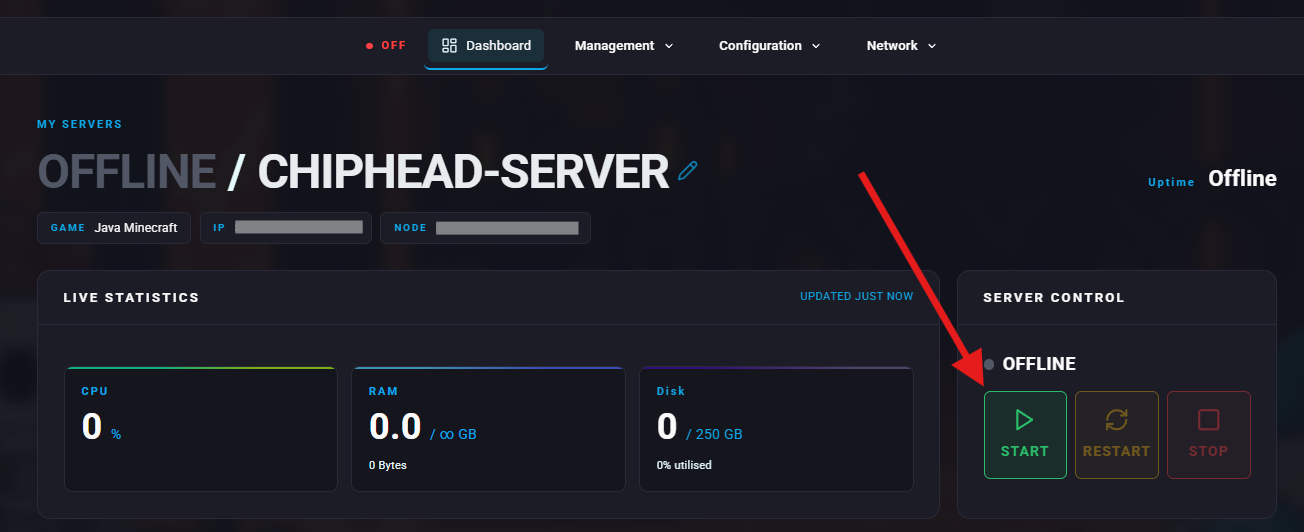
Stop your server.
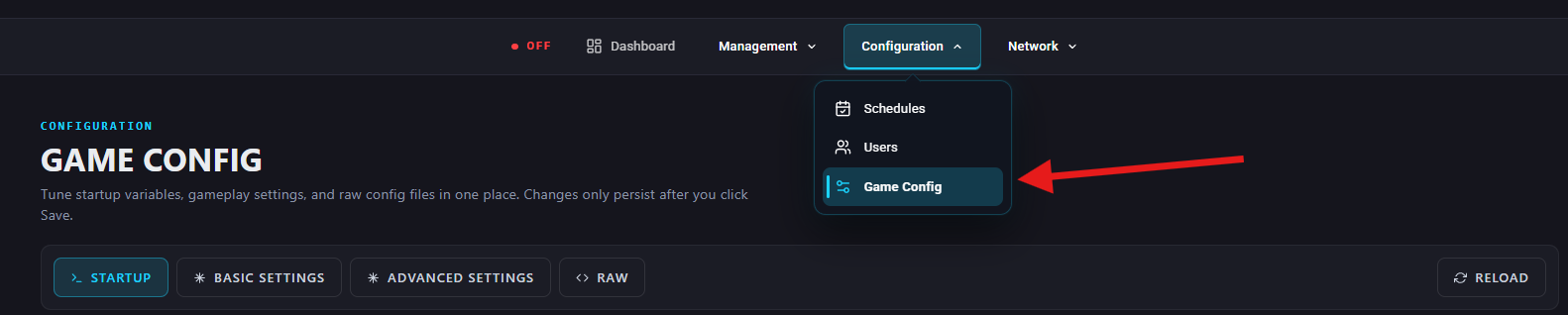
Go to Configuration > Game Config
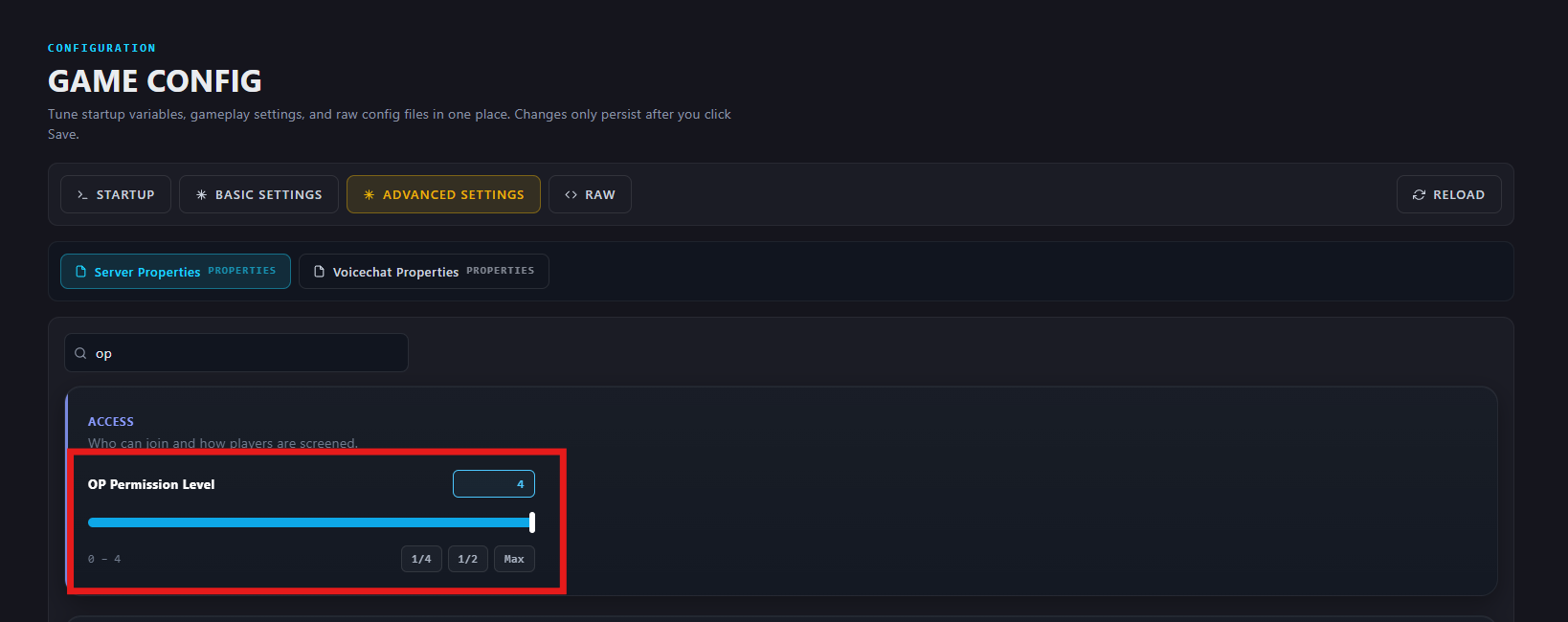
Under Advanced Settings > Sever Properties > Access, find the OP Permission Level setting or search for “op permission level” and choose your desired level.
Start your server again.
Level 1 → Basic commands like /help, /list, /tp.
Level 2 → Adds multiplayer management commands such as /kick, /ban, /whitelist.
Level 3 → Includes commands for editing gameplay like /gamemode, /gamerule, and /give.
Level 4 → Full access to all commands, including critical ones like /stop.

