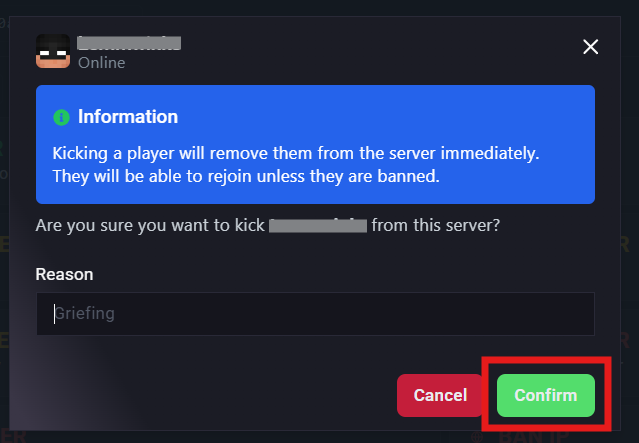
Running a Minecraft server sometimes means handling disruptive players. With the right commands, you can kick a player (temporarily remove them) or ban them (block them by name or IP). Players with OP permissions can run these commands directly in-game or through the server console, making moderation quick and effective. This helps keep your server fair, fun, and welcoming for everyone.

Log in to the ChipHead Panel.

Go to the Console tab.
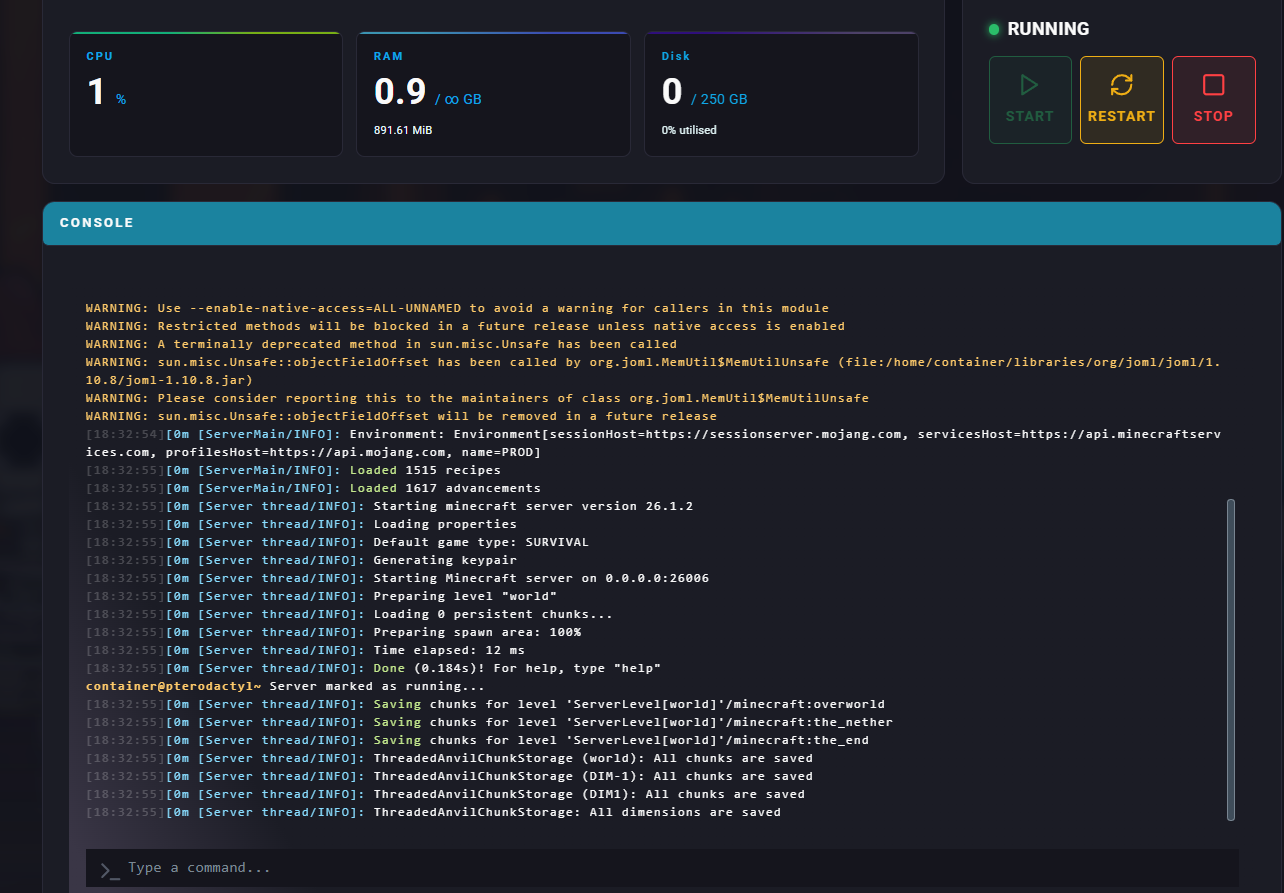
Use the following commands to manage players:
Command Name | Description | Command Example |
ban [player] | Permanently bans a player by name. | ban Steve |
ban-ip [player] | Bans a player’s IP address. | ban-ip Steve |
banlist players | Shows all banned players. | banlist players |
banlist ips | Shows all banned IPs. | banlist ips |
pardon [player] | Removes a player from the ban list (unban). | pardon Steve |
pardon-ip [IP] | Removes an IP from the ban list (unban). | pardon-ip Steve |
kick [player] | Temporarily removes a player from the server. | kick Steve |
Log in to the ChipHead Panel
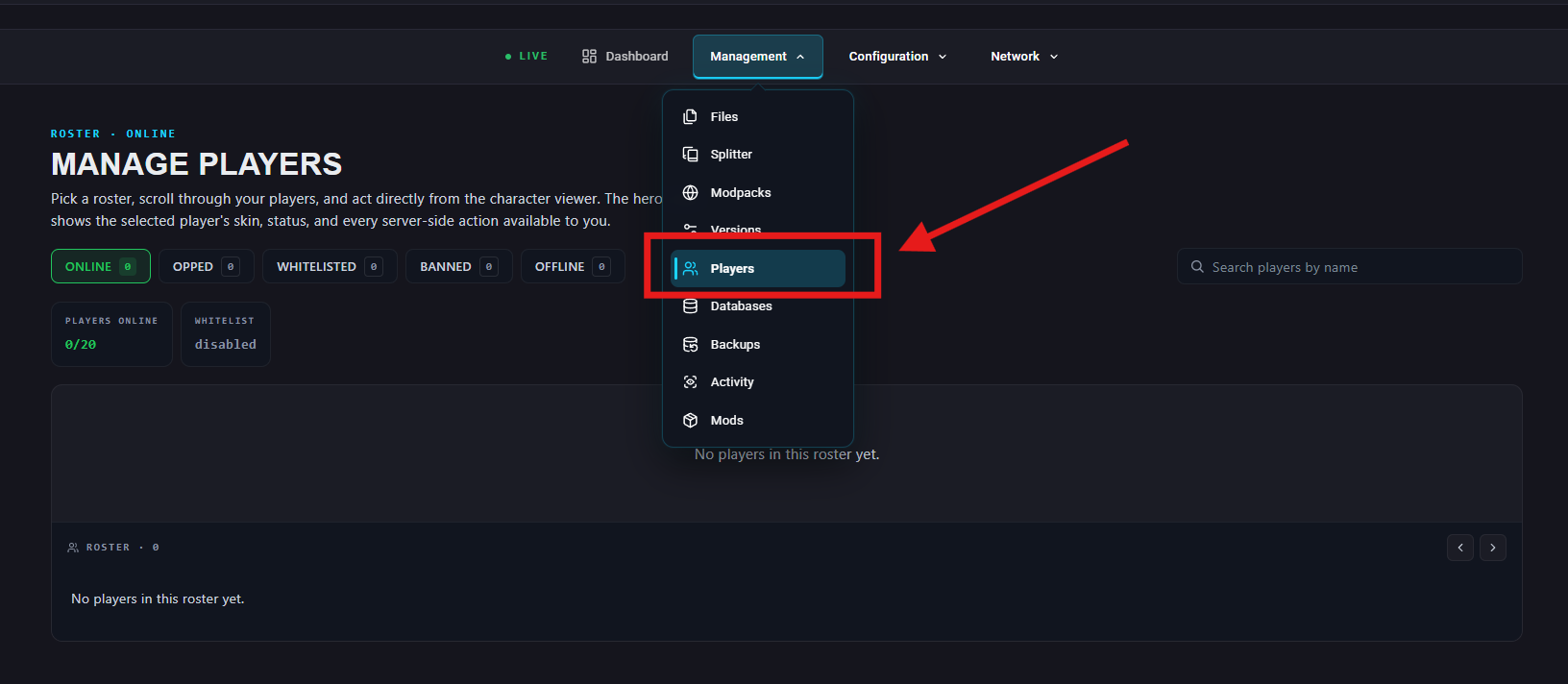
Navigate to Management > Players
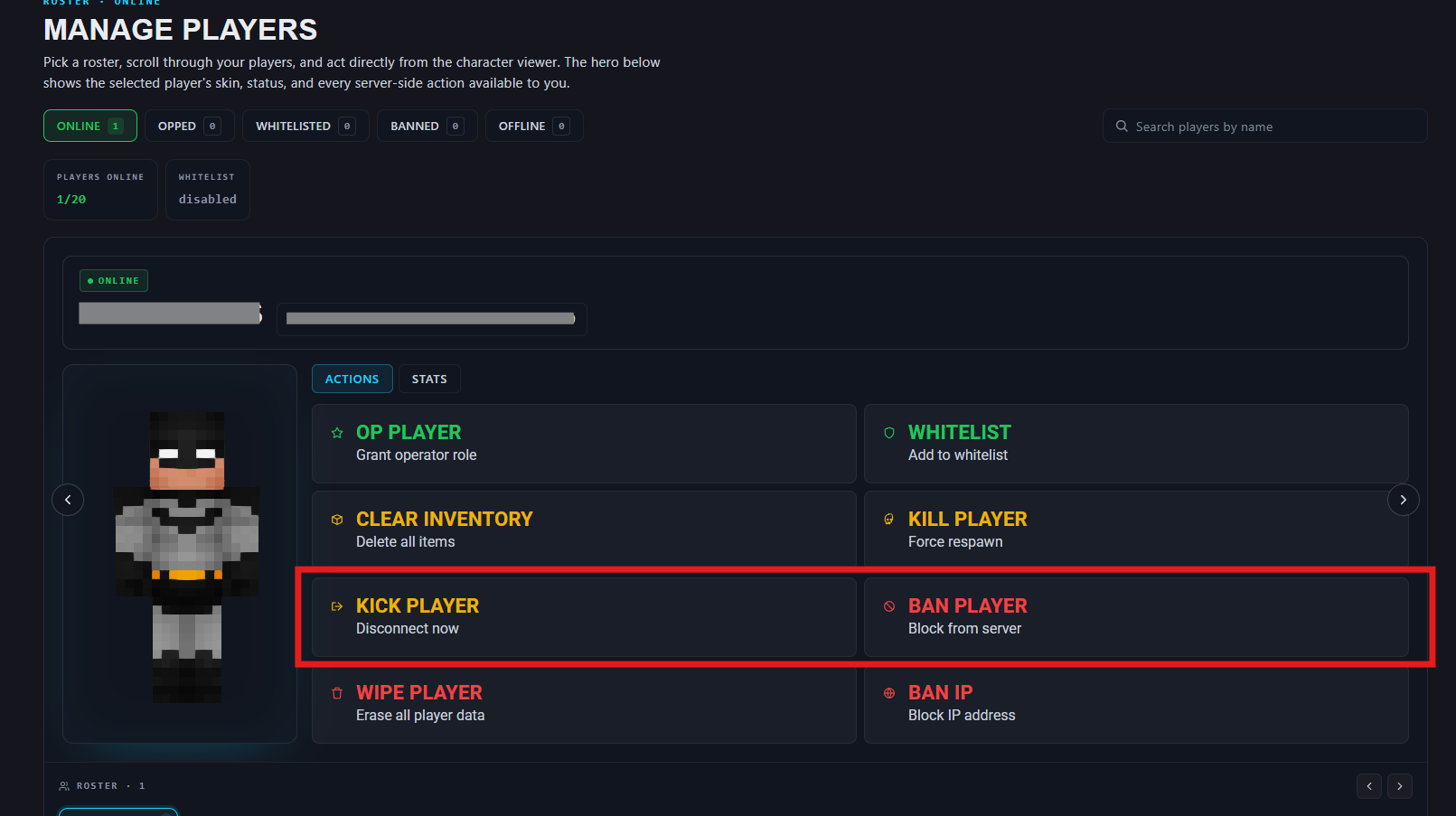
Select "Kick Player" or "Ban Player"
(optional) Insert a reason
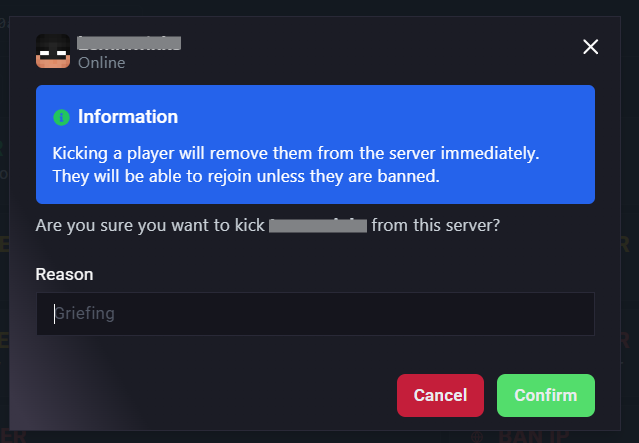
Confirm to action