Once your Palworld server is set up and configured the way you want, you’ll be ready to connect!
There are a few ways to join, depending on your preference - but direct connection is currently recommended since the community server list has limited filtering options.
To connect, you’ll need both your server IP and port.
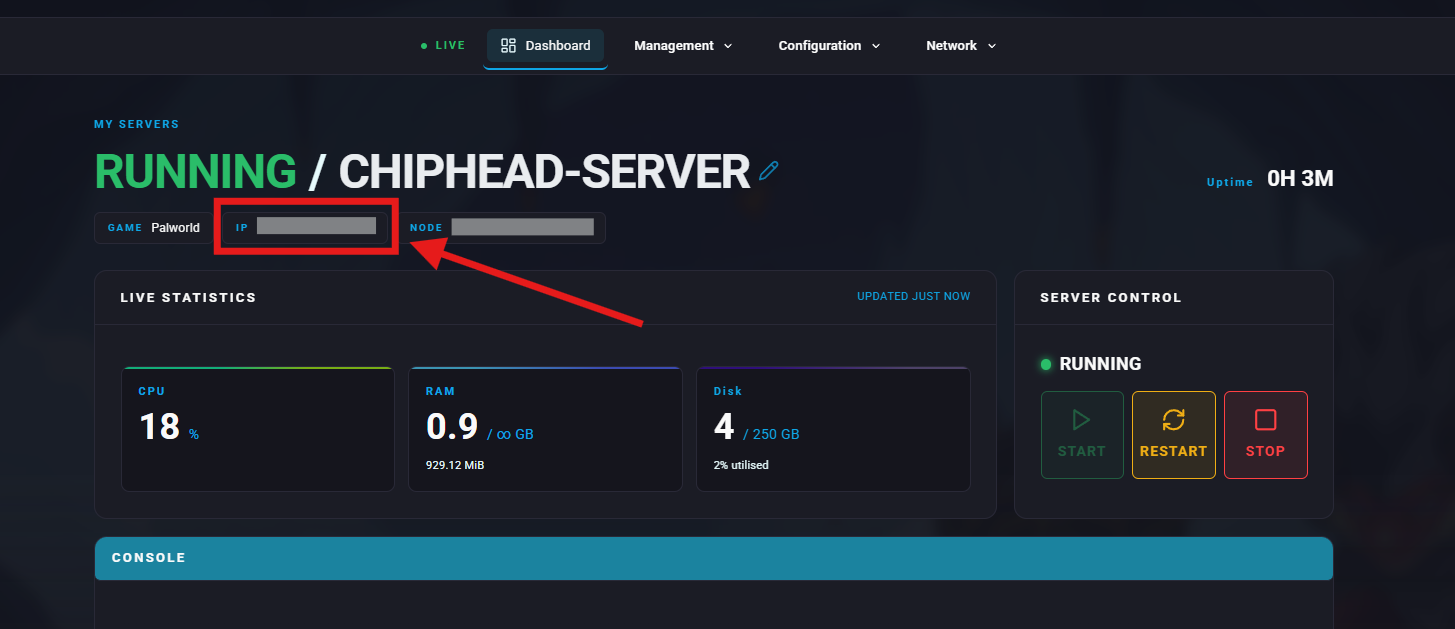
You can find these details in your server’s ChipHead control panel.
Log in to your ChipHead control panel.

Locate your server and click Manage.
Your IP and Port will be displayed next to "Server IP".
Direct connecting is the most reliable method to join your server.
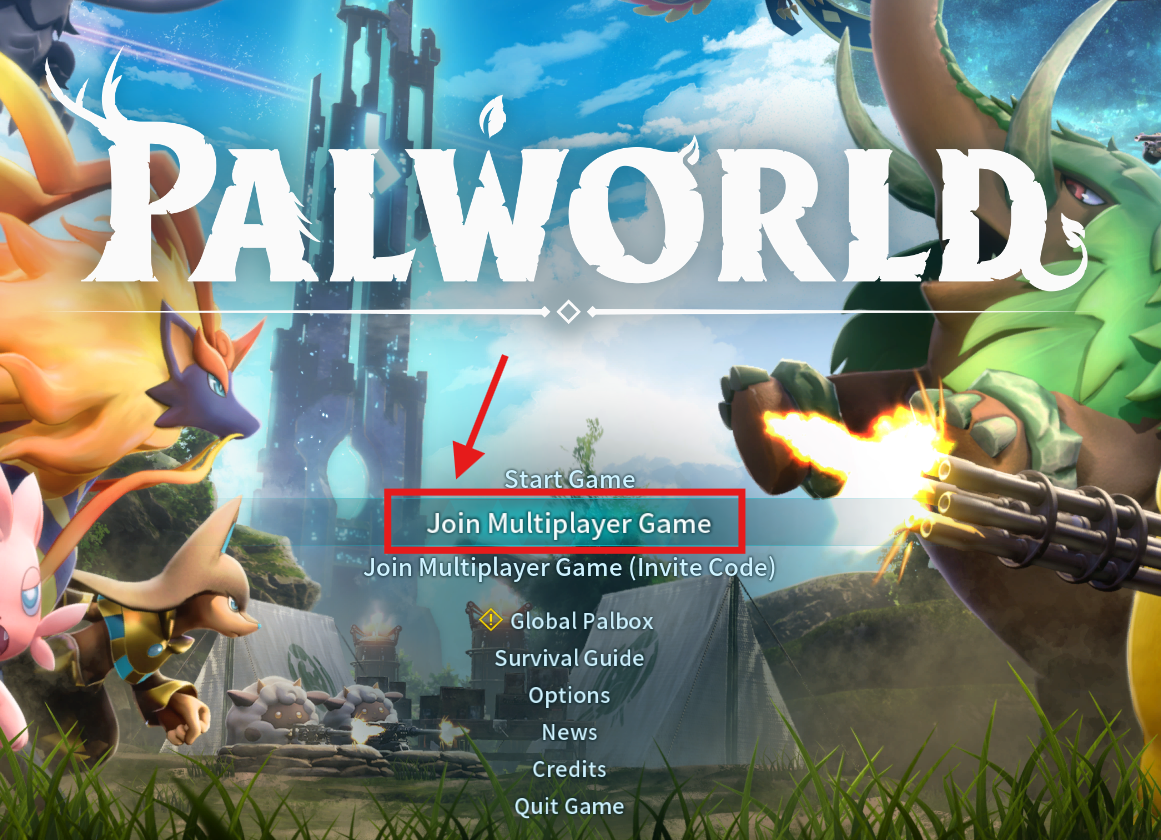
Launch Palworld.
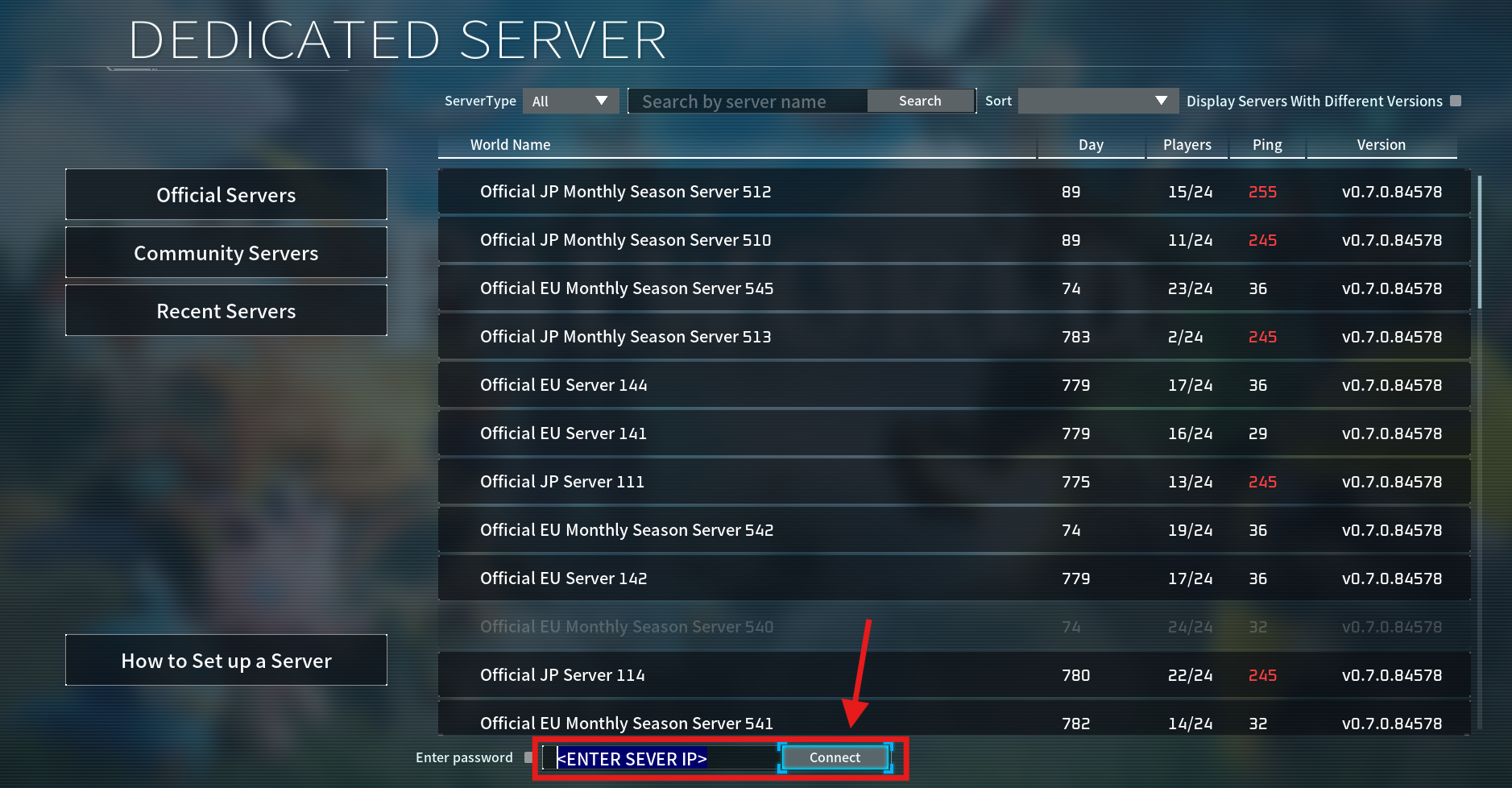
Click "Join Multiplayer Game".
Enter your server address (IP:Port) into the Direct Connect box.
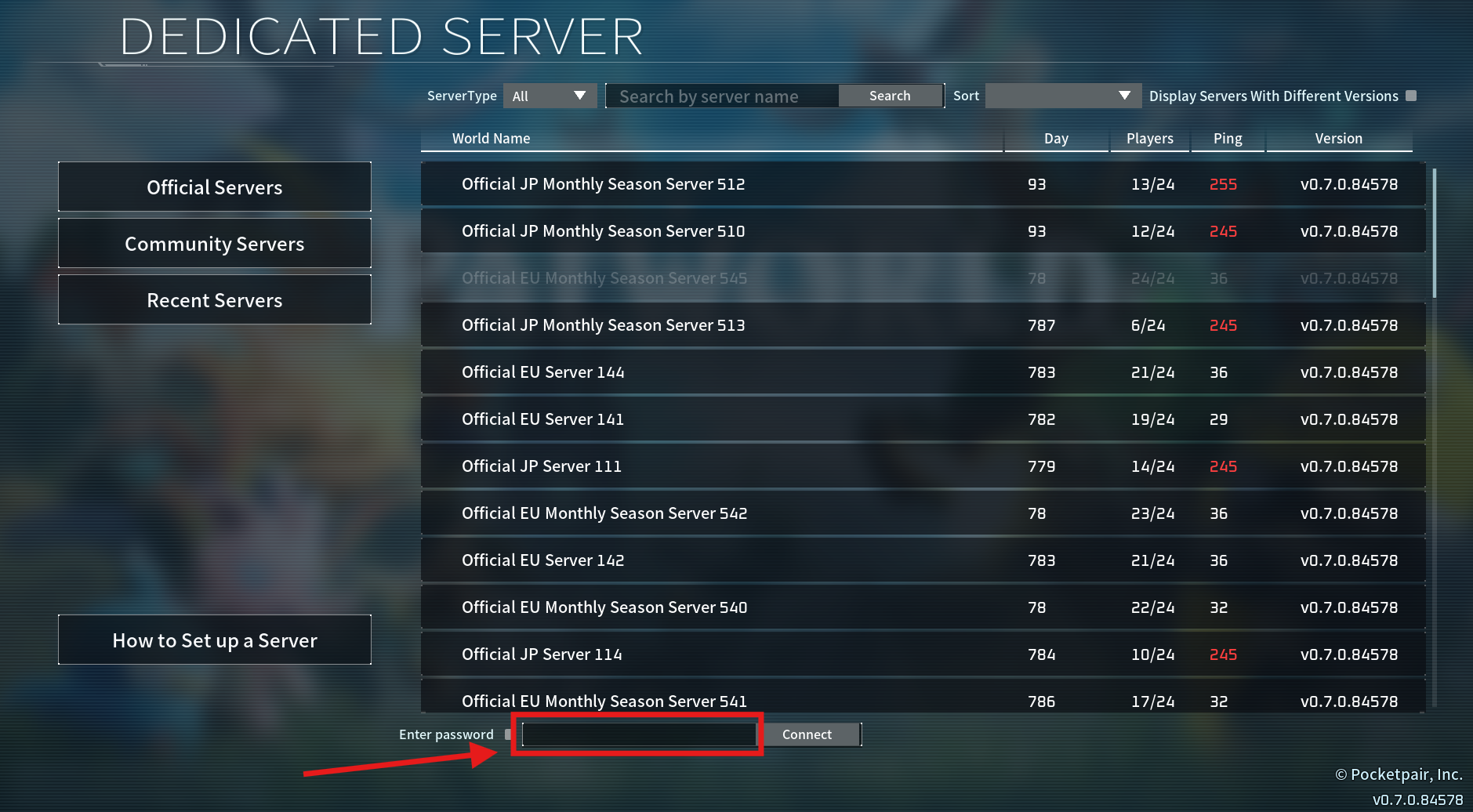
Click "Connect" to join your server.
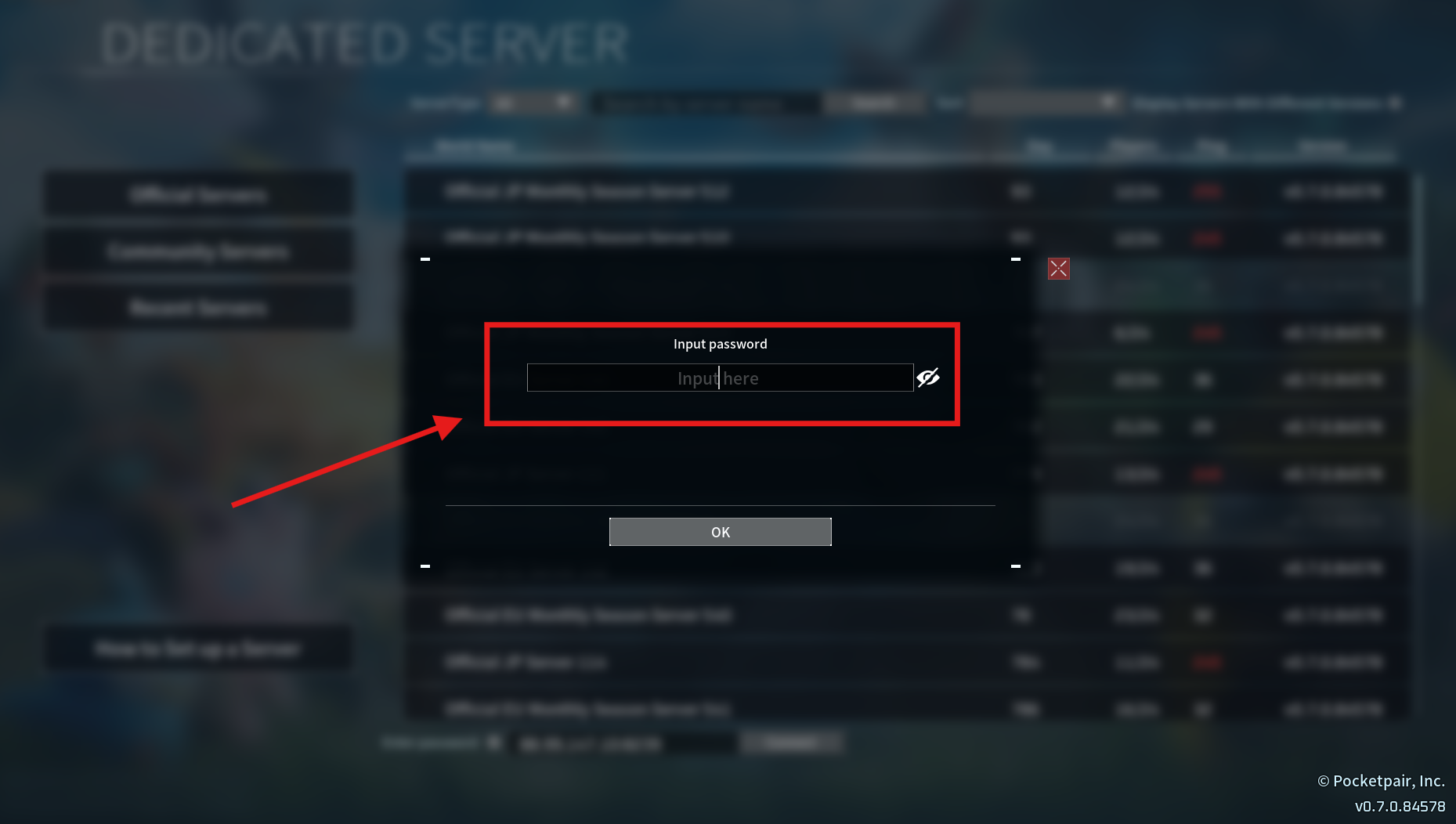
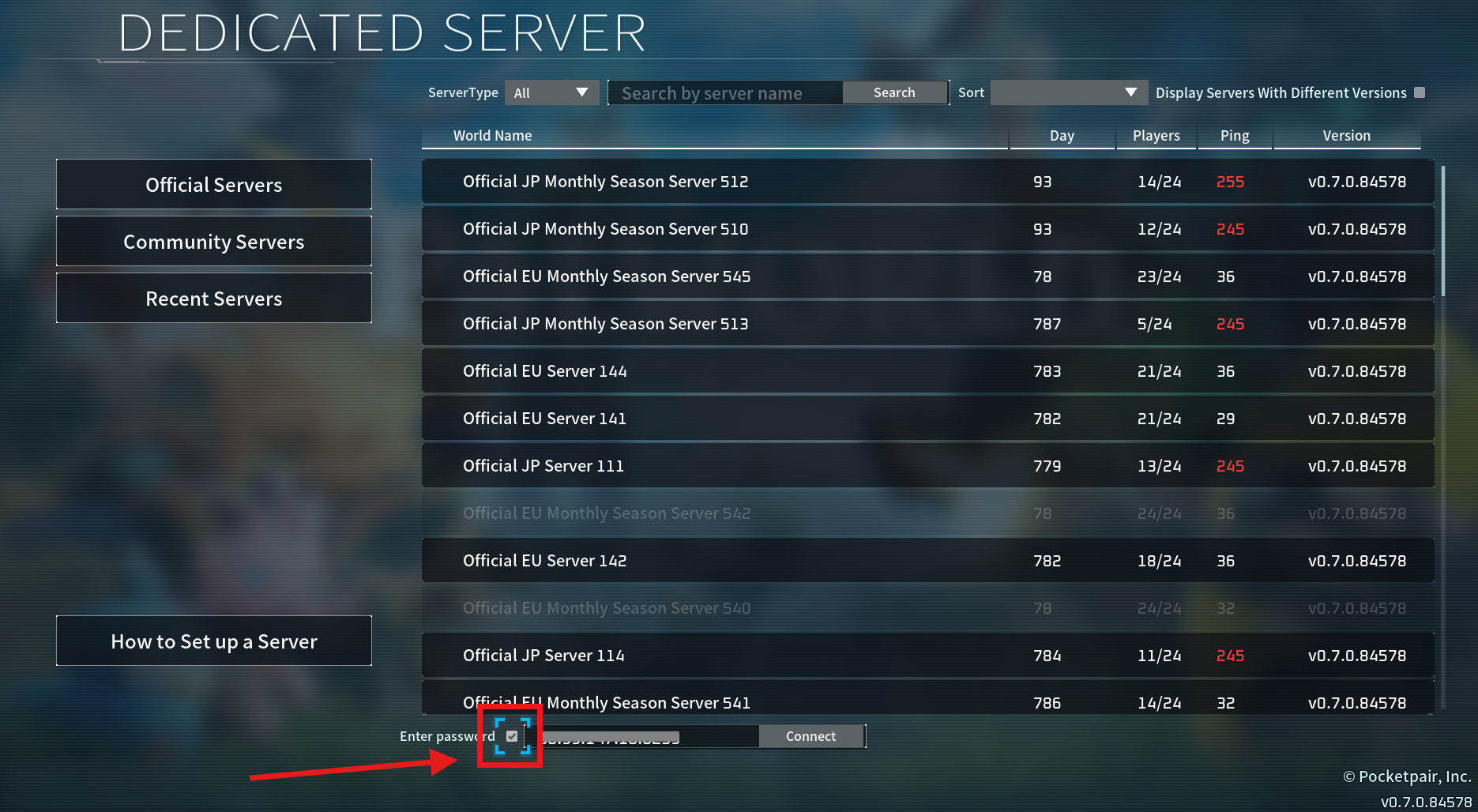
If your server has a password:
Check "Enter password".
Click “Connect”.
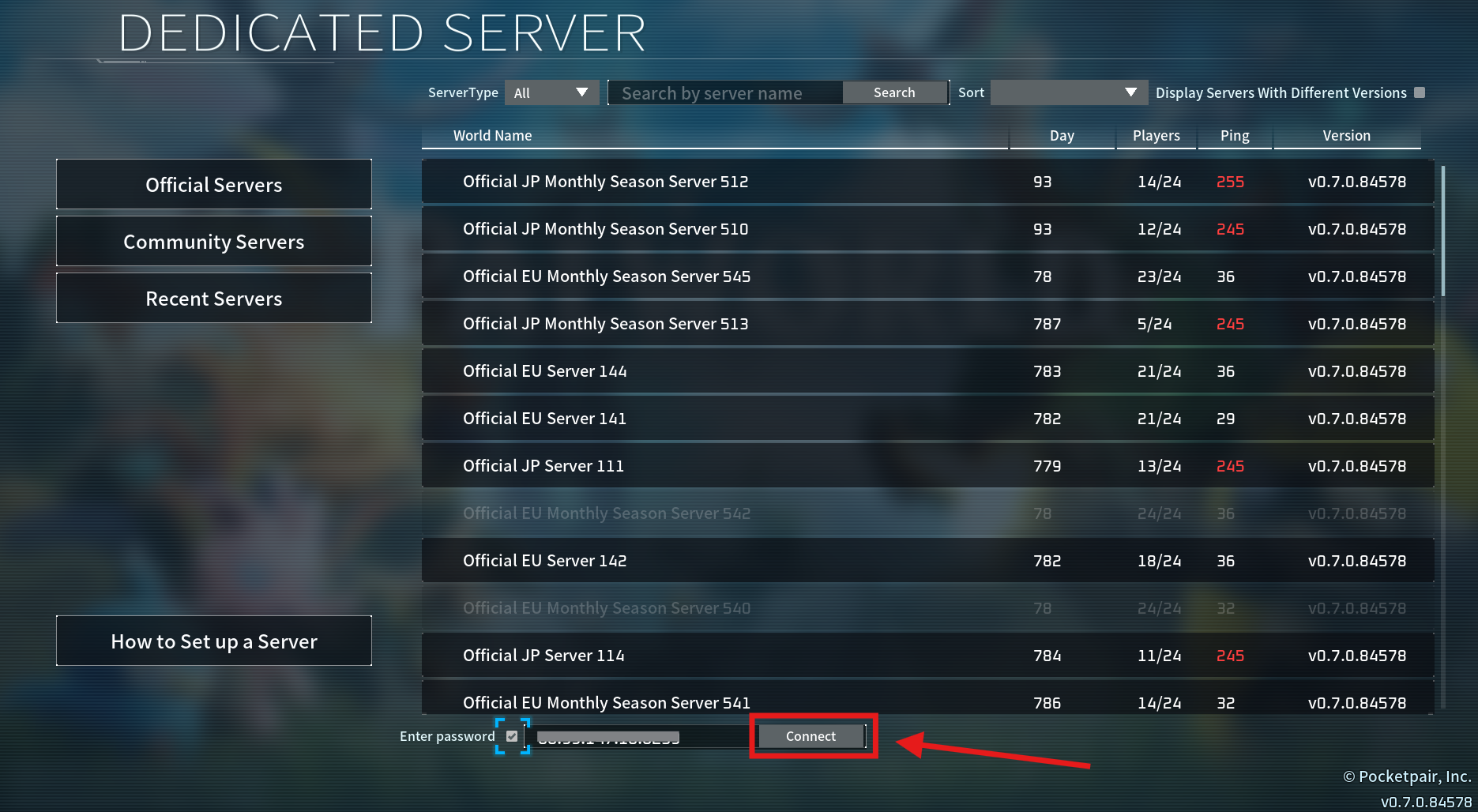
Input the server password and select “ok”.