
Summary
To join your Valheim server when using BepInEx and mods, you must have both BepInEx and the same mods installed on your PC. If you need help with this, check out our guide: Installing Valheim Mods On Your PC.
How to Upload Plugins to Your Server
Make sure you have BepInEx installed on your server. If you haven’t set it up yet, follow our guide here
Locate the mods installed on your PC using the r2modman launcher.
Launch r2modman, go to Settings, then open the Locations tab.
Click Browse data folder.
Navigate to Valheim > profiles > Default > BepInEx > plugins on your PC.
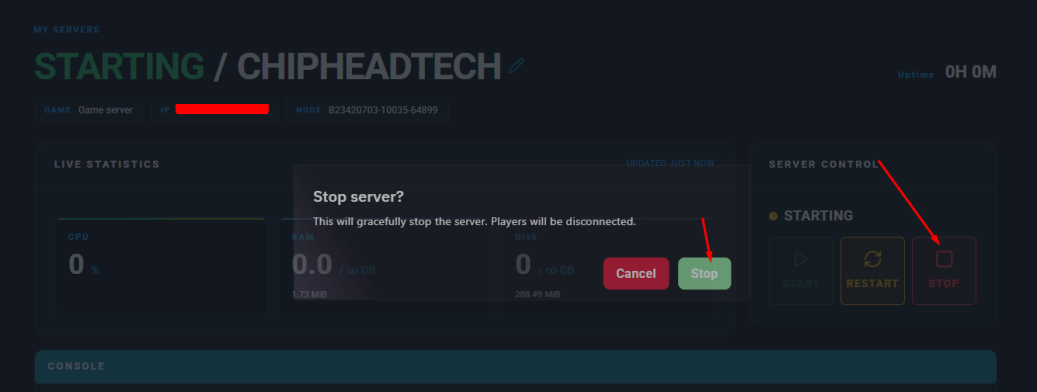
Log in to your ChipHead Panel and stop your server.

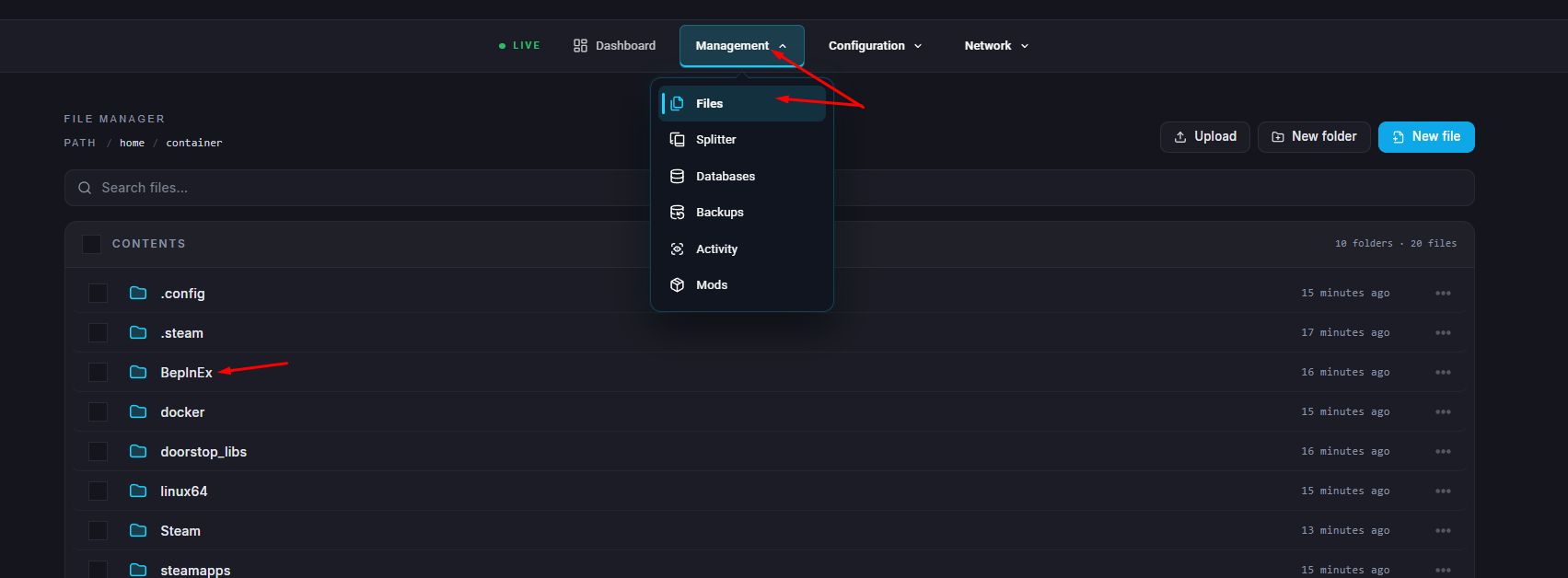
Open the Files tab and navigate to /BepInEx/plugins.
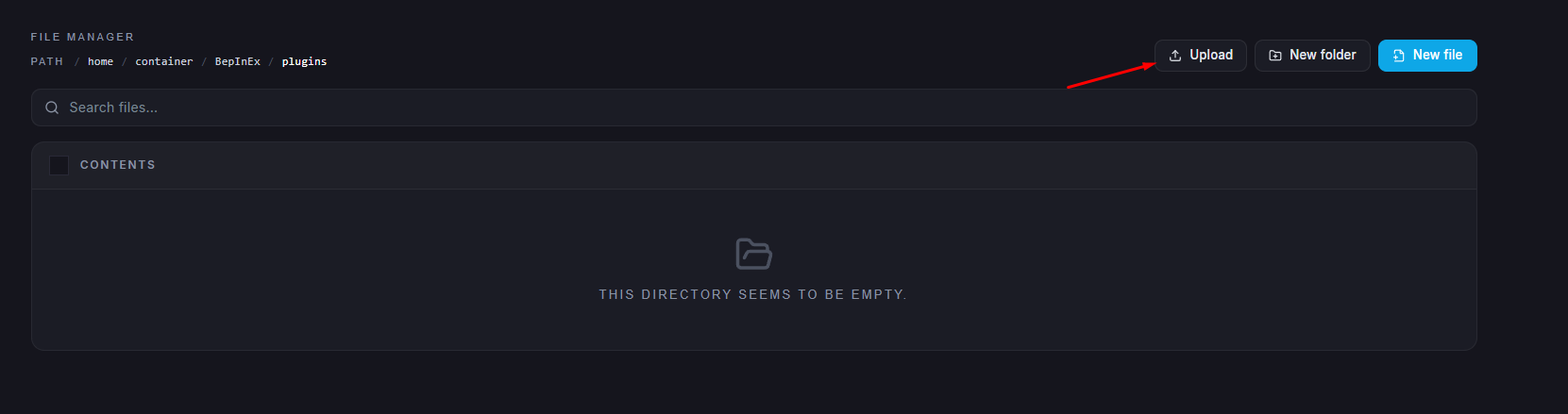
Upload all files from your PC’s plugins folder into this folder on your server.
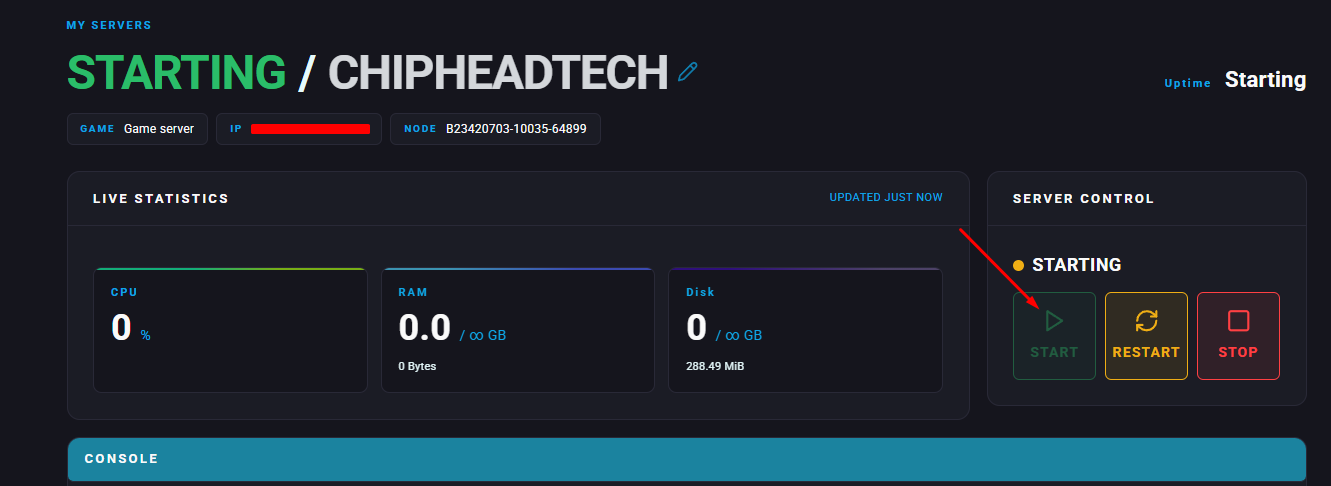
Start/Restart your server.

Your ChipHead Valheim server will now run with your uploaded BepInEx plugins and mods.