Mod configuration allows you to fine-tune how each mod behaves on your server — including changing gameplay mechanics or disabling certain modded features. This is done by editing each mod’s config.json file.

tModLoader is built specifically for Terraria, but it installs on your system as its own standalone application. Because of this, it shows up as a separate entry in your Steam library.
Head over to the Steam Store and search for the tModLoader page.
Install tModLoader via Steam.
After installation, launch tModLoader from Steam to run Terraria with mods enabled.
Adding mods to Terraria through tModLoader is straightforward. Unlike many other games, you do not need to manually download or upload files, as mods can be installed directly from within the application.
From the Steam library launch tModLoader.
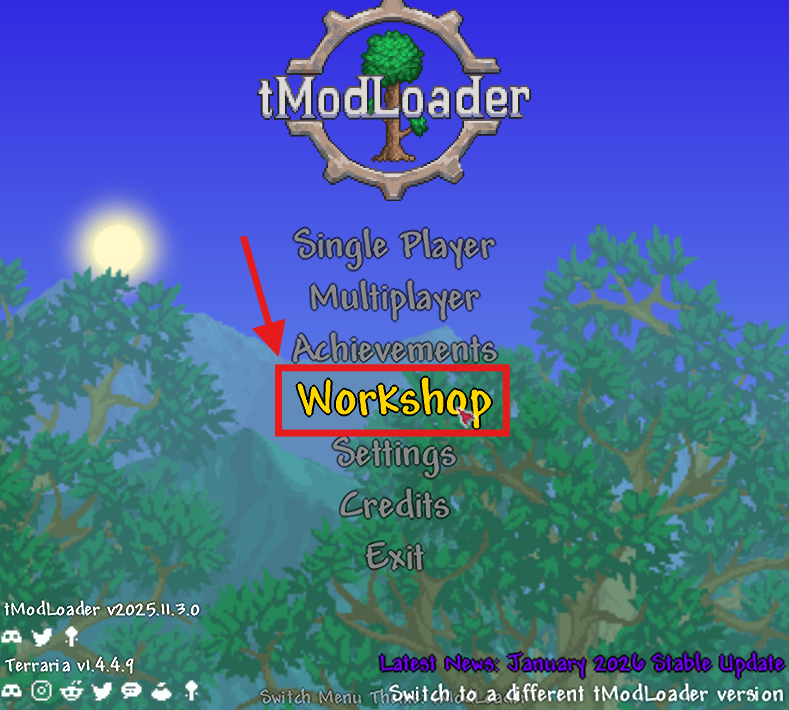
From the main menu in tModLoader, select Workshop.
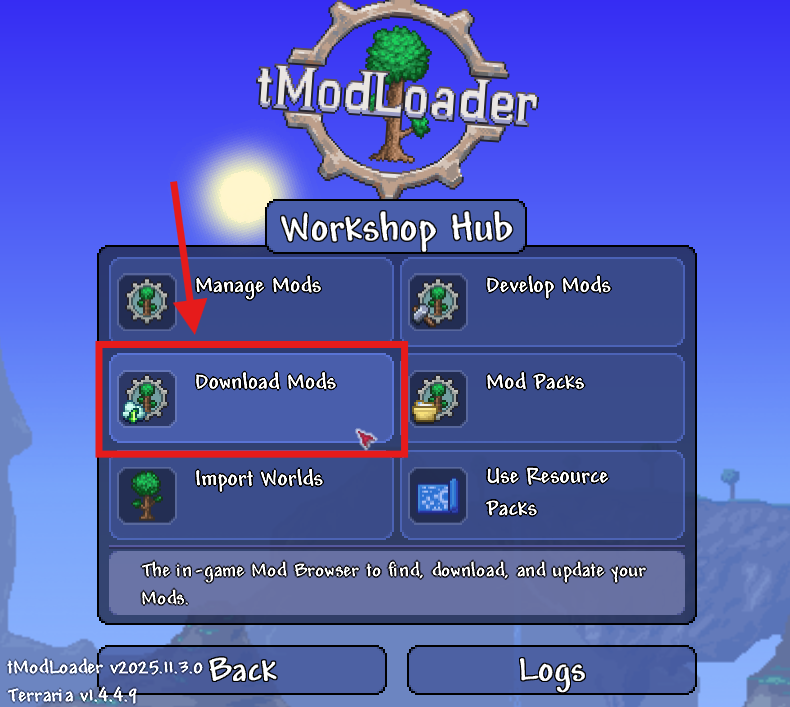
Click Download Mods to open the built in mod browser.
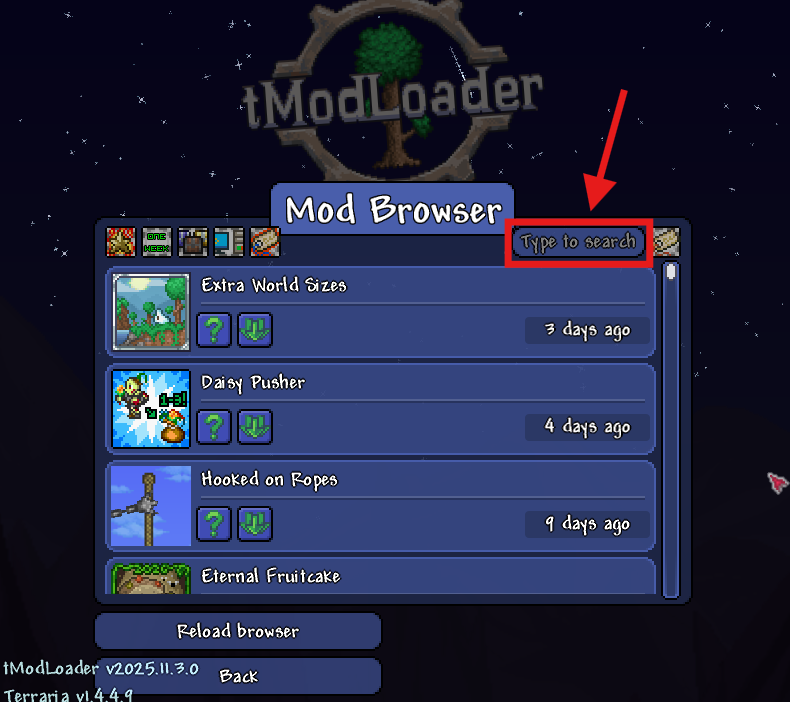
Browse available mods or use the search bar in the top right to find specific ones.
Select a mod and choose Download with Dependencies to ensure all required files are included.
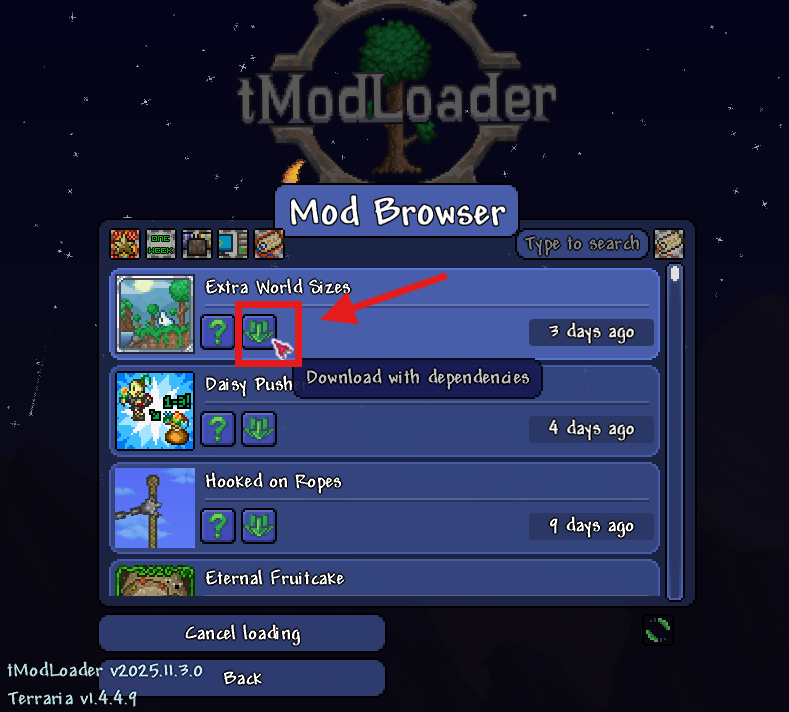
Repeat this process for any additional mods you want to use.
Return to the Workshop menu and open Manage Mods.
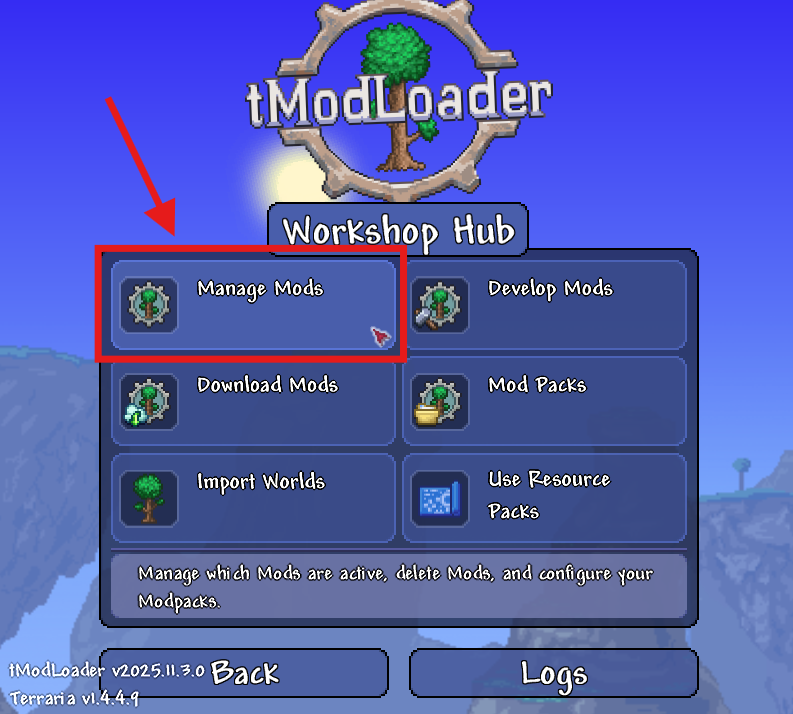
Select Enable All to activate your installed mods.
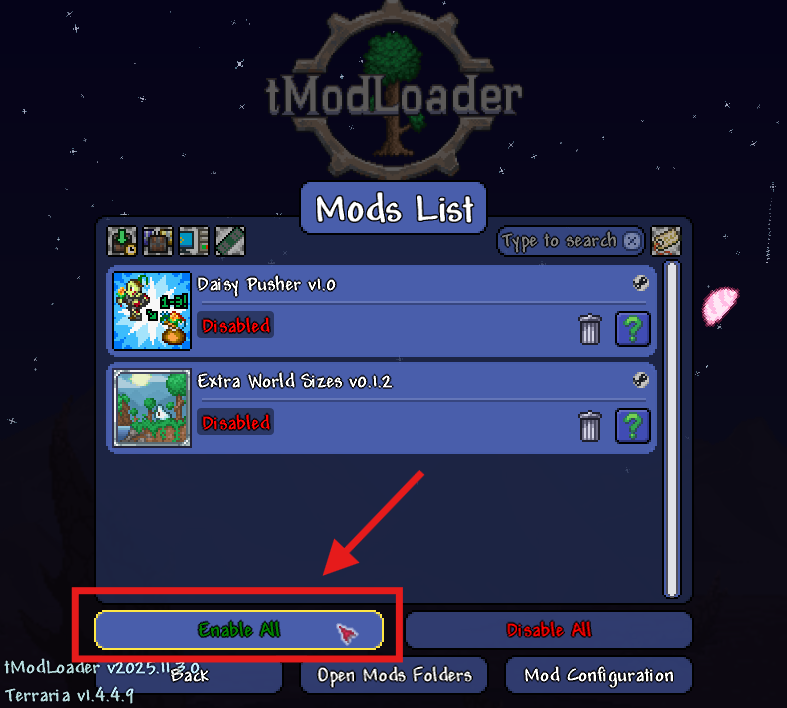
Restart tModLoader to apply the changes.

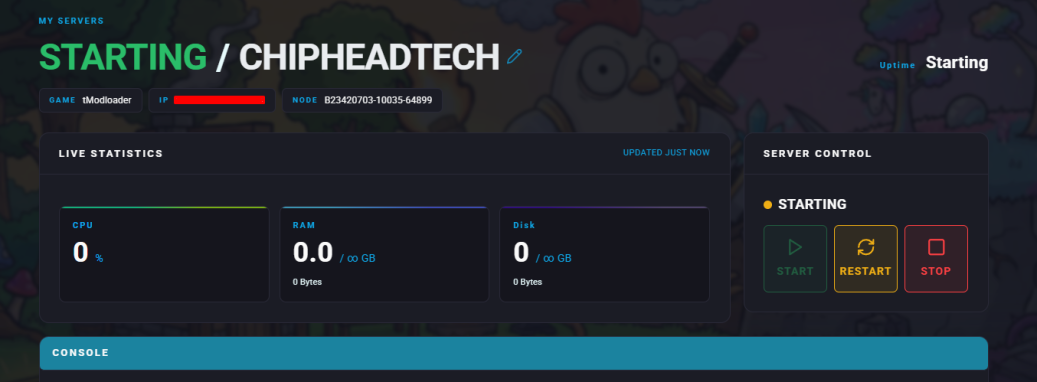
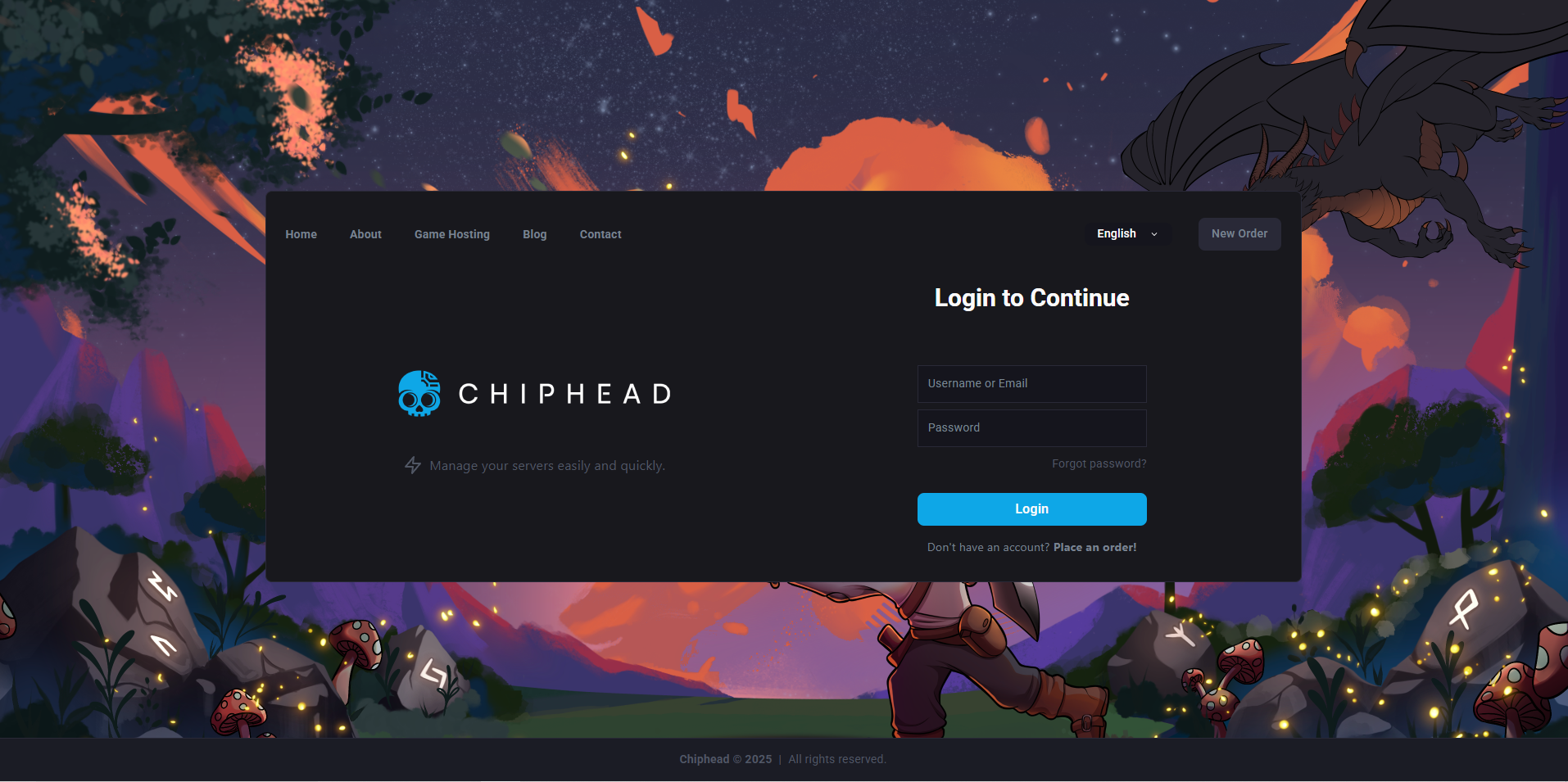
Log in to your Control Panel and stop your server.
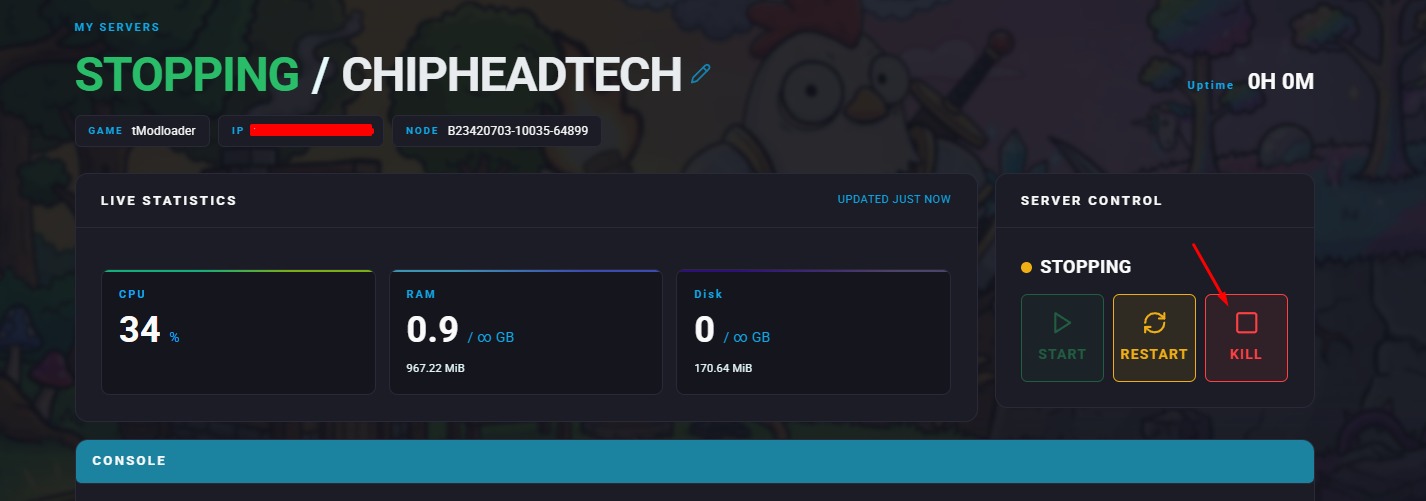
Navigate to Dashboard.
Scroll down to the Installed Game section and click swap game.

Search for “terraria” and select tModloader.
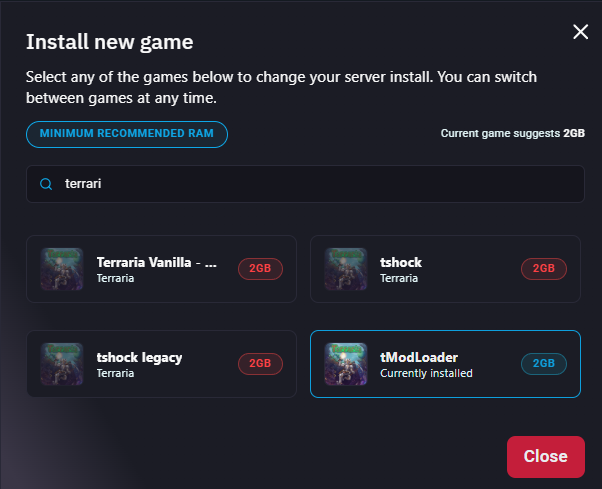
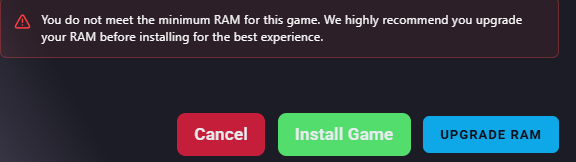
Click Change Game to begin the installation.
Once your server is installed navigate to Startup to change your tModLoader Version
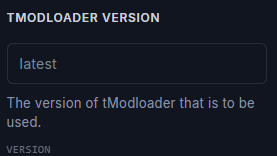
Navigate to tModloader’s github to choose the version that matches your Steam installation.
Copy the version which matches your installed Steam version.
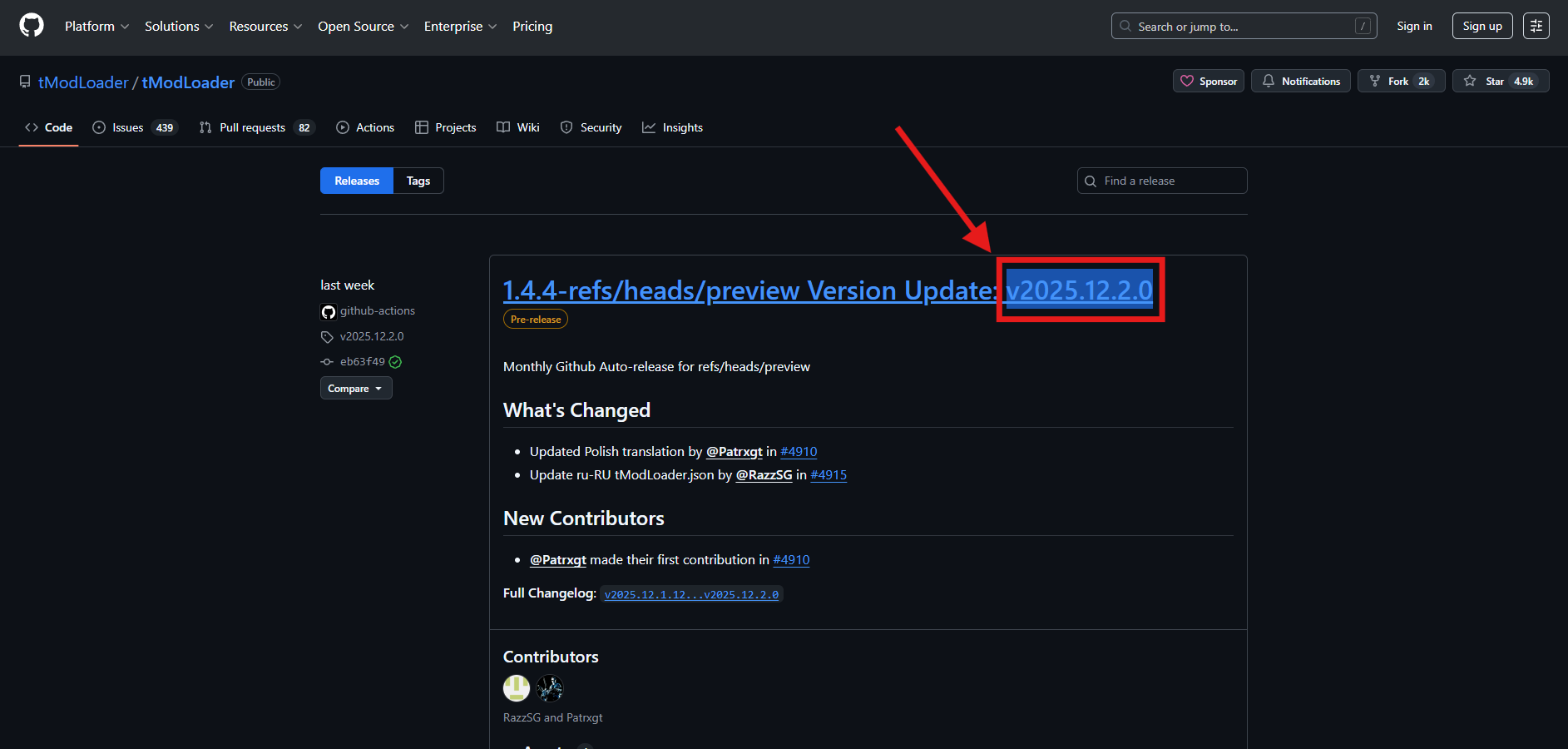
Paste your selected version into the tModloader Version field and this will then automatically save.
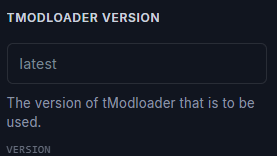
If you are changing your version on an already existing ChipHead tModLoader Server
Navigate to Dashboard
Scroll down and select “Reinstall”

Navigate to Startup & paste your selected tModLoader Version

Before editing any configuration files, make sure you’ve already installed your mods.
Log in to your Control Panel and stop your server.
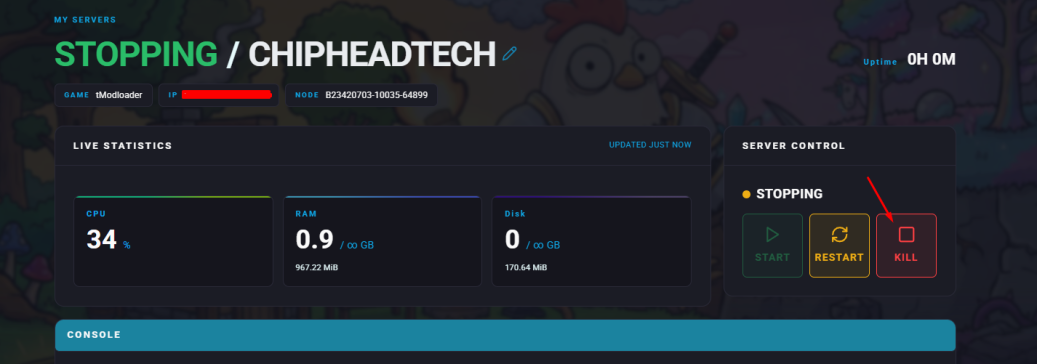
Open the Files section.
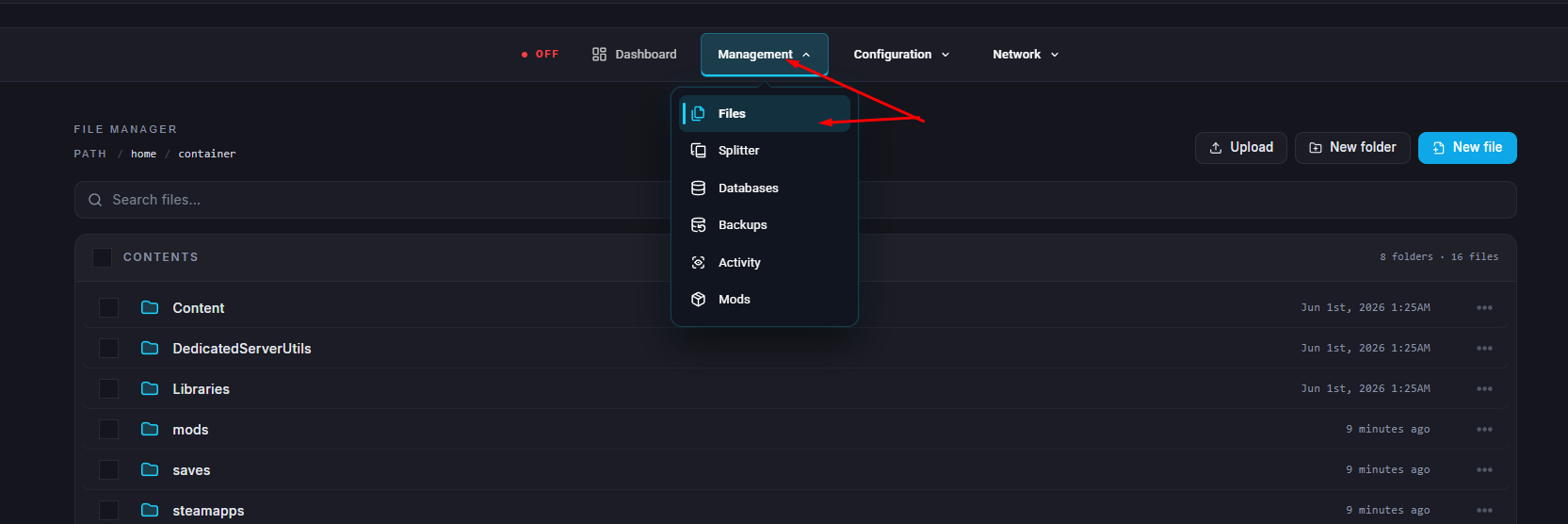
Navigate to /.local/share/Terraria/tModLoader/ModConfigs.
In this folder, you’ll find all available configuration files for your installed mods.
Click on the file for the mod you want to edit.
Adjust the settings in the file to your liking, then save and close it.
Start your server again to apply the changes.