
Summary
By default, Terraria servers only support players from the same platform. However, by using TShock (an enhanced server type) and the Crossplay plugin, you can allow both PC and mobile players to join the same world.
Installing the Crossplay Plugin
If you want to enable cross-platform play on your Terraria server, you’ll need to install the Crossplay plugin for TShock. Follow the steps below to get started.
Install and set up TShock on your Terraria server.
 If you haven’t done this yet, check out our guide on installing TShock first.
Download the Crossplay plugin from its official GitHub page.
Log in to your Control Panel and stop your server.
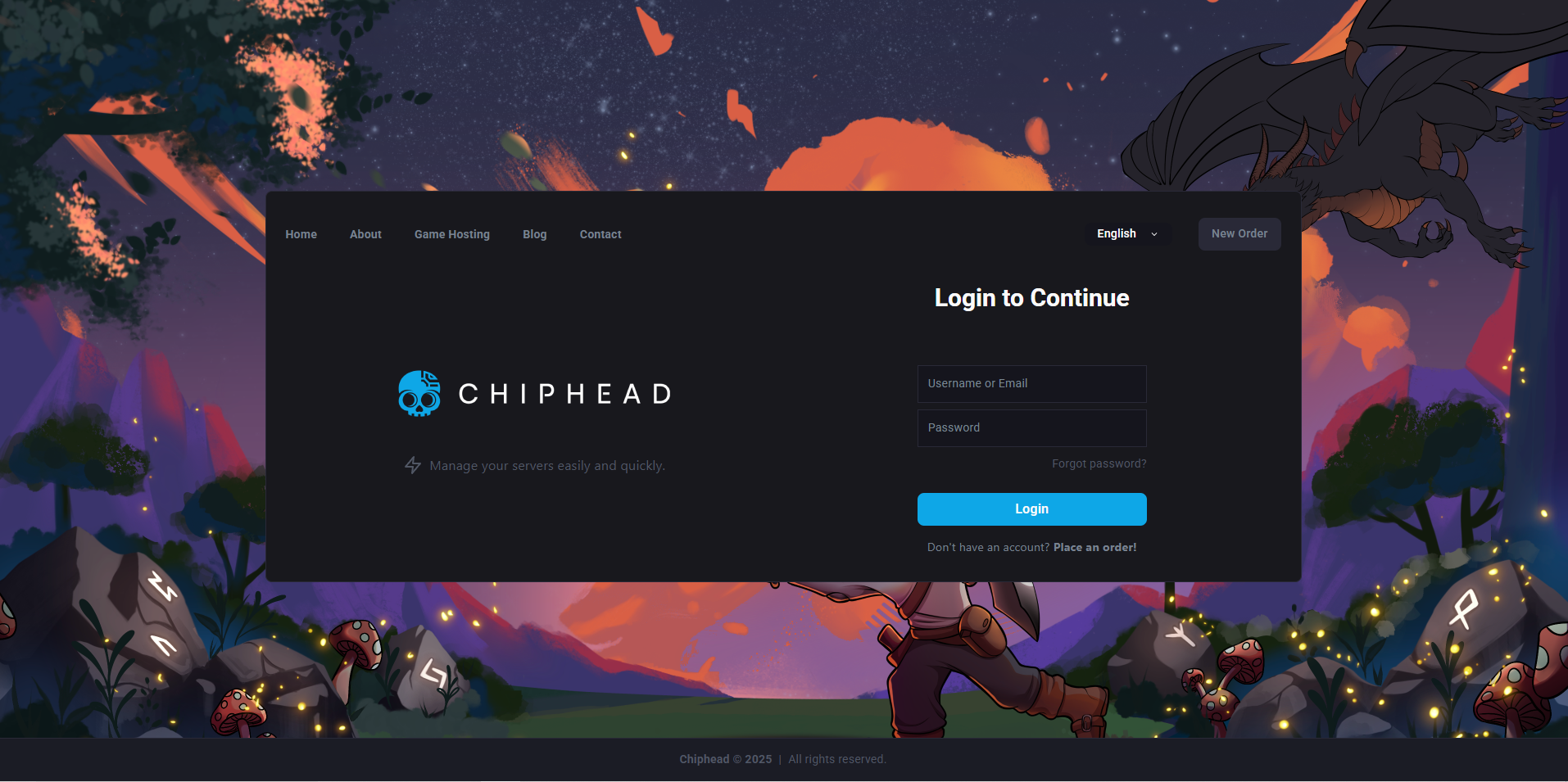
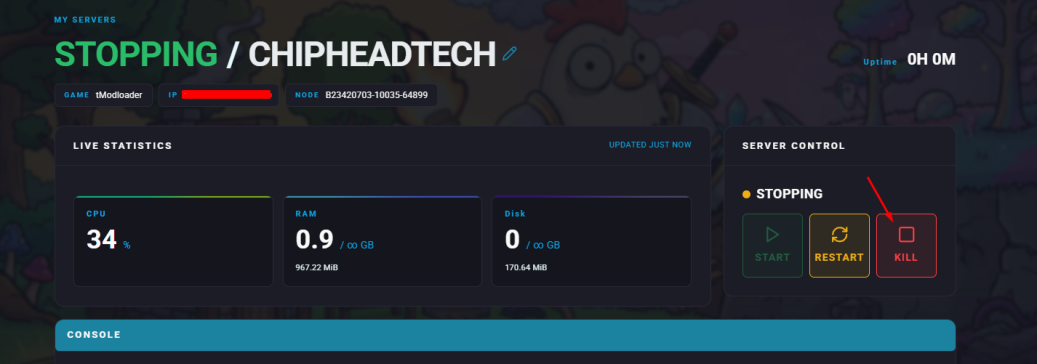
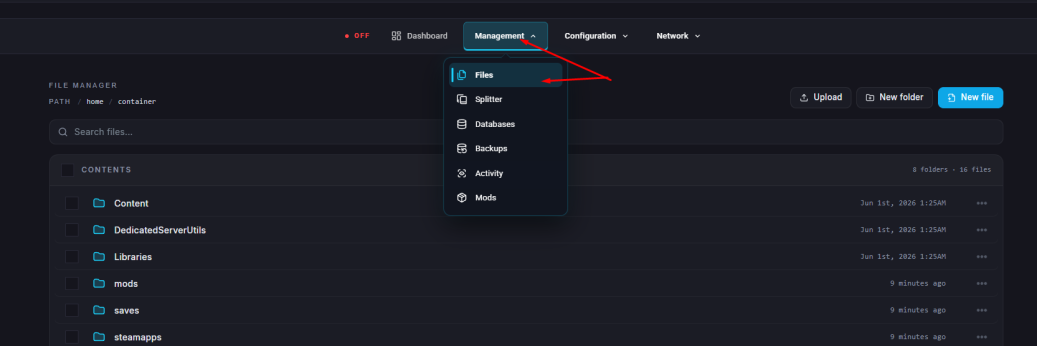
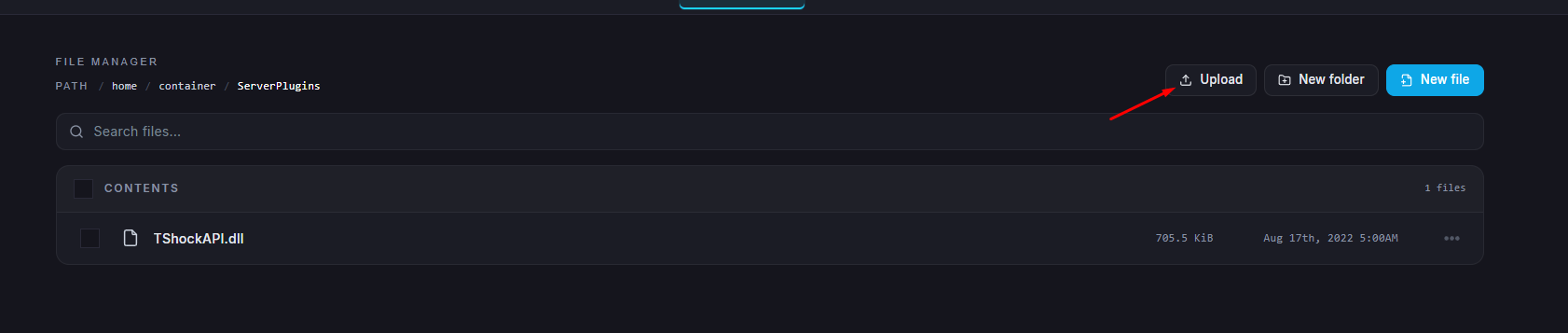
Navigate to Files.
Open the ServerPlugins folder.
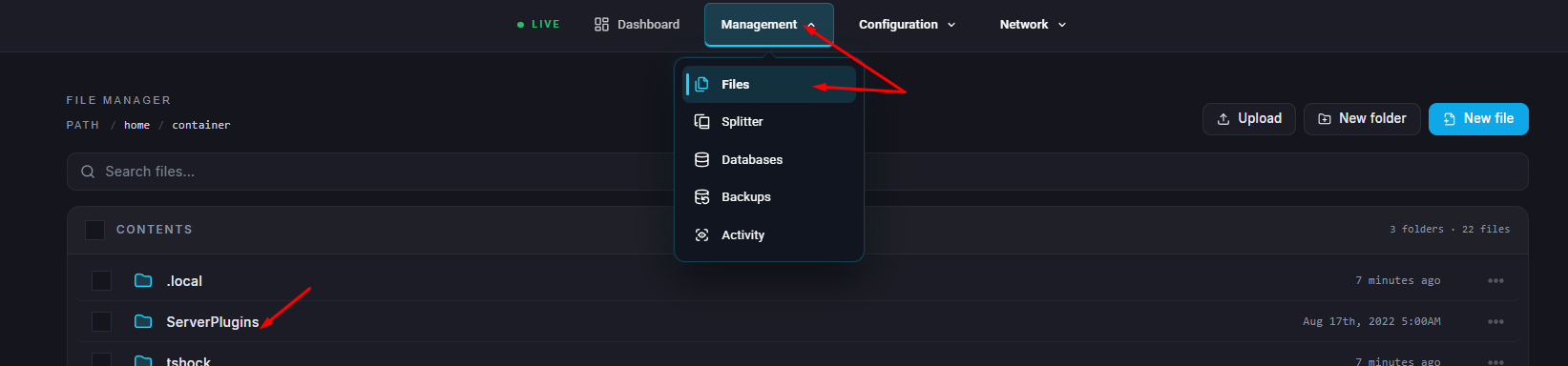
Upload the Crossplay file you downloaded to this directory.
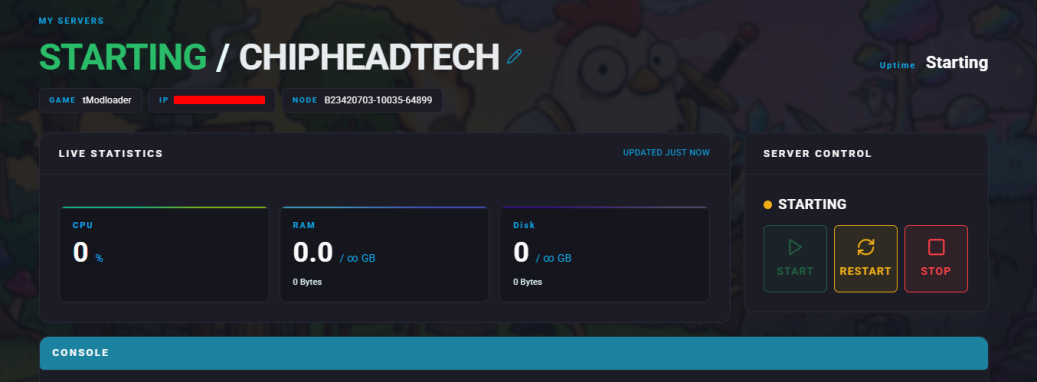
Start/Restart your server.

That’s it! Your Terraria server now supports both PC and mobile players. Everyone can connect and enjoy the same world, no matter which platform they’re on.