
To manage your 7 Days to Die server in-game, you’ll need admin rights. Admins can kick or ban players, enable cheat mode, and use powerful commands to manage the world.
Entering Cheat Mode
If you already have admin privileges, you can enable Cheat Mode directly through the in-game console.
Open the console by pressing:
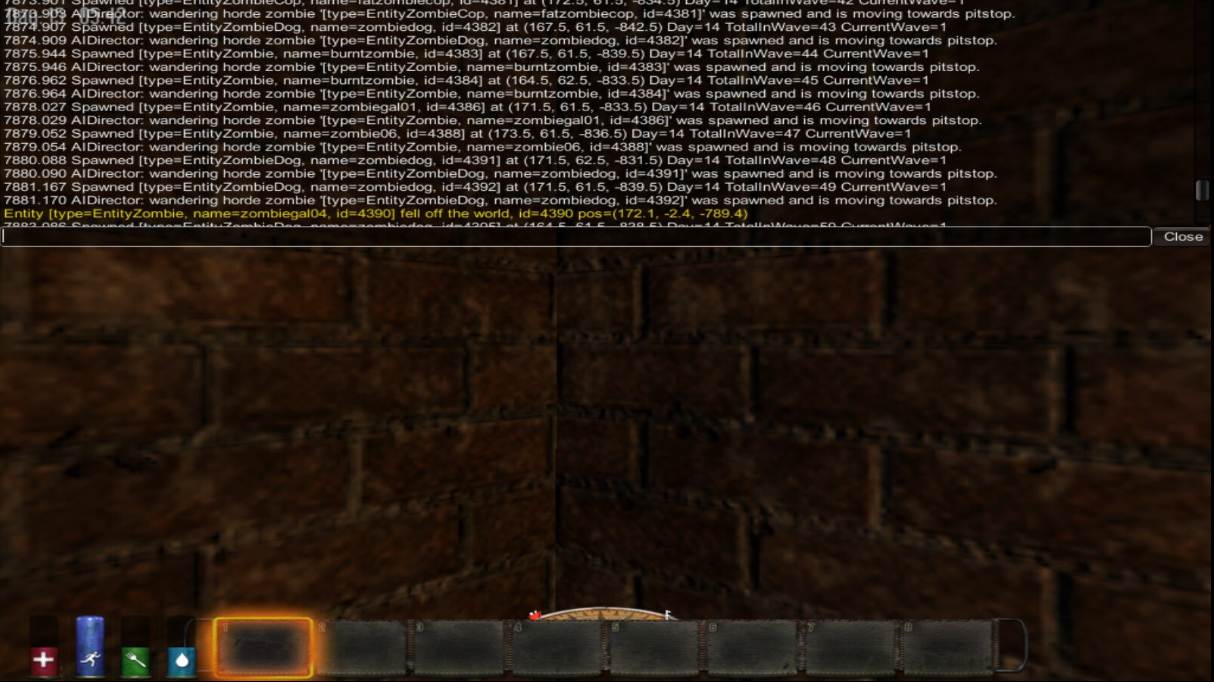
F1 on most keyboards
" on US keyboards
@ on EU keyboards
Ö / Ø / F2 on Scandinavian keyboards
Ñ on Spanish keyboards
Type
cmand press Enter to activate cheat mode.

If you don’t yet have admin rights, check out our guide on How to make yourself an Admin on Your 7 Days to Die Server.