
Summary
Granting admin rights on your Team Fortress 2 server allows trusted players to manage the server directly from in-game. Admins can perform moderation actions such as kicking or banning players, changing maps, and more. When using SourceMod, admins can also trigger notifications or alerts when commands are used, helping maintain transparency and prevent misuse.
Note
SourceMod must be installed on your server before adding admins. Follow our guide on installing SourceMod and MetaMod to complete this step.
SteamIDs are required to define admin permissions. You can find a player’s SteamID by clicking here.
How to Give Admin Rights on a Team Fortress 2 Server
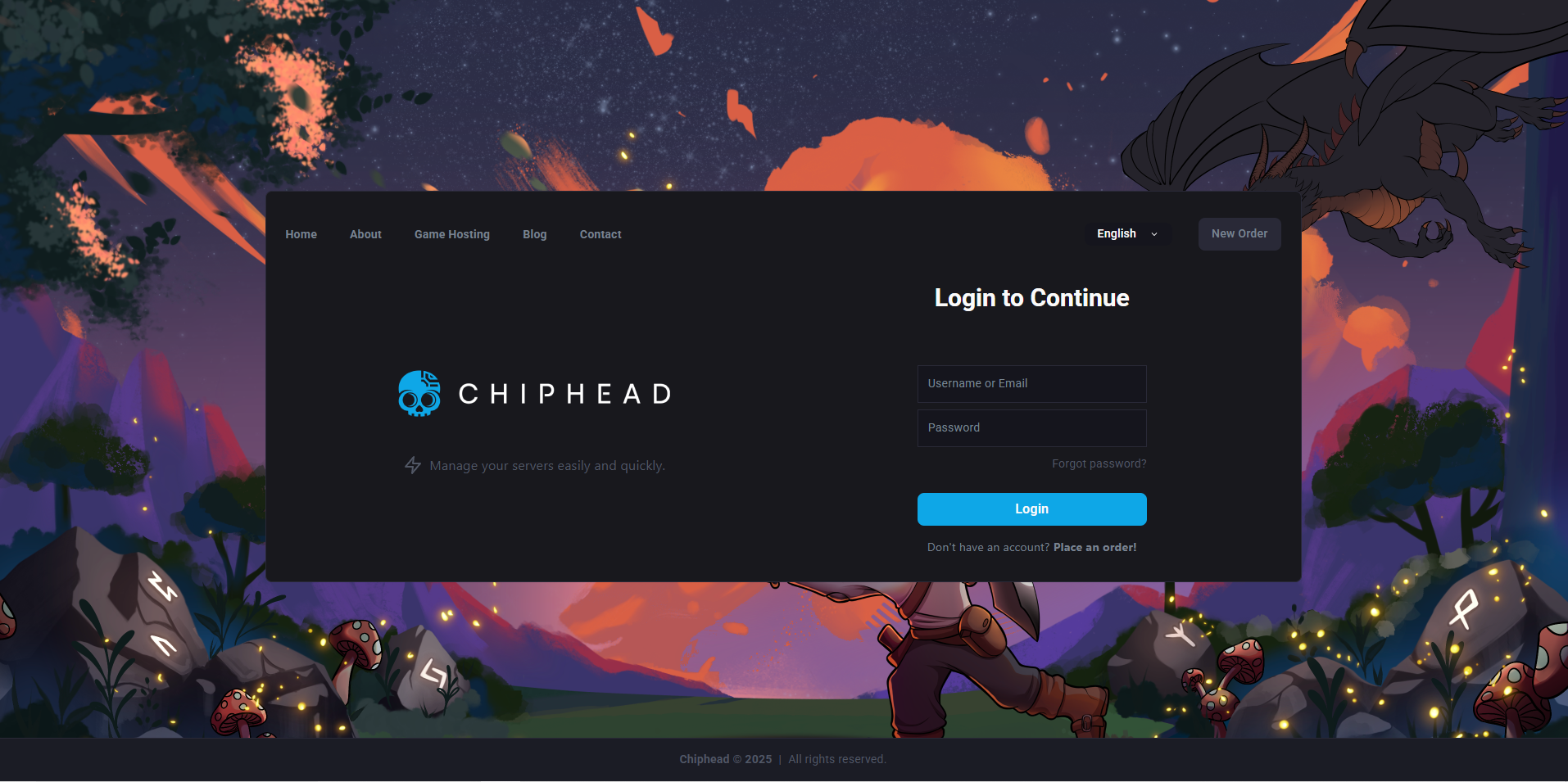
Log in to the ChipHead Control Panel.
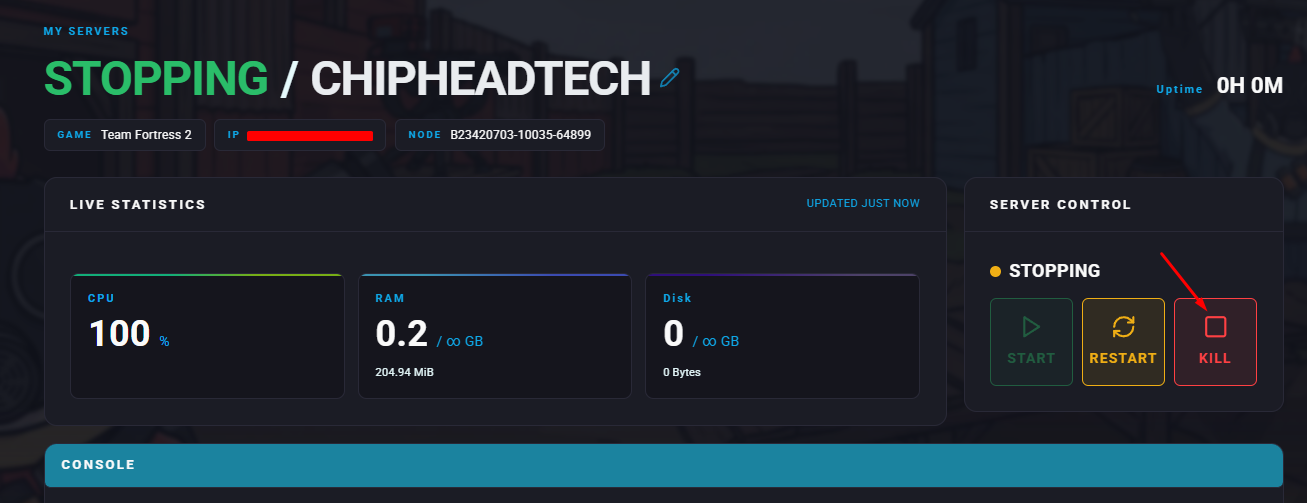
Stop your server.
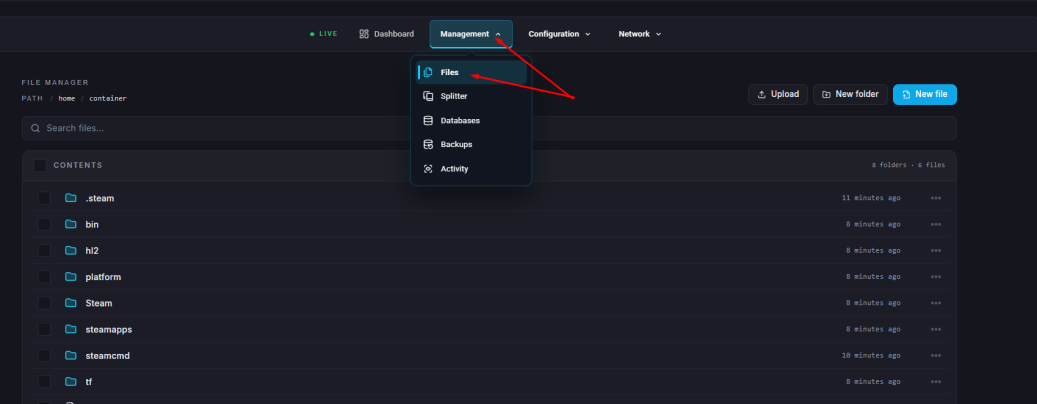
Navigate to the Files tab.
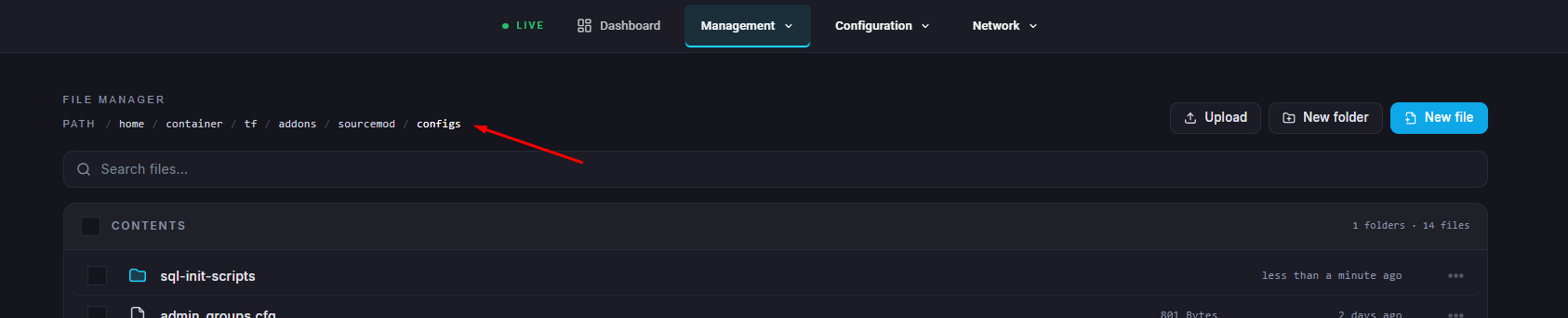
Open the following directory: /home/container/tf/addons/sourcemod/configs
Locate and open the admins_simple.ini file.
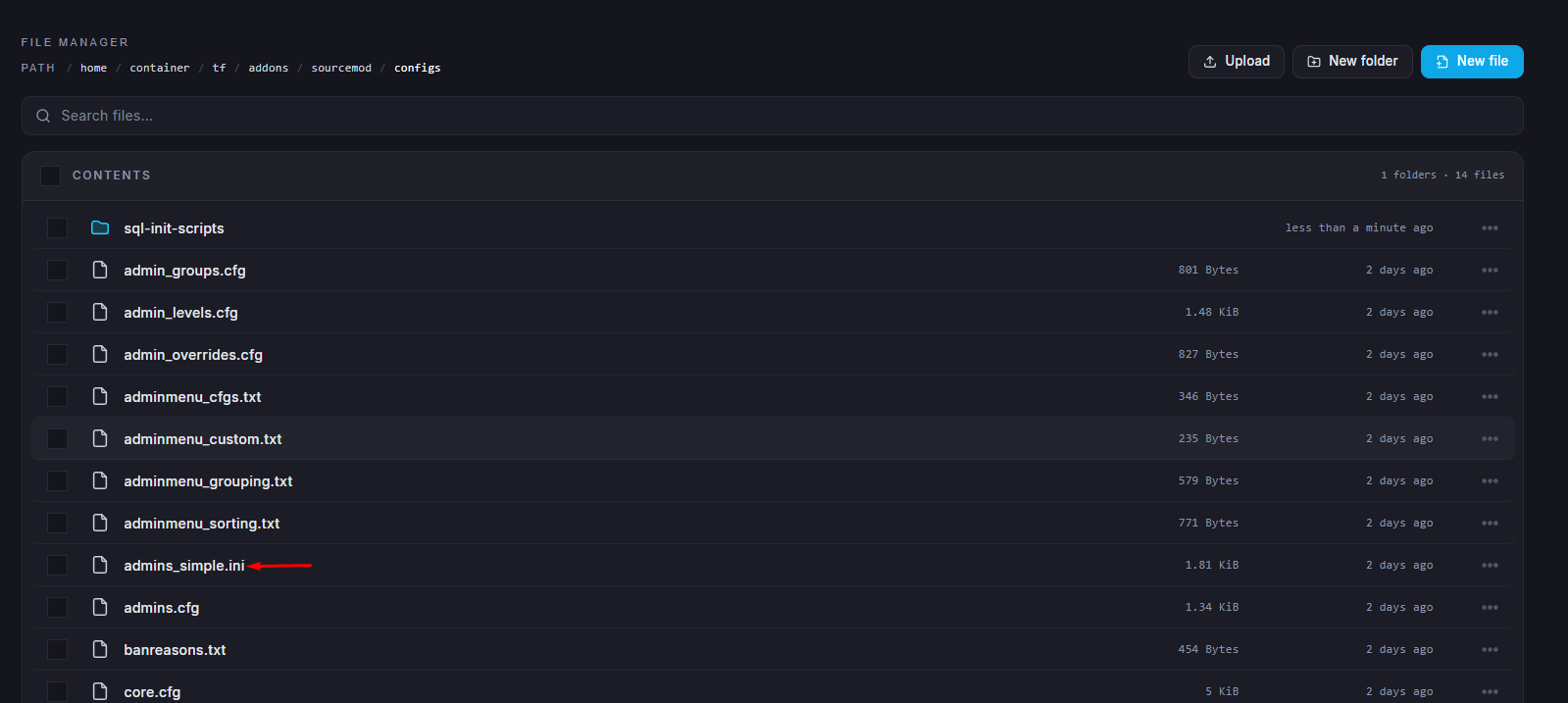
At the bottom of the file, add a new line in one of the following formats:
"SteamID" "z" — grants standard admin access.
"SteamID" "99:z" — grants full admin access, including invulnerability.Save your changes.
Start your server.
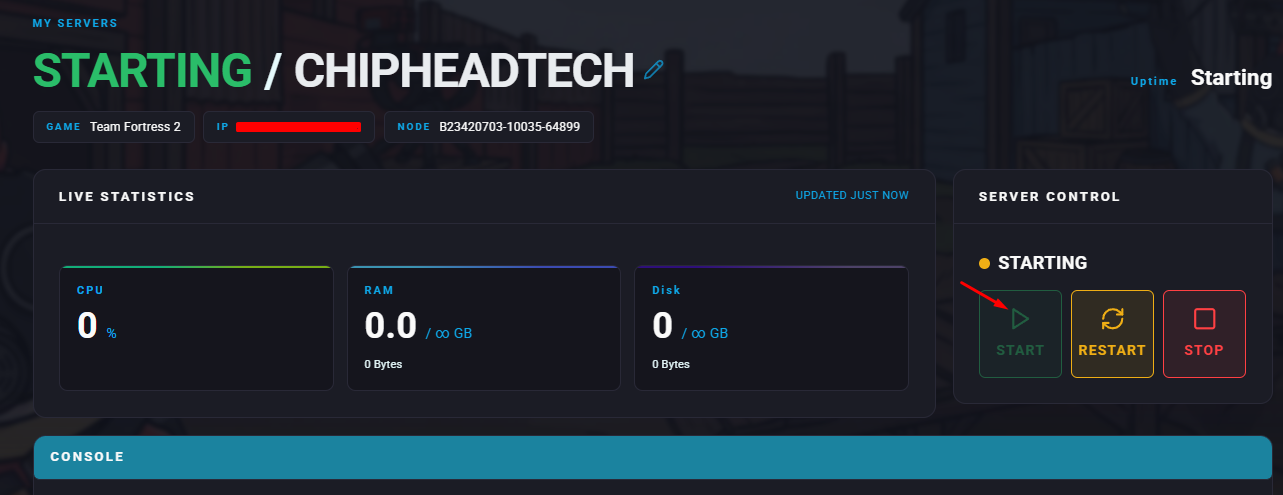
Your specified players now have admin permissions in-game. They can use SourceMod commands to manage and moderate your Team Fortress 2 server efficiently.