Server administrators in Project Zomboid can control and customise nearly every aspect of their server using console commands. These commands can be executed either in-game or directly through the ChipHead Panel console.
From spawning items and vehicles to moderating players or adjusting gameplay settings, console commands provide admins with a fast and efficient way to manage their servers and keep gameplay running smoothly.
🛠 Console commands are only available to server admins.
To gain access, make sure you’re logged in as the admin account or have been assigned admin privileges.

Console commands can be entered:
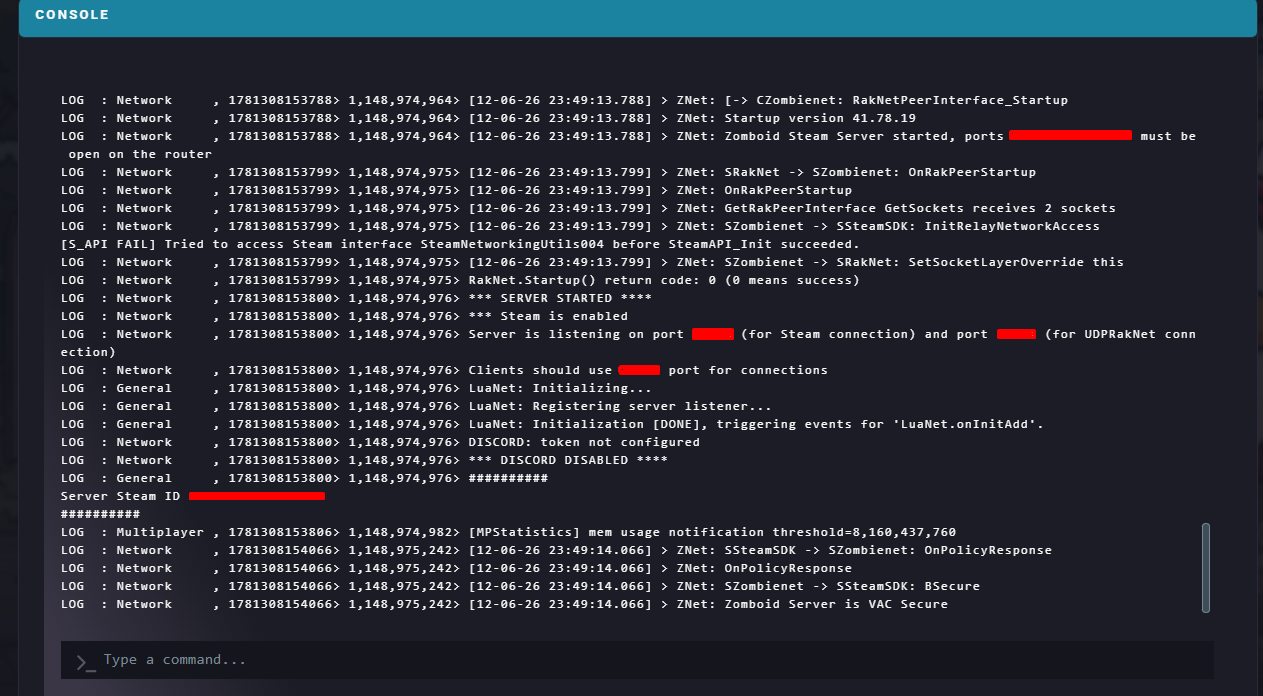
Through your ChipHead Panel console, or
In-game via chat (press T and type your command).
Command | Description | Syntax |
| Gives the designated item to a player. |
|
| Spawns a vehicle. |
|
| Grants XP to the specified player. |
|
| Triggers a building alarm at the admin’s location. |
|
| Changes a server setting to a new value. |
|
| Starts a helicopter event near a random player. |
|
| Updates the server password. |
|
| Spawns a zombie horde near the player. |
|
| Makes a player invulnerable. |
|
| Plays a gunshot sound nearby. |
|
| Displays available commands. |
|
| Makes a player invisible to zombies. |
|
| Allows a player to move through walls or objects. |
|
| Saves and shuts down the server. |
|
| Removes ownership of a safehouse. |
|
| Reloads all current server options. |
|
| Records or plays back player movement. | `/replay "user" [-record |
| Saves the world state. |
|
| Toggles server performance info sent to the client. |
|
| Lists all active server options. |
|
| Starts or stops rain on the server. |
|
| Teleports players to another player or vice versa. |
|
| Teleports a player to specific coordinates. |
|
| Adds all online players to the whitelist. |
|
| Adds a new user to the whitelist. |
|
| Adds or removes a player from the whitelist. |
|
| Bans or unbans a player by SteamID. |
|
| Bans or unbans a player by username. |
|
| Grants or removes admin rights. |
|
| Kicks a player from the server. |
|
| Lists all connected players. |
|
| Sends a message to all players. |
|
| Sets a player’s permission level. | `/setaccesslevel "user" "[admin |
| Bans or unbans a player from using in-game voice chat. | `/voiceban "user" [-true |
godmode, teleport, and additem can impact gameplay balance. Keep things fair and fun for all players on your ChipHead server!