
The Admin Panel in Project Zomboid provides server administrators with full control over gameplay, player management, and server moderation. From this panel, admins can monitor activity, enforce rules, adjust settings, and handle issues as they arise - making it an essential tool for maintaining a fair and enjoyable community on your ChipHead server.
Accessing the Admin Panel
Join the server as an admin.
Make sure you’re logged in with the admin account.
If you’re unsure how, see our guide on How to Become an Admin on Your Project Zomboid Server.
Once in-game, click the Admin icon on the left side of the screen.
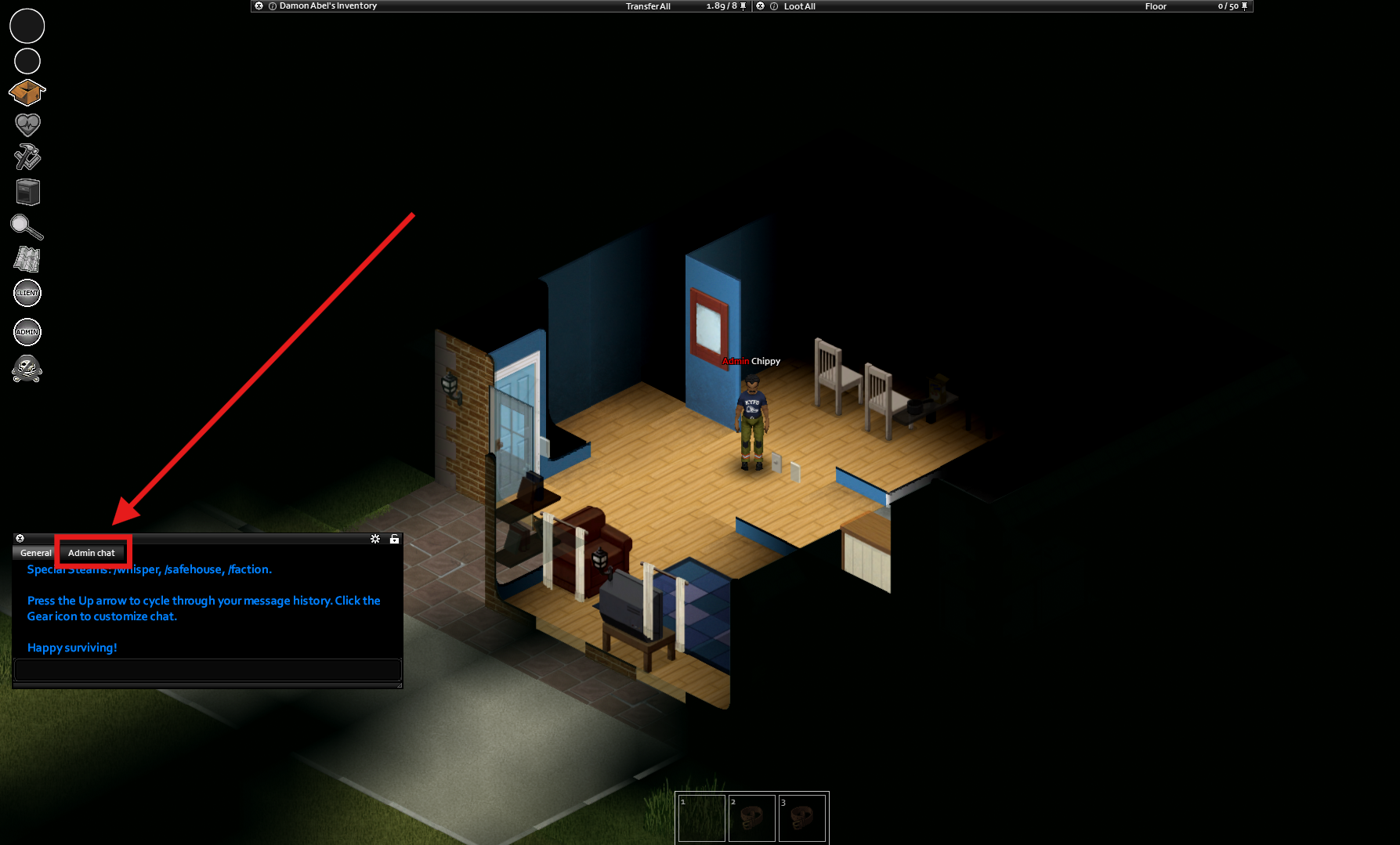
The Admin Panel will now appear, giving you access to management tools and moderation options.

Done!
You now have access to the Admin Panel and can manage every aspect of your Project Zomboid server directly in-game - keeping your ChipHead community running smoothly and securely.
You now have access to the Admin Panel and can manage every aspect of your Project Zomboid server directly in-game - keeping your ChipHead community running smoothly and securely.