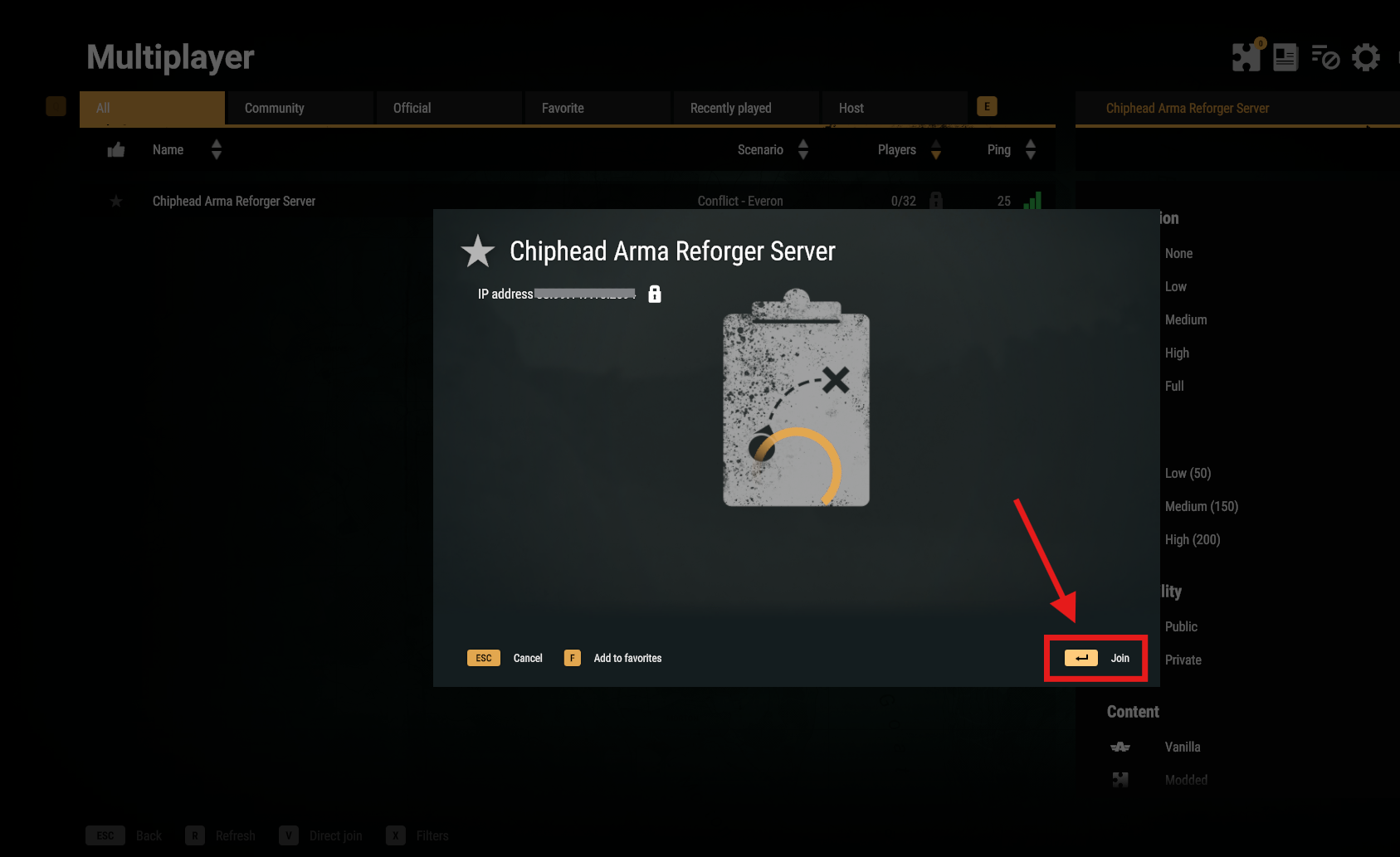
Once your Arma Reforger server is fully set up, you’re ready to join the action. Follow the steps below to connect using the in-game server browser.
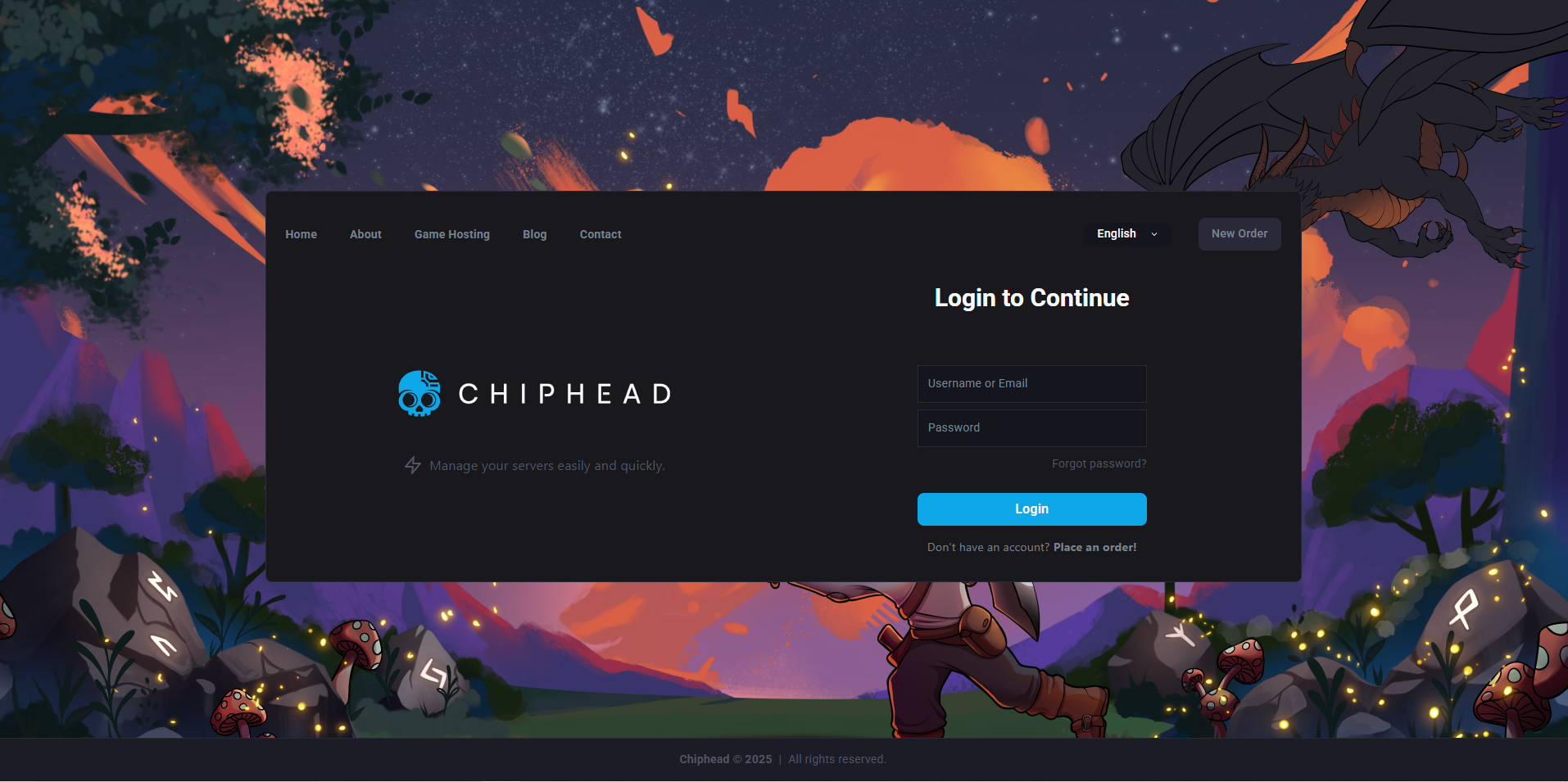
Open your ChipHead control panel.
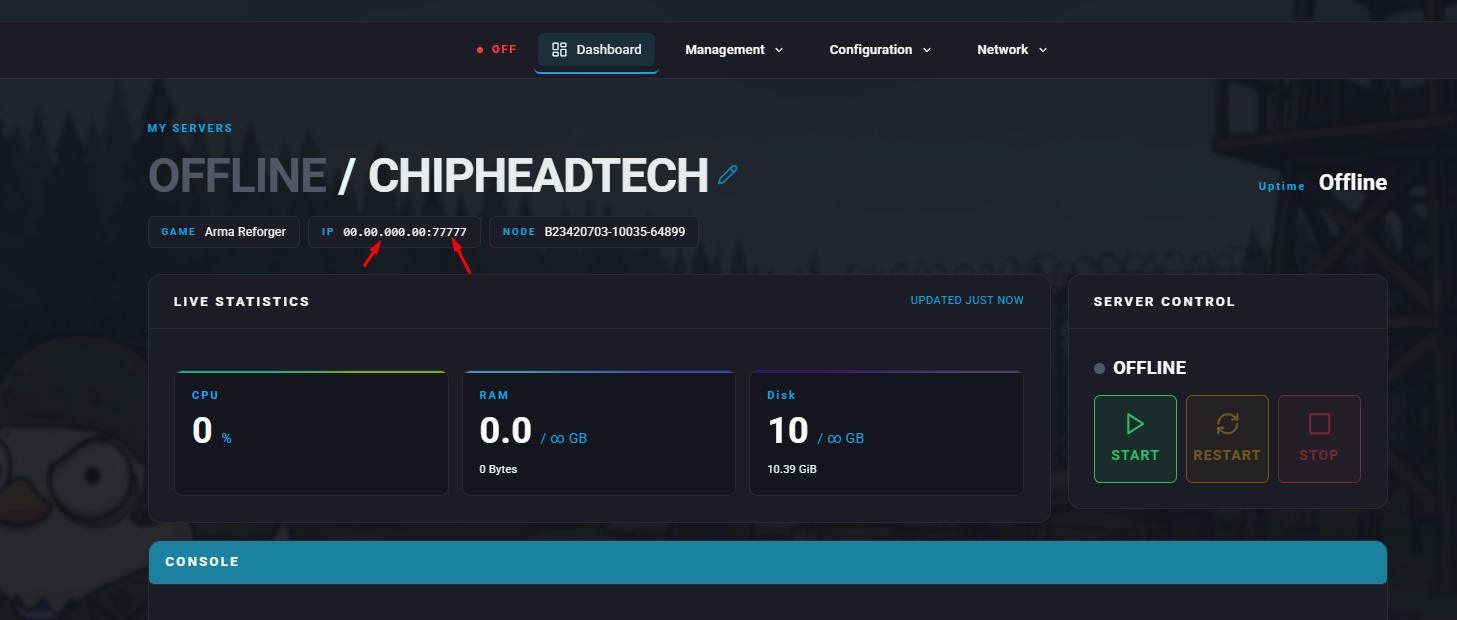
Copy your IP address and Port from the Dashboard.
You can quickly join your server through the in-game browser.
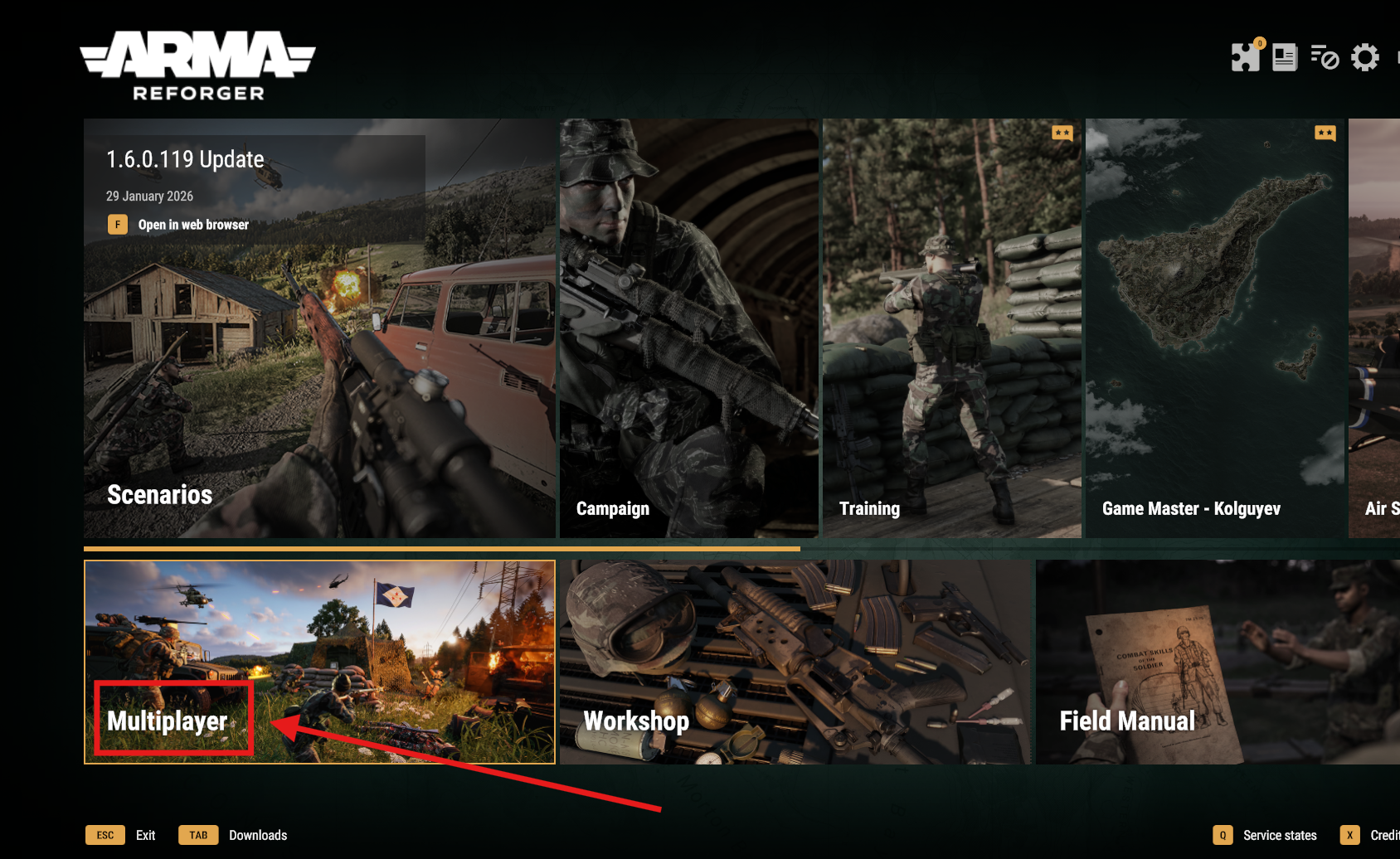
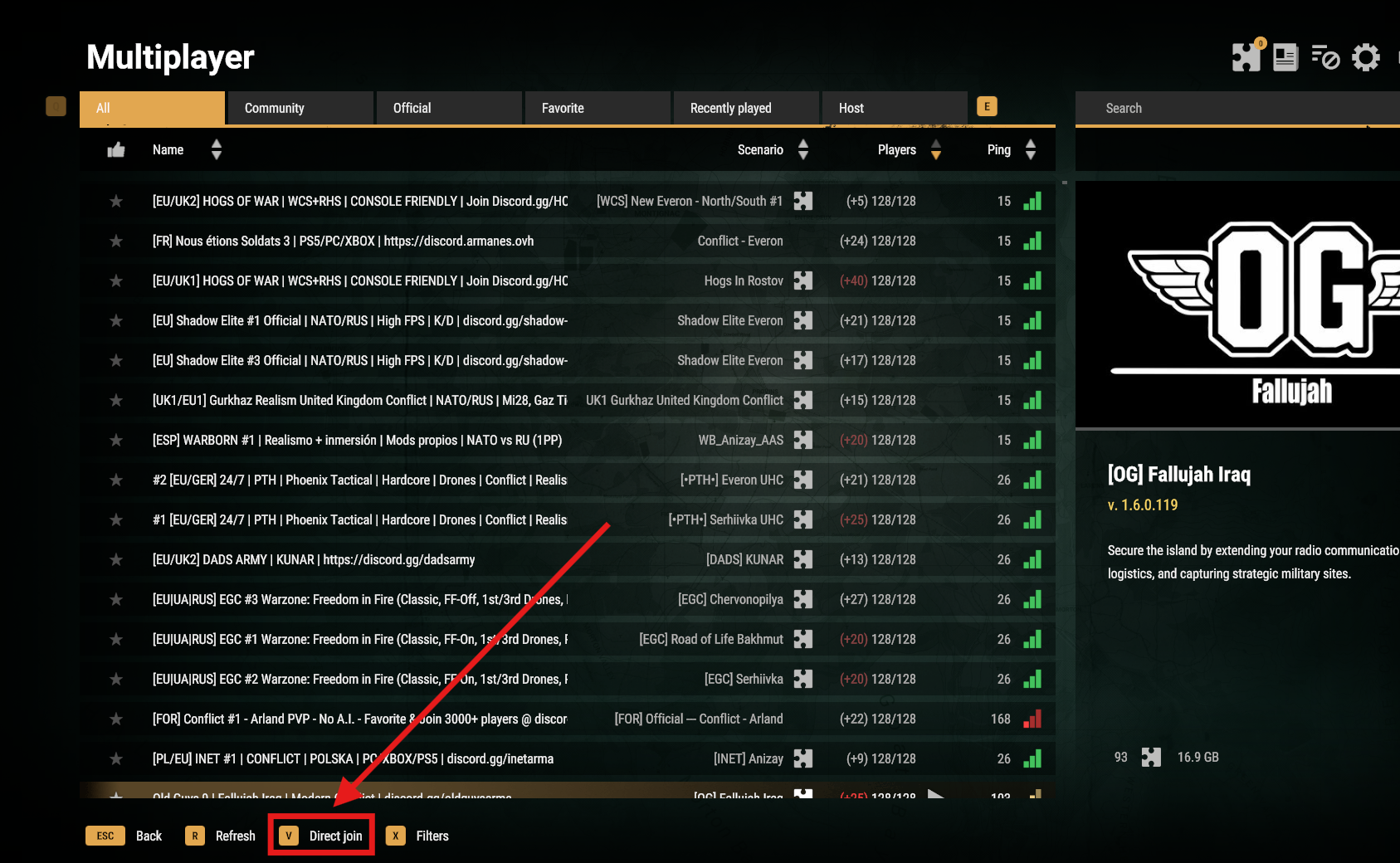
Launch Arma Reforger and click Multiplayer.
Press V or click on Direct Join.
Enter your Server IP and Port.
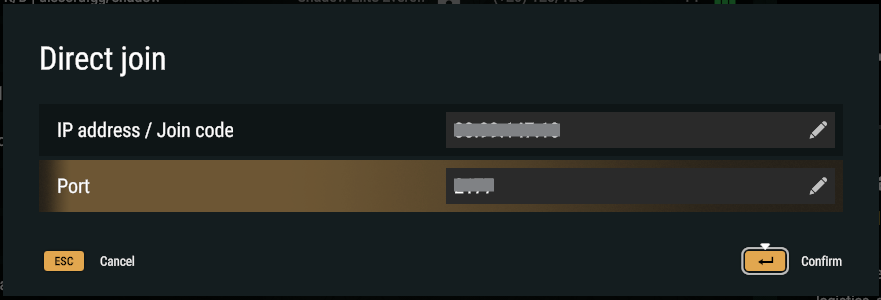
Click Confirm or press Enter.


Launch Arma Reforger and click Multiplayer.
On either the All or Community tab, use the search bar (on the top right) to find your server using the given name.
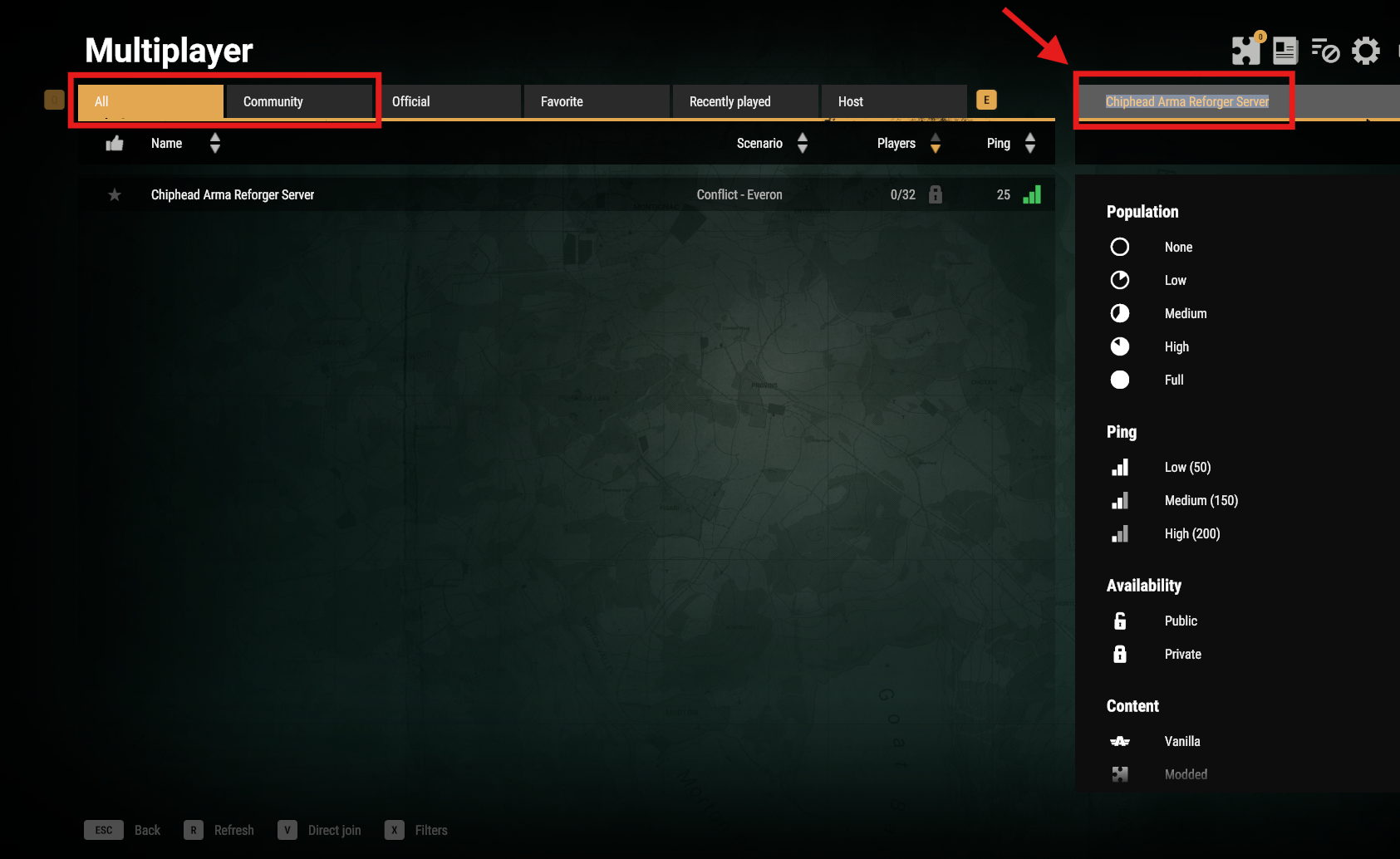
Click on your server in the list then click Join to enter.