Kicking and banning players are key administrative tools in Unturned used to manage player behaviour and maintain a fair environment. A kick removes a player from the server temporarily, often as a warning, while a ban blocks a player from joining entirely. These actions help uphold community standards and ensure a safe, enjoyable experience for all players.
Admin access is required. Learn how to add admins here.
A player’s SteamID64 is required. Learn how to find their SteamID64 here.
How to Kick or Ban Players on an Unturned Server
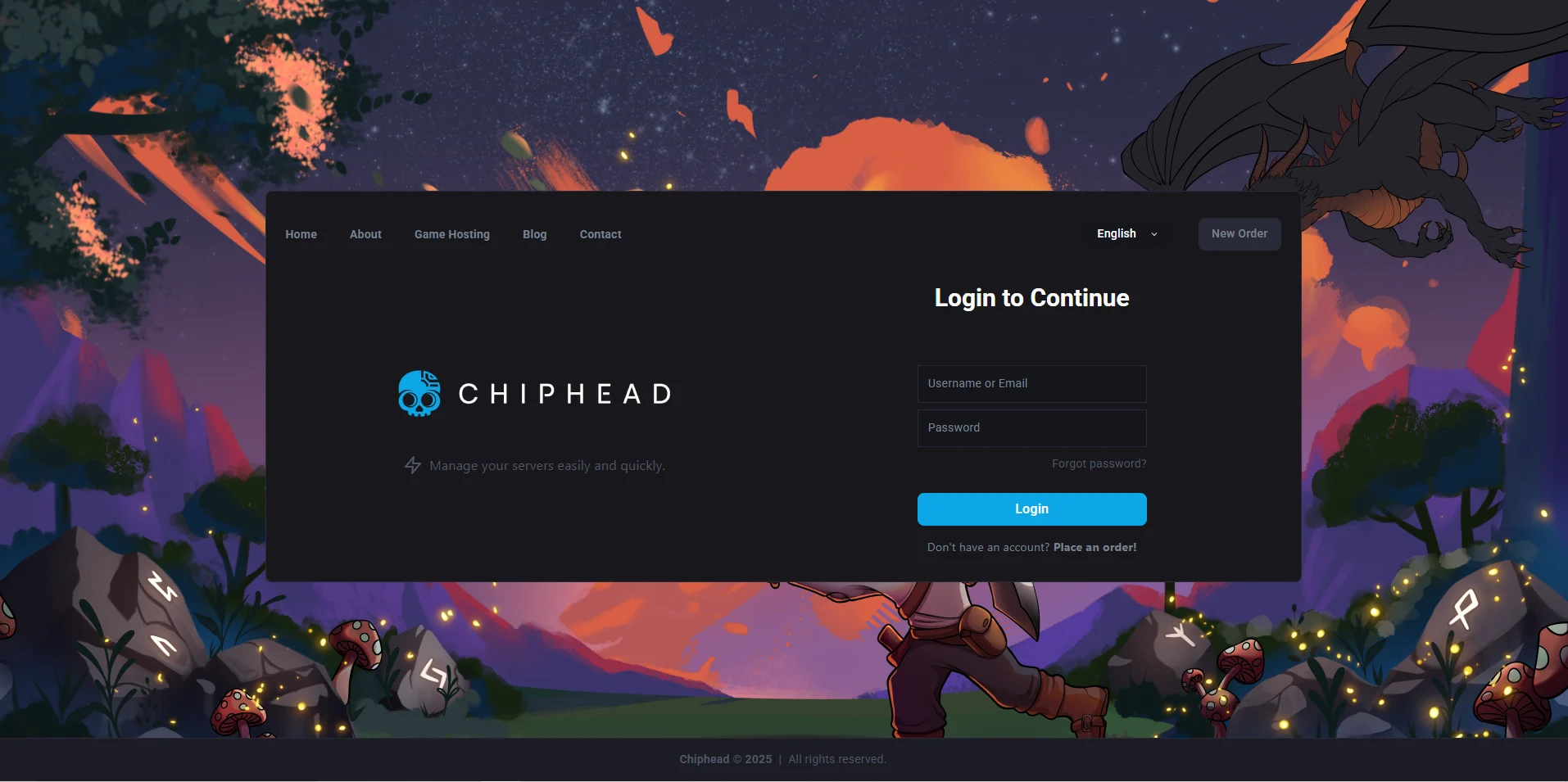
Log in to the ChipHead Panel.
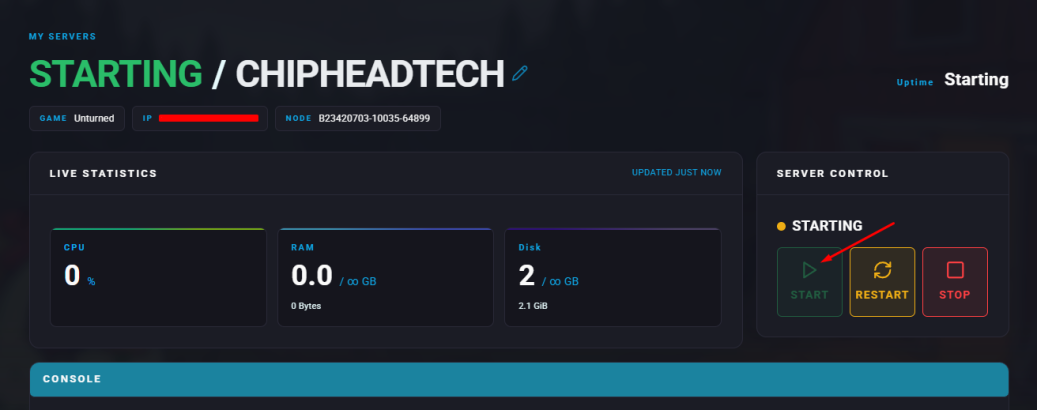
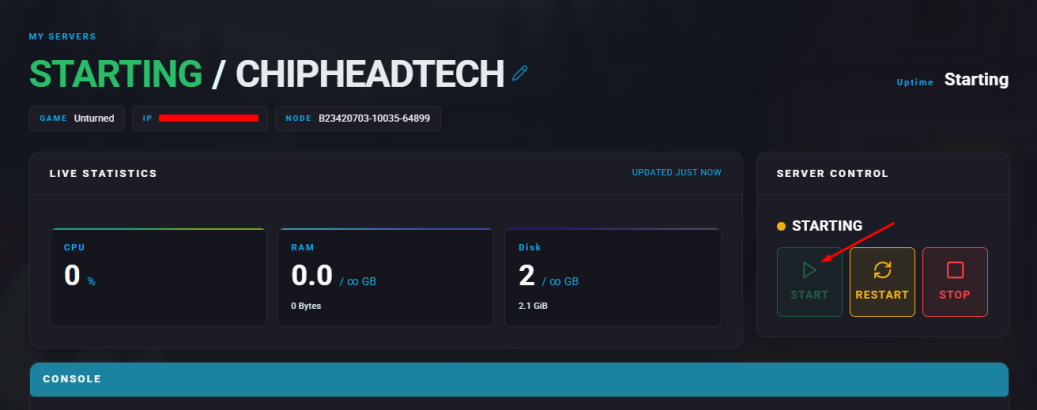
Start your server.
Go to the “Console” tab.
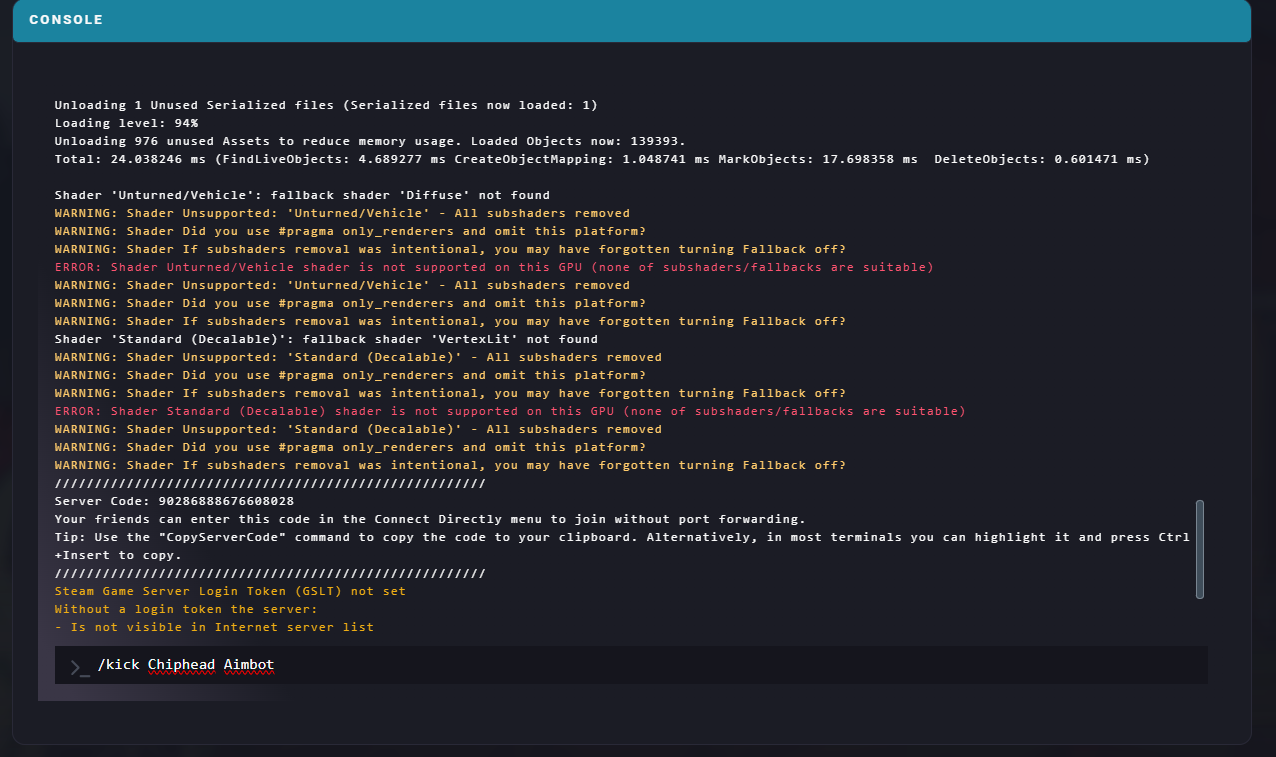
Enter the desired command from the list below.
/kick player reason | Kicks the selected player with an optional reason. |
/kick SteamID64 reason | Kicks the player using their SteamID64 with an optional reason. |
/bans | Displays the list of banned players. |
/ban player reason duration | Bans a player with an optional reason and duration (in seconds). |
/ban SteamID64 reason duration | Bans a player by their SteamID64 with an optional reason and duration. |
/unban SteamID64 | Unbans the player using their SteamID64. |

Log in to the ChipHead Panel.
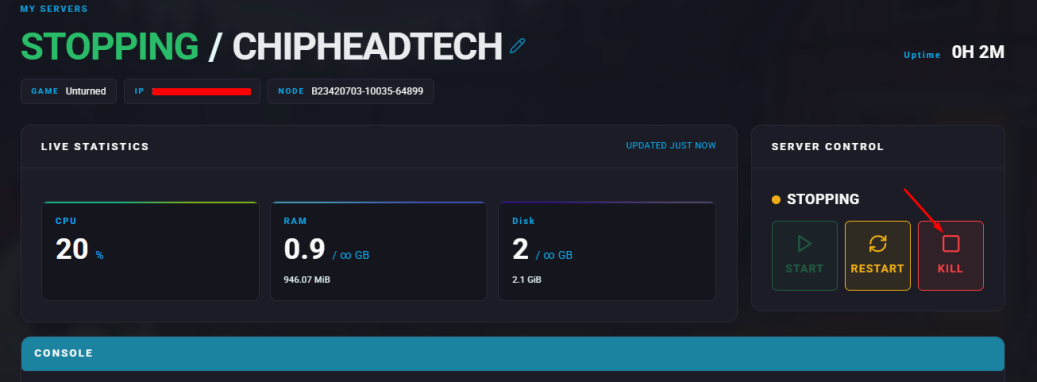
Stop your server.
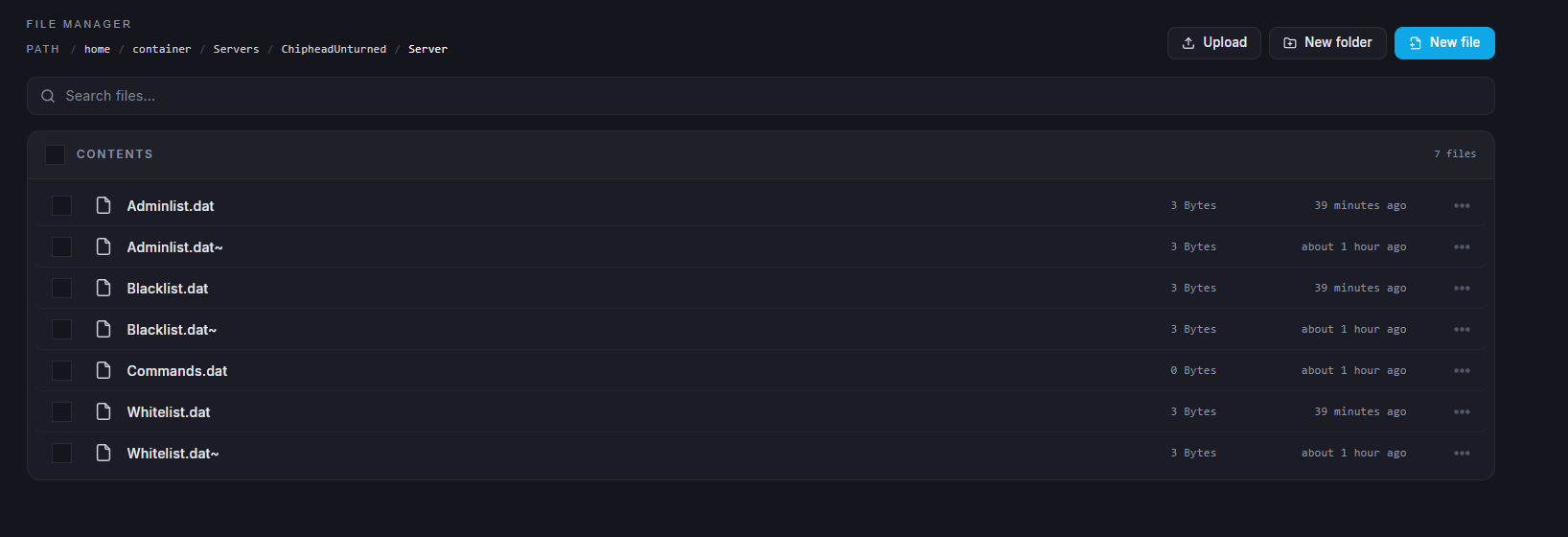
Go to the Files tab & Navigate to: /ChipheadUnturned/Server/Blacklist.dat
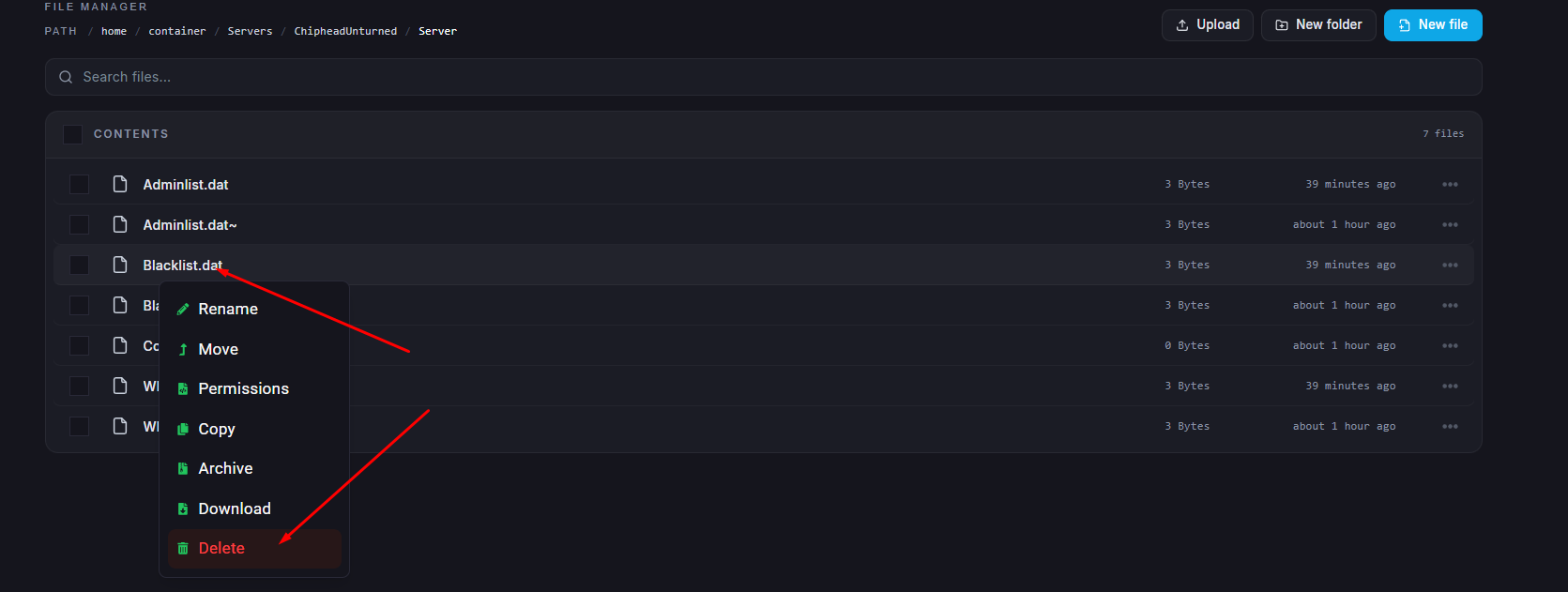
Delete the Blacklist.dat file.
Start your server.