Summary
Joining a Core Keeper multiplayer server is quick and easy! Instead of using IP addresses, Core Keeper connects players through a simple, customizable Game ID. Whether you’re playing with friends or joining a public community server, this guide will show you how to connect using your Game ID.
Joining Your Core Keeper Server
You can connect to your Core Keeper server using the Game ID found in your server files or console.

Log in to the ChipHead Panel.
Copy your Game ID from one of the following locations:
Server Console: When your server starts, the Game ID will appear in the console output.
Configuration Files: Navigate to Game Config > Server Properties > then in the </>Raw section find the field
"gameId":to find your Game ID.
Launch Core Keeper on your computer.
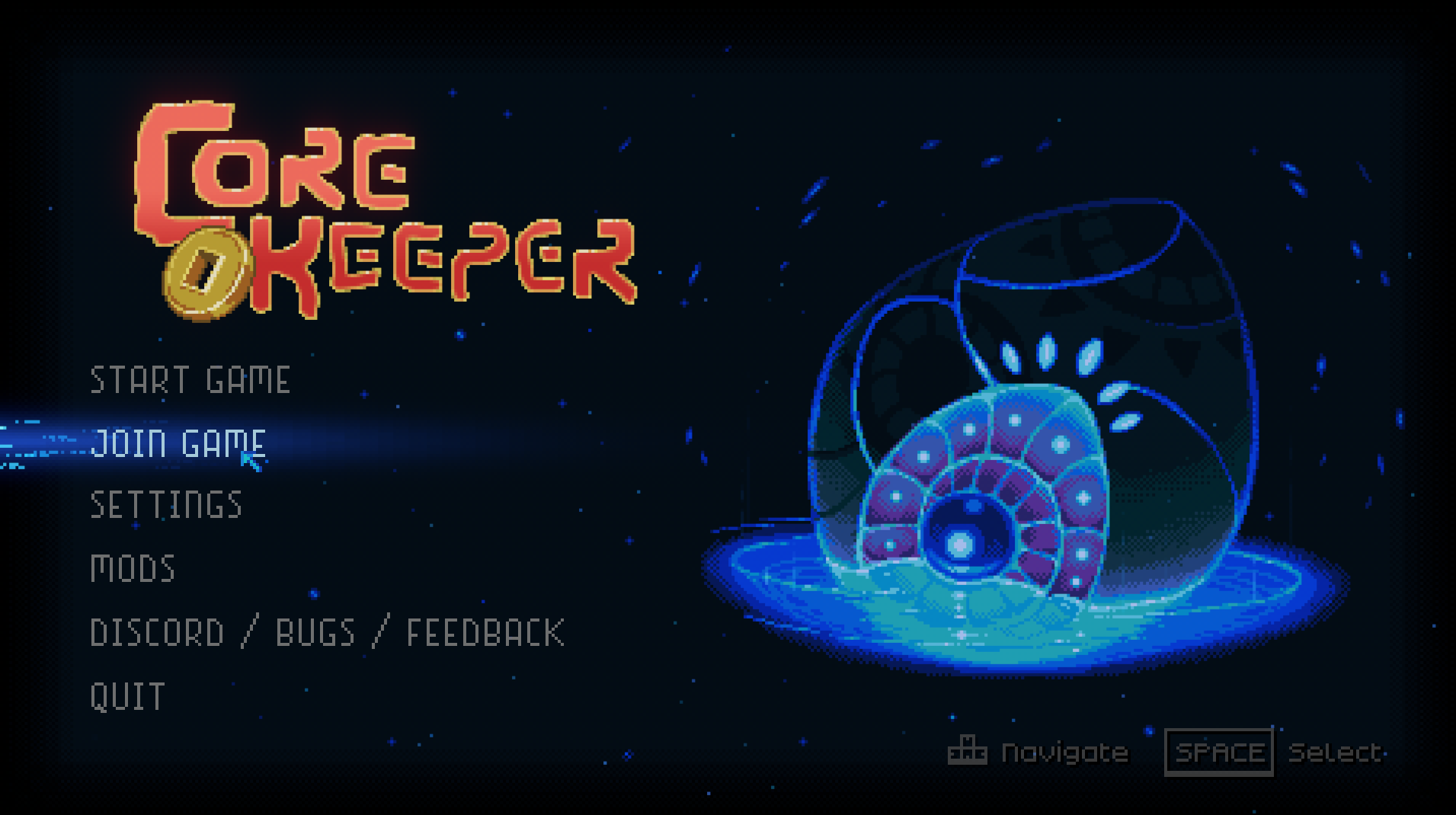
On the main menu, click Join Game.
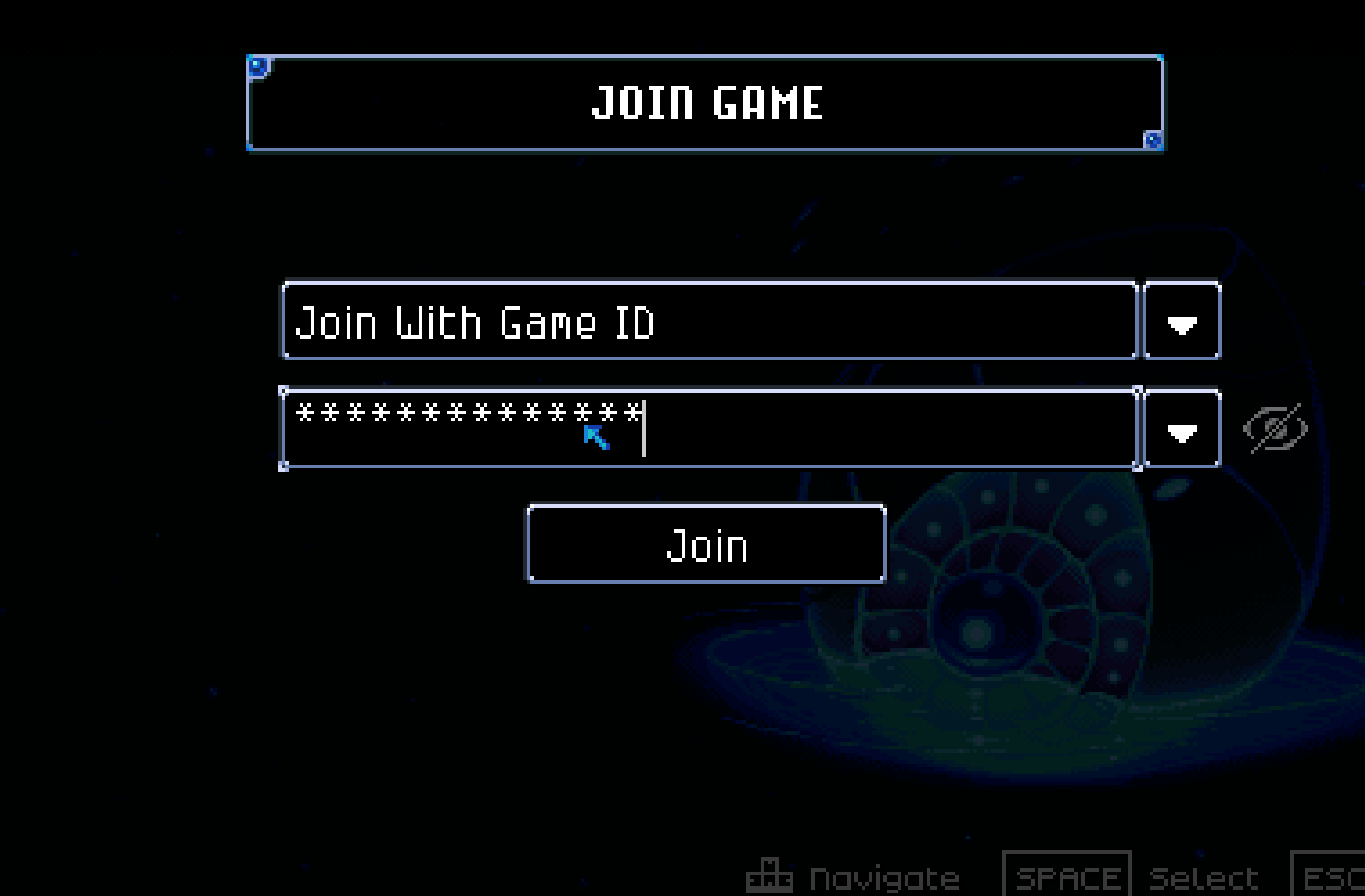
Paste your Game ID into the field and click Join.