
Log in to the ChipHead Panel.

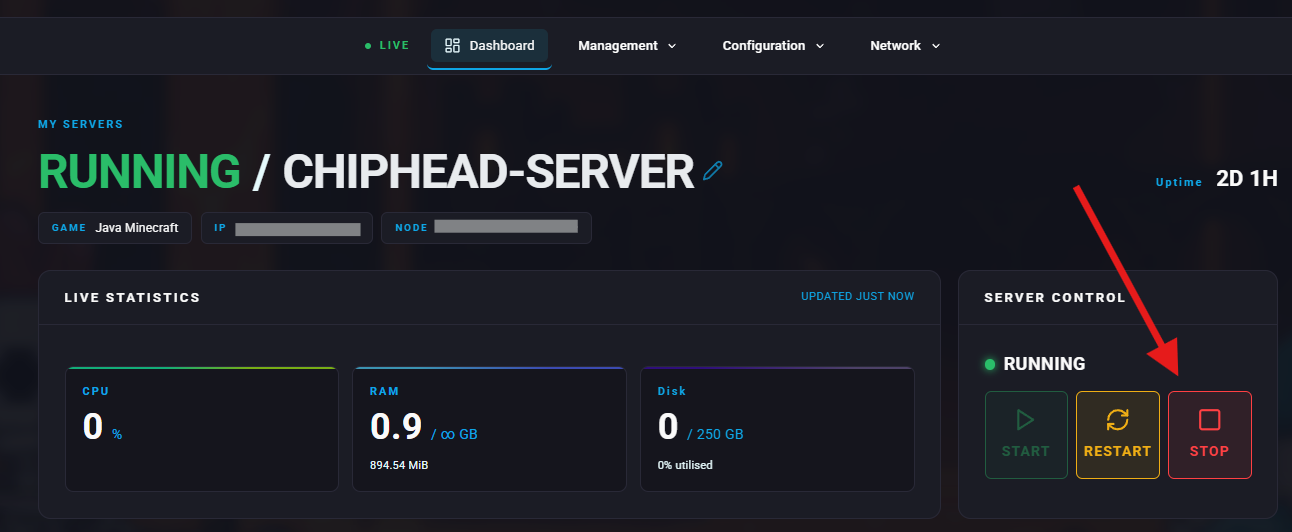
Stop your server.
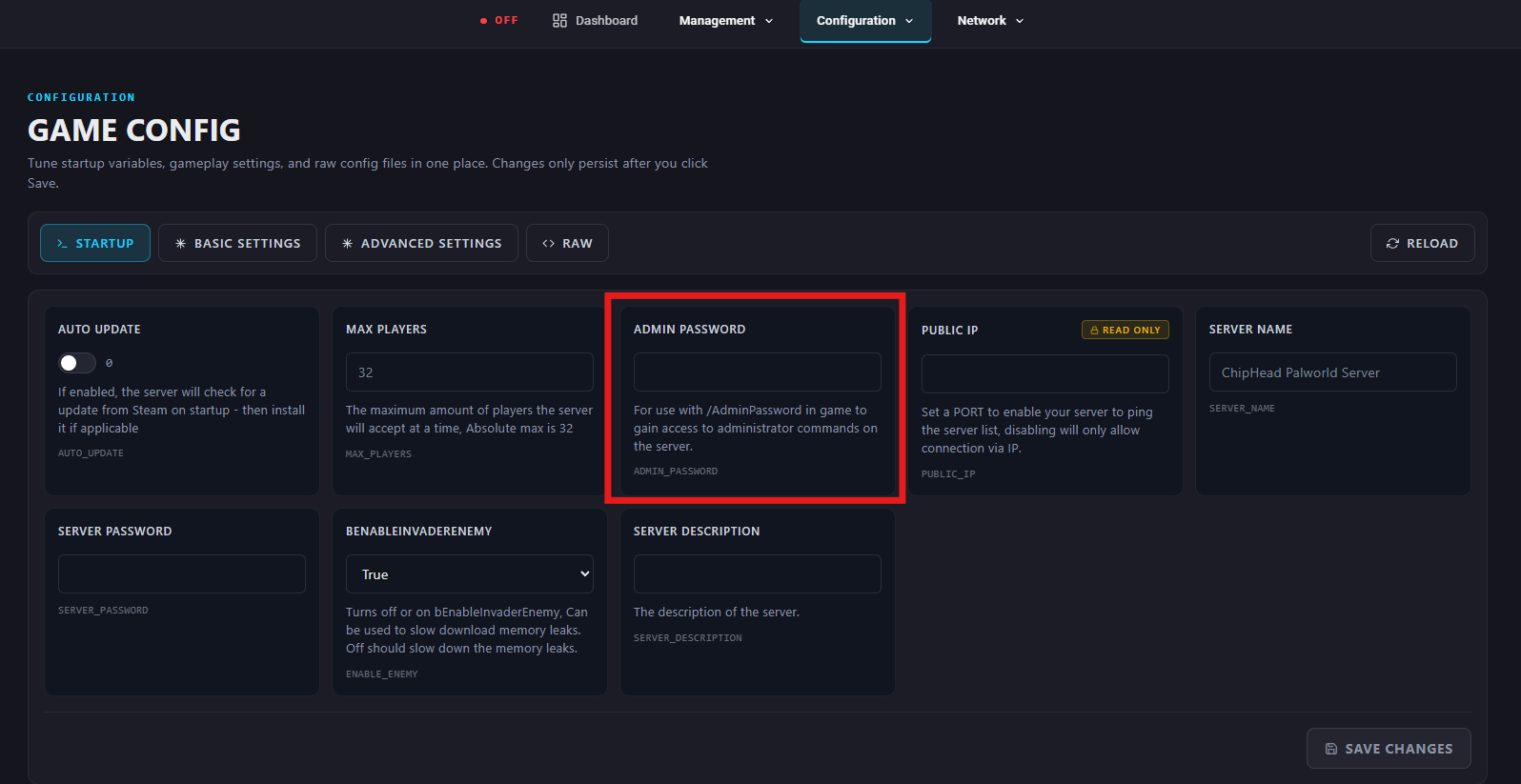
First, make sure your server has an Admin Password enabled - if already done, move to step 7.
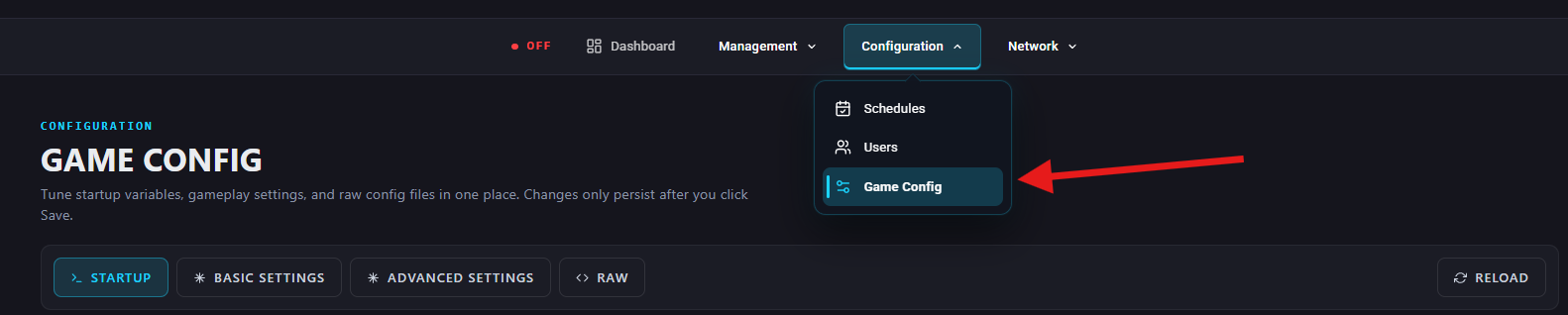
Navigate to Configuration > Game Config.
Under Startup, enter desired password in the Admin Password field.
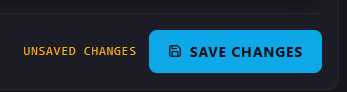
Save changes.
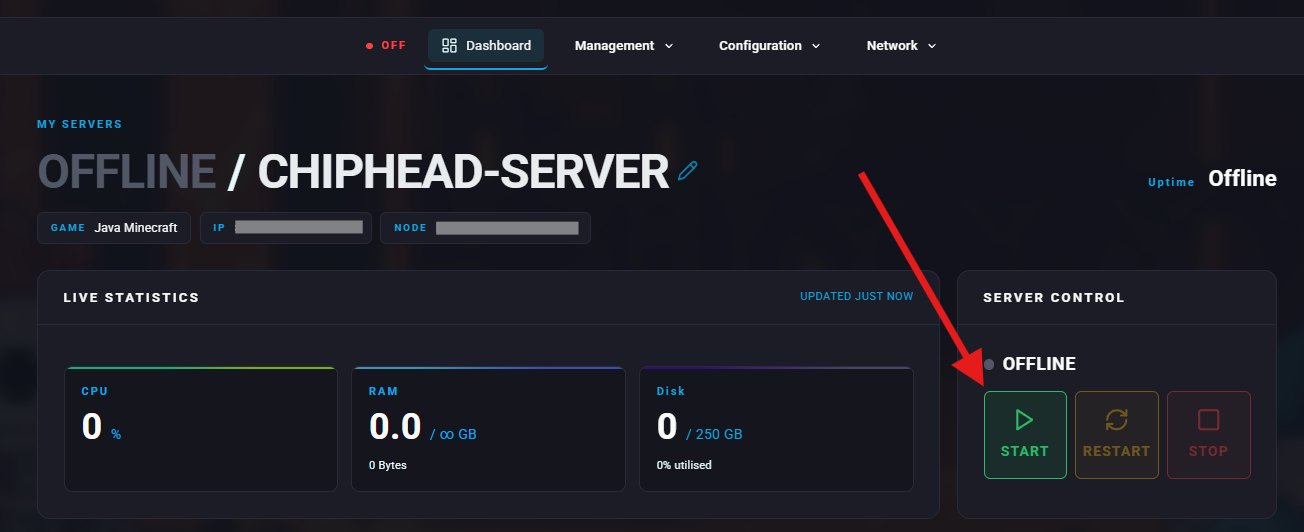
Start/restart your server.
Launch Palworld and enter into the server.
 Check out our guide on How To Join Your Palworld Server if needed.
Once in game, bring up the chat window by pressing enter.
Use the command /adminpassword followed by the Admin Password set in step 5:
/adminpassword <password>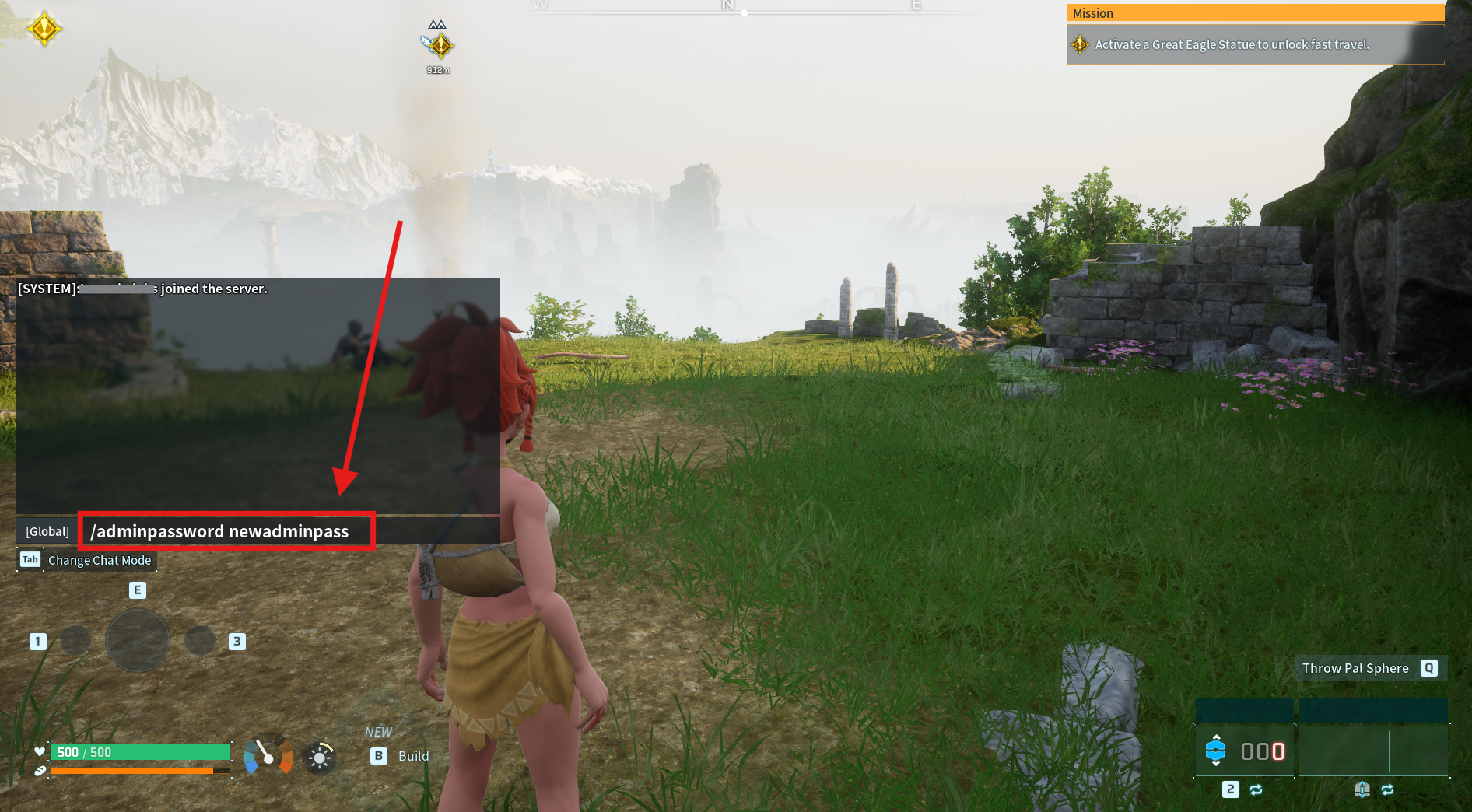
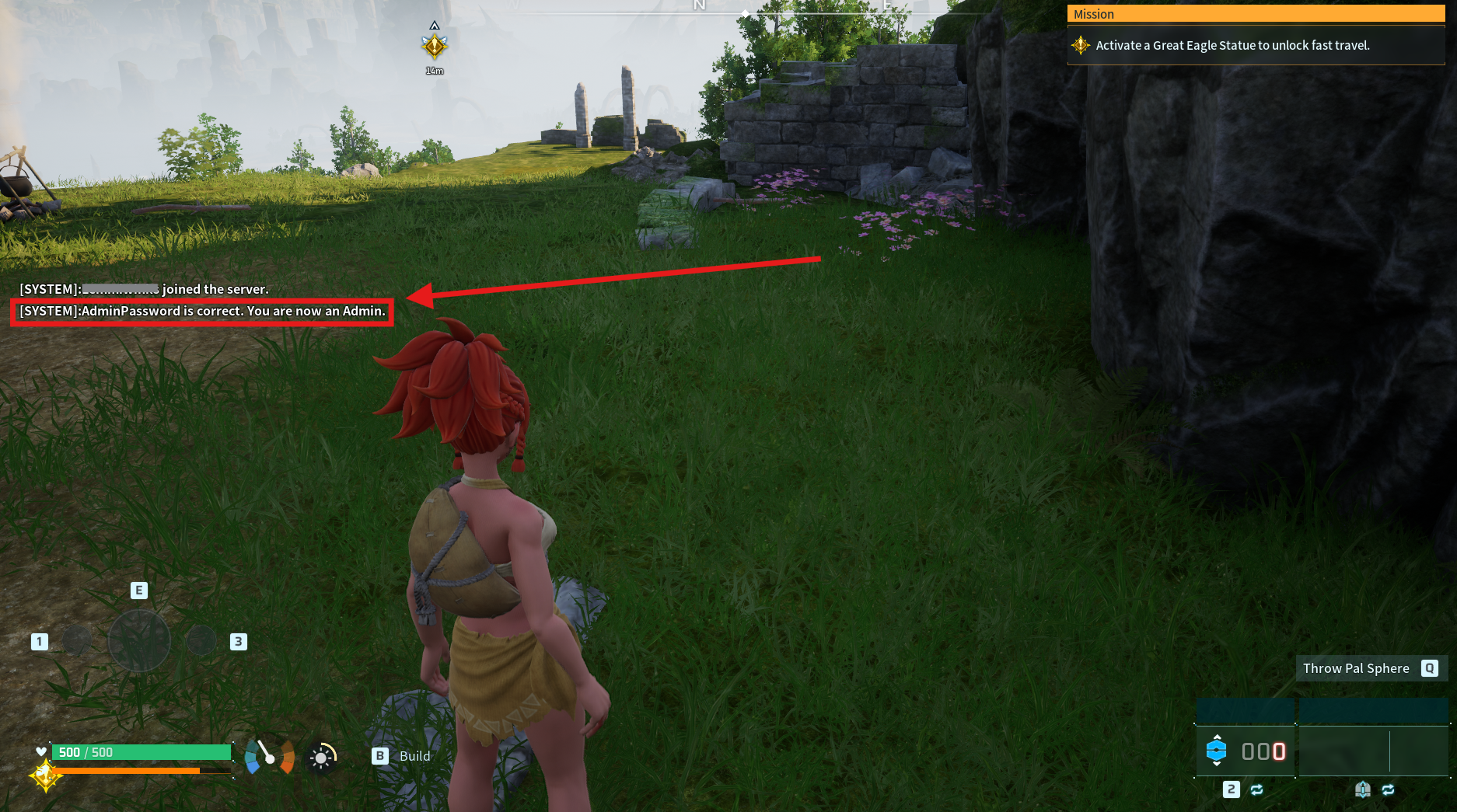

Congrats! You are now an admin for your Palworld sever.