
There are several ways to connect to your ETS2/ATS server, but we recommend using your Search Session ID for the quickest and most reliable connection. Alternatively, you can locate your server in the Convoy Browser by searching for its name or by browsing the list of available game sessions.
Important
In order for your server to receive a Session Search ID, you must first configure a GSLT Key on your server. Before continuing with the next steps, please follow our guide on Adding a GSLT Token ETS2 and ATS Server.
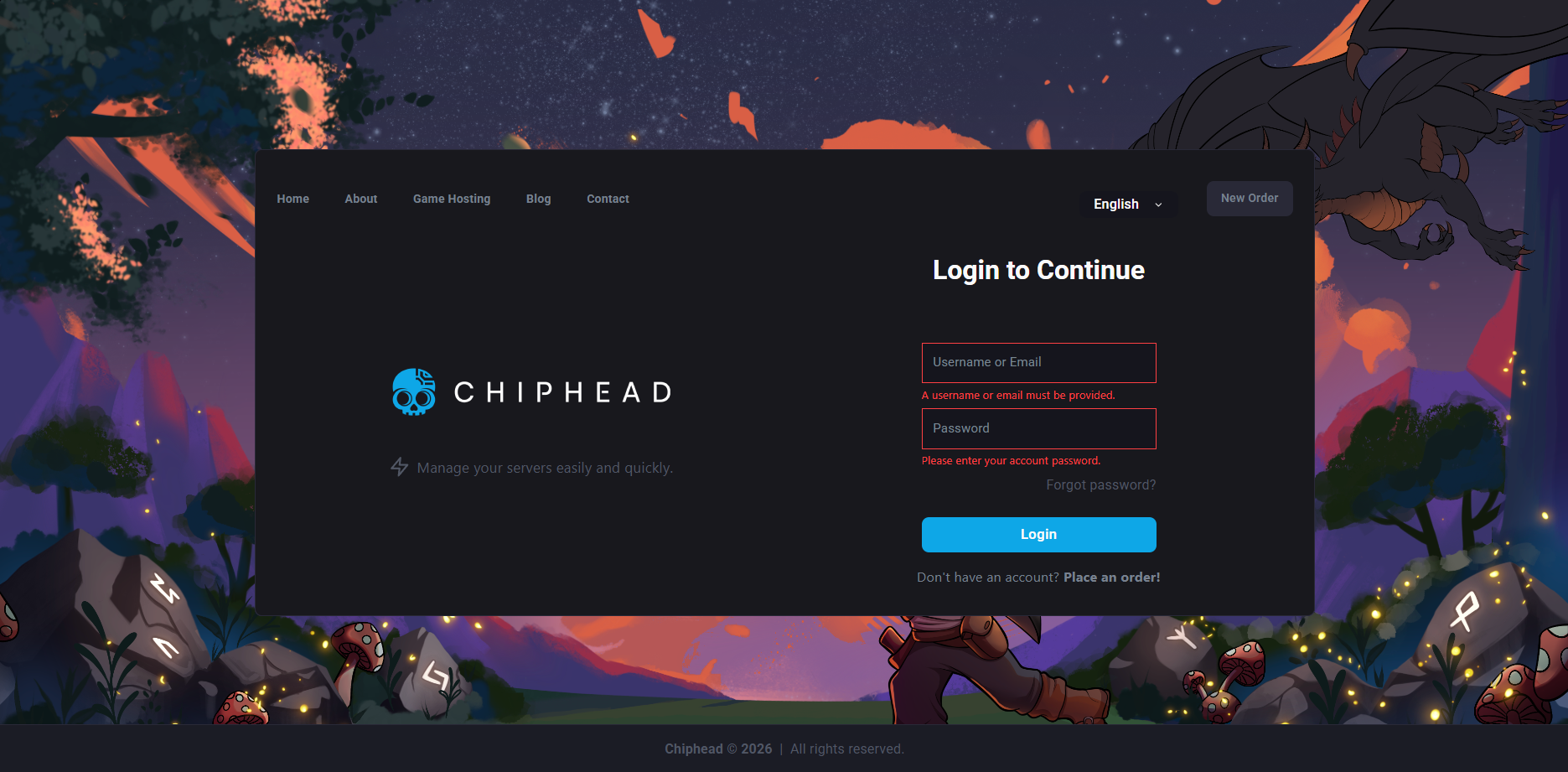
Login to ChipHead Panel.
Go to “Manage Server”, → “Console”.
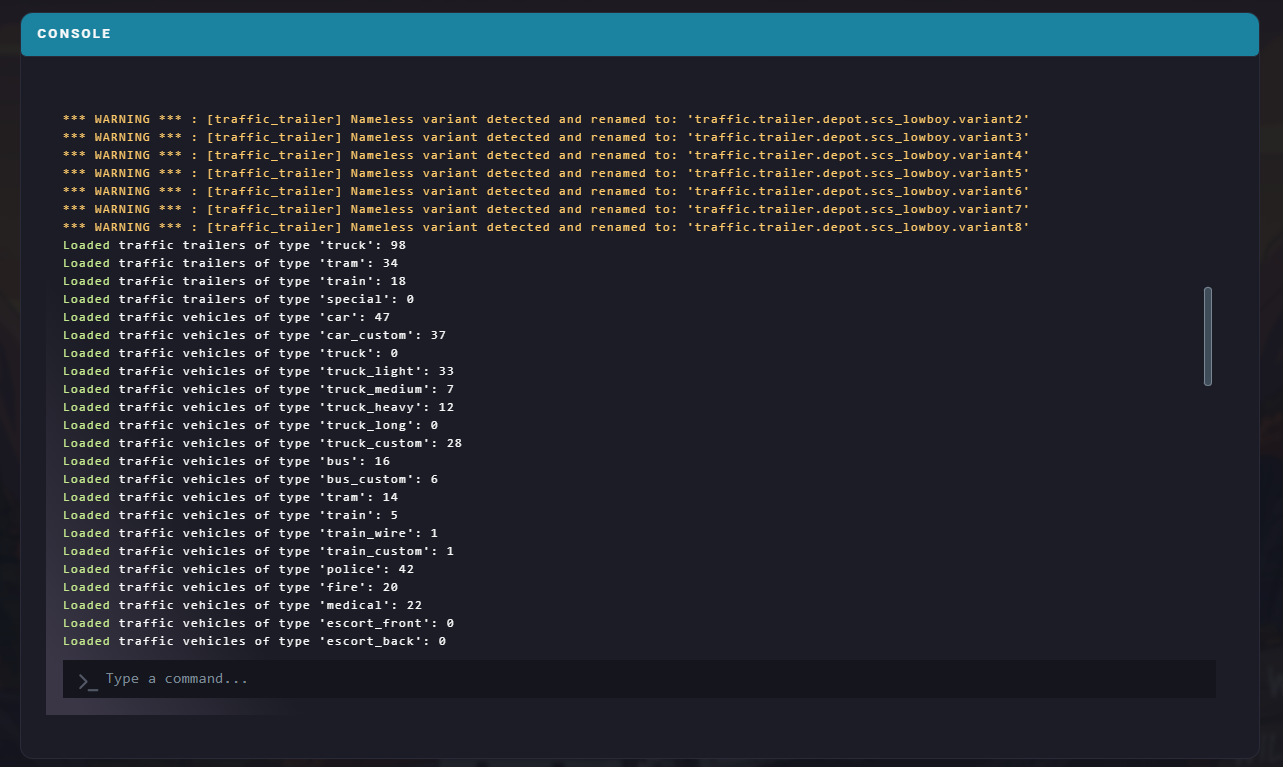
Look for Session Search ID.

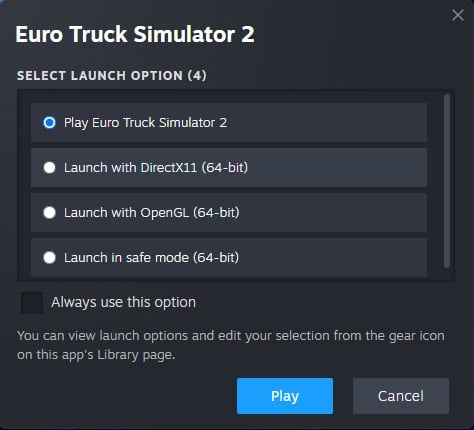
Launch Game (ETS2/ATS).
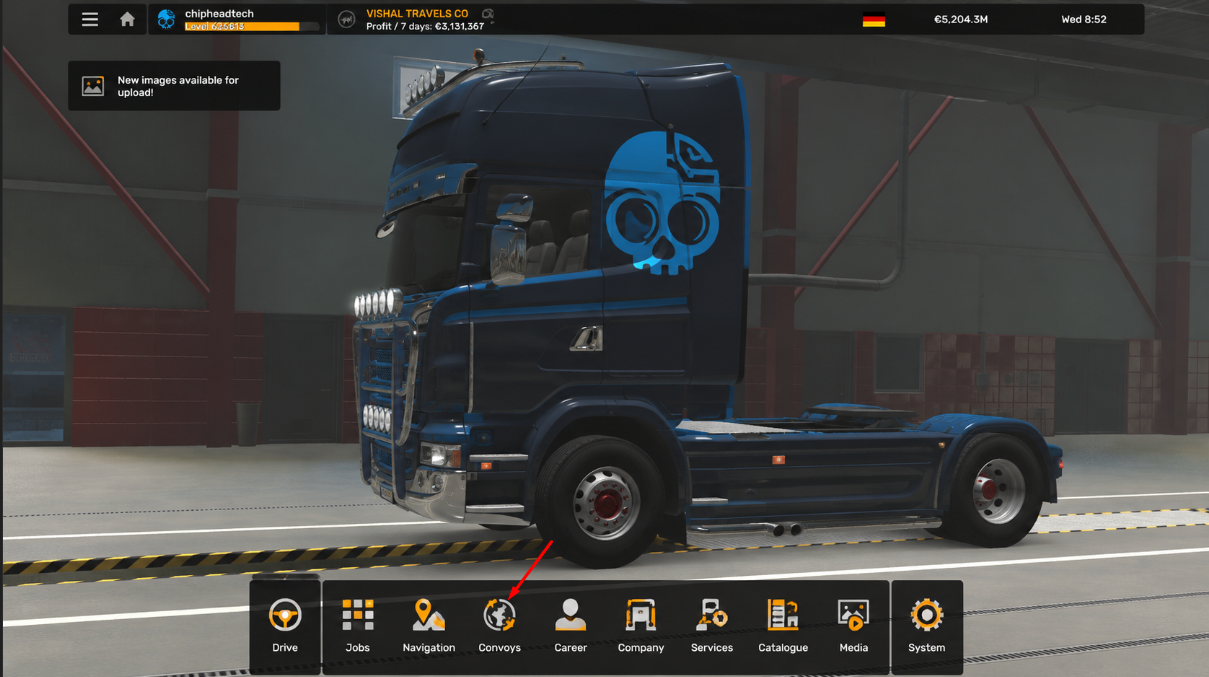
Select your preferred profile & go to “Convoys”.
Paste in Session ID and look for server.

Click server & press join.
Now go enjoy and have fun :)